
ESP32 Serial Echo
ESP32 Serial Echo is a runnable microcontroller simulation example on SensBench — open the wired circuit, inspect the code, and compile real firmware in your browser, no install needed. Last updated Aug 14, 2026.
FREE SIMULATOR EXAMPLE · BEGINNER
ESP32 Serial Echo
This example echoes back anything you type into the Serial Monitor: send a line, and the ESP32 answers with “Echo: ” plus your text. It is the smallest possible interactive sketch — one UART at 115200 baud, no wiring — and the fastest way to prove serial input works before you build a command parser on top of it.
| Board | ESP32 DevKit (Xtensa LX6, 240 MHz) |
|---|---|
| Difficulty | beginner |
| Category | communication |
| Libraries | None — just the Arduino core |
| Runs in | Sensbench browser simulator — free, no account |
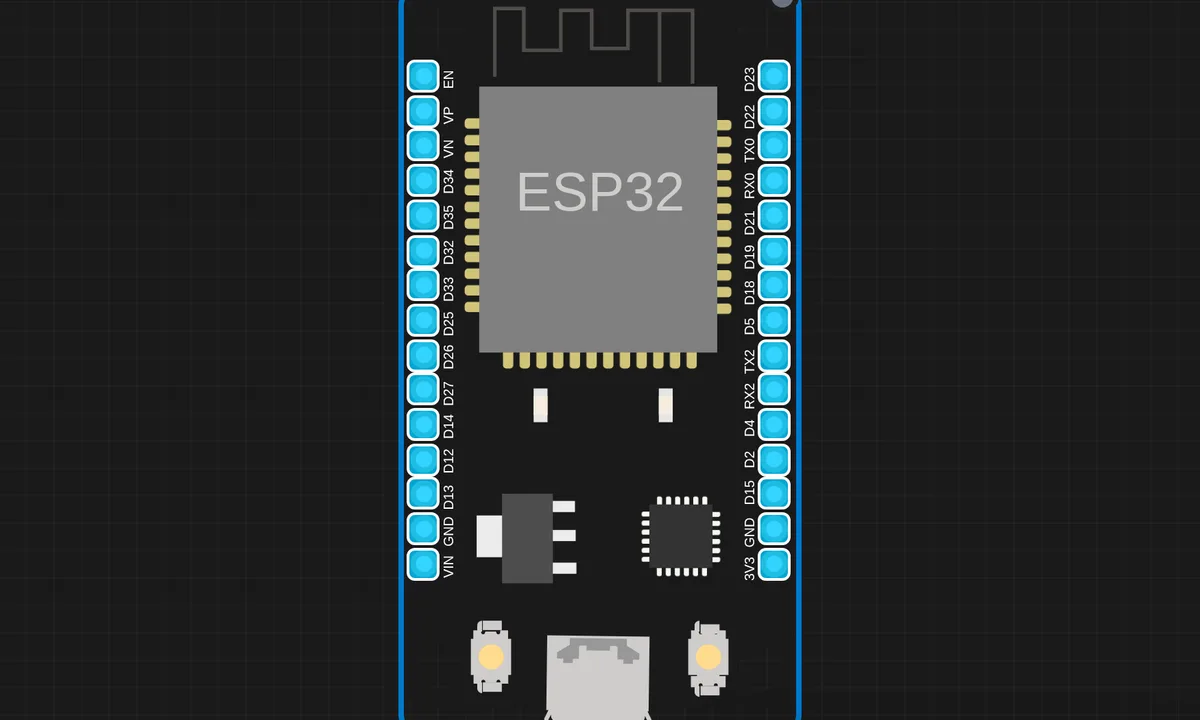
The exact circuit you get when you open this example — already wired, ready to run.
The sketch
// ESP32 Serial Echo
// Echoes anything received on Serial (UART0) back to the sender.
// Open the Serial Monitor, type something, and see it echoed back.


void setup() {
  Serial.begin(115200);
  delay(500);
  Serial.println("ESP32 Serial Echo ready!");
  Serial.println("Type anything in the Serial Monitor...");
}

void loop() {
  if (Serial.available()) {
    String input = Serial.readStringUntil('\n');
    input.trim();
    if (input.length() > 0) {
      Serial.print("Echo: ");
      Serial.println(input);
    }
  }
}
How it works
The loop spins on Serial.available(), which returns how many bytes sit in the UART receive buffer. Nothing blocks here — the check runs thousands of times per second while the line is idle, and only when bytes arrive does the sketch act.
Serial.readStringUntil('\n') then reads until it sees a newline — or until the default 1000 ms timeout expires, whichever comes first. That timeout is why there is a one-second pause before the echo if your Serial Monitor is not set to append a newline. input.trim() strips the line ending, and the length check keeps blank lines from being echoed back.
Everything runs on Serial, which is UART0 — the same UART the bootloader and flashing tools use, already wired to the USB-serial chip on a DevKit. That is why zero setup beyond Serial.begin(115200) is needed: the hardware path is the one the board was designed around.
Before you build it for real
On a real DevKit, UART0 is not a free resource — it is shared with the USB programming interface on GPIO1/GPIO3. Hang a GPS or another MCU on those pins and uploads start failing or boot messages corrupt your protocol; use UART2 on GPIO16/GPIO17 for external devices instead. Second, readStringUntil() blocks for up to a second when no newline arrives — harmless in an echo demo, but in a sketch that also services a web server or reads sensors, that stall is visible. Byte-wise non-blocking parsing scales better.
Get the parts
Related examples
FAQ
Why does the echo take a second to appear?
readStringUntil('\n') waits for a newline and gives up after the default 1000 ms timeout. Set the Serial Monitor’s line-ending dropdown to “Newline” or “Both NL & CR” and the reply is instant — or call Serial.setTimeout() to shorten it.
Can I talk to a second serial device at the same time?
Yes — the ESP32 has three UARTs. Keep UART0 for the Serial Monitor and use Serial1 or Serial2 on remappable pins, commonly GPIO16/GPIO17, for the external device. Each UART gets its own begin() with its own baud rate.