
Simulator Examples
Simulator Examples
Browse 231 circuit and microcontroller examples for ESP32, Arduino, Raspberry Pi Pico, STM32 and analog SPICE circuits. every one of them opens right now in the Sensbench simulator with code and wiring pre-loaded — no hardware, no install, no account.
231 matches
Getting Started 17
Start here if you have never wired anything. LEDs, buttons, serial — the rites of passage.
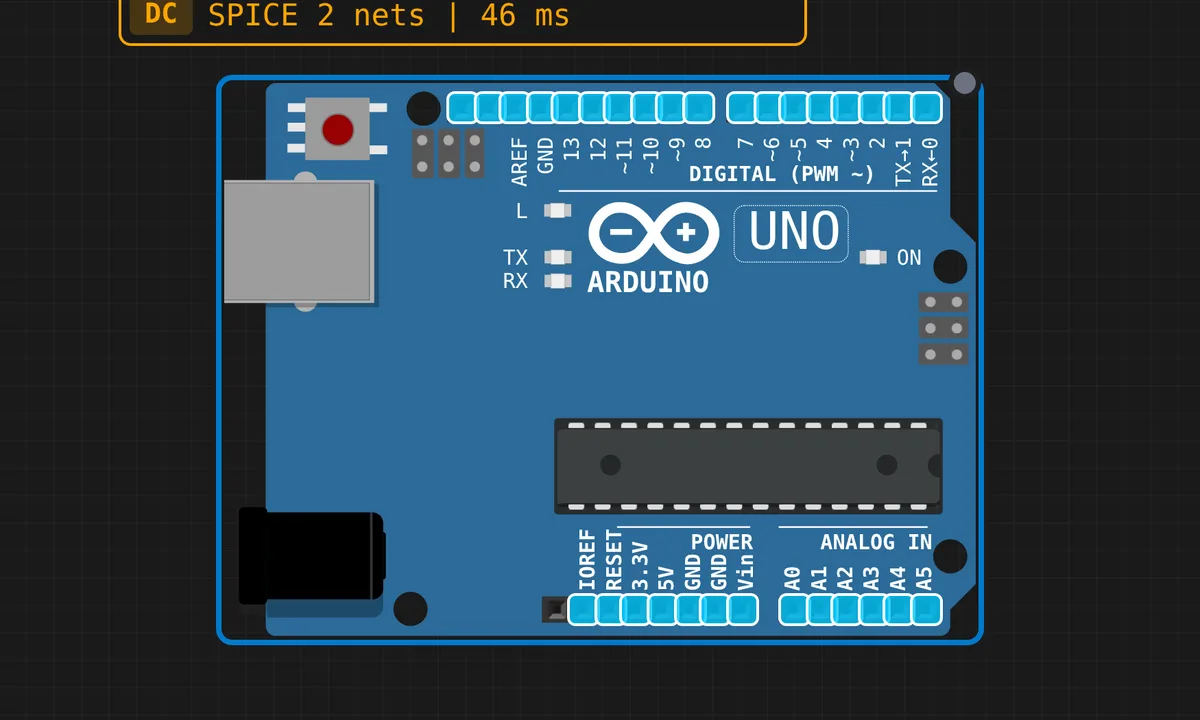 Blink LEDRead & run →
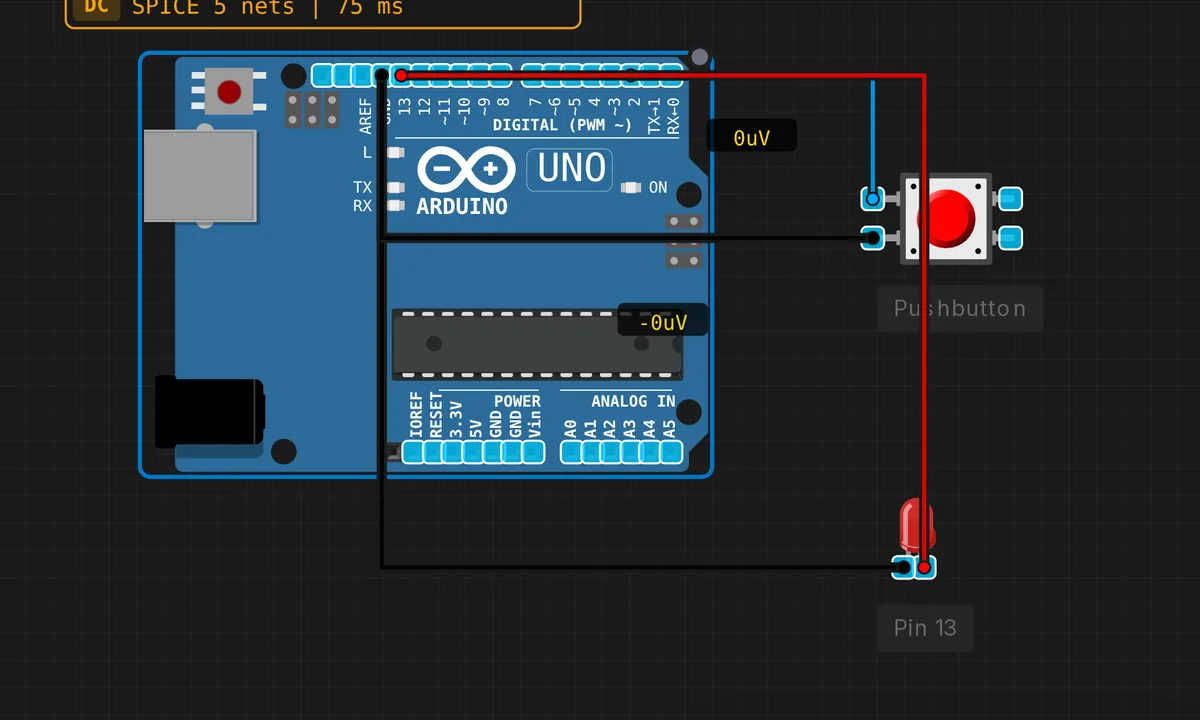 Button ControlRead & run →
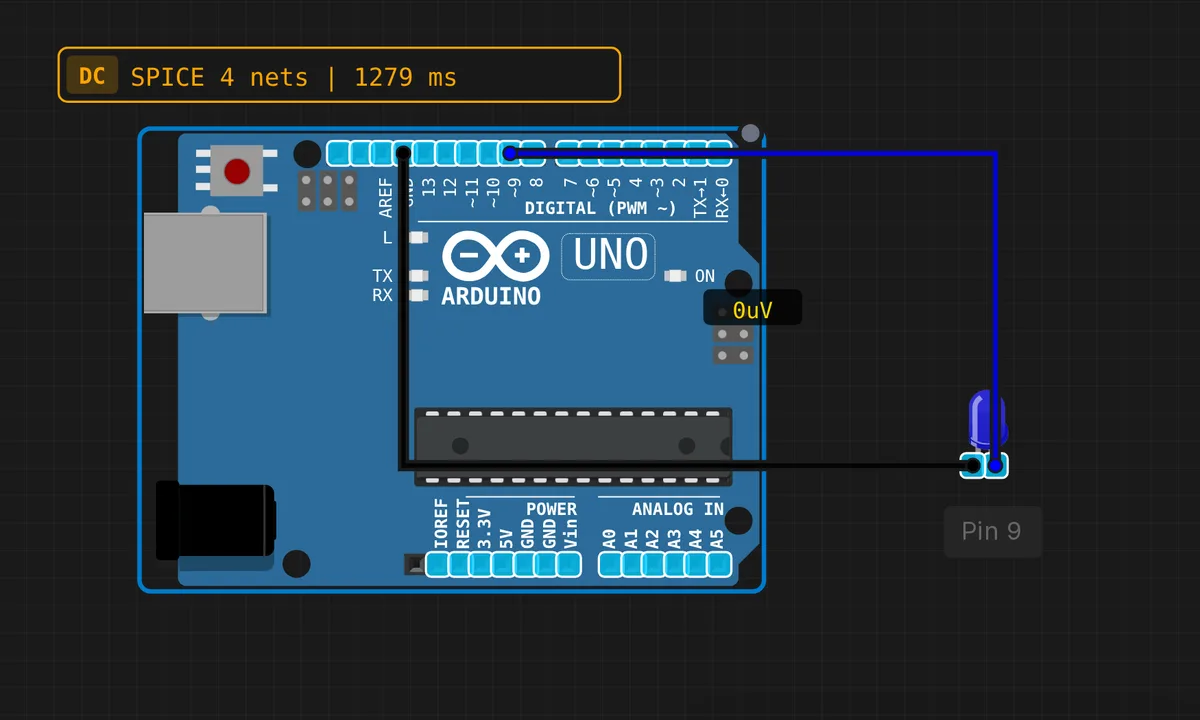 Fade LEDRead & run →
 I2C EEPROM Read/WriteRead & run →
 I2C RTC Clock (DS1307)Read & run →
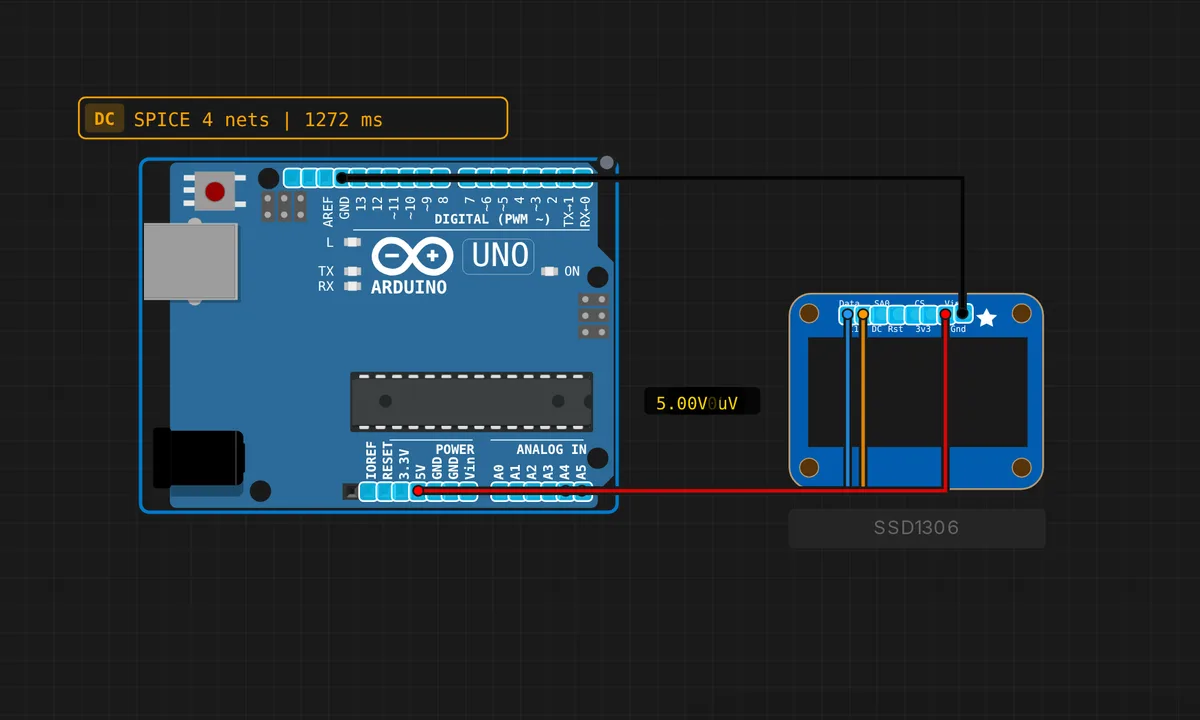 I2C Scanner (TWI)Read & run →
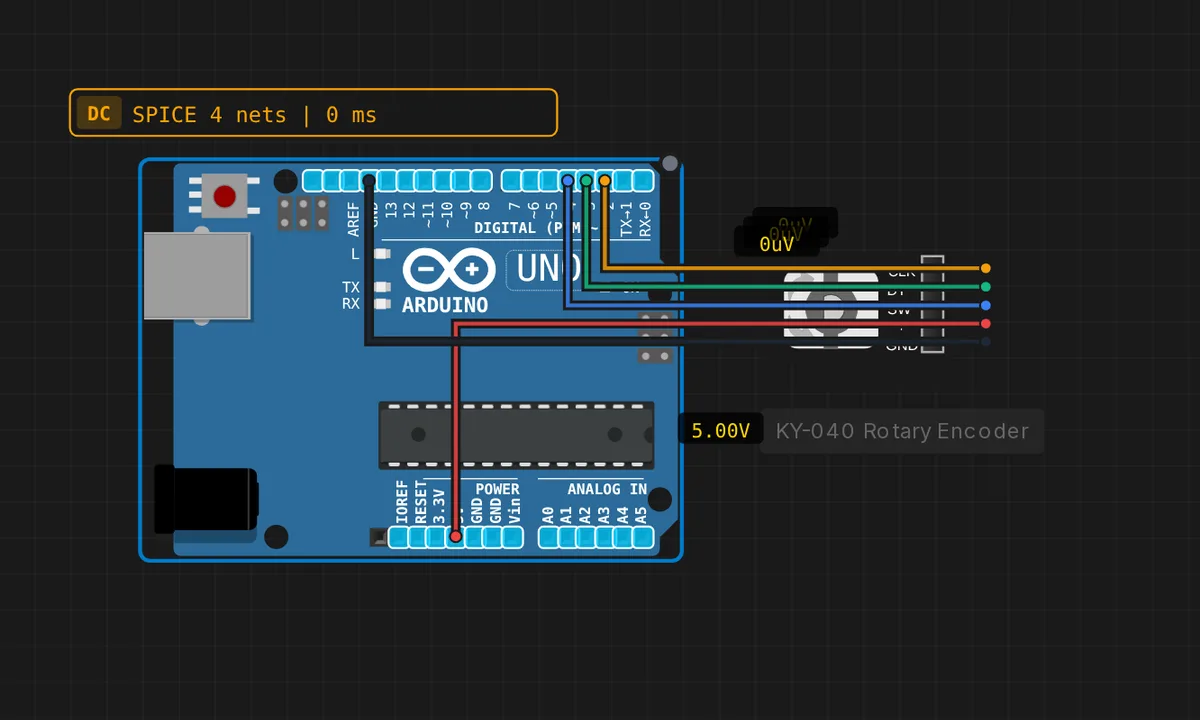 KY-040 Rotary EncoderRead & run →
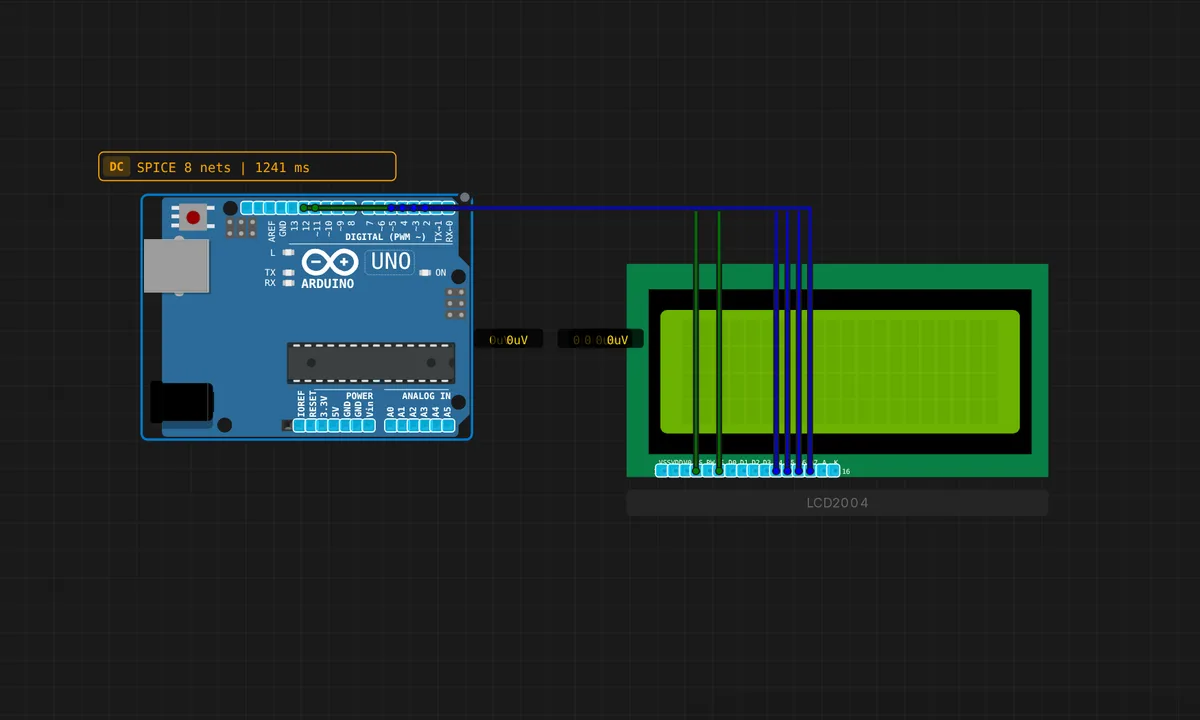 LCD 20×4 DisplayRead & run →
 Multi-Protocol DemoRead & run →
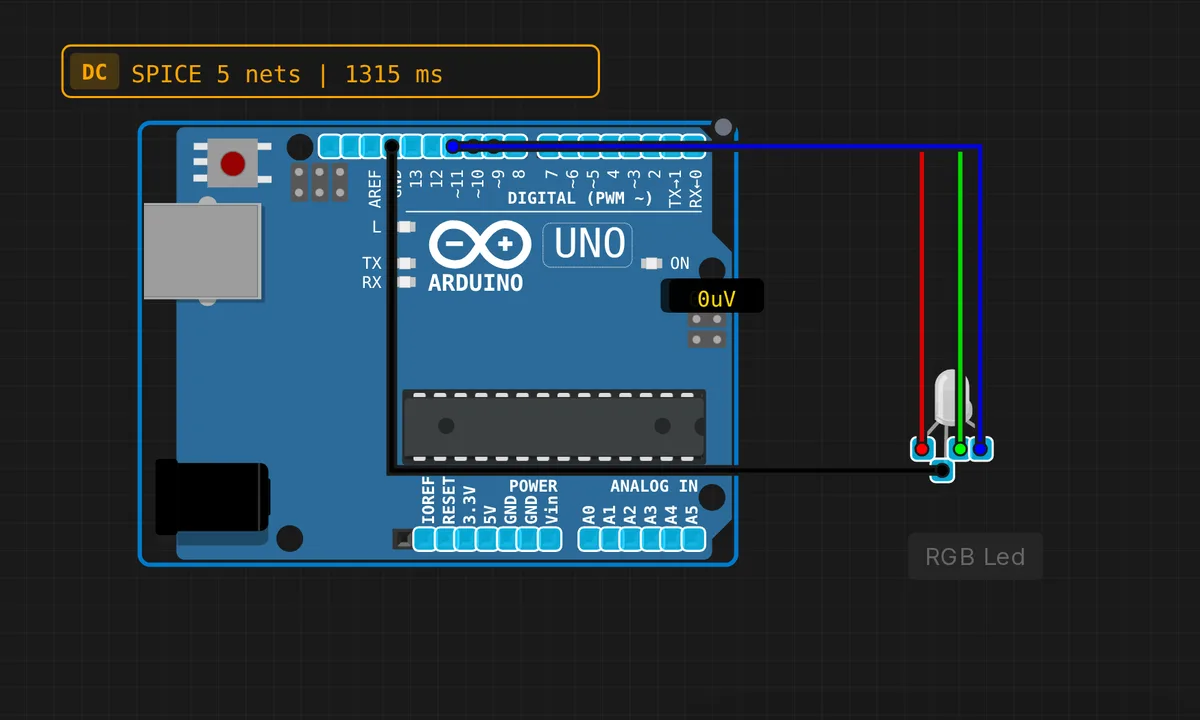 RGB LED ColorsRead & run →
 Serial Echo (USART)Read & run →
 Serial Hello WorldRead & run →
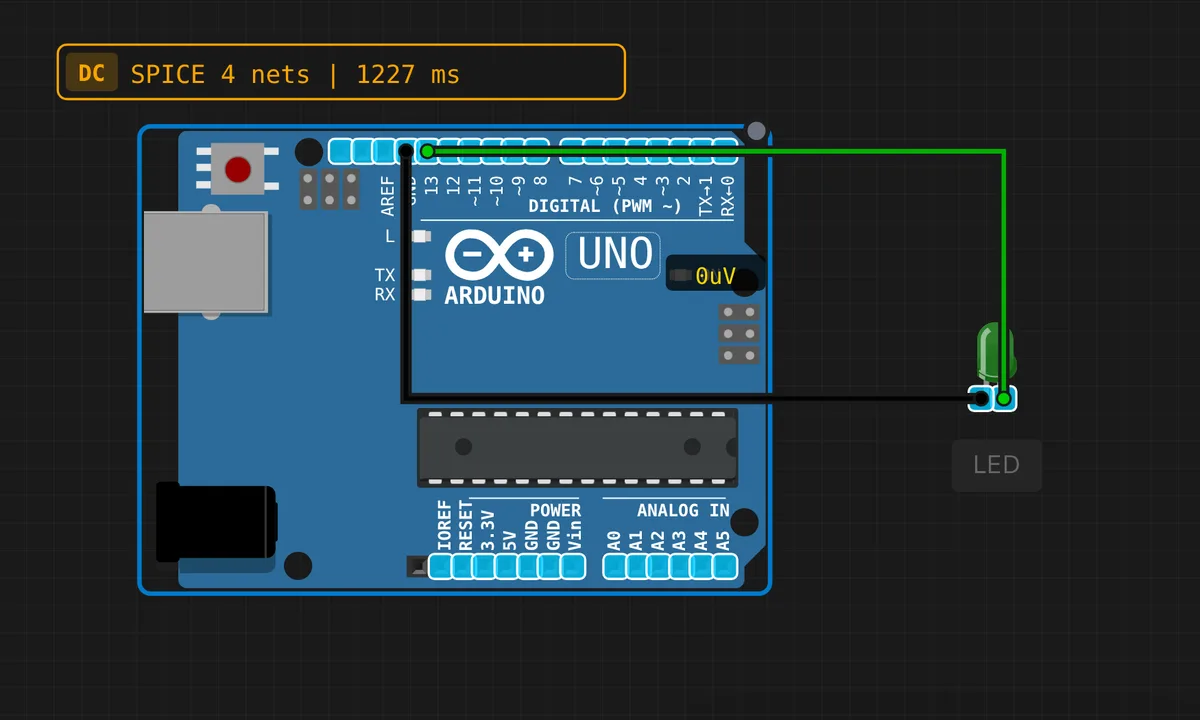 Serial LED ControlRead & run →
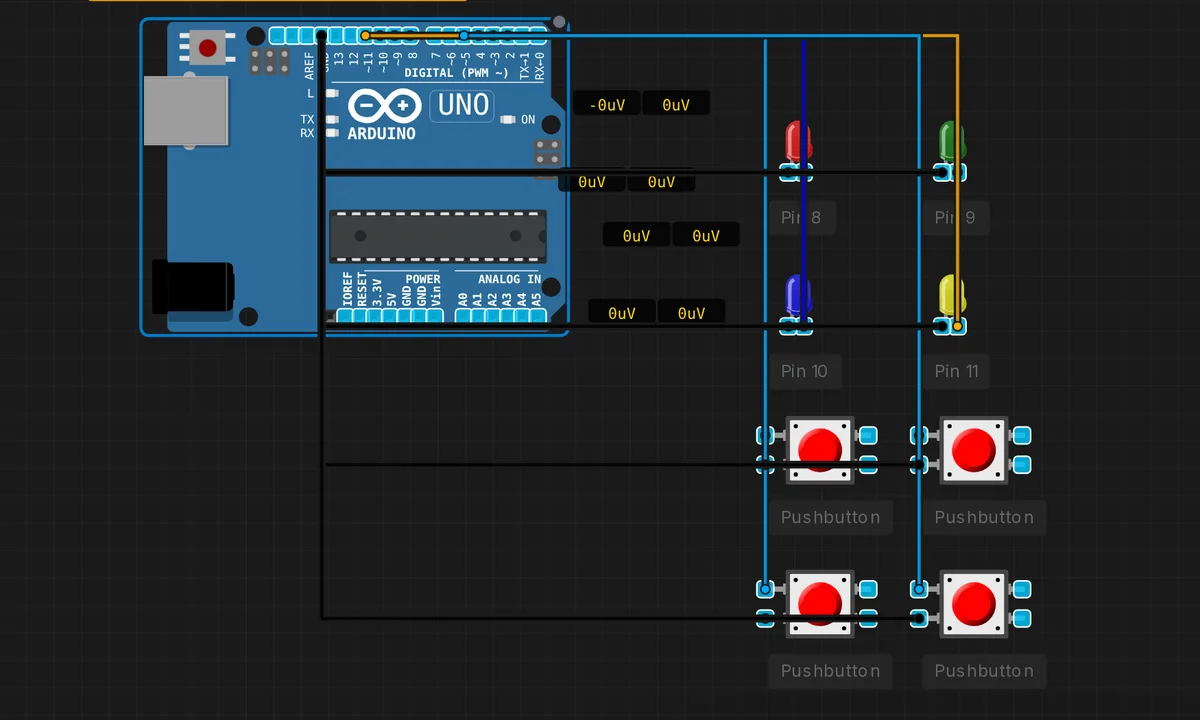 Simon Says GameRead & run →
 SPI Loopback TestRead & run →
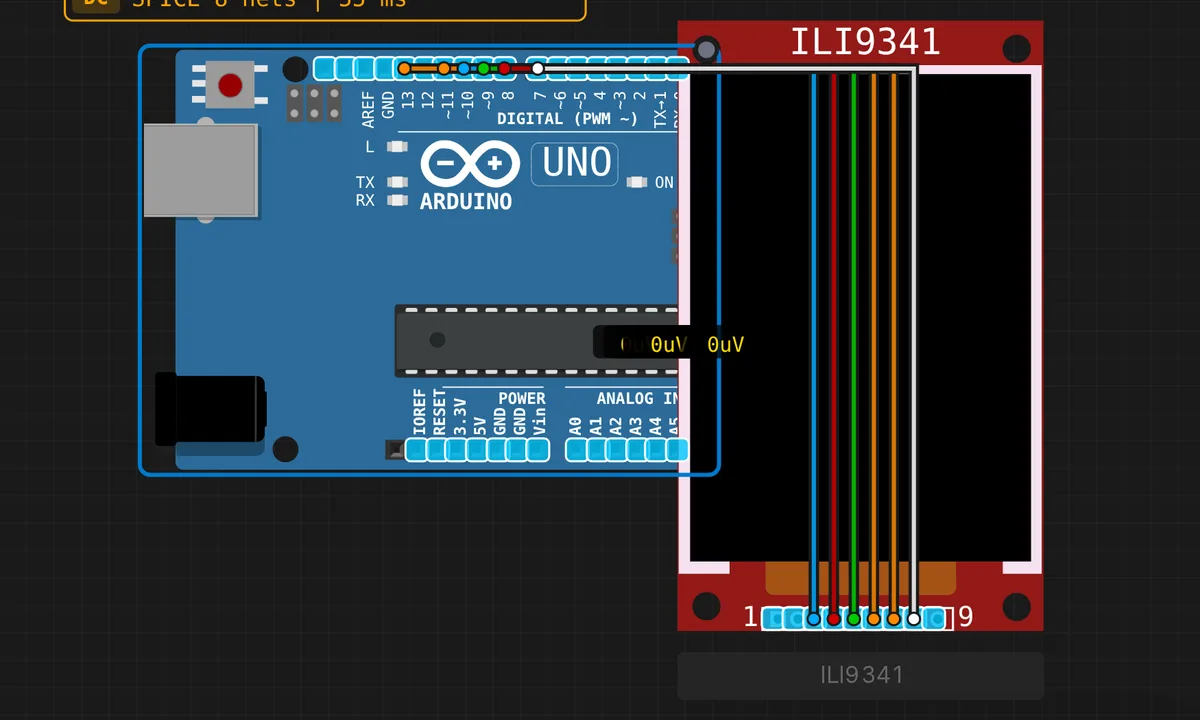 TFT ILI9341 DisplayRead & run →
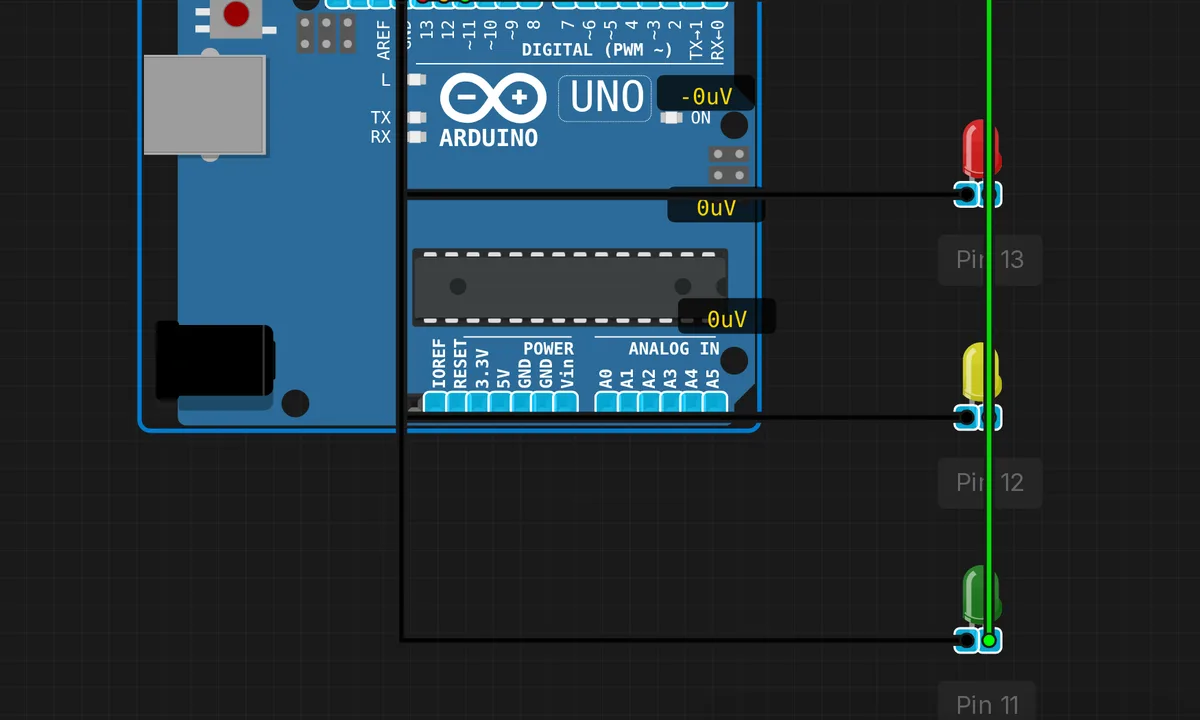 Traffic LightRead & run →
ESP32, ESP32-C3 & CAM 36
WiFi, BLE, sensors and displays on the ESP32 family — the same chips that ship in our kits.
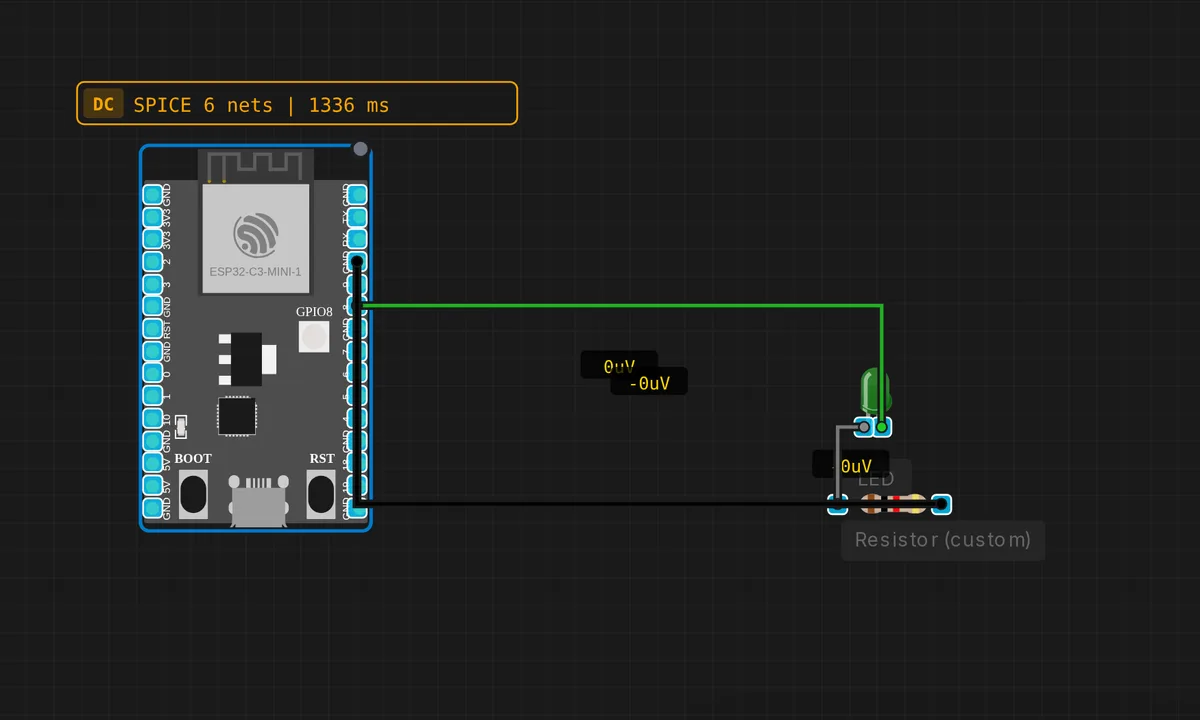 ESP32-C3: Blink LEDRead & run →
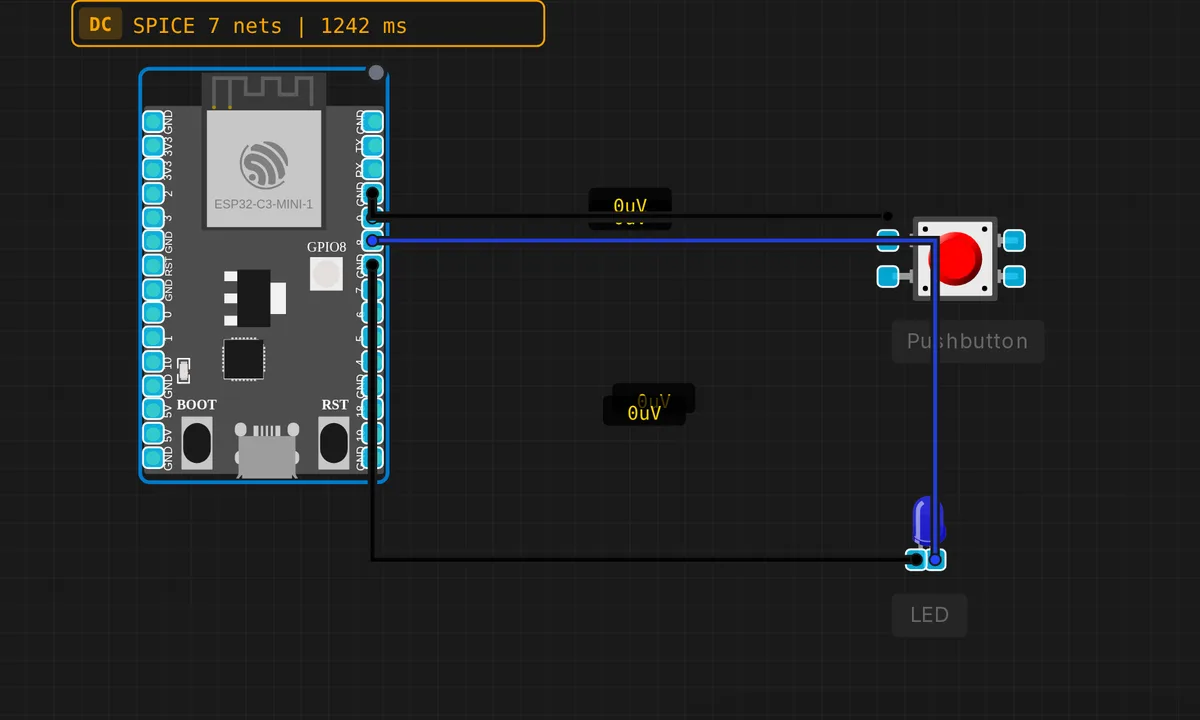 ESP32-C3: Button + LEDRead & run →
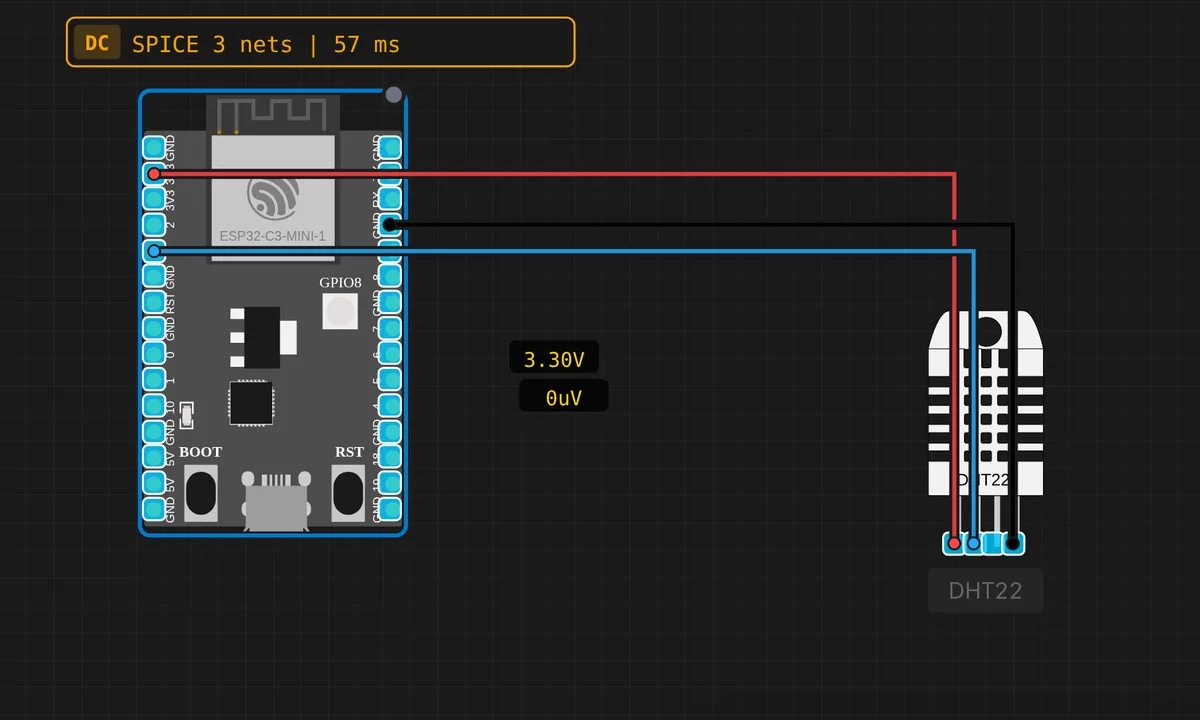 ESP32-C3: DHT22 Temperature & HumidityRead & run →
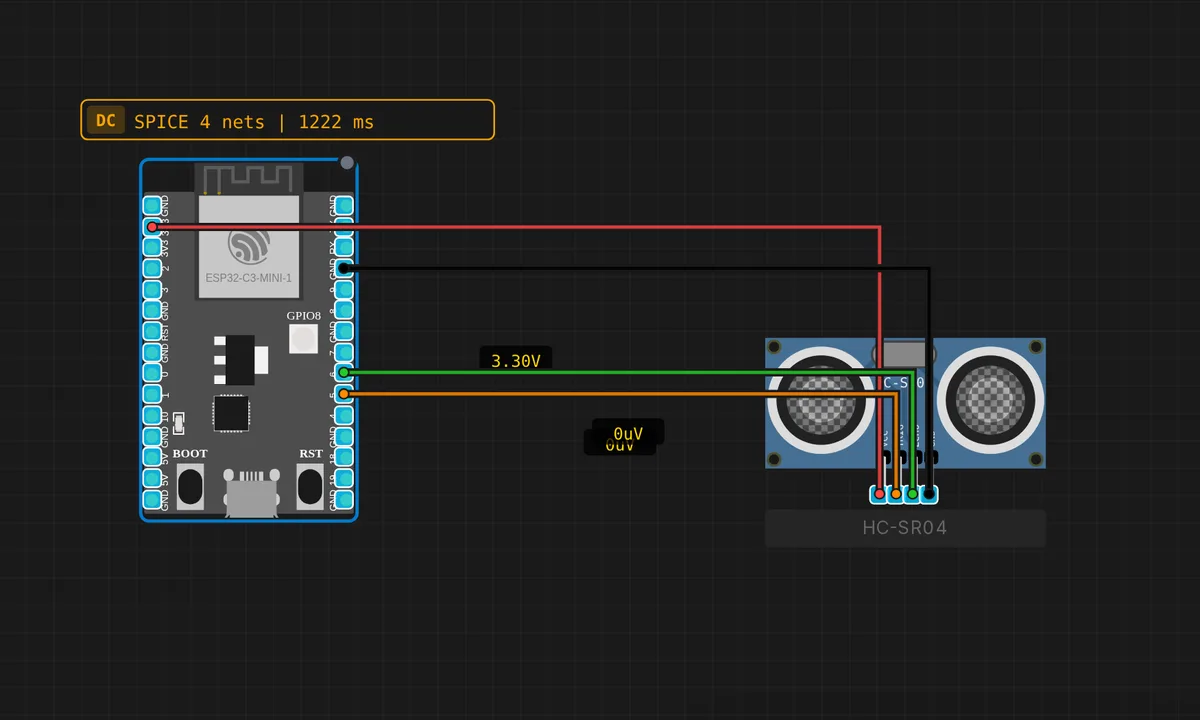 ESP32-C3: HC-SR04 Ultrasonic DistanceRead & run →
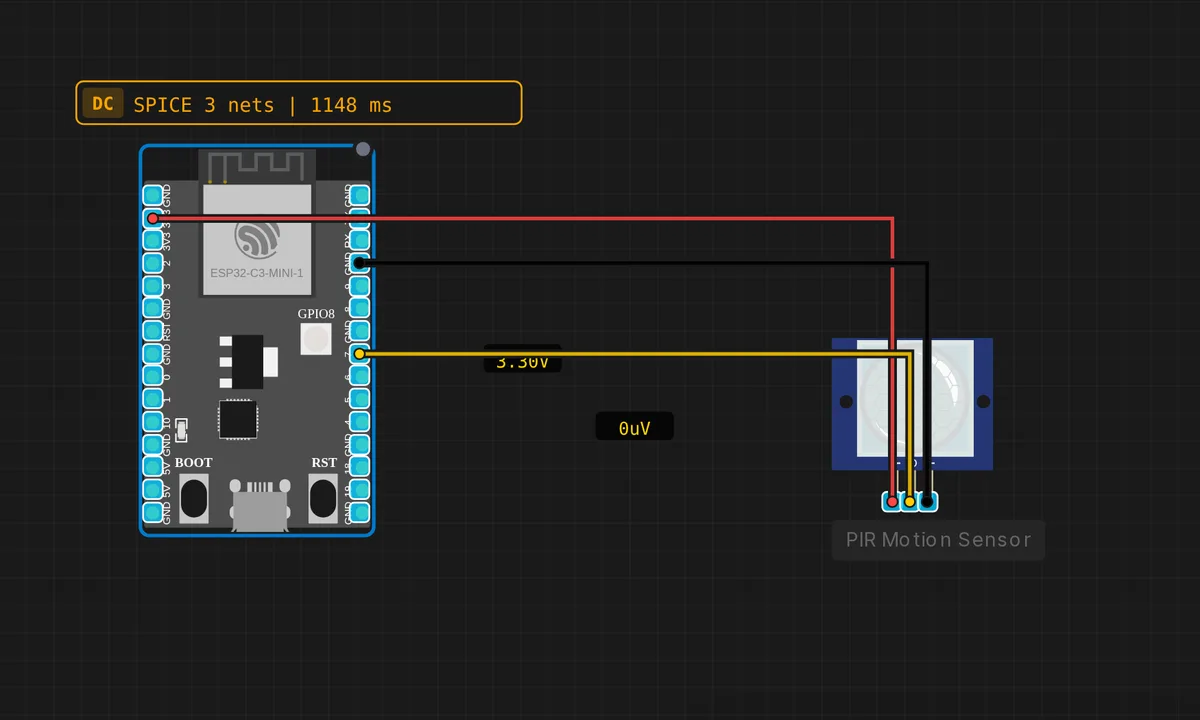 ESP32-C3: PIR Motion DetectorRead & run →
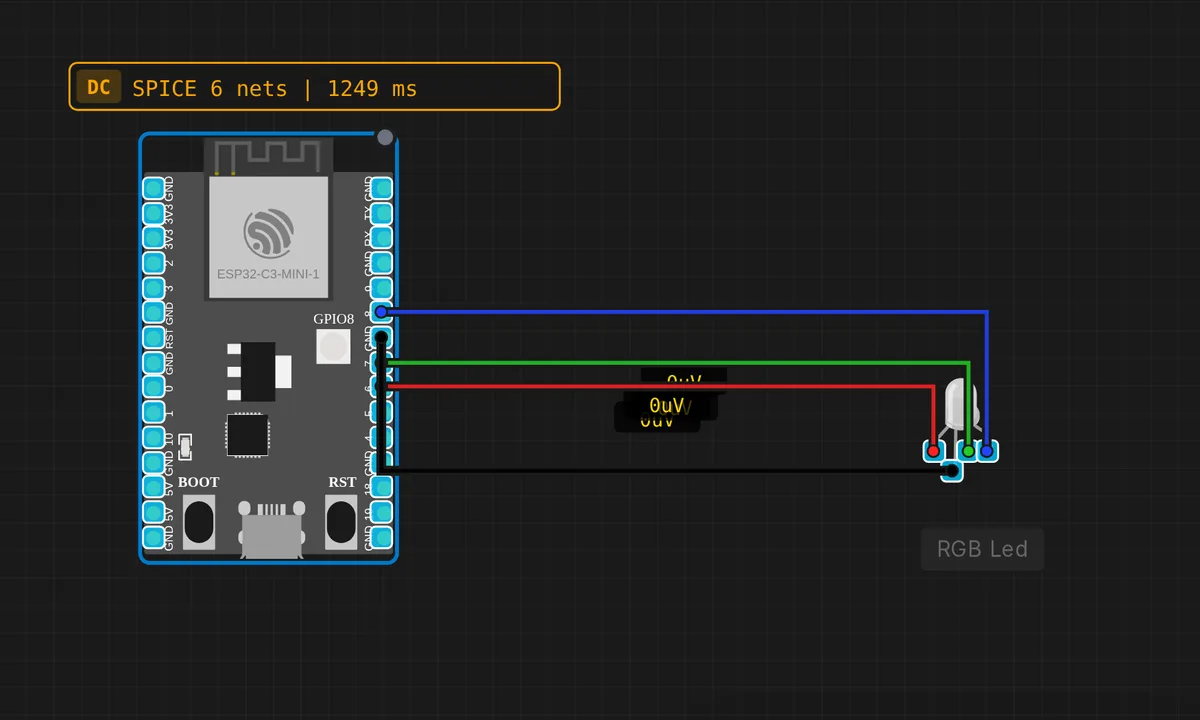 ESP32-C3: RGB LEDRead & run →
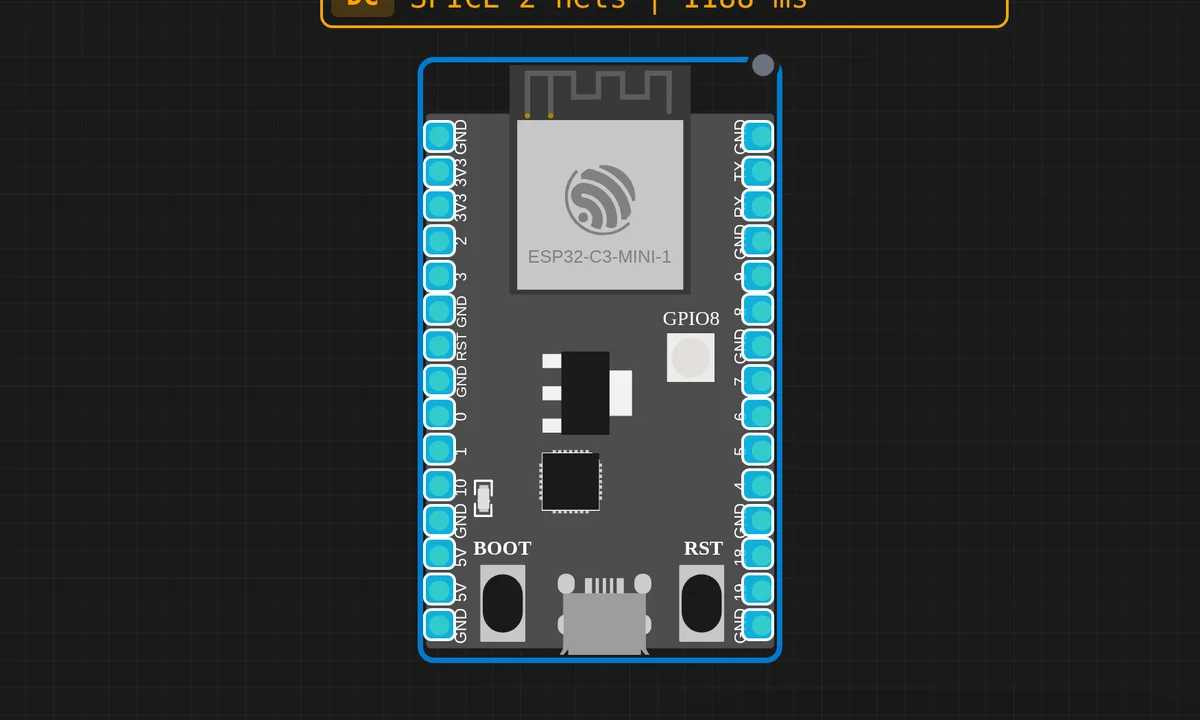 ESP32-C3: Serial HelloRead & run →
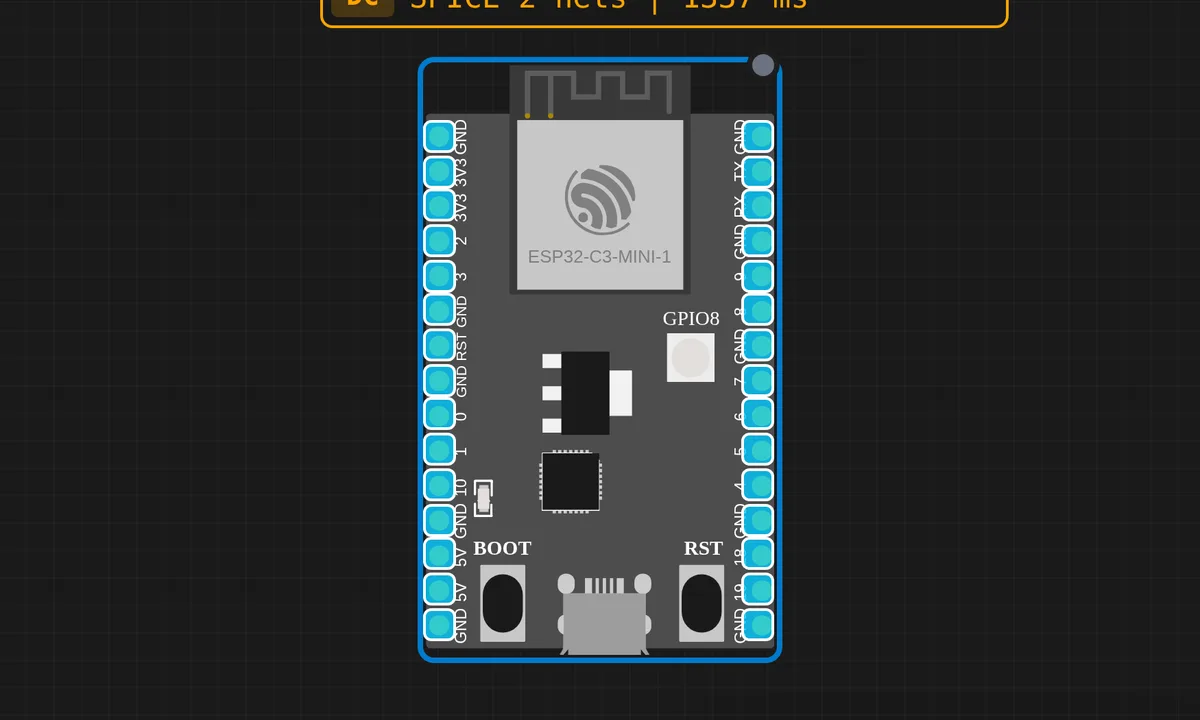 ESP32-C3: Serial EchoRead & run →
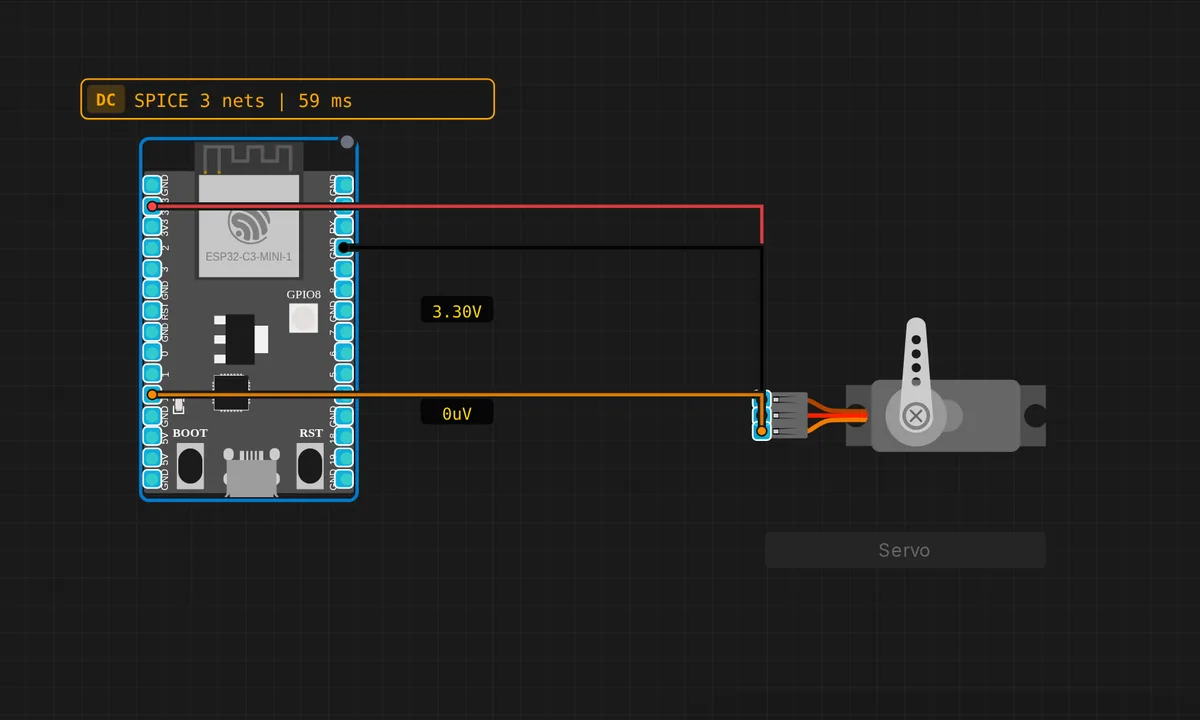 ESP32-C3: Servo Motor SweepRead & run →
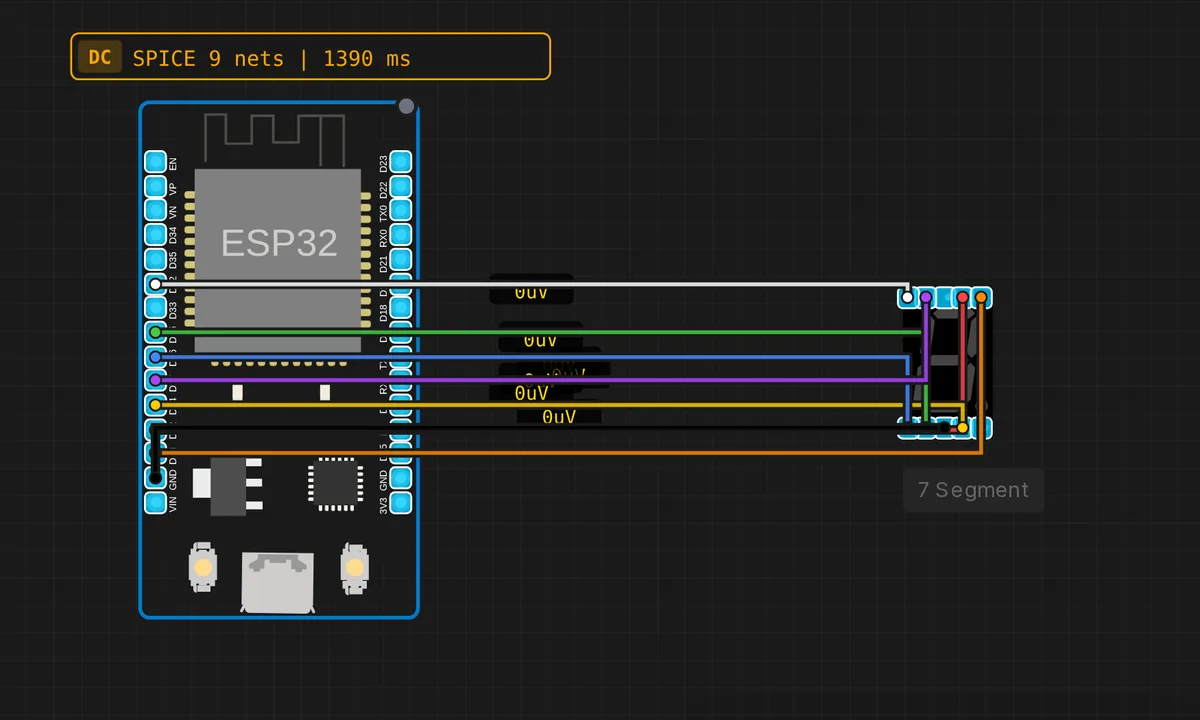 ESP32: 7-Segment CounterRead & run →
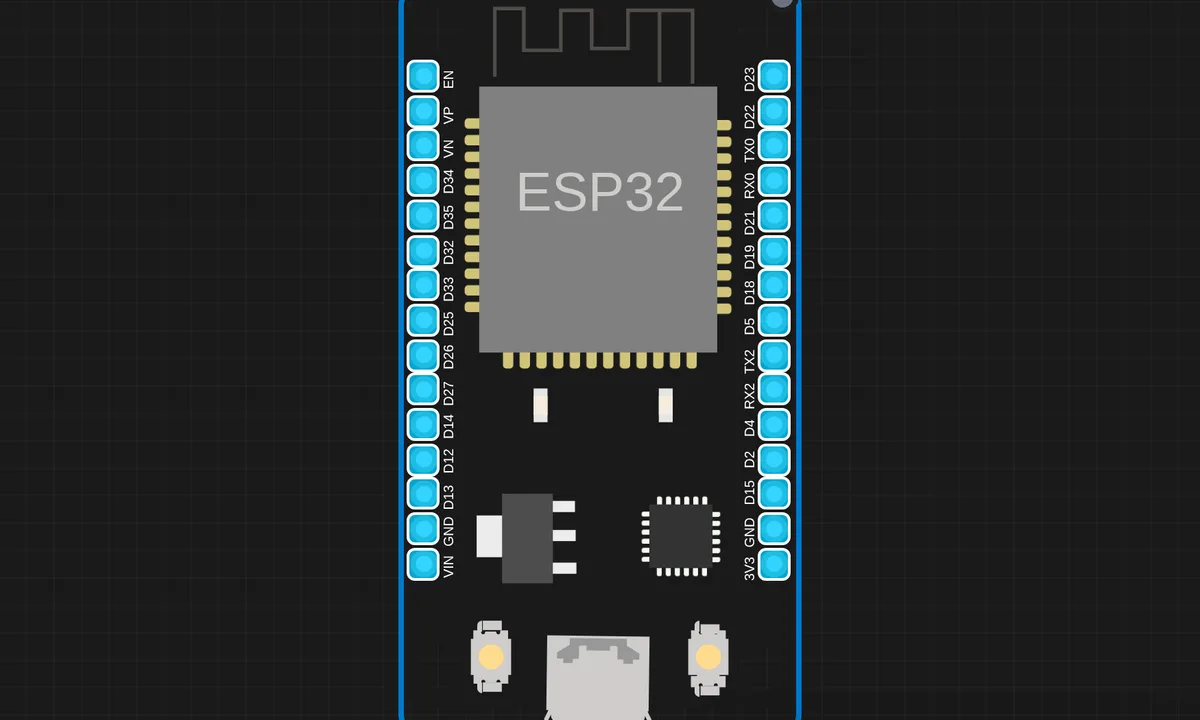 ESP32 BLE AdvertiseRead & run →
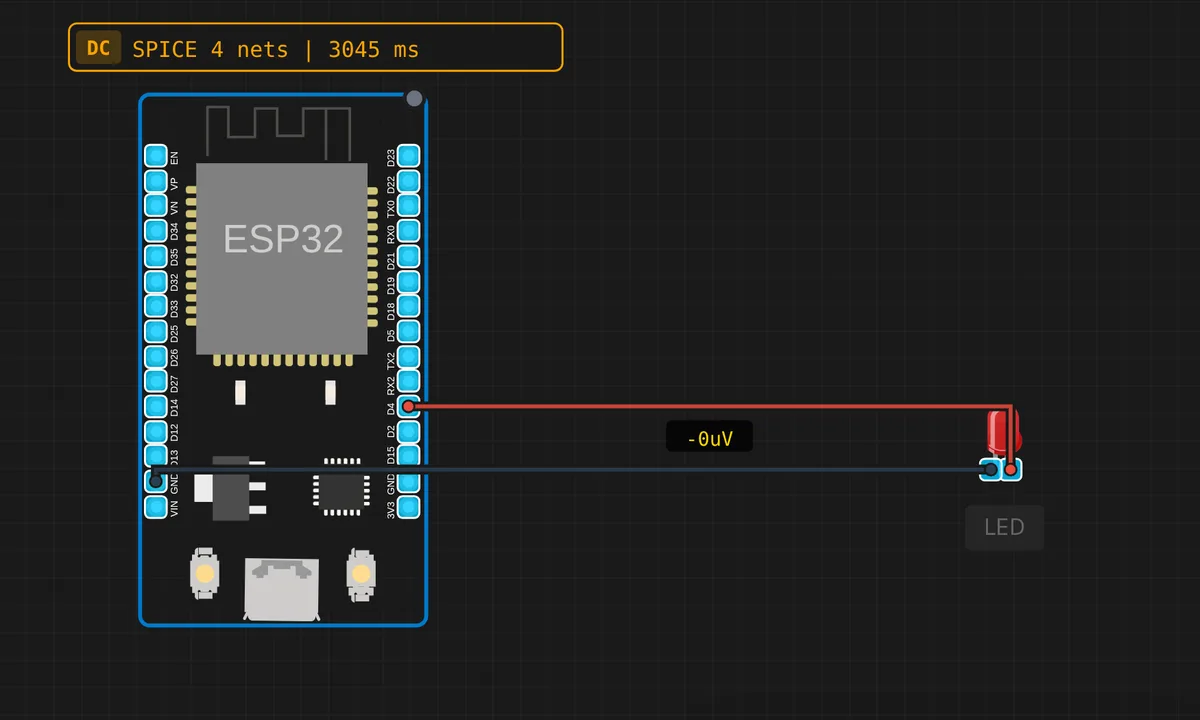 ESP32 Blink LEDRead & run →
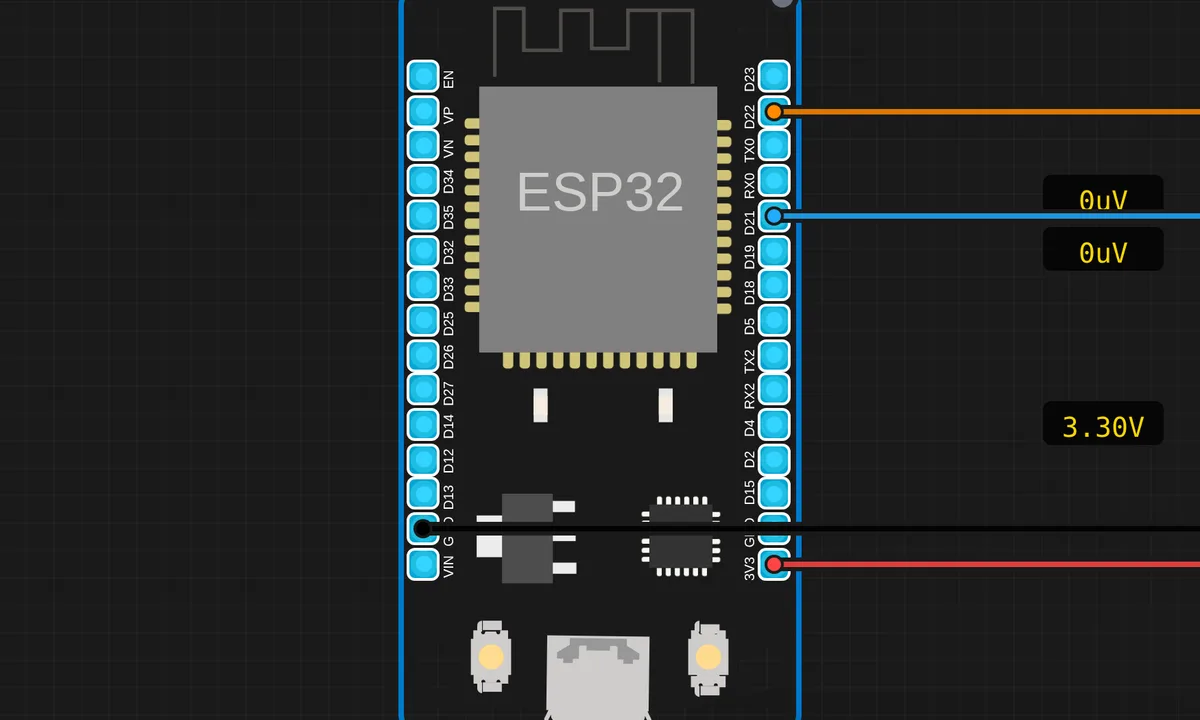 ESP32: BMP280 Weather StationRead & run →
 ESP32-C3 BLE AdvertiseRead & run →
 ESP32-C3 HTTP ServerRead & run →
 ESP32-C3 WiFi ConnectRead & run →
 ESP32-C3 WiFi ScanRead & run →
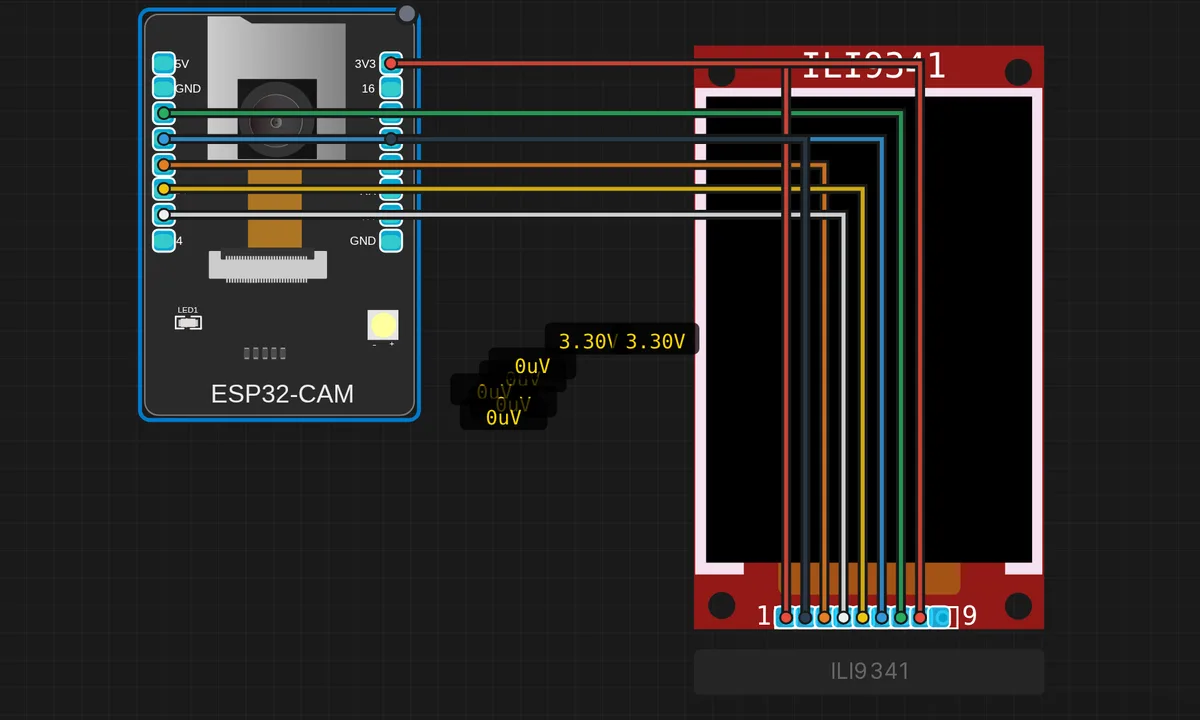 ESP32-CAM + ILI9341 Live PreviewRead & run →
 ESP32-CAM: Webcam DemoRead & run →
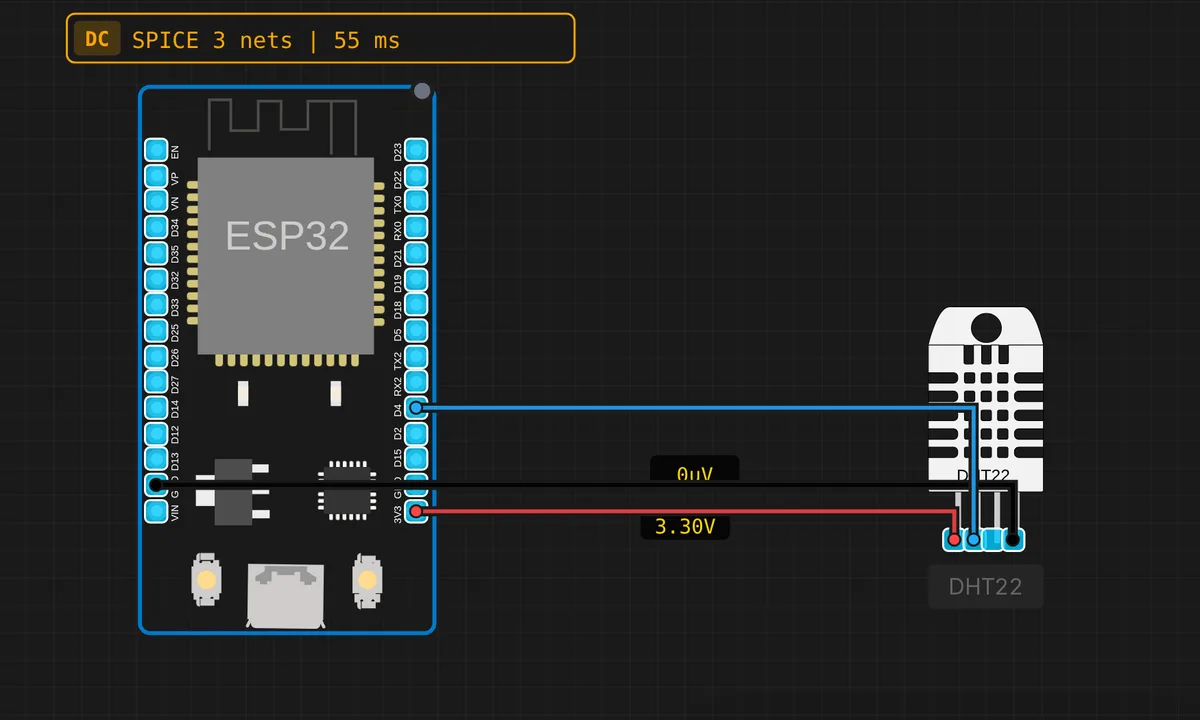 ESP32: DHT22 Temperature & HumidityRead & run →
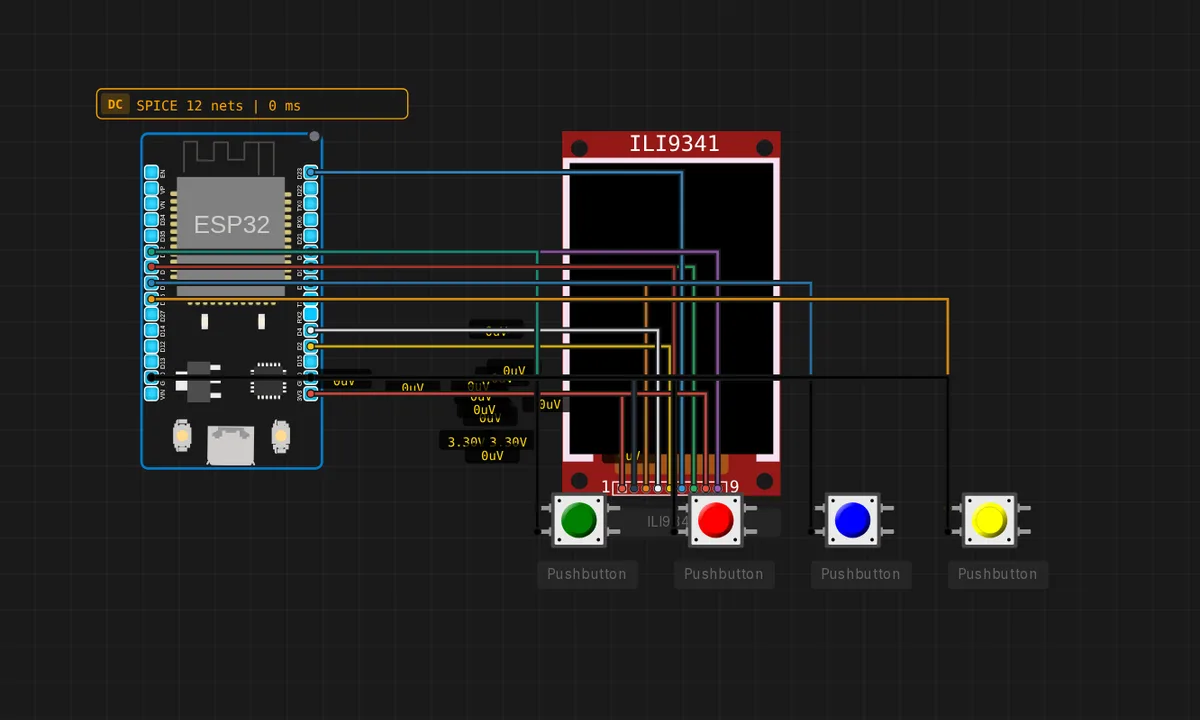 ESP32 Doom — Raycaster (ILI9341)Read & run →
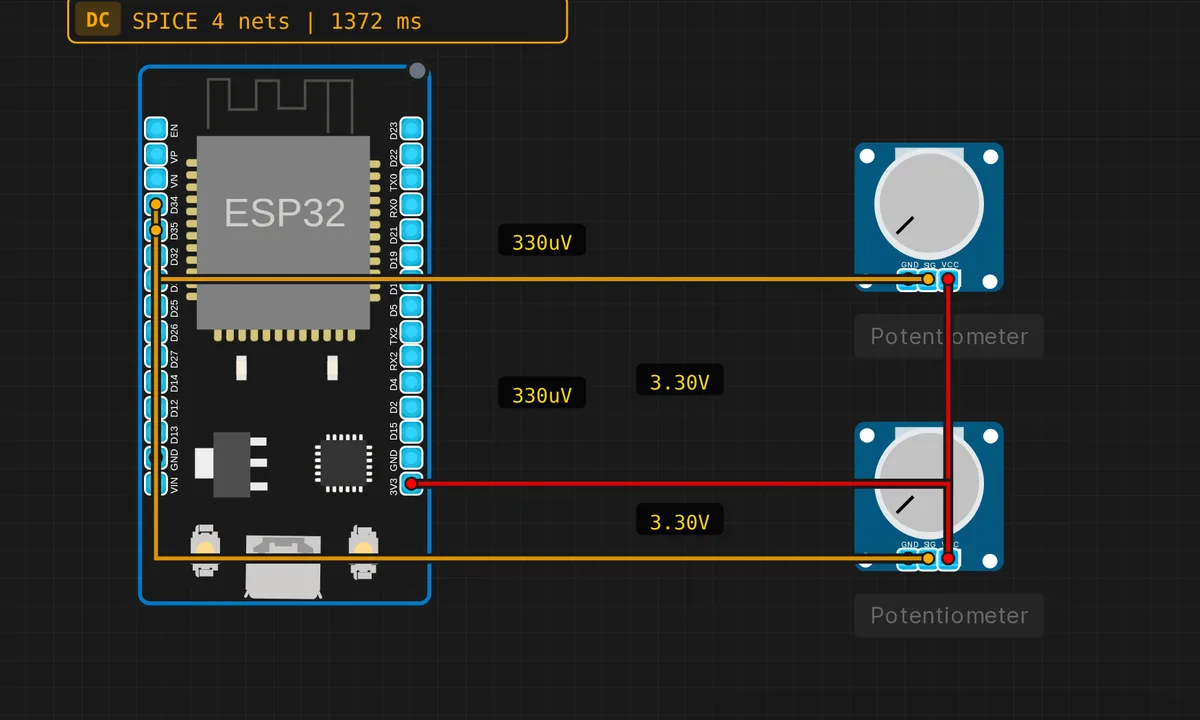 ESP32 Dual ADC ReaderRead & run →
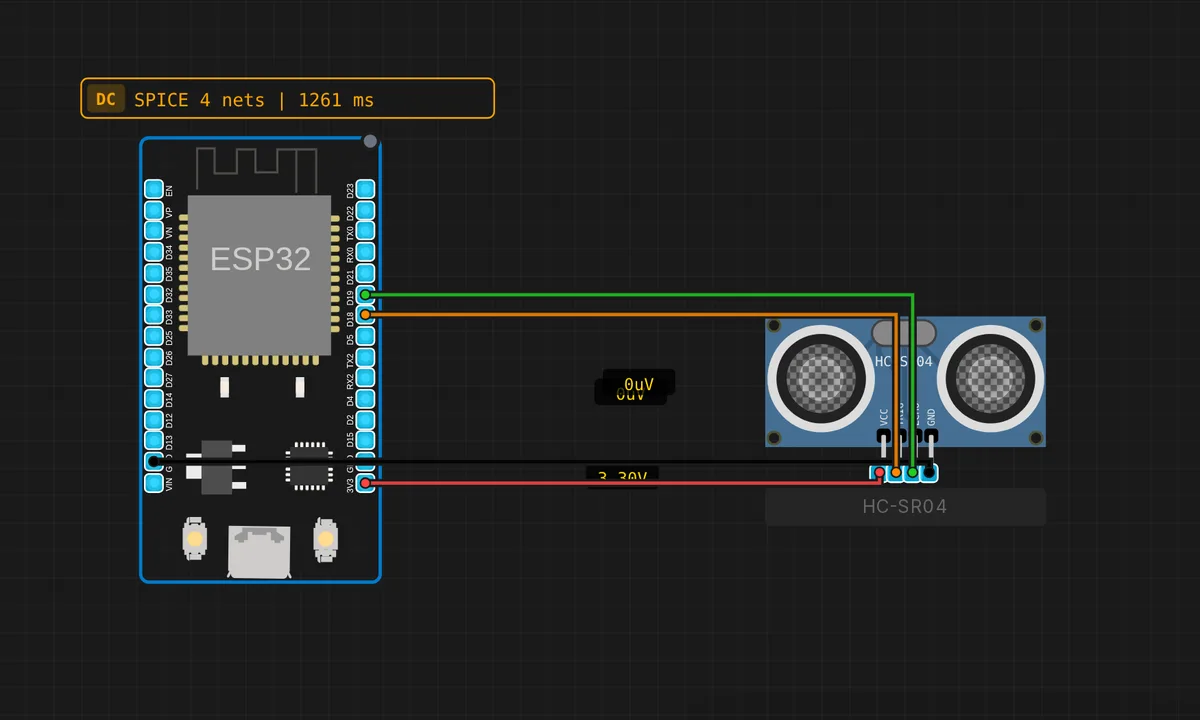 ESP32: HC-SR04 Ultrasonic DistanceRead & run →
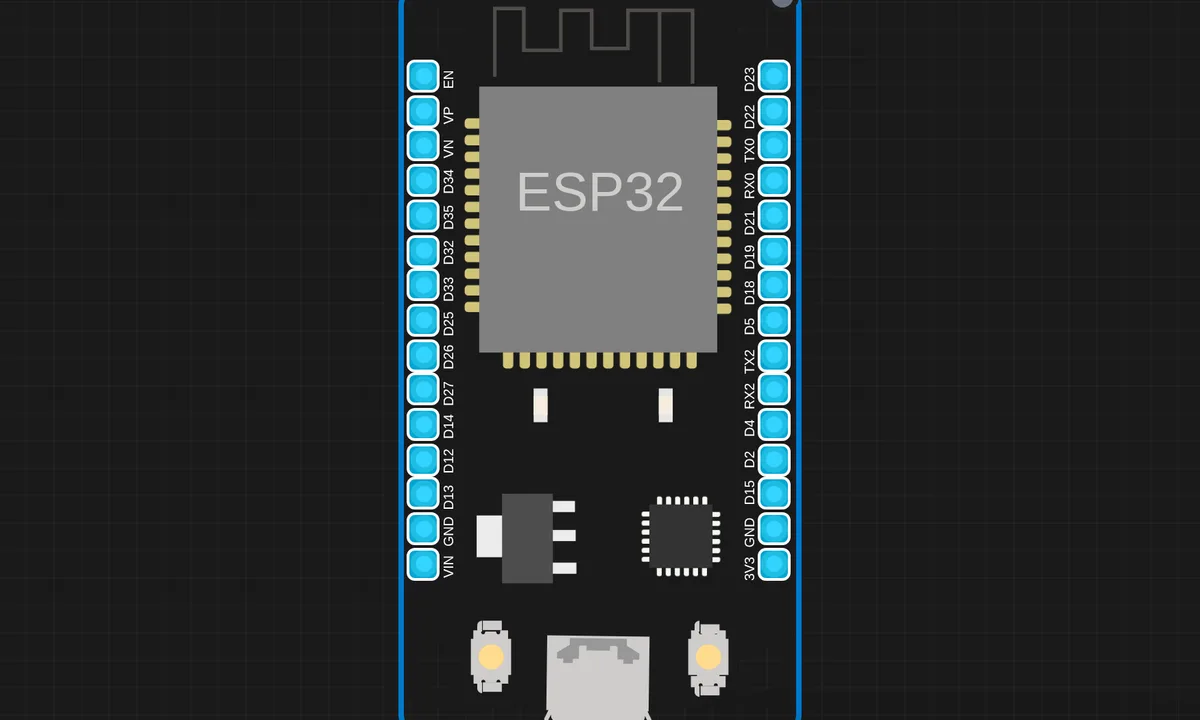 ESP32 HTTP ServerRead & run →
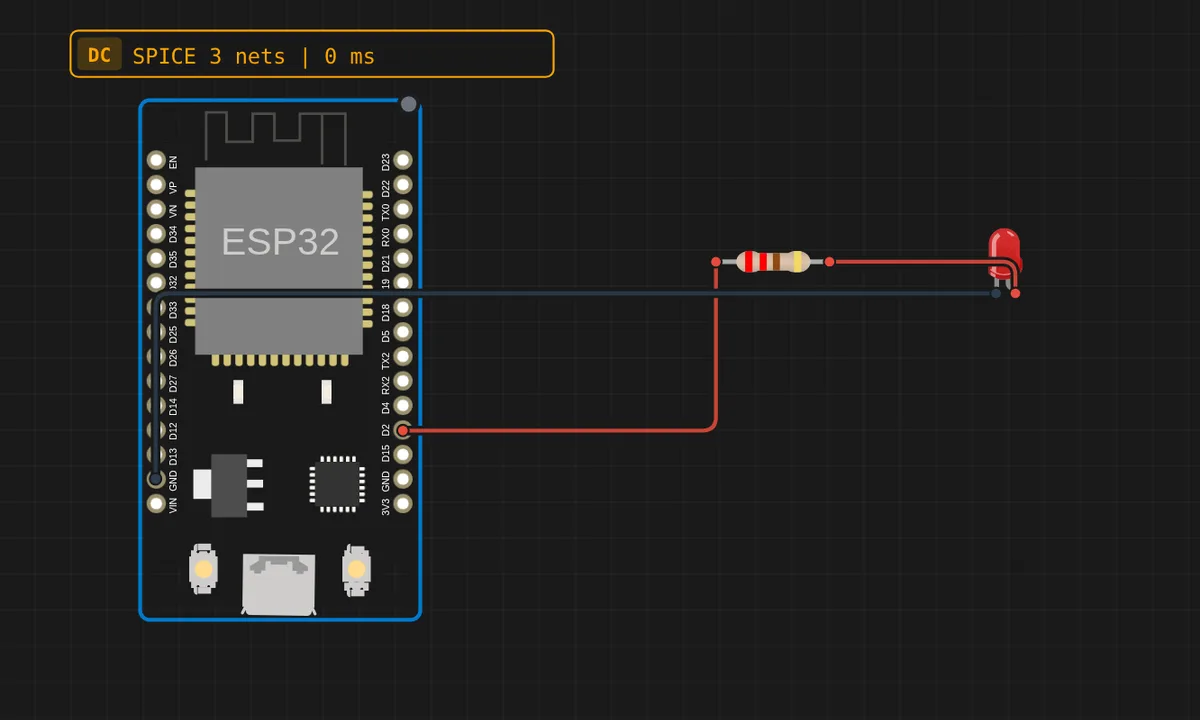 ESP32: Pure ESP-IDF BlinkRead & run →
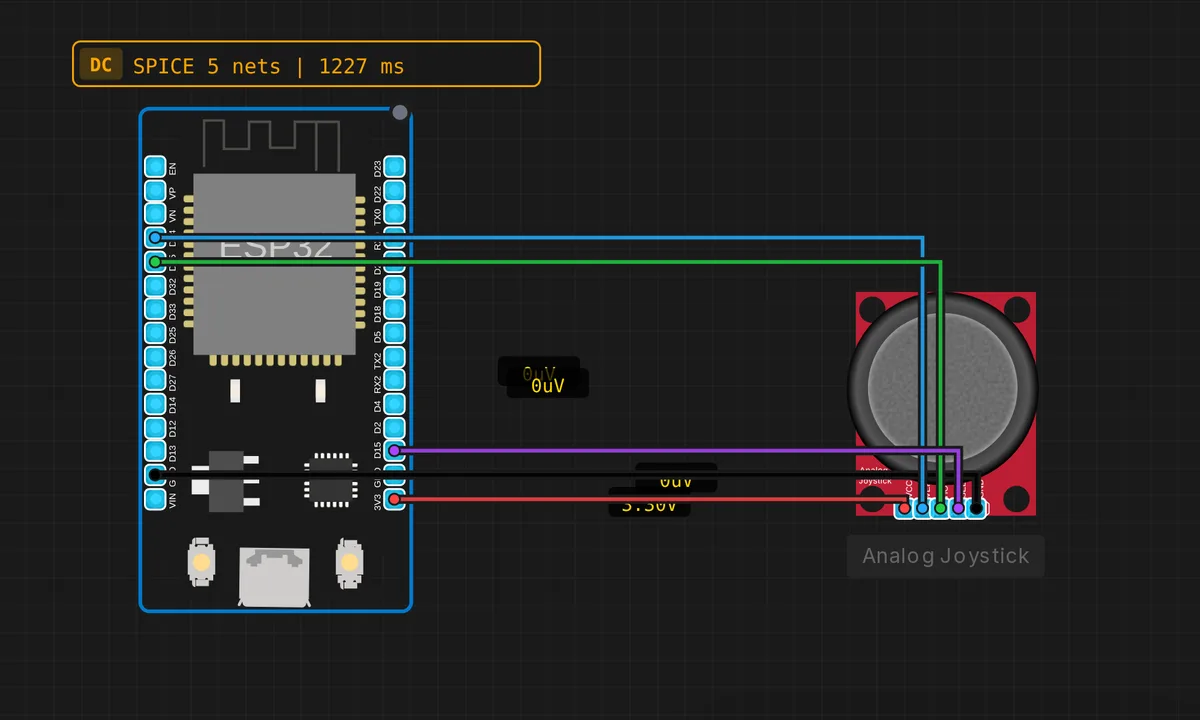 ESP32: Analog JoystickRead & run →
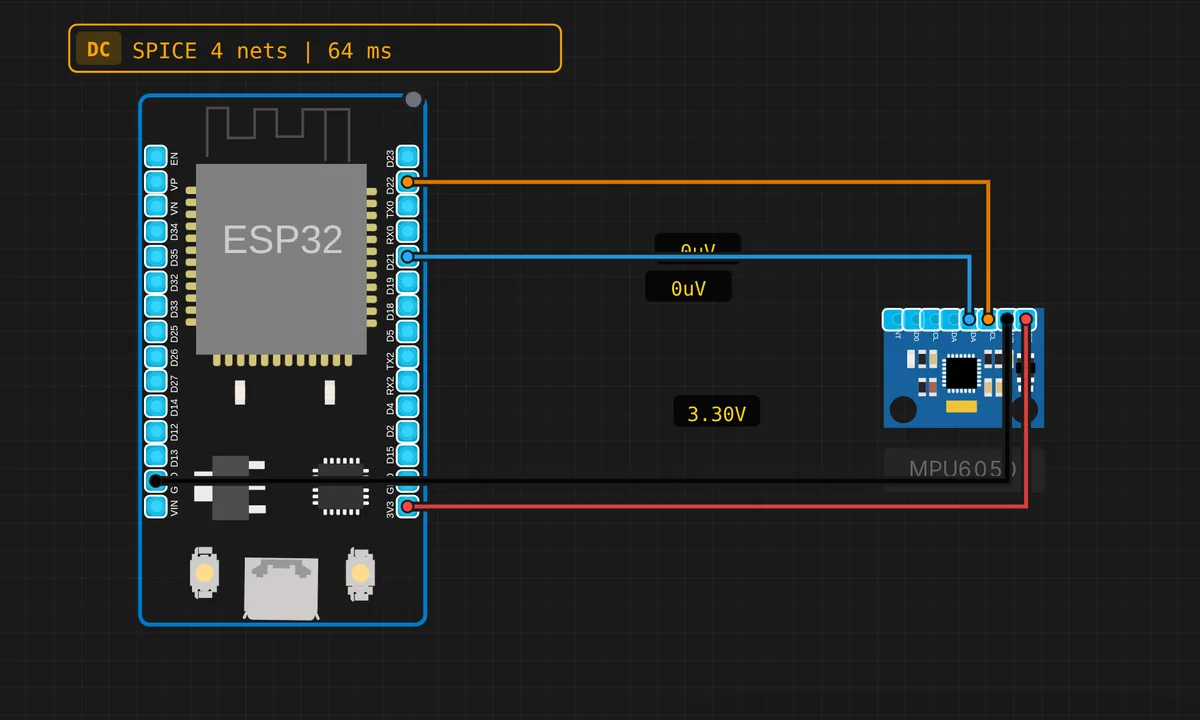 ESP32: MPU-6050 AccelerometerRead & run →
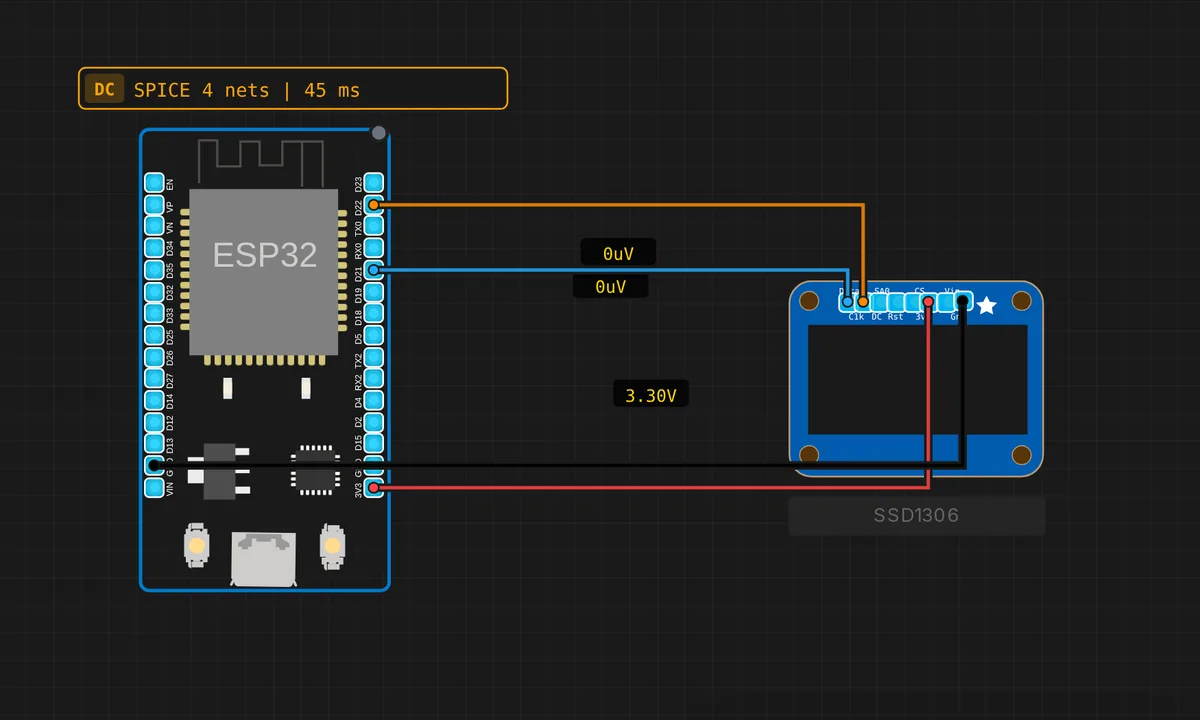 ESP32: SSD1306 OLED DisplayRead & run →
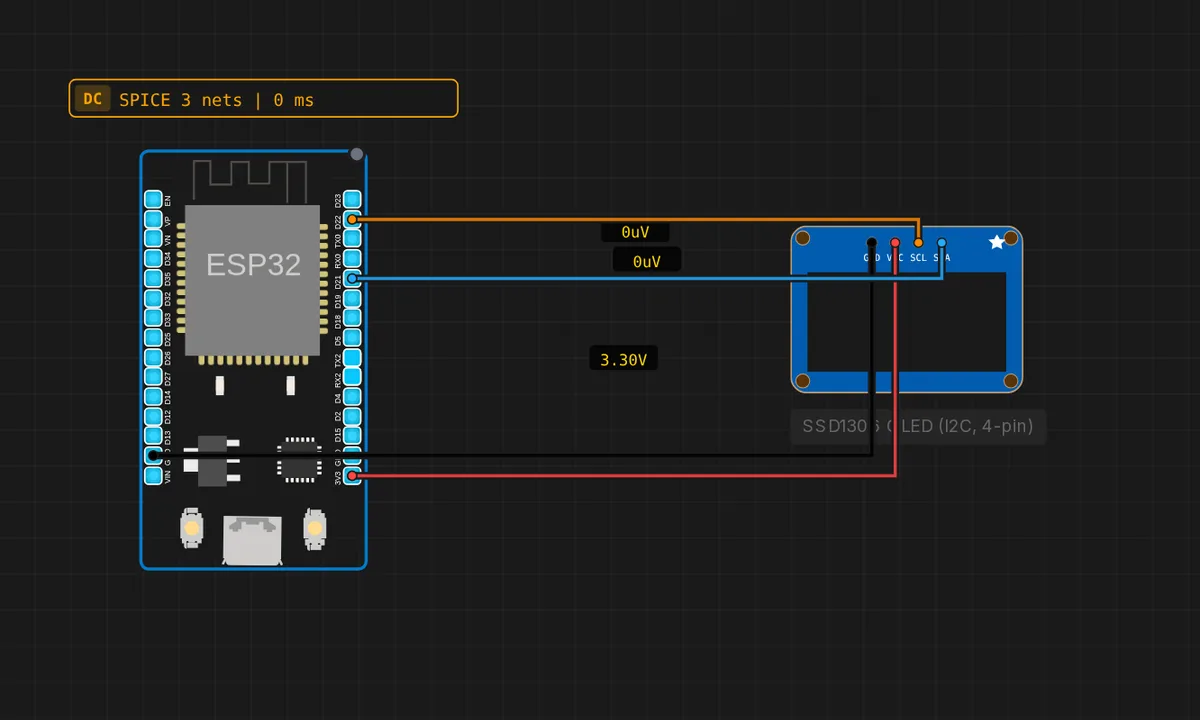 ESP32: SSD1306 OLED (4-pin I2C)Read & run →
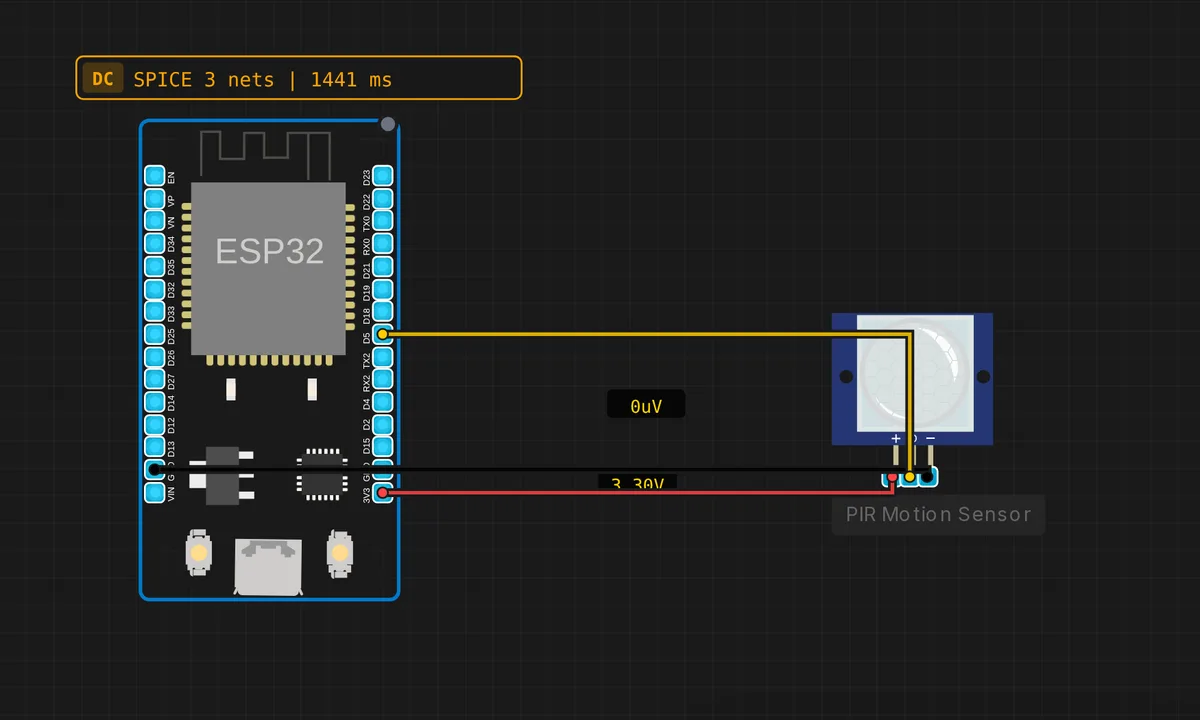 ESP32: PIR Motion DetectorRead & run →
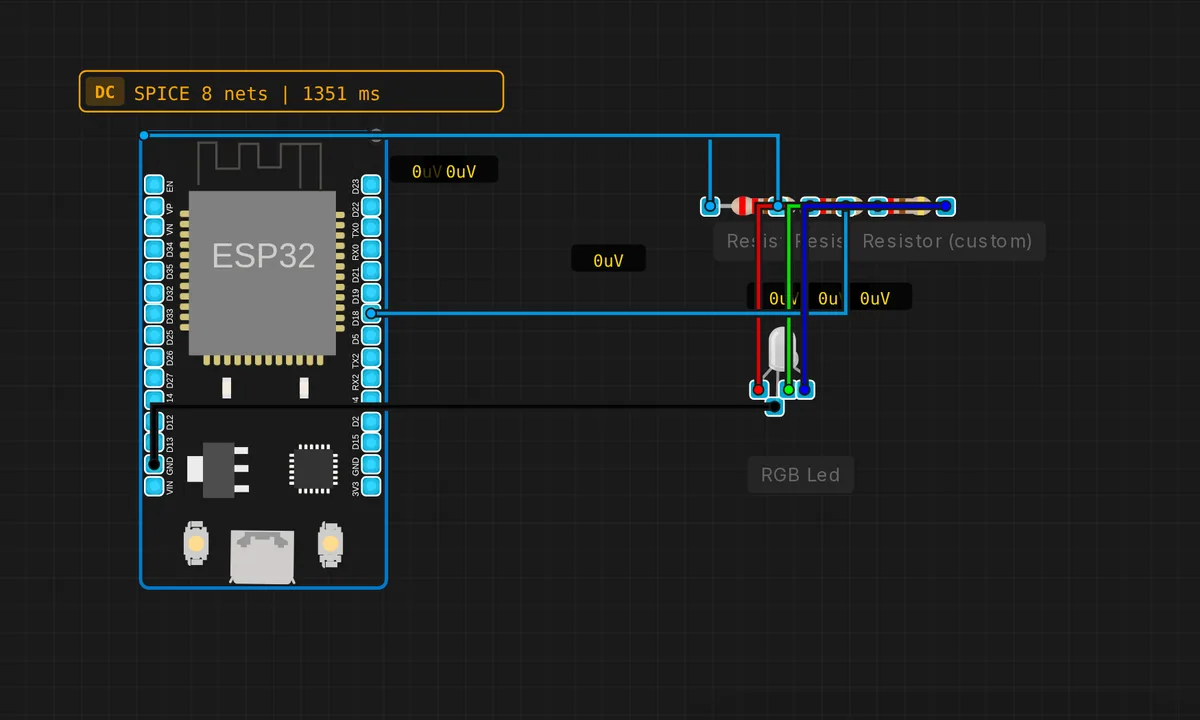 ESP32 LEDC PWM RGBRead & run →
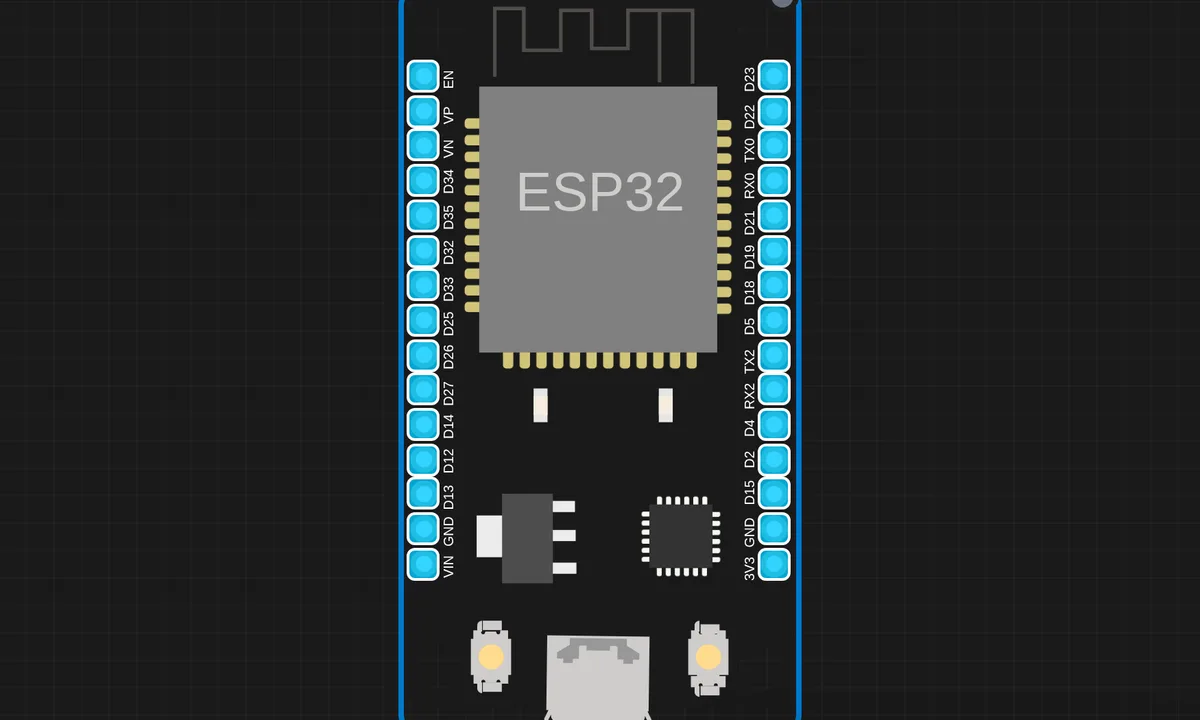 ESP32 Serial EchoRead & run →
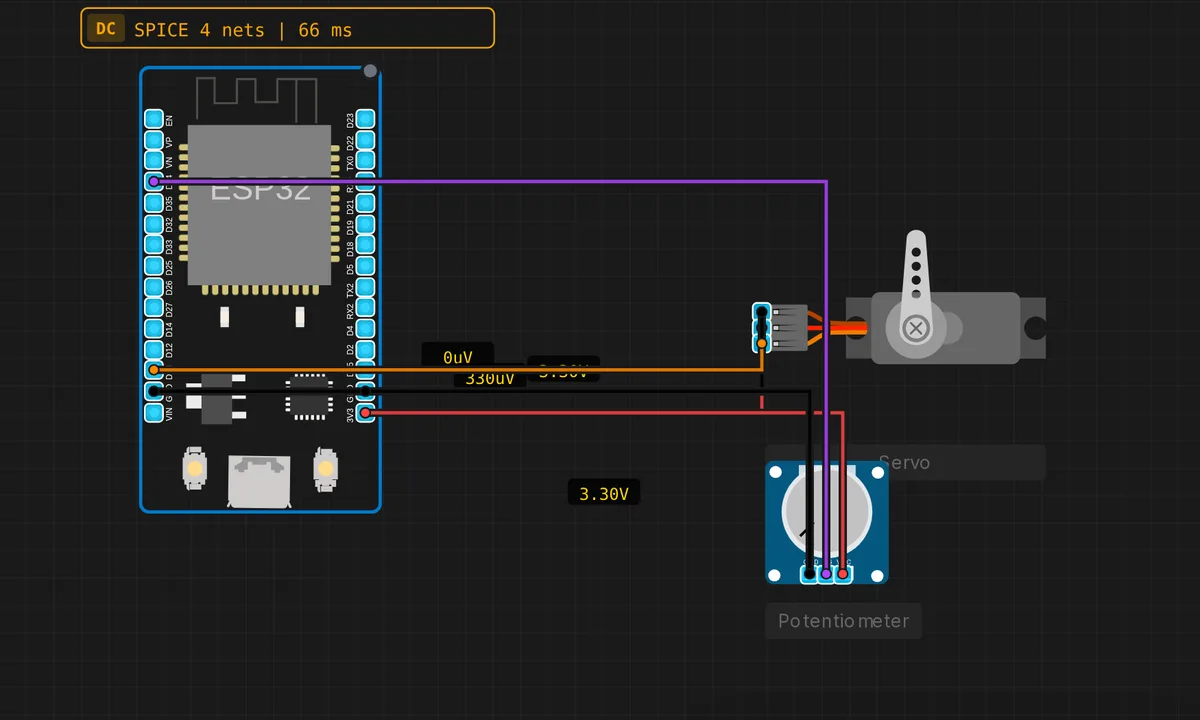 ESP32: Servo Motor + PotentiometerRead & run →
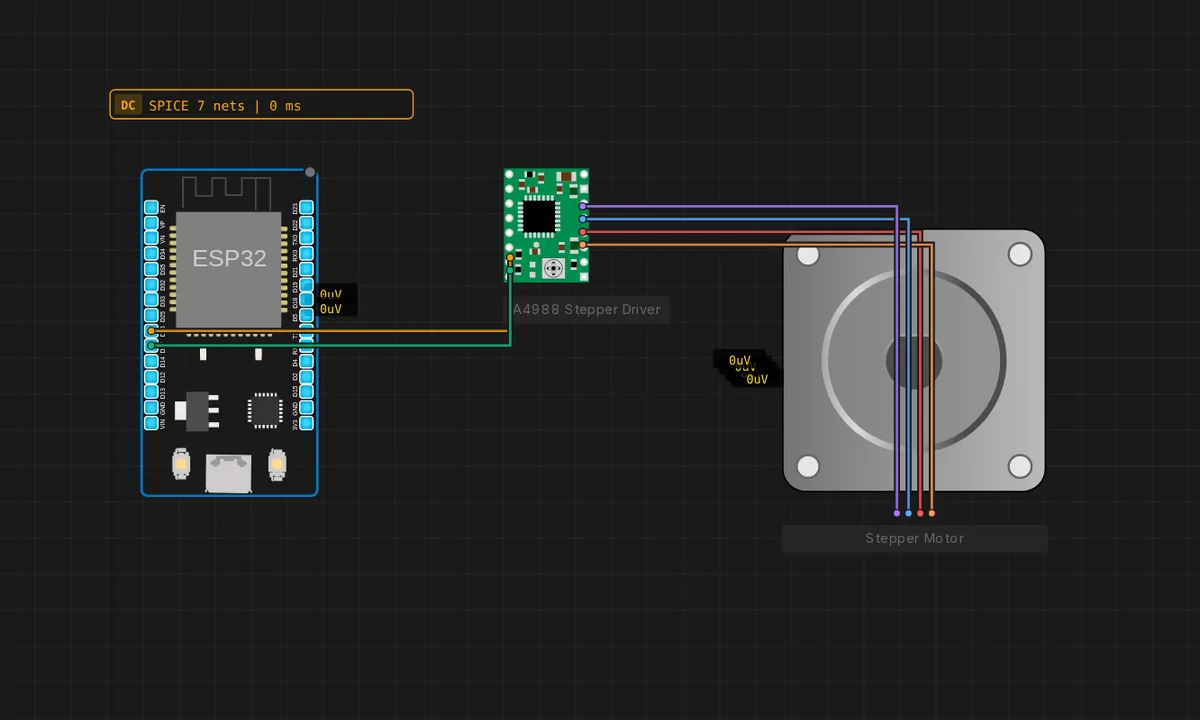 ESP32: Stepper + A4988Read & run →
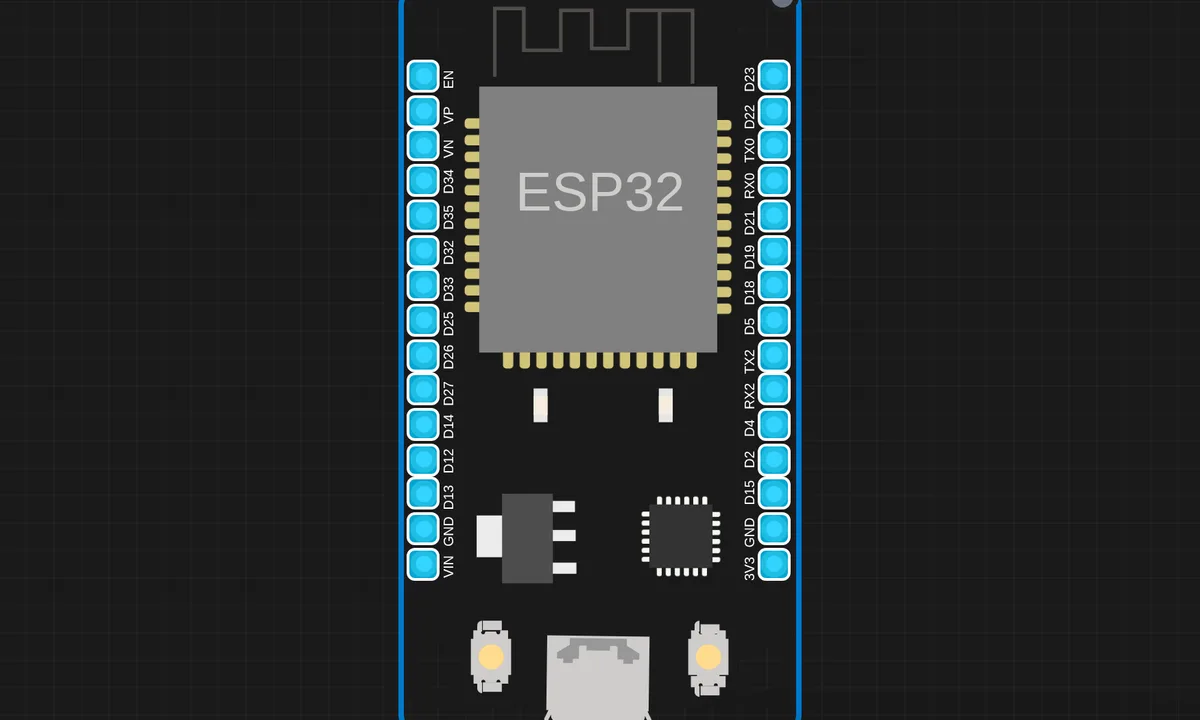 ESP32 WiFi ConnectRead & run →
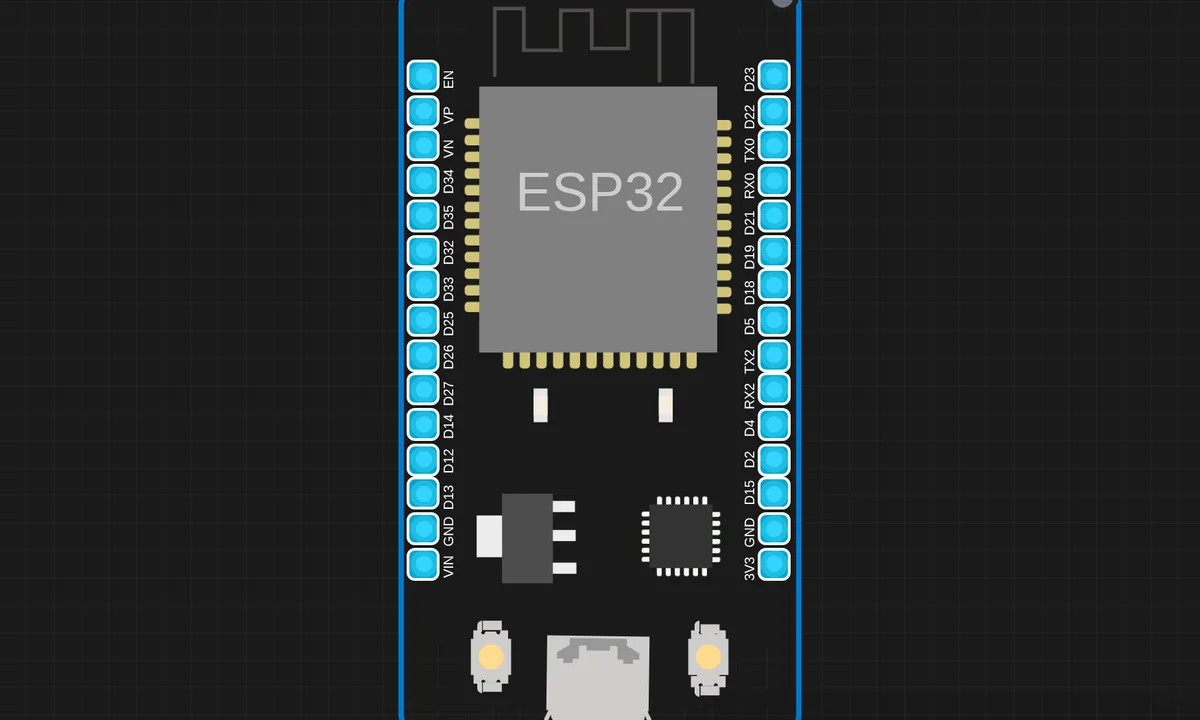 ESP32 WiFi ScanRead & run →
Arduino Uno 11
The classic starting point: digital I/O, analog reads and Serial Monitor basics on the ATmega328P.
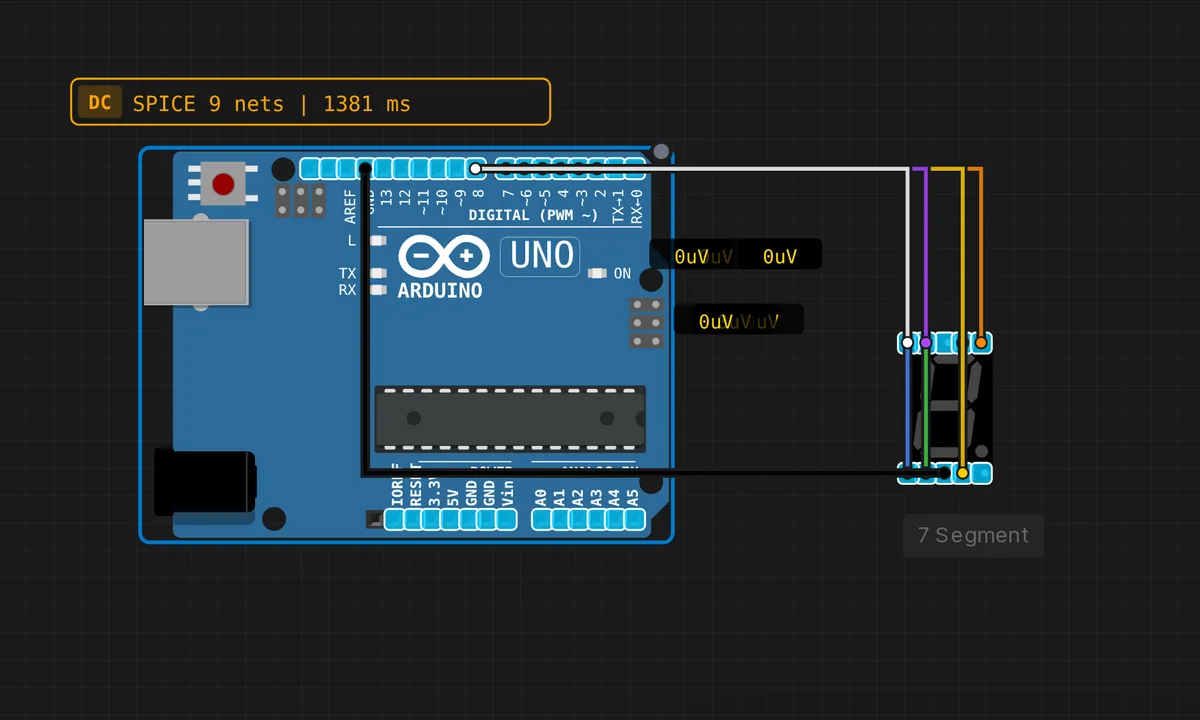 Uno: 7-Segment CounterRead & run →
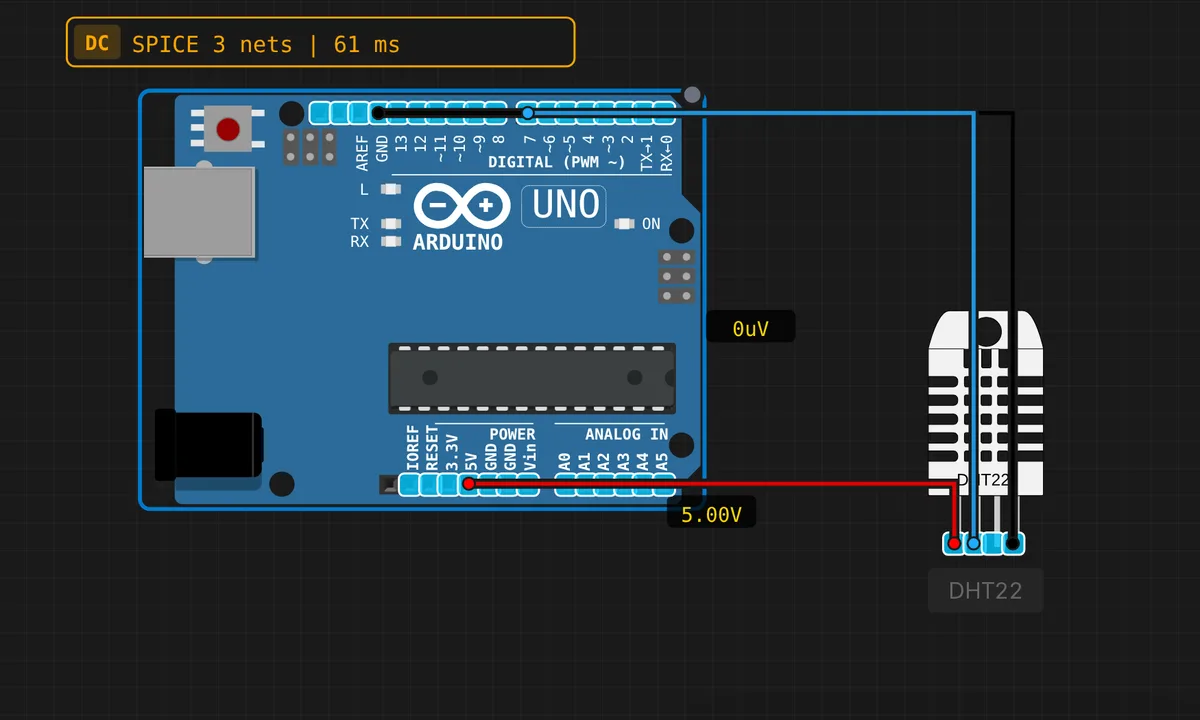 Uno: DHT22 Temperature & HumidityRead & run →
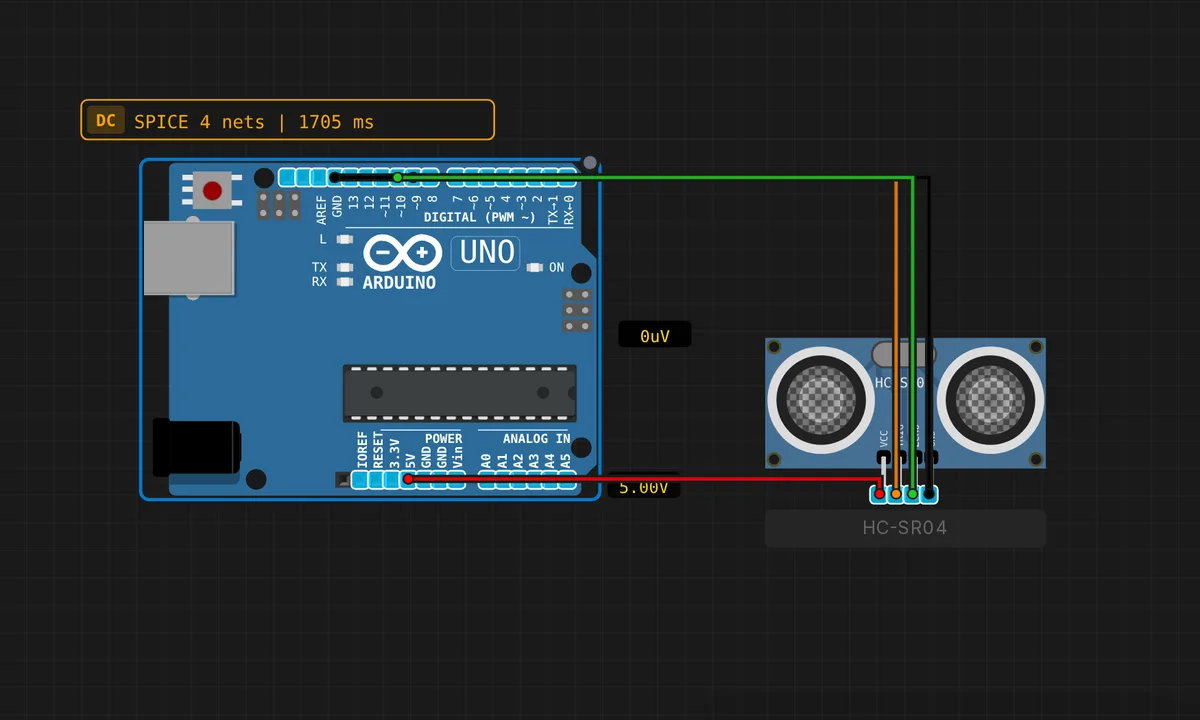 Uno: HC-SR04 Ultrasonic DistanceRead & run →
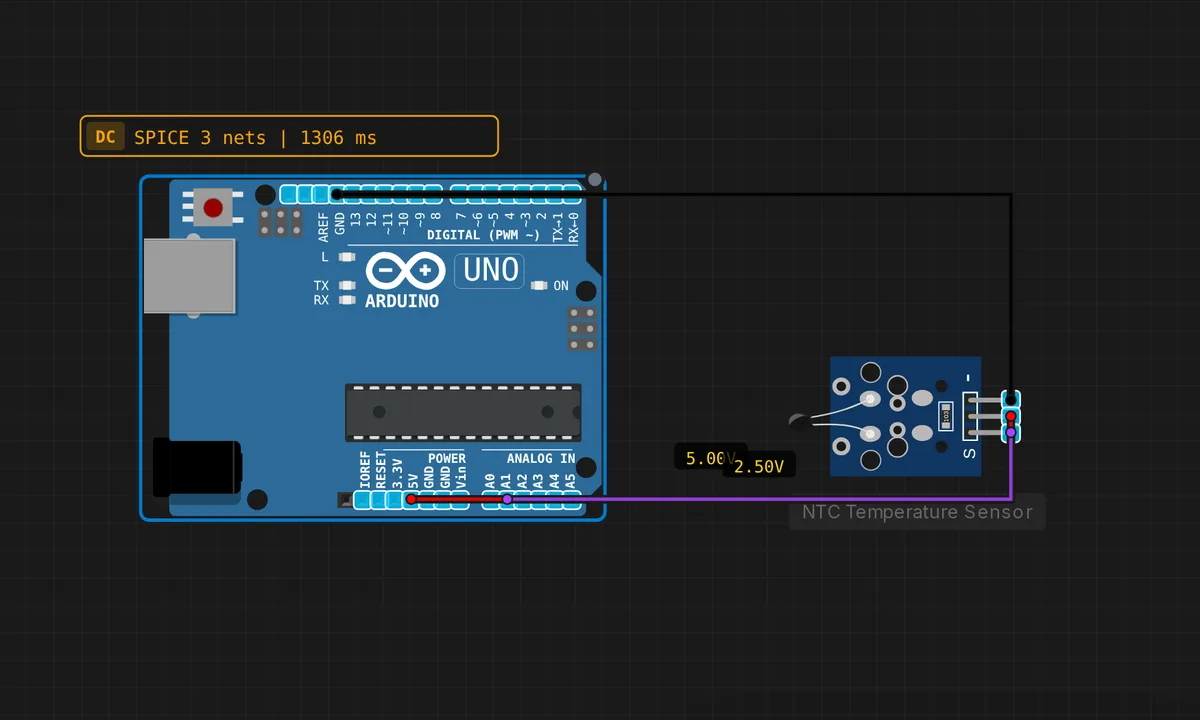 Uno: NTC Thermistor TemperatureRead & run →
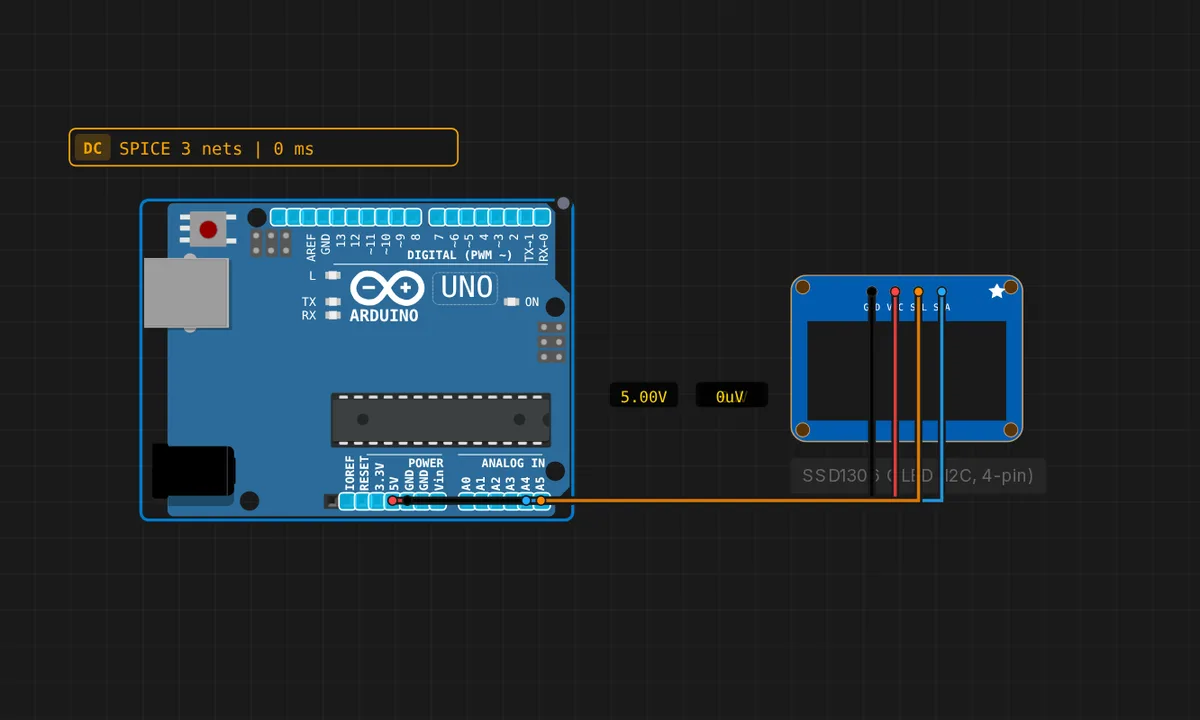 Arduino Uno: SSD1306 OLED (4-pin I2C)Read & run →
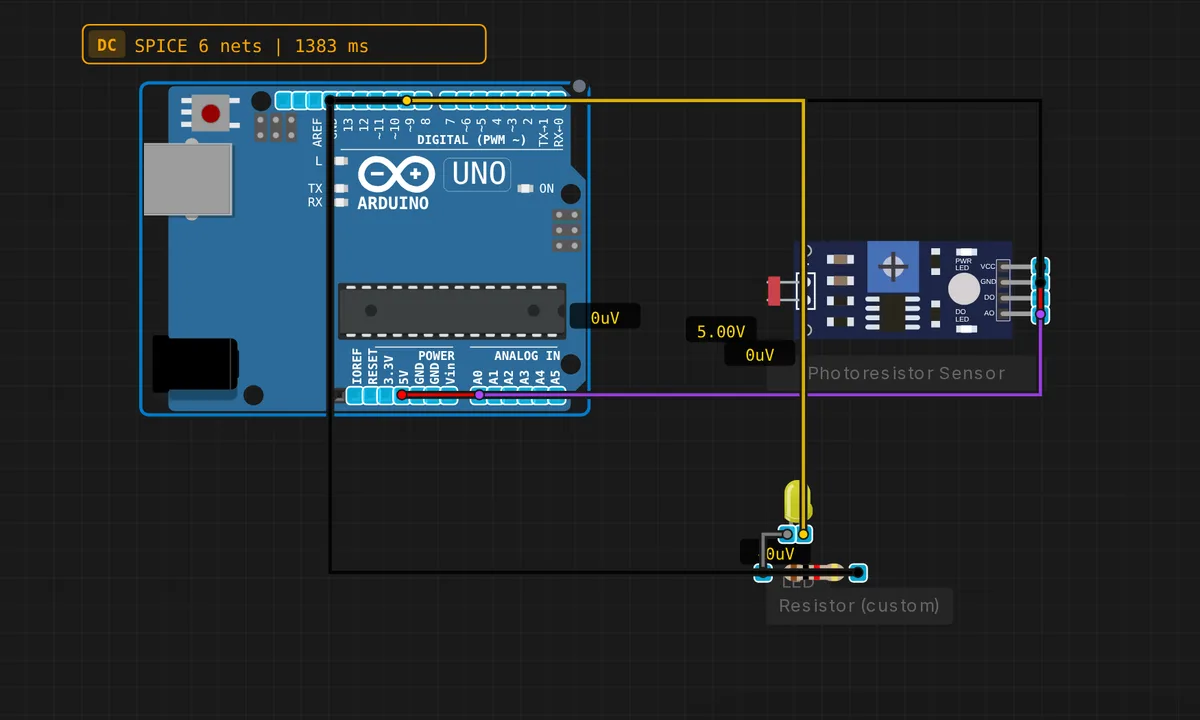 Uno: Photoresistor Light SensorRead & run →
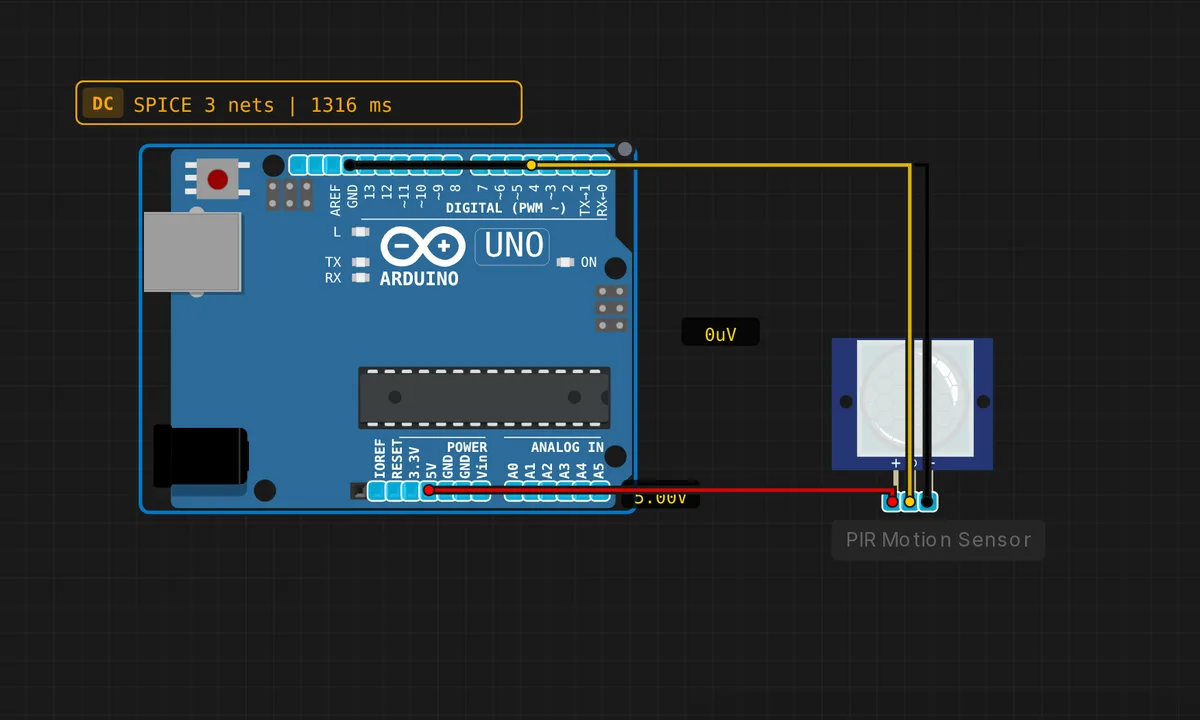 Uno: PIR Motion DetectorRead & run →
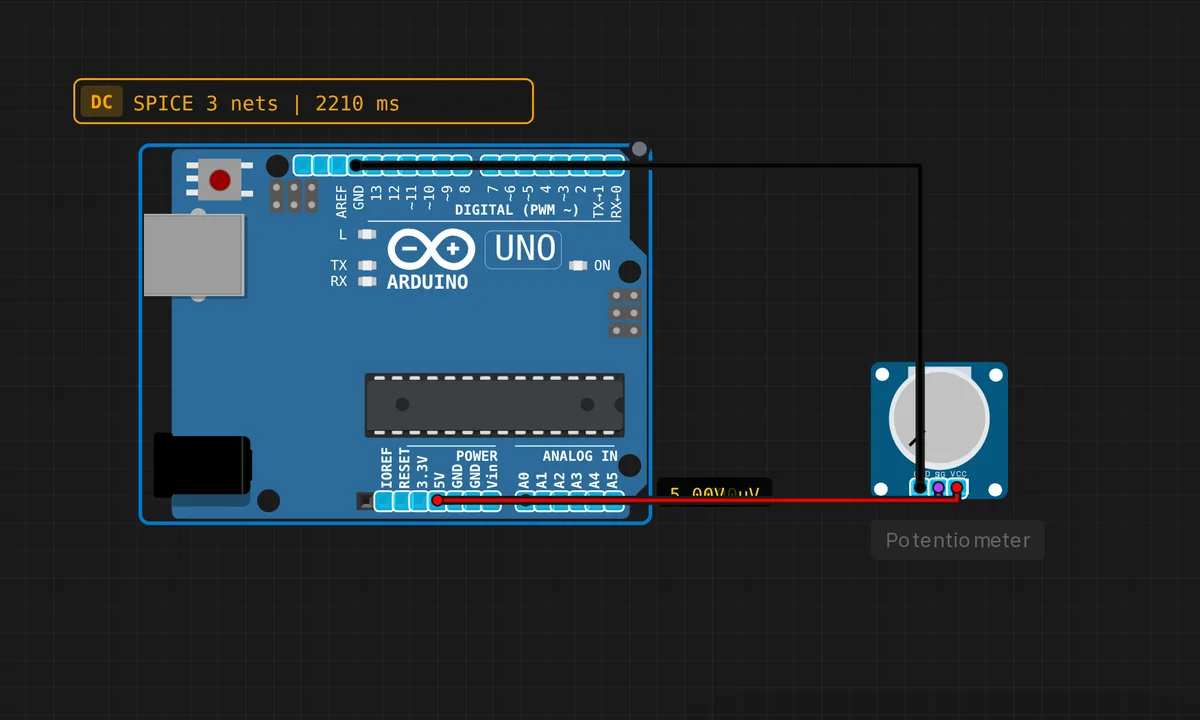 Uno: Potentiometer → SerialRead & run →
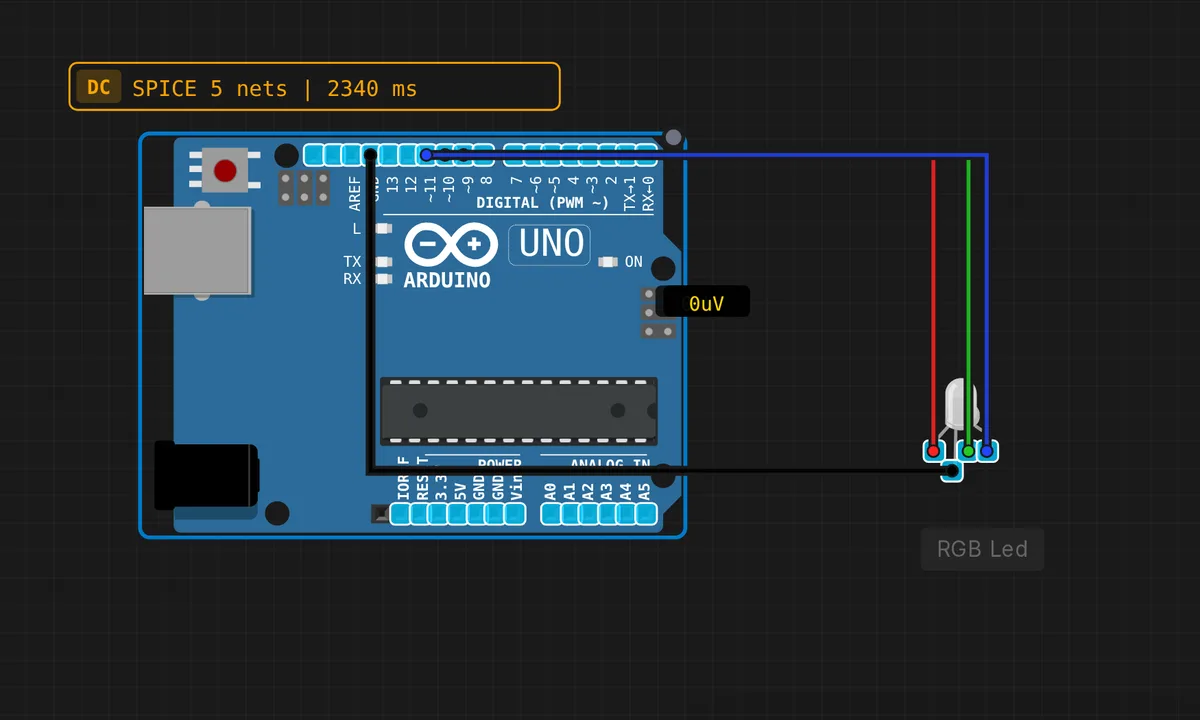 Uno: RGB LED CycleRead & run →
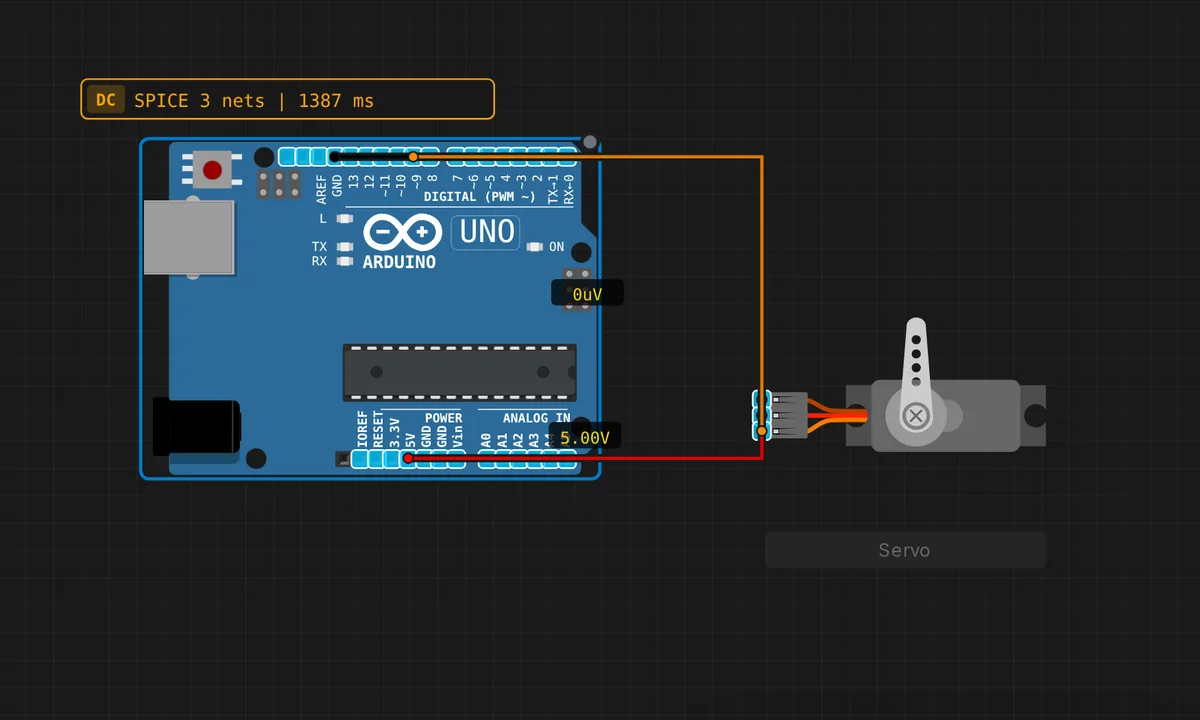 Uno: Servo Motor SweepRead & run →
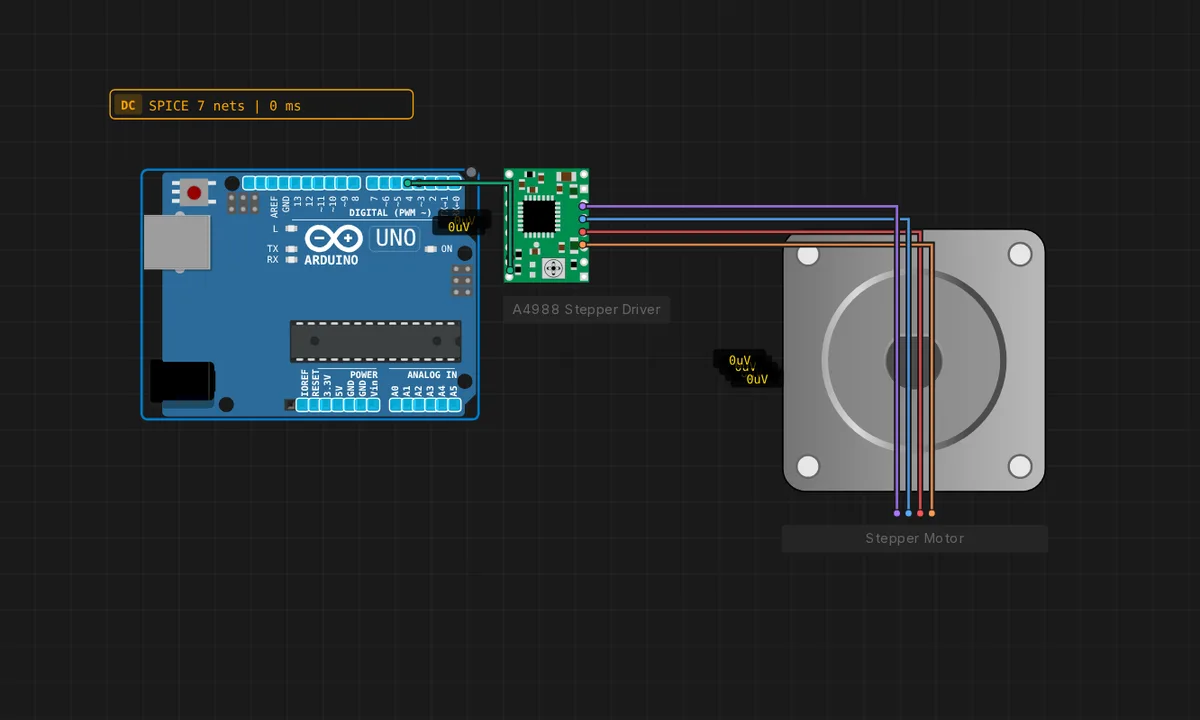 Arduino Uno: Stepper + A4988Read & run →
Arduino Nano & Mega 10
Same AVR brain, different bodies — Nano for breadboards, Mega for when you run out of pins.
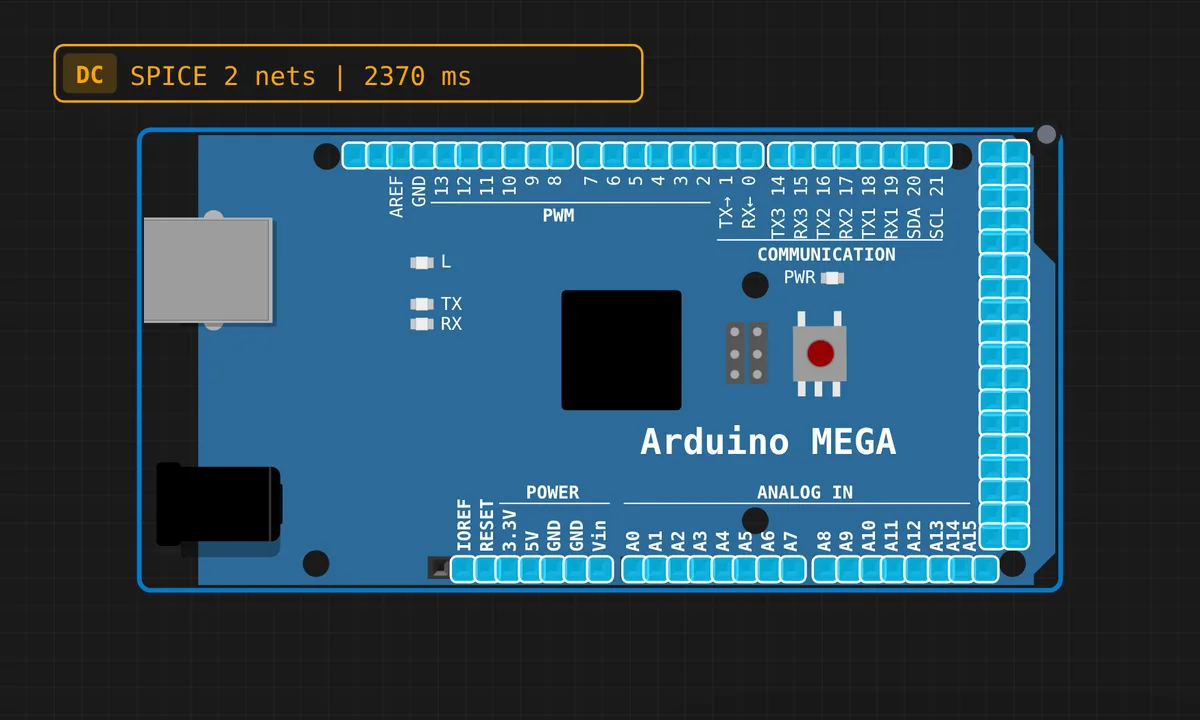 Mega: Blink LEDRead & run →
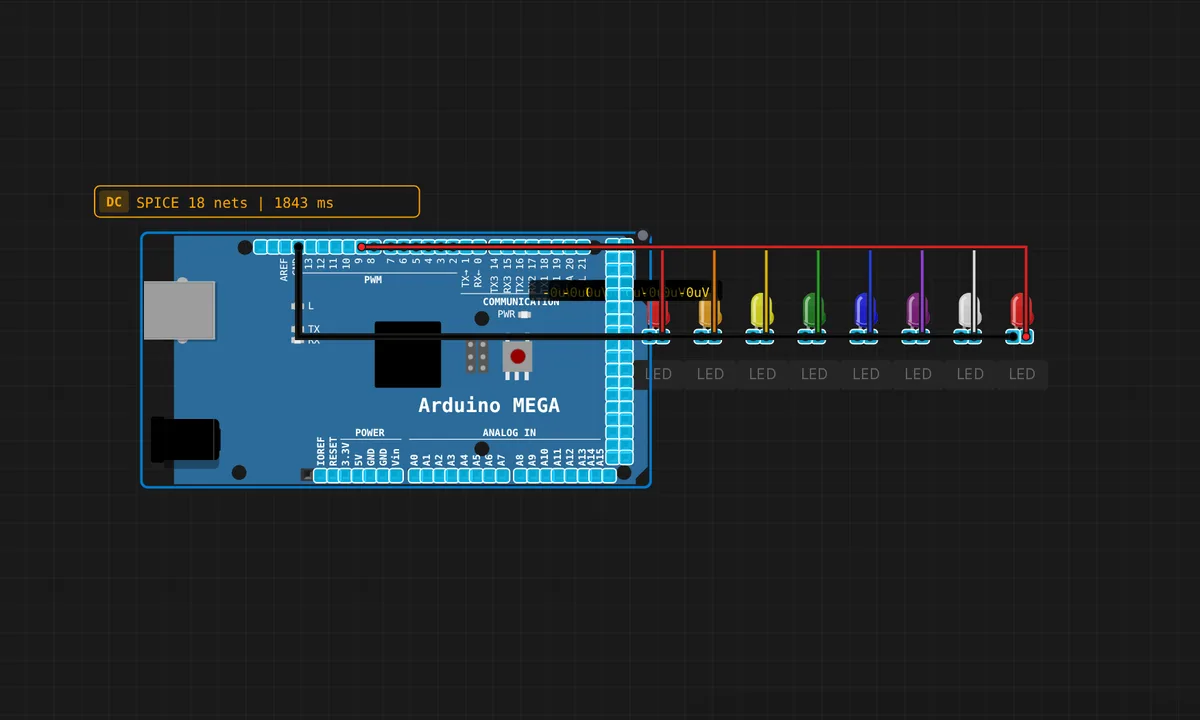 Mega: 8-LED ChaseRead & run →
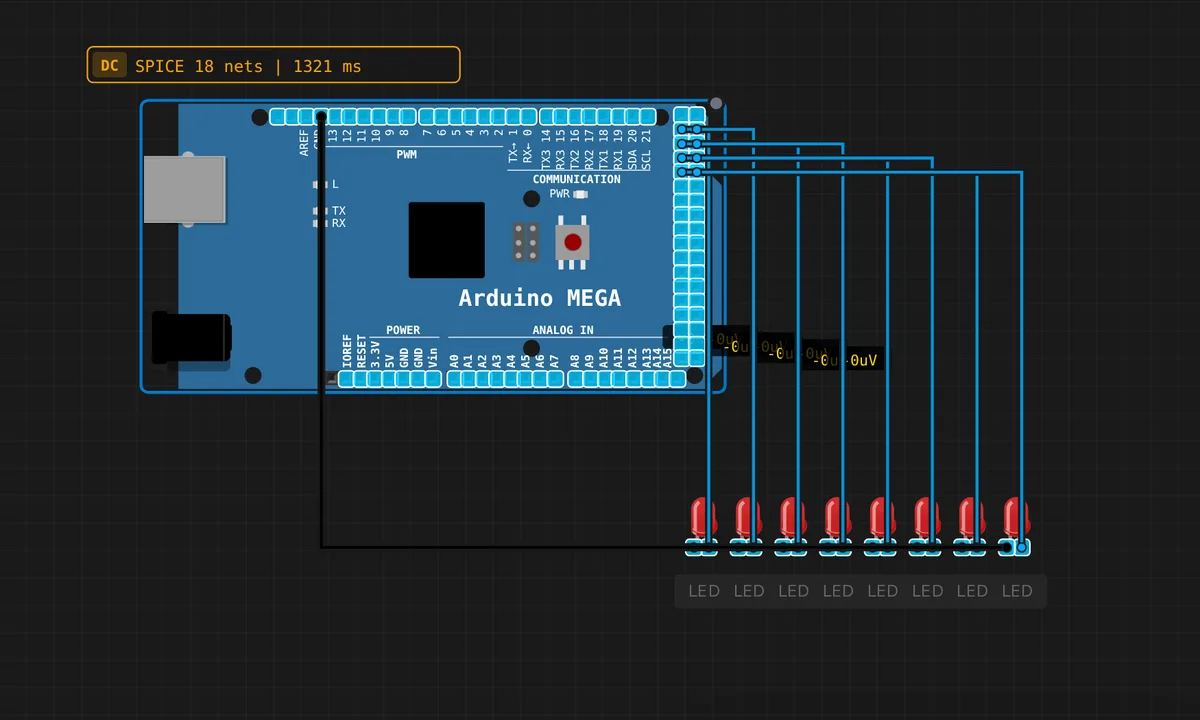 Arduino Mega 16-LED BarRead & run →
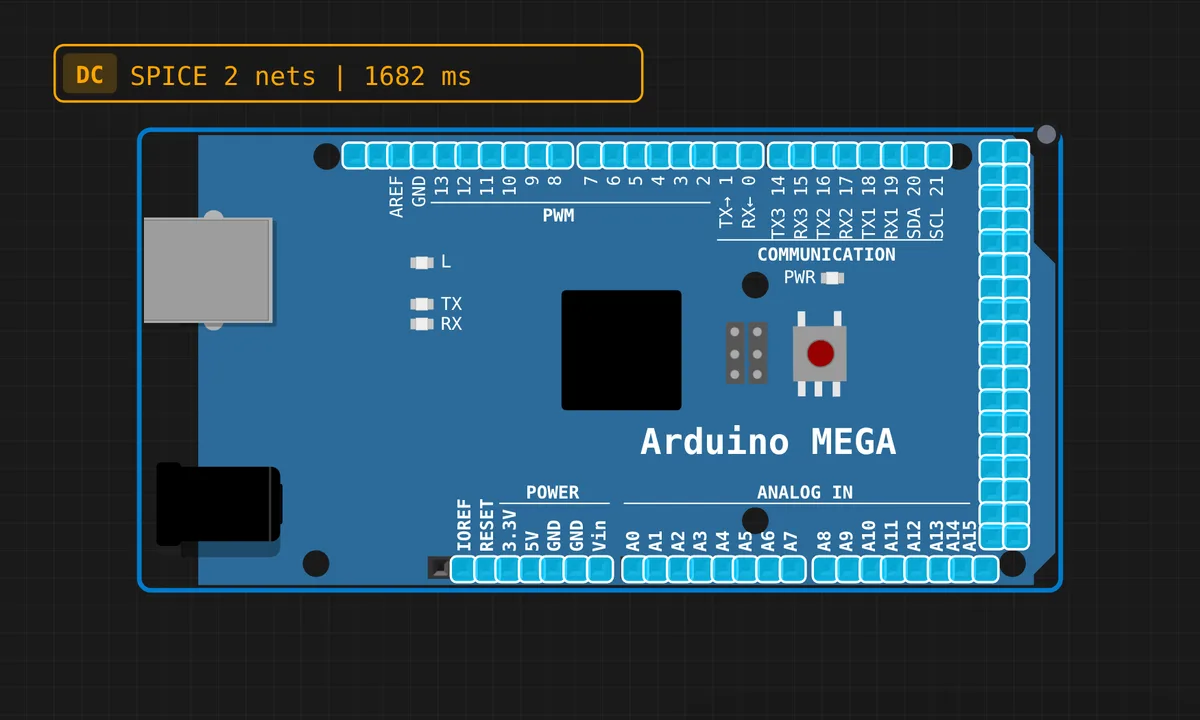 Mega: Serial HelloRead & run →
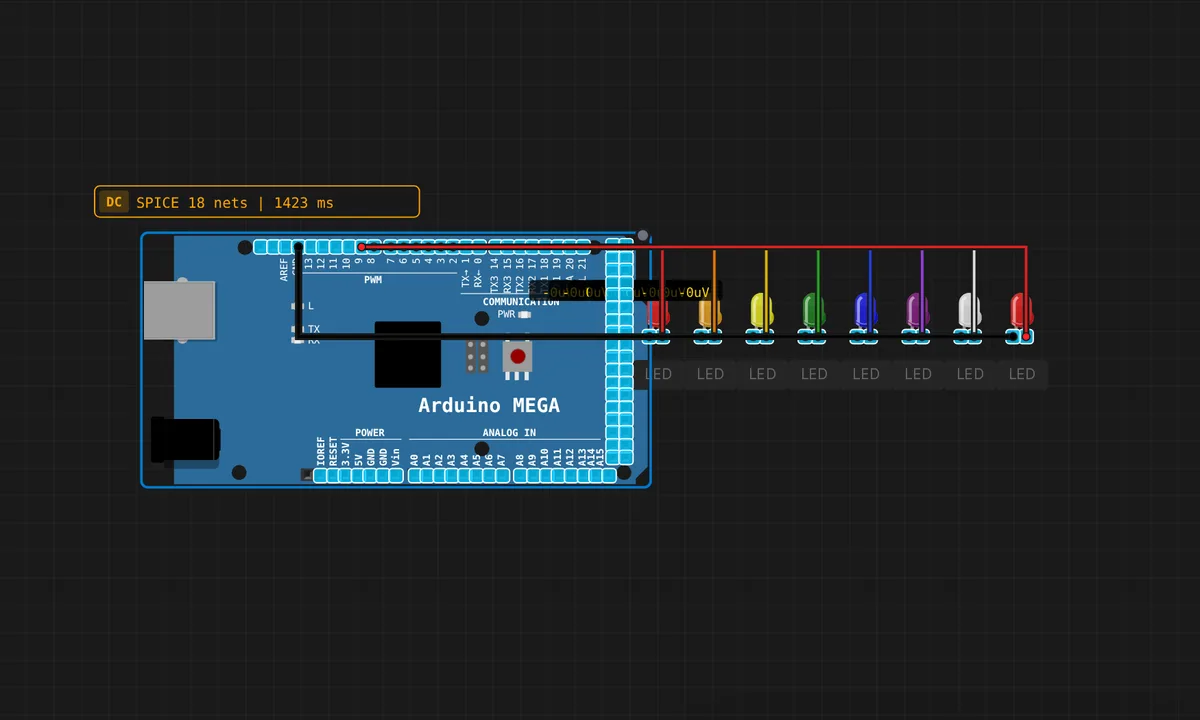 Mega: Serial LED ControlRead & run →
 Nano: Blink LEDRead & run →
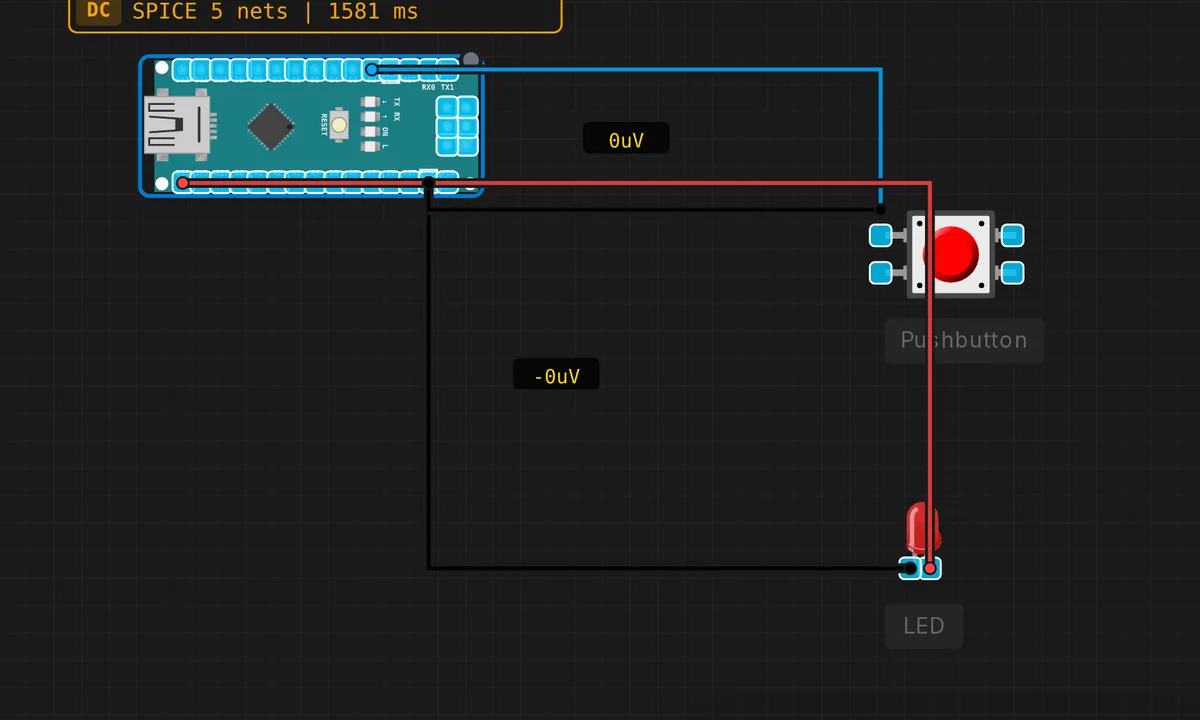 Nano: Button + LEDRead & run →
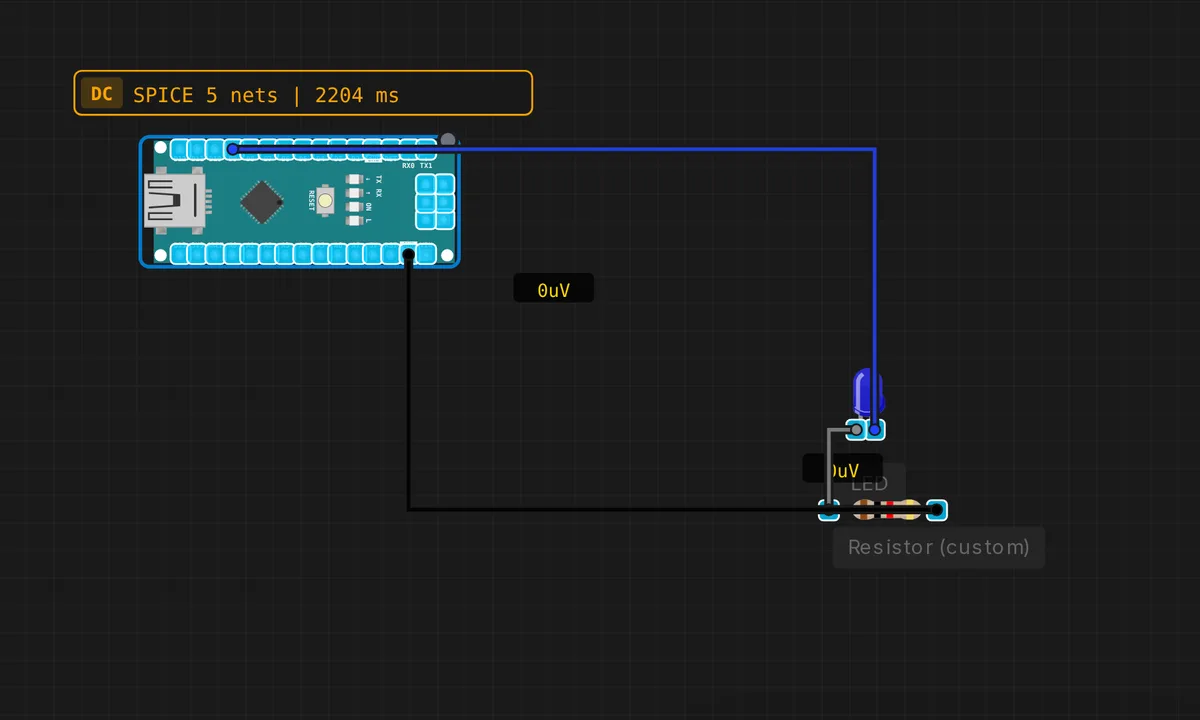 Nano: PWM FadeRead & run →
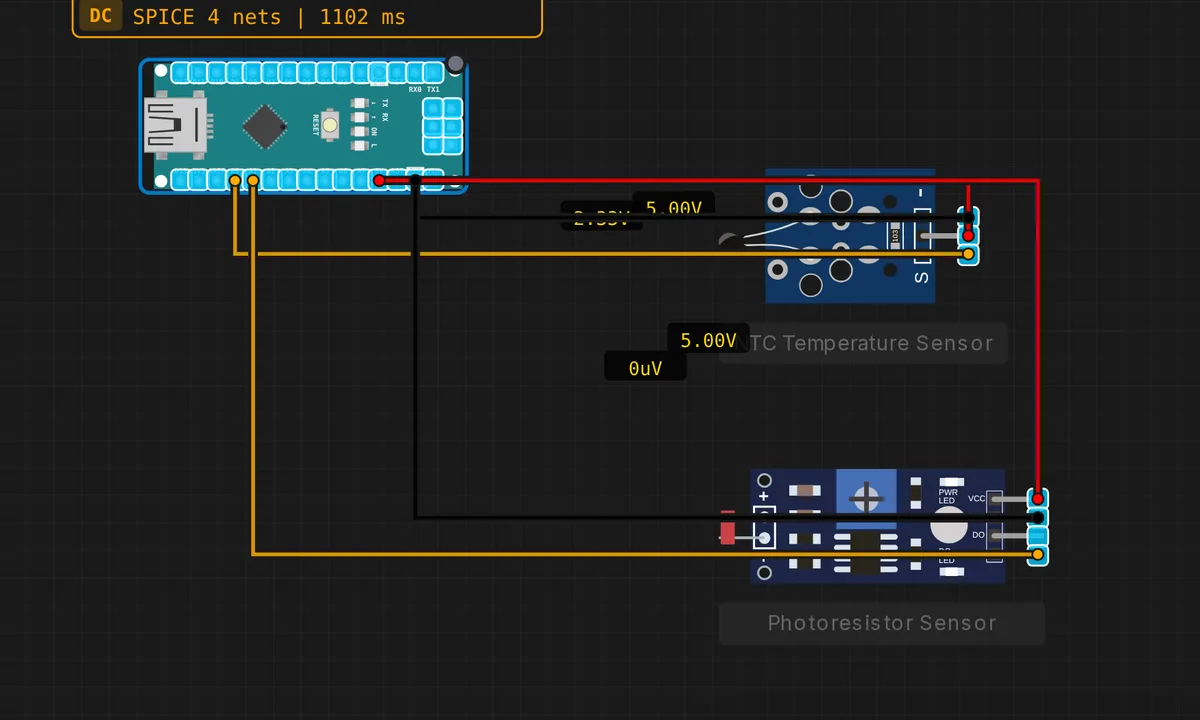 Arduino Nano Sensor StationRead & run →
 Nano: Serial HelloRead & run →
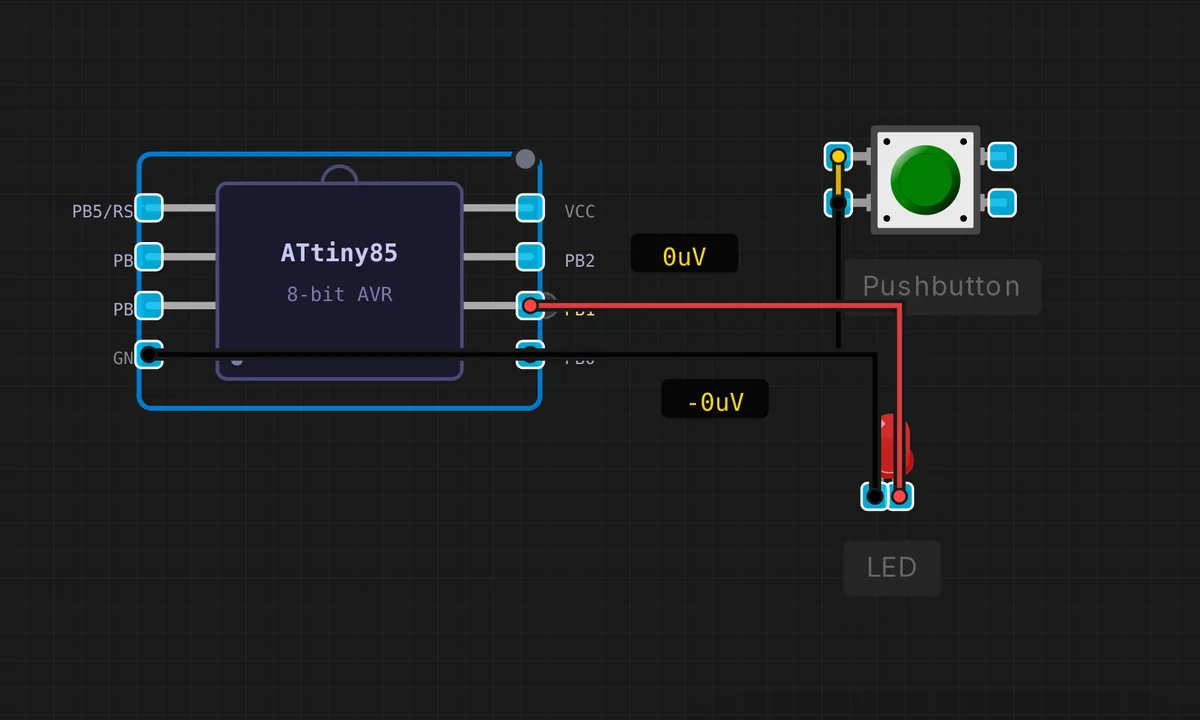
ATtiny85 4
Eight pins, 8 KB of flash. Small enough to force tight code.
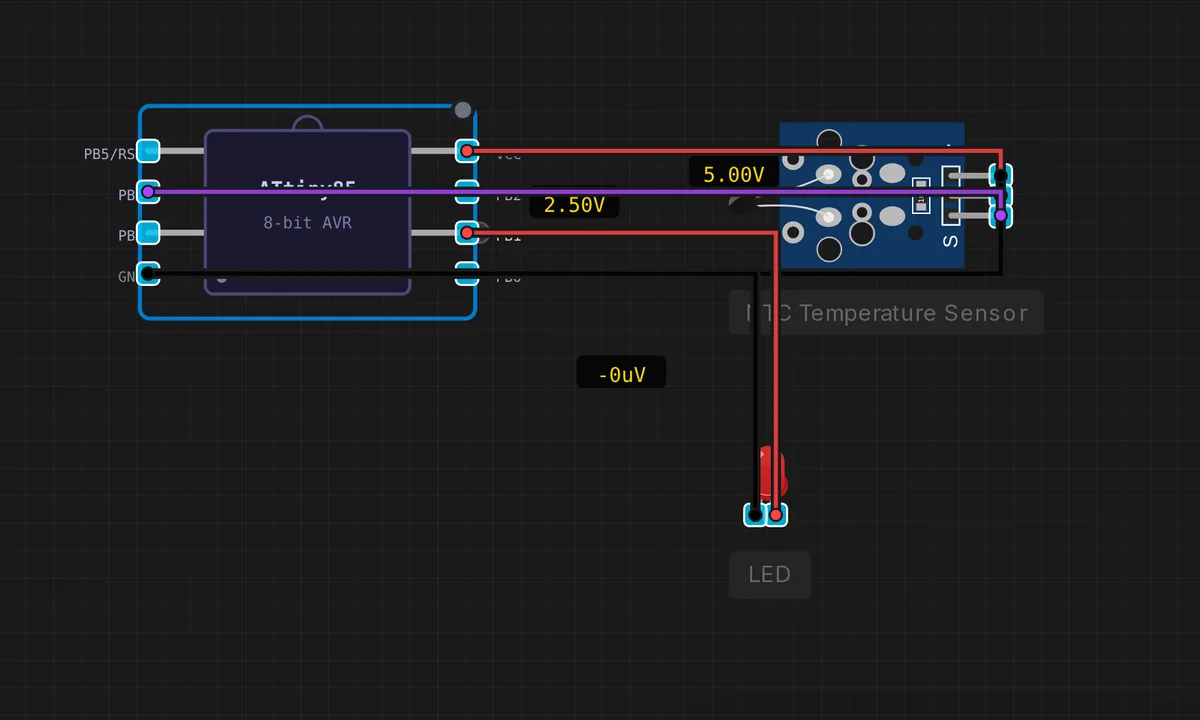
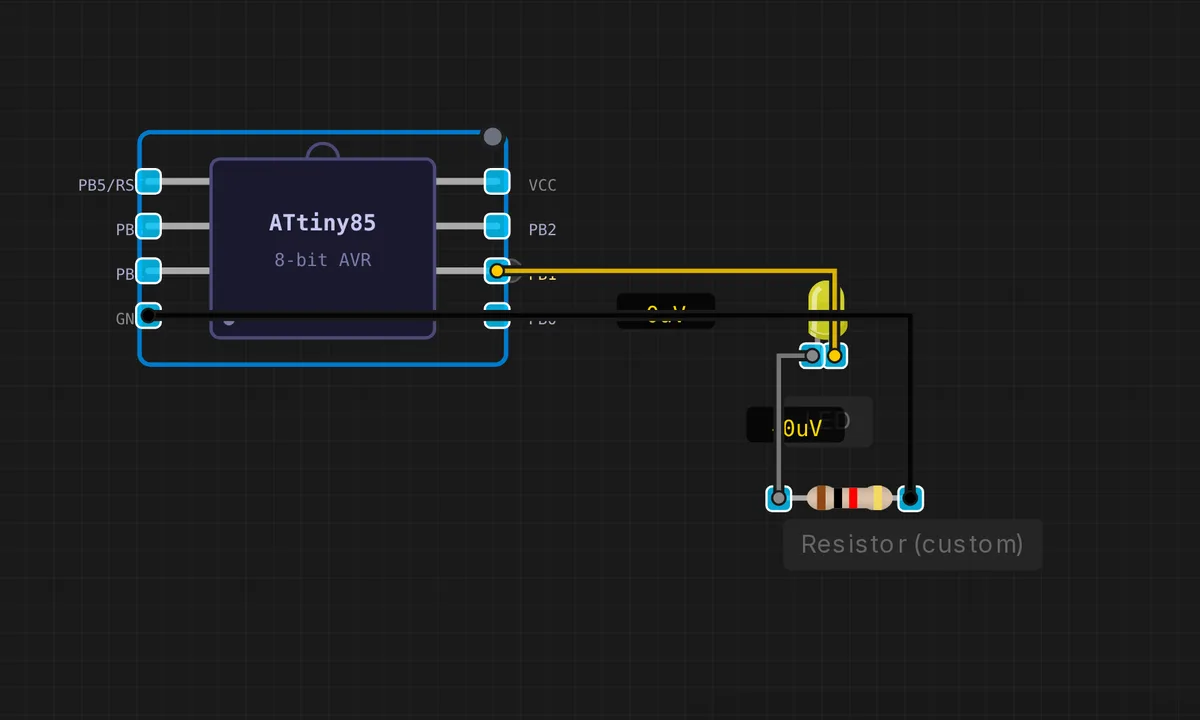
Raspberry Pi Pico 21
RP2040 projects: dual-core ARM at 133 MHz, PIO, and the friendliest ADC in the lineup.
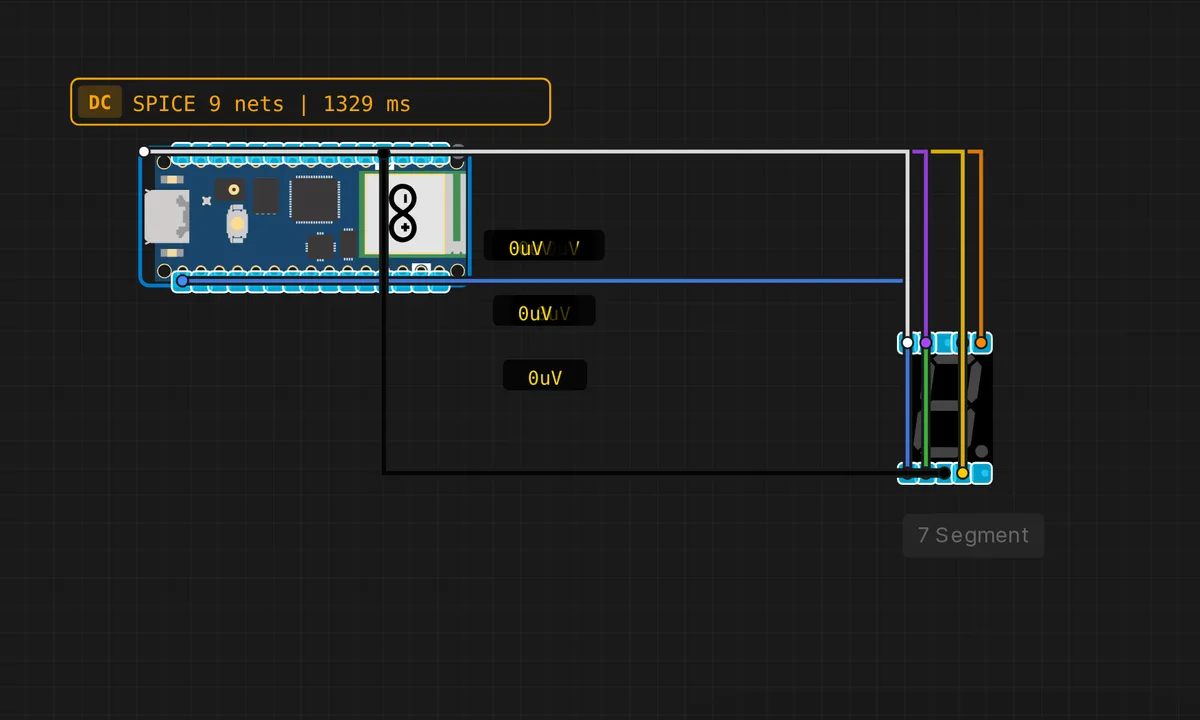 Pico: 7-Segment CounterRun in simulator →
![[Pico] ADC Read — free online circuit simulator example on Sensbench](/wp-content/uploads/2026/08/pico-adc-read-circuit-simulator.webp) [Pico] ADC ReadRun in simulator →
[Pico] ADC ReadRun in simulator →![[Pico] Blink LED — free online circuit simulator example on Sensbench](/wp-content/uploads/2026/08/pico-blink-circuit-simulator.webp) [Pico] Blink LEDRun in simulator →
[Pico] Blink LEDRun in simulator →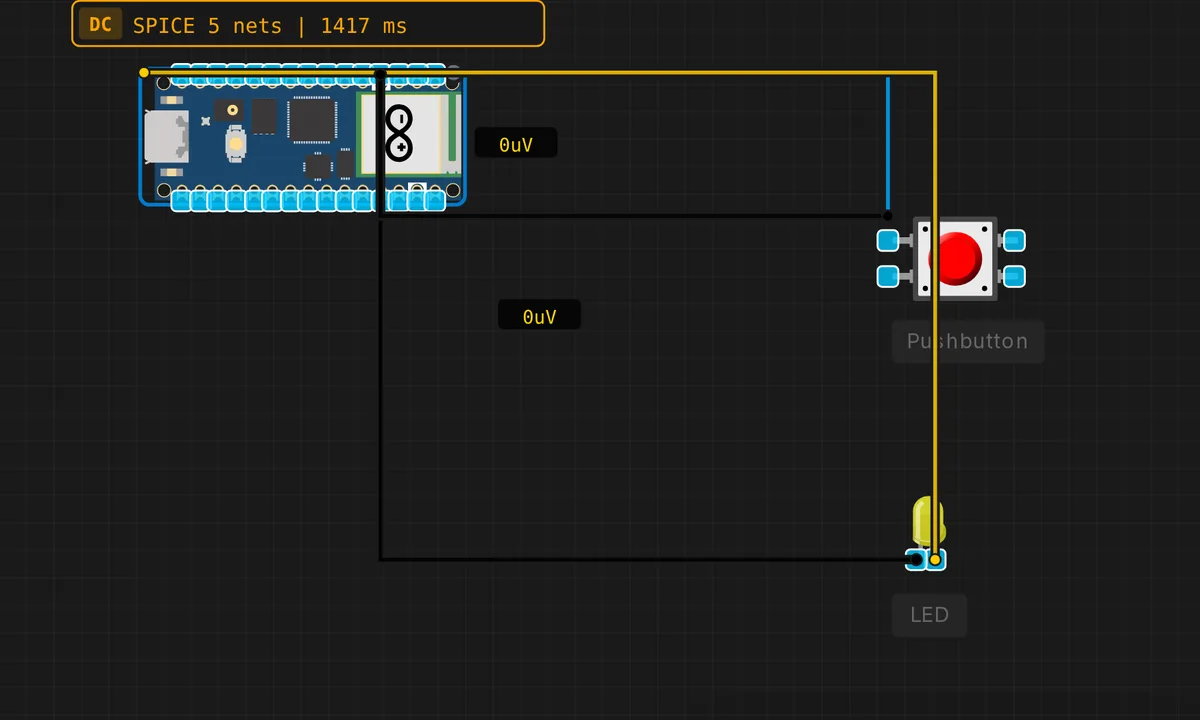 Pico: Button + LEDRun in simulator →
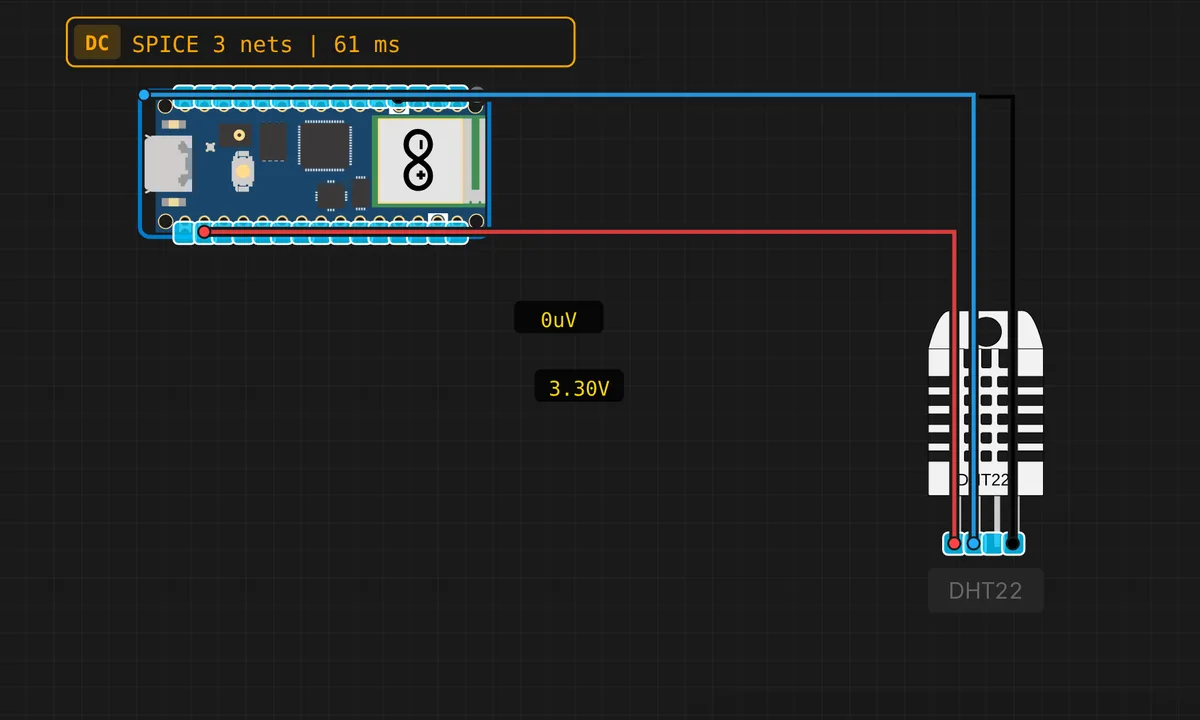 Pico: DHT22 Temperature & HumidityRun in simulator →
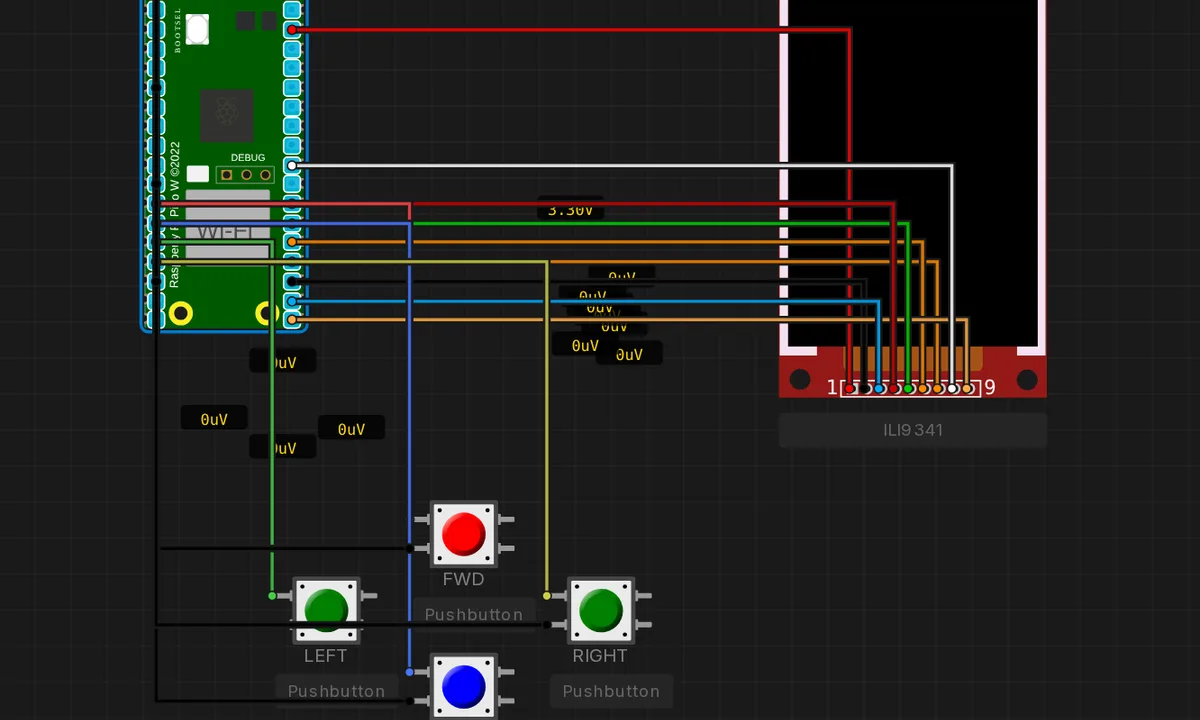 Pico Doom — Raycaster DemoRun in simulator →
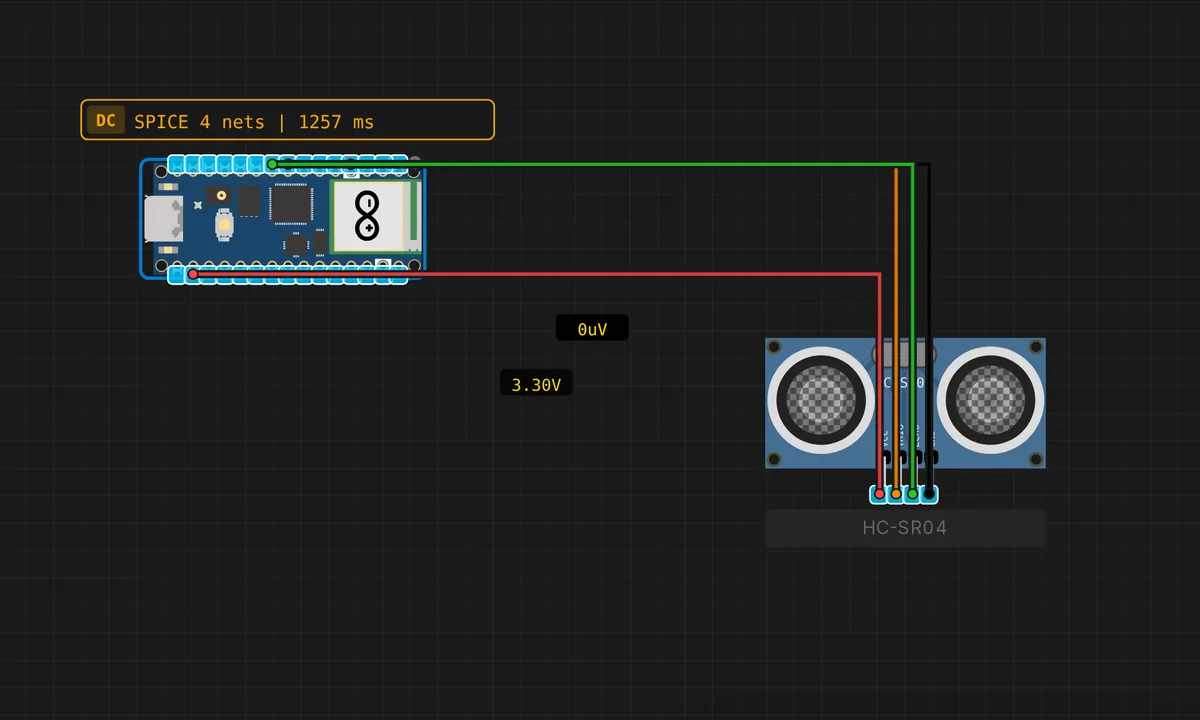 Pico: HC-SR04 Ultrasonic DistanceRun in simulator →
![[Pico] I2C EEPROM R/W — free online circuit simulator example on Sensbench](/wp-content/uploads/2026/08/pico-i2c-eeprom-rw-circuit-simulator.webp) [Pico] I2C EEPROM R/WRun in simulator →
[Pico] I2C EEPROM R/WRun in simulator →![[Pico] I2C RTC Read — free online circuit simulator example on Sensbench](/wp-content/uploads/2026/08/pico-i2c-rtc-read-circuit-simulator.webp) [Pico] I2C RTC ReadRun in simulator →
[Pico] I2C RTC ReadRun in simulator →![[Pico] I2C Scanner — free online circuit simulator example on Sensbench](/wp-content/uploads/2026/08/pico-i2c-scanner-circuit-simulator.webp) [Pico] I2C ScannerRun in simulator →
[Pico] I2C ScannerRun in simulator →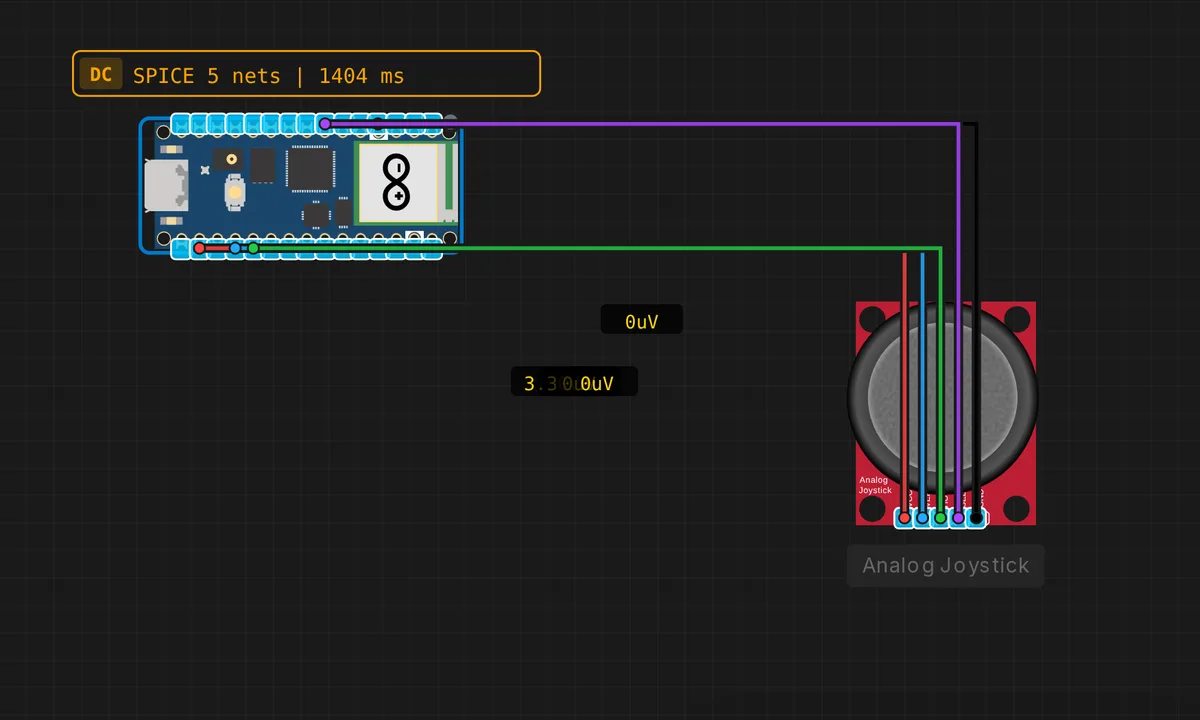 Pico: Analog JoystickRun in simulator →
![[Pico] Multi-Protocol Demo — free online circuit simulator example on Sensbench](/wp-content/uploads/2026/08/pico-multi-protocol-circuit-simulator.webp) [Pico] Multi-Protocol DemoRun in simulator →
[Pico] Multi-Protocol DemoRun in simulator →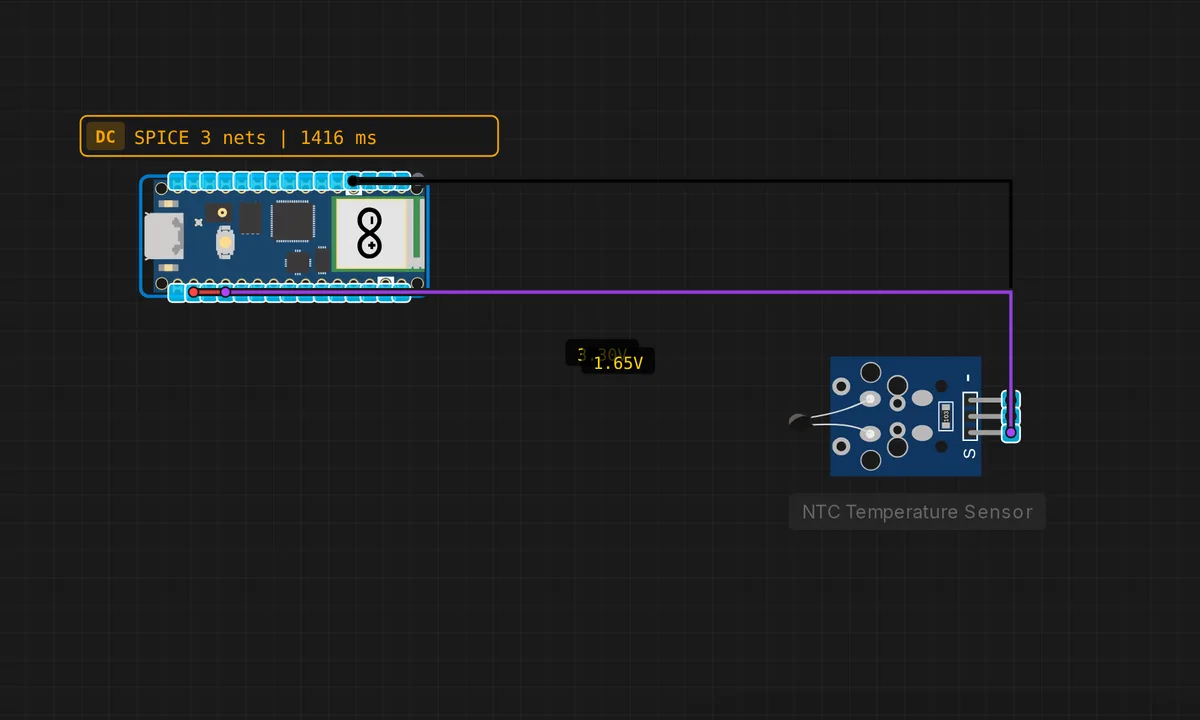 Pico: NTC Thermistor TemperatureRun in simulator →
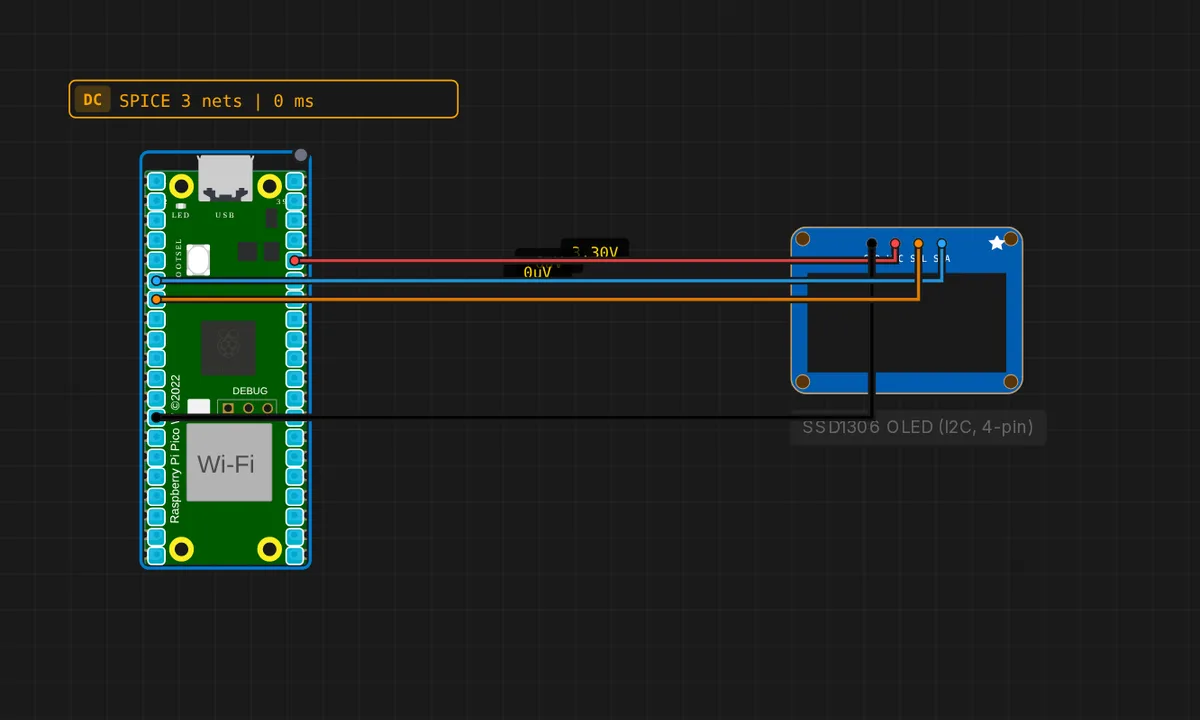 Raspberry Pi Pico: SSD1306 OLED (4-pin I2C)Run in simulator →
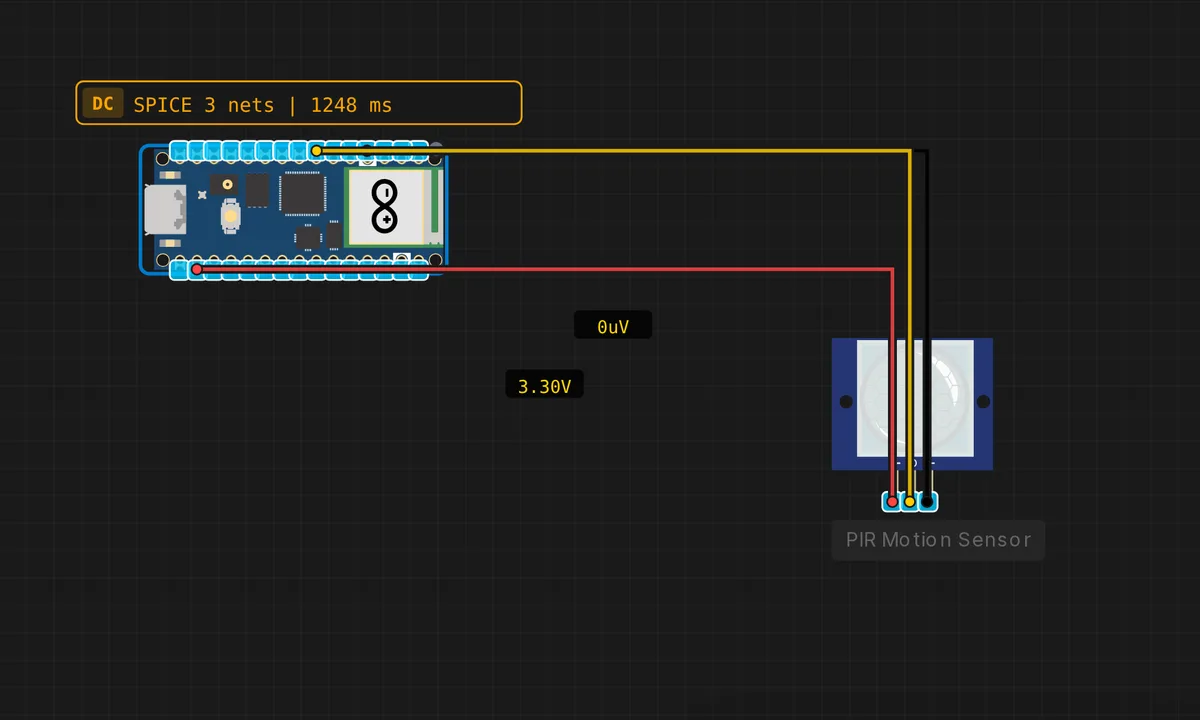 Pico: PIR Motion DetectorRun in simulator →
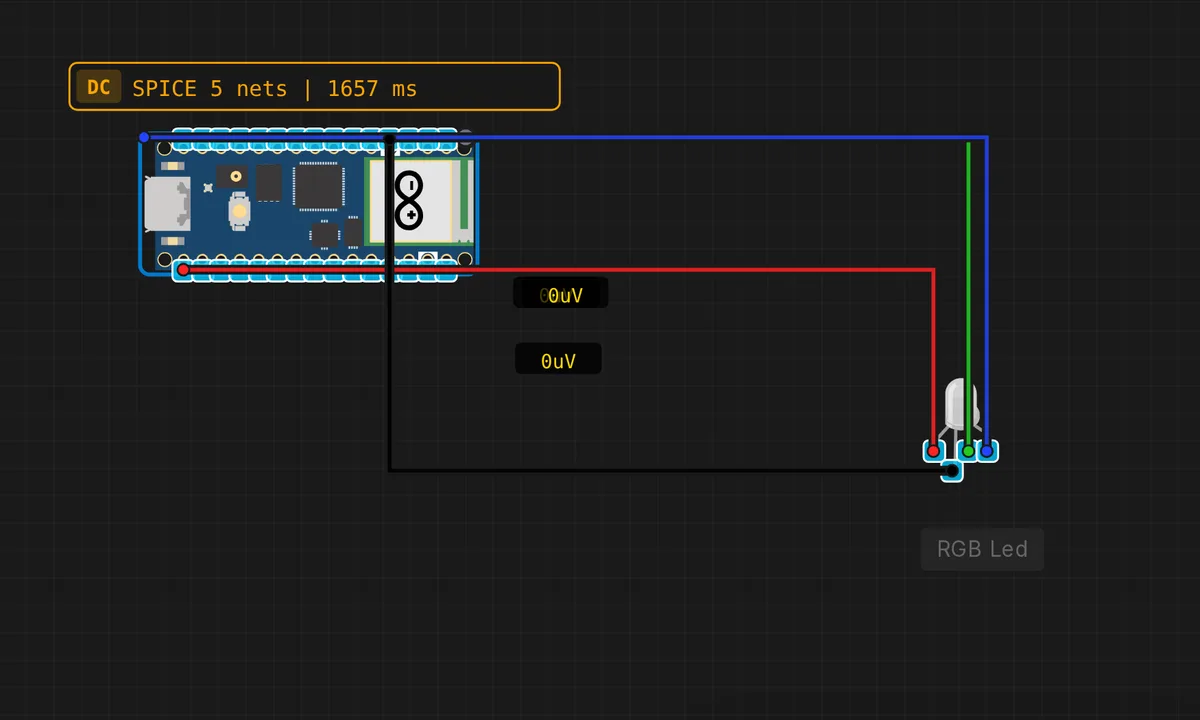 Pico: RGB LED CycleRun in simulator →
![[Pico] Serial Echo — free online circuit simulator example on Sensbench](/wp-content/uploads/2026/08/pico-serial-echo-circuit-simulator.webp) [Pico] Serial EchoRun in simulator →
[Pico] Serial EchoRun in simulator →![[Pico] Serial LED Control — free online circuit simulator example on Sensbench](/wp-content/uploads/2026/08/pico-serial-led-control-circuit-simulator.webp) [Pico] Serial LED ControlRun in simulator →
[Pico] Serial LED ControlRun in simulator →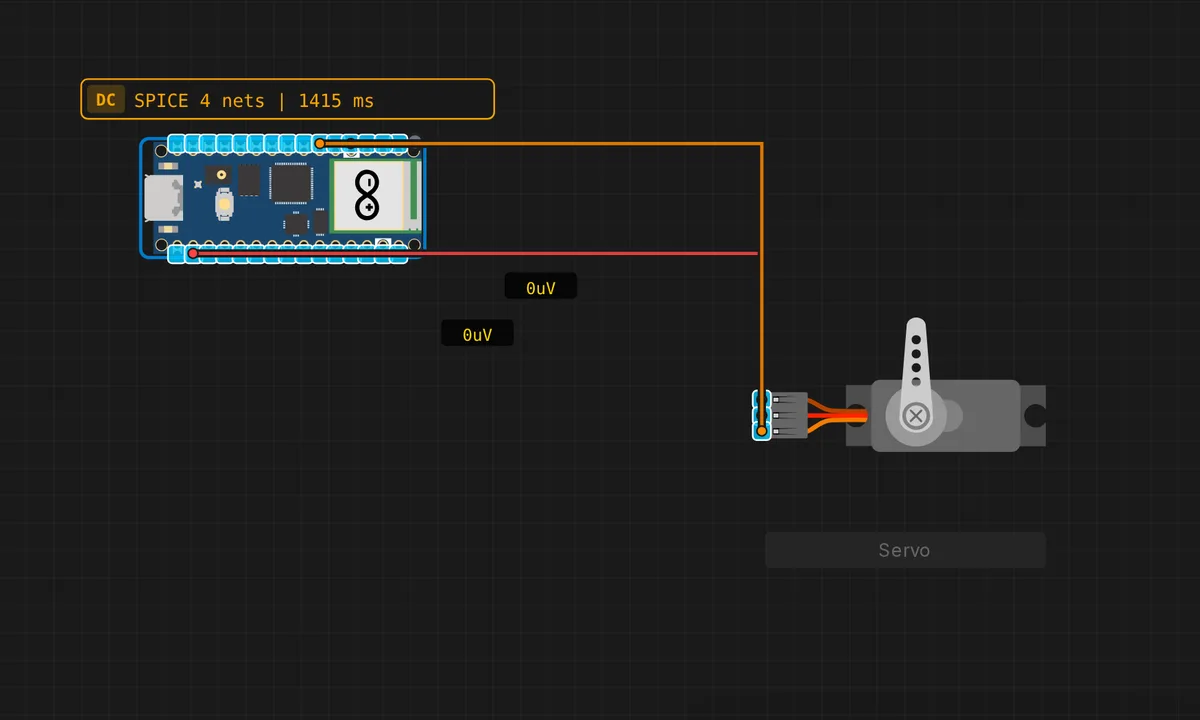 Pico: Servo Motor SweepRun in simulator →
![[Pico] SPI Loopback — free online circuit simulator example on Sensbench](/wp-content/uploads/2026/08/pico-spi-loopback-circuit-simulator.webp) [Pico] SPI LoopbackRun in simulator →
[Pico] SPI LoopbackRun in simulator →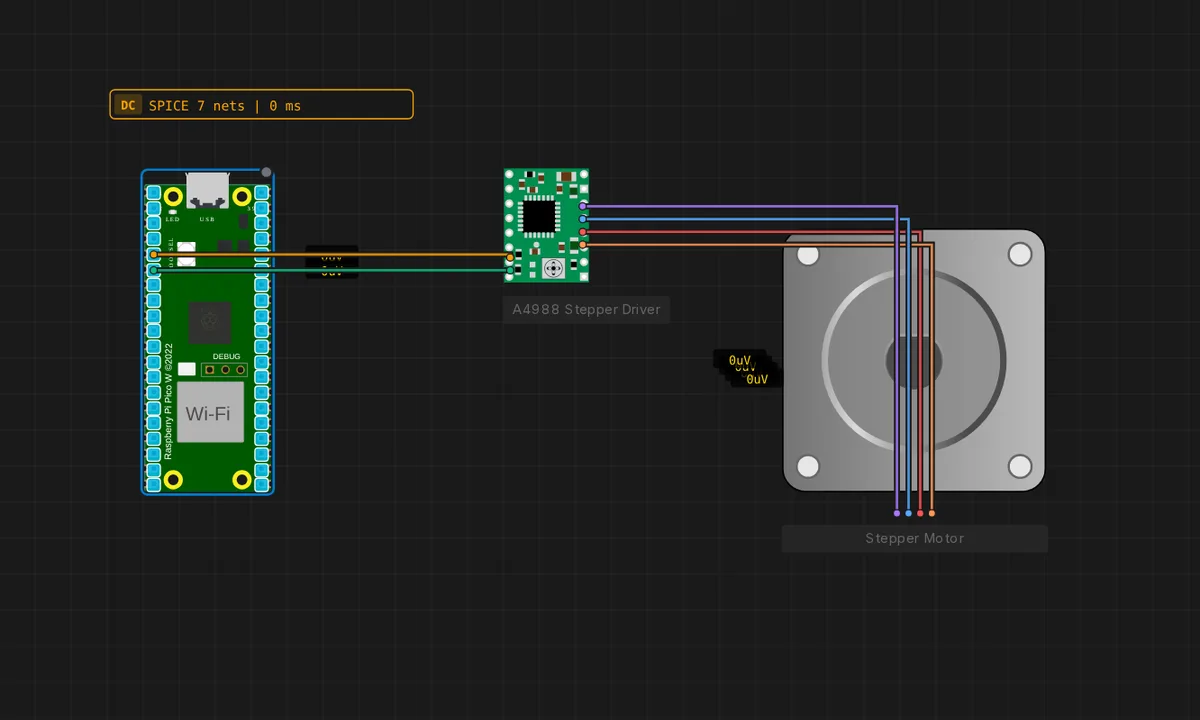 Raspberry Pi Pico: Stepper + A4988Run in simulator →
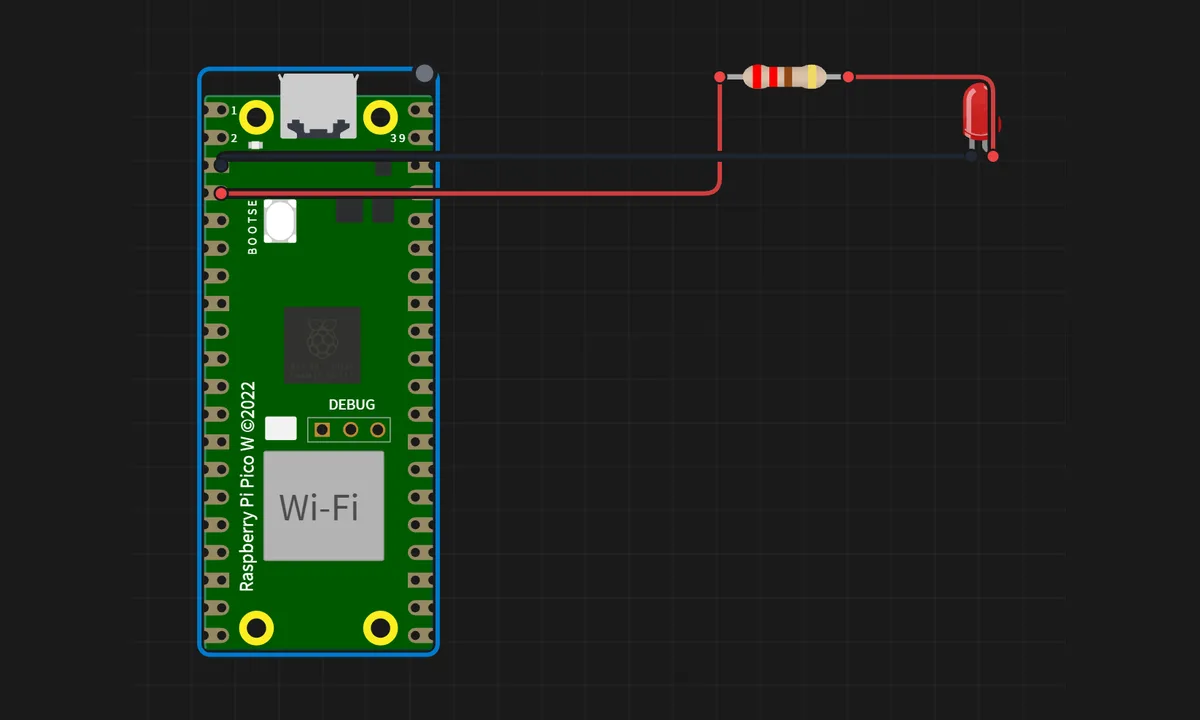
Pico W — WiFi Projects 4
Web servers, WebSockets and relays over WiFi on the Pico W.
STM32 25
Blue Pill, Black Pill and friends — ARM Cortex-M boards with far more timers than an Uno.
 STM32 Black Pill BlinkRun in simulator →
 STM32 Black Pill (F401) BlinkRun in simulator →
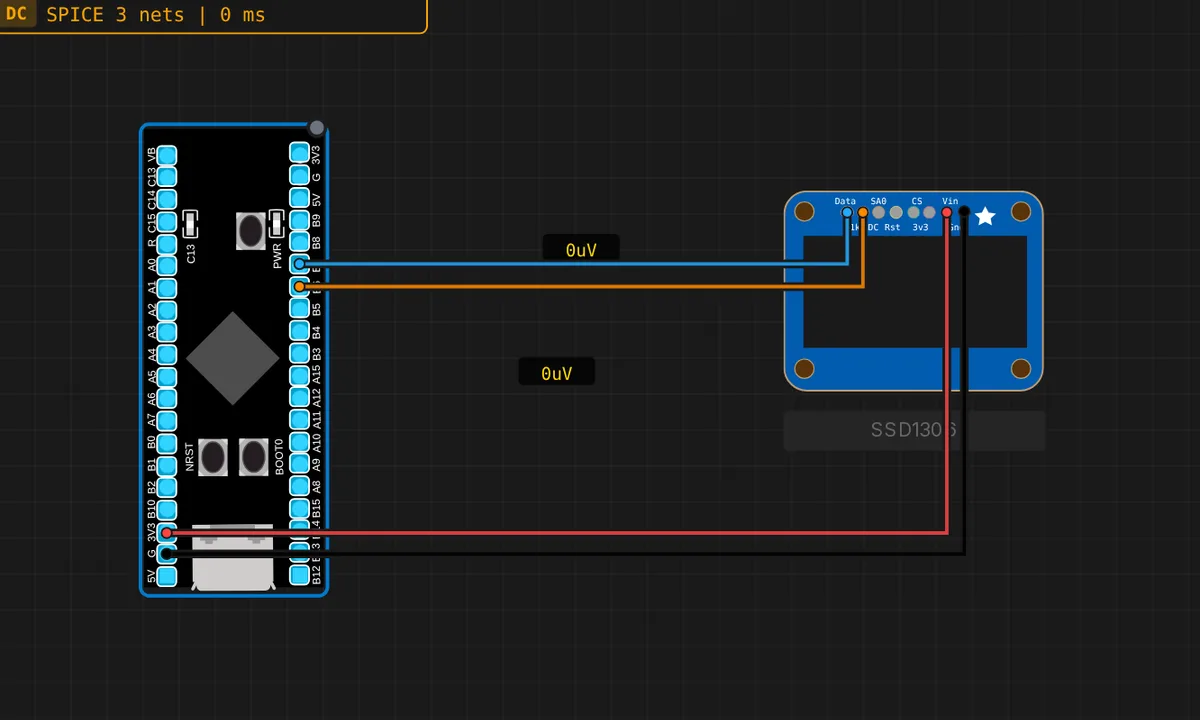 STM32 Black Pill: SSD1306 OLED (I2C)Run in simulator →
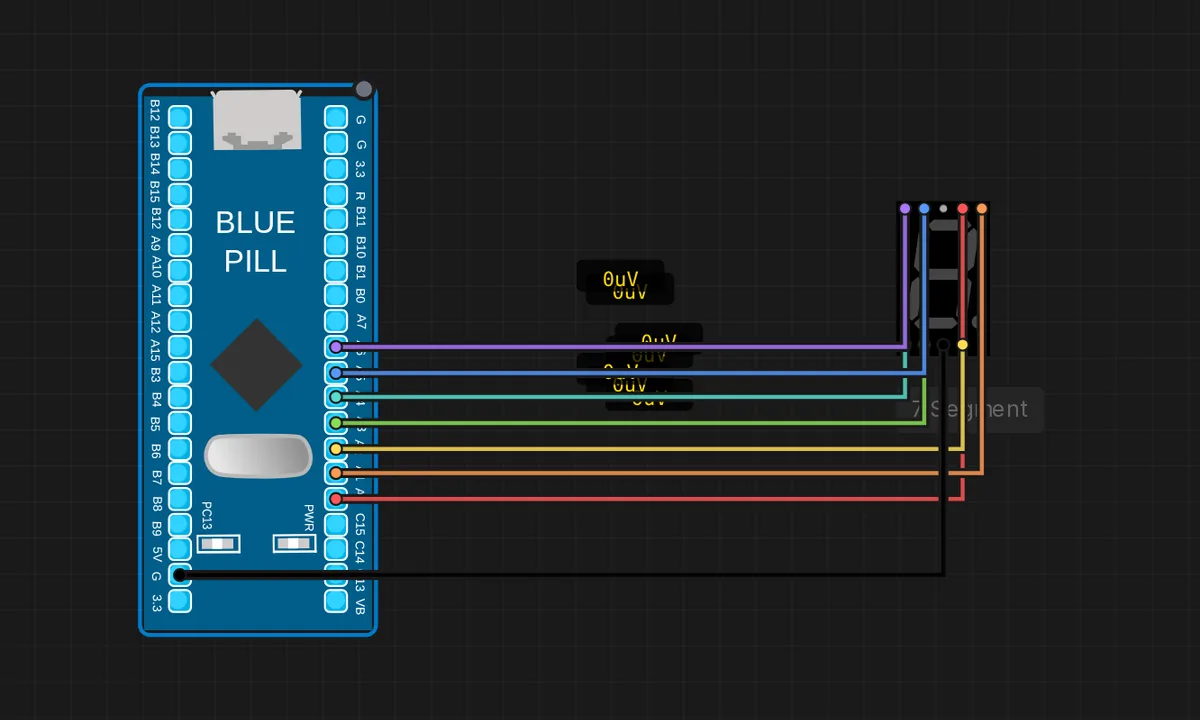 STM32: 7-Segment CounterRun in simulator →
![[STM32 + STM32] Blue Pill → Black Pill — free online circuit simulator example on Sensbench](/wp-content/uploads/2026/08/stm32-bluepill-blackpill-gpio-circuit-simulator.webp) [STM32 + STM32] Blue Pill → Black PillRun in simulator →
[STM32 + STM32] Blue Pill → Black PillRun in simulator → STM32 Blue Pill BlinkRun in simulator →
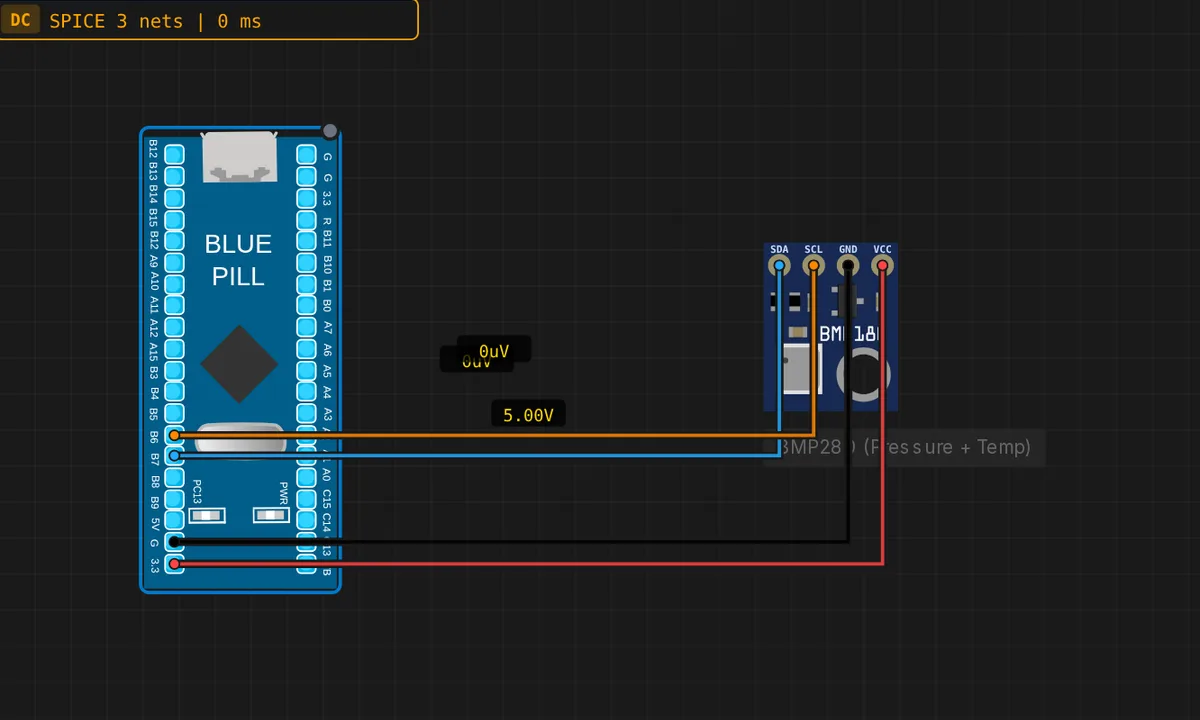 STM32: BMP280 Weather Sensor (I2C)Run in simulator →
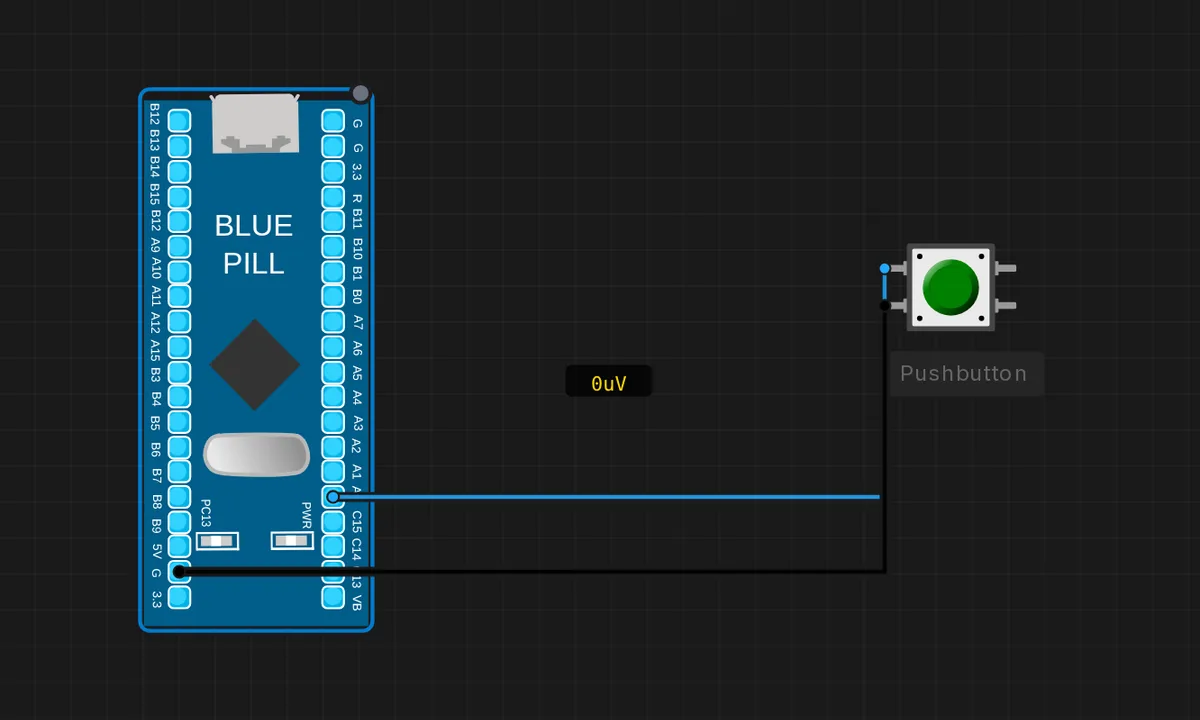 STM32: Push Button -> LEDRun in simulator →
 STM32 Blue Pill (F103CB) BlinkRun in simulator →
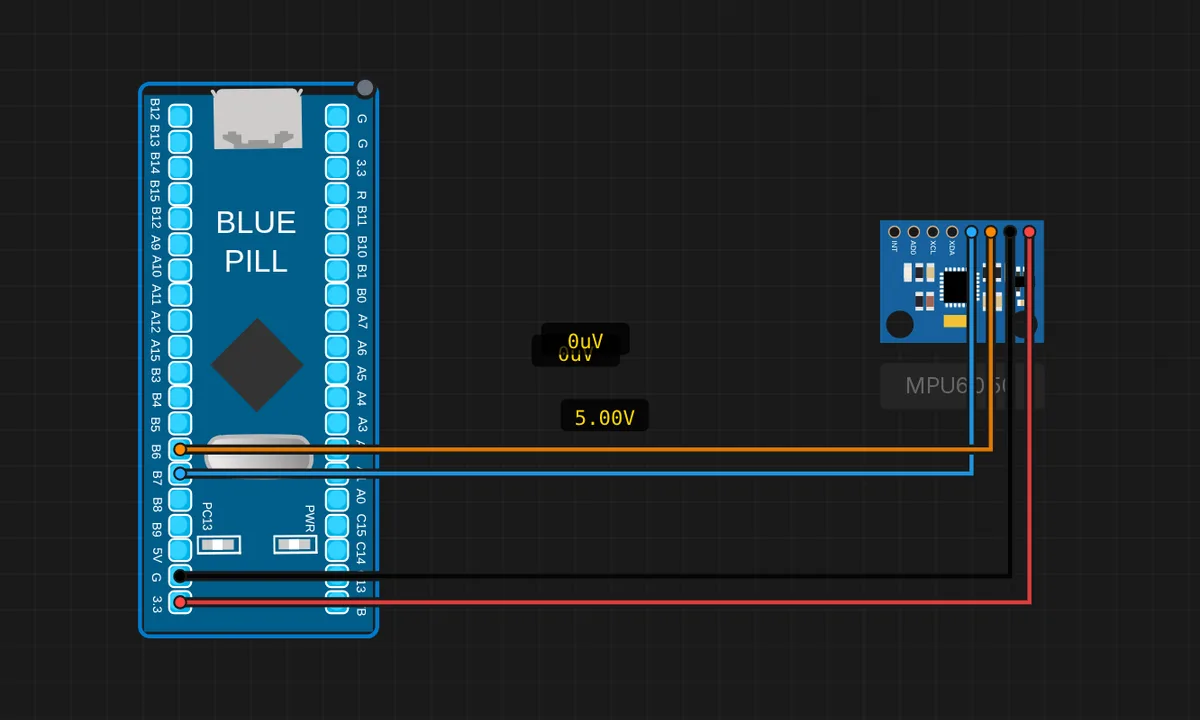 STM32: MPU6050 IMU (I2C)Run in simulator →
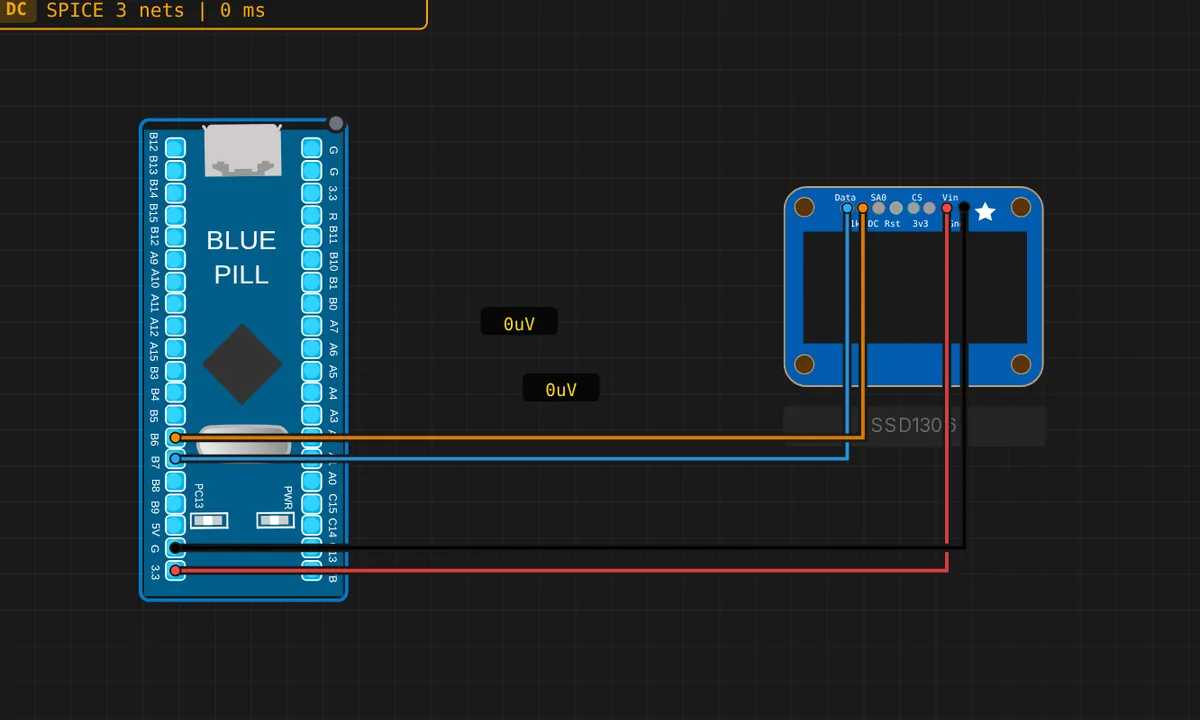 STM32: SSD1306 OLED Display (I2C)Run in simulator →
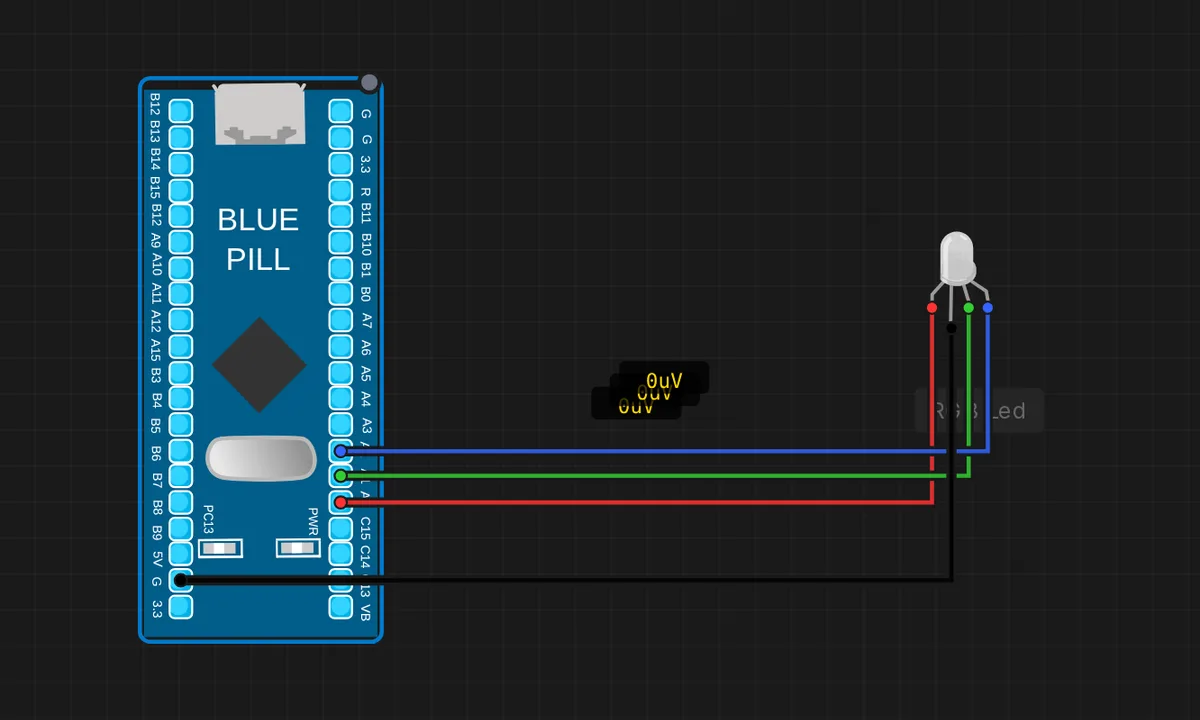 STM32: RGB LED Color CycleRun in simulator →
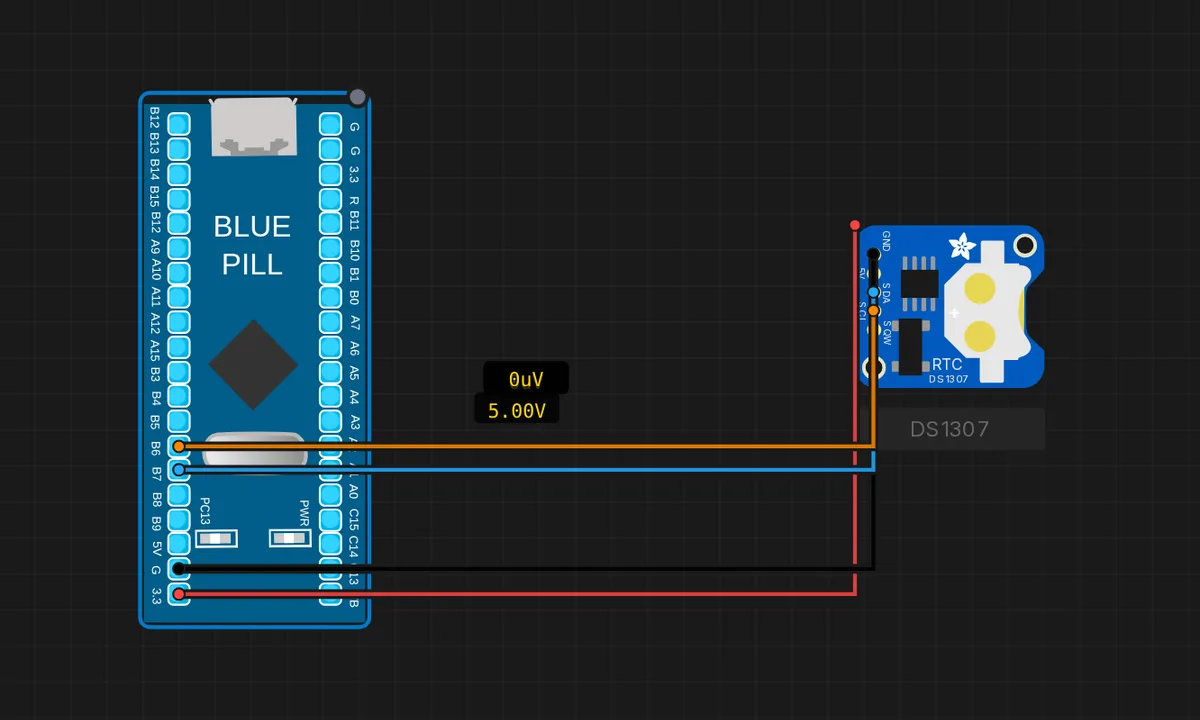 STM32: DS1307 RTC Clock (I2C)Run in simulator →
 STM32 Serial CounterRun in simulator →
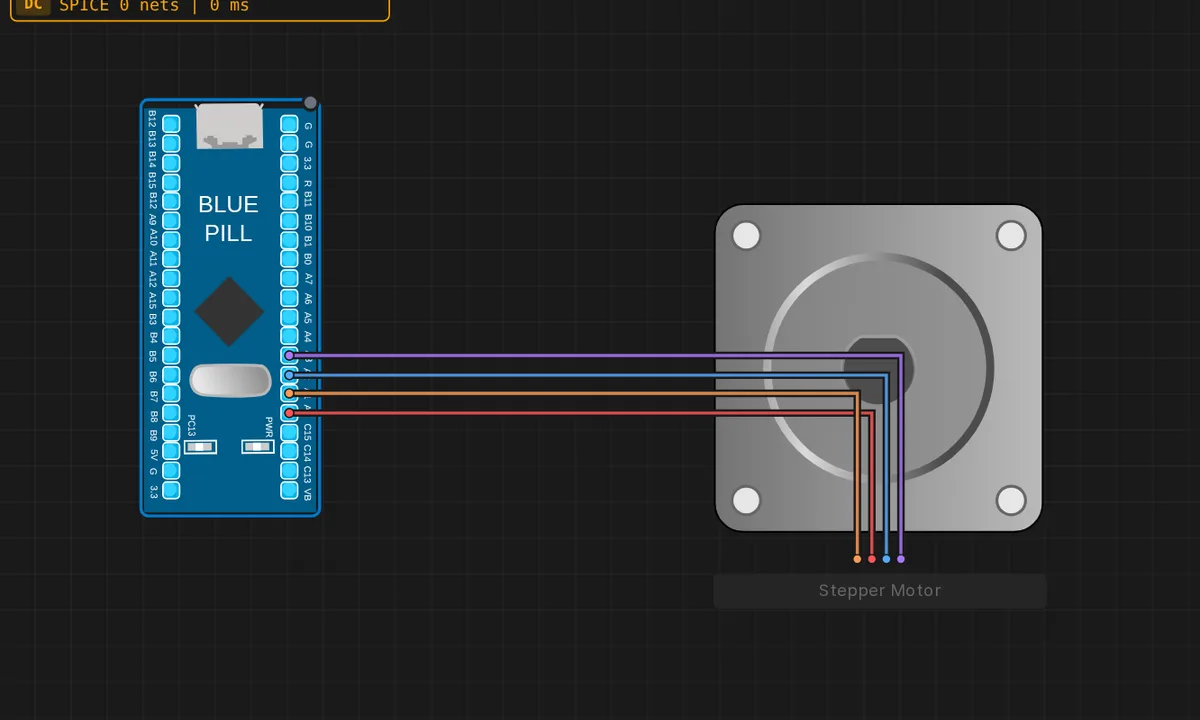 STM32: Stepper MotorRun in simulator →
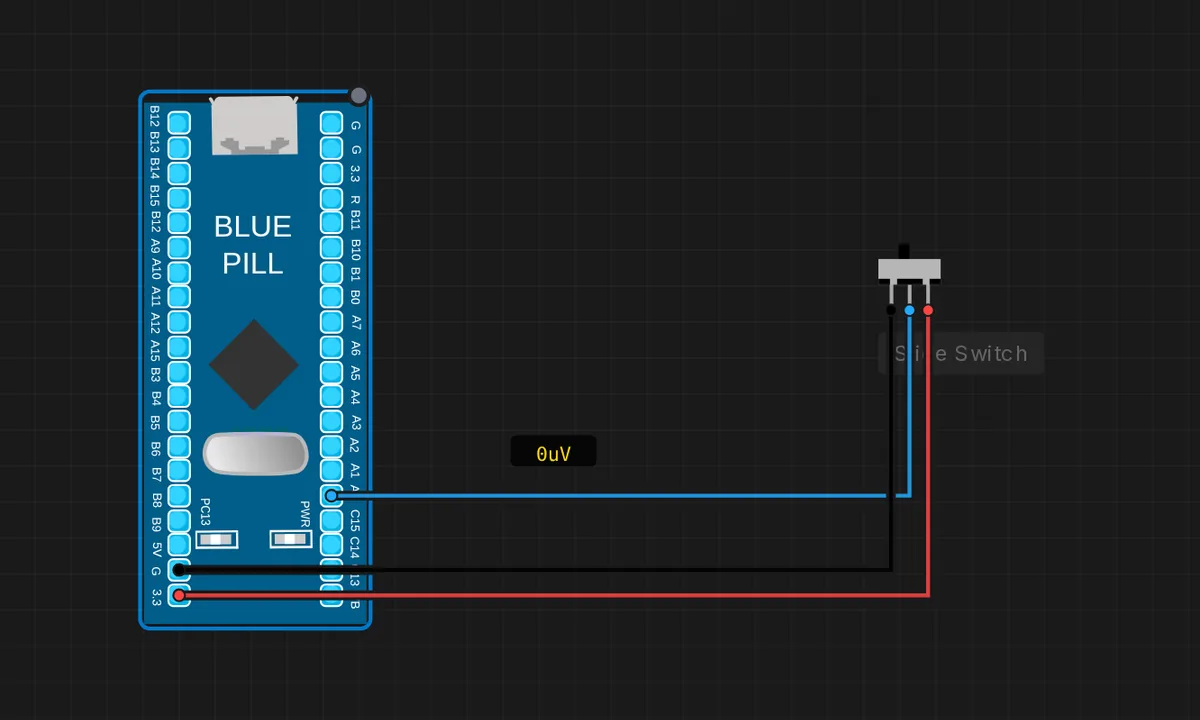 STM32: Slide Switch -> LEDRun in simulator →
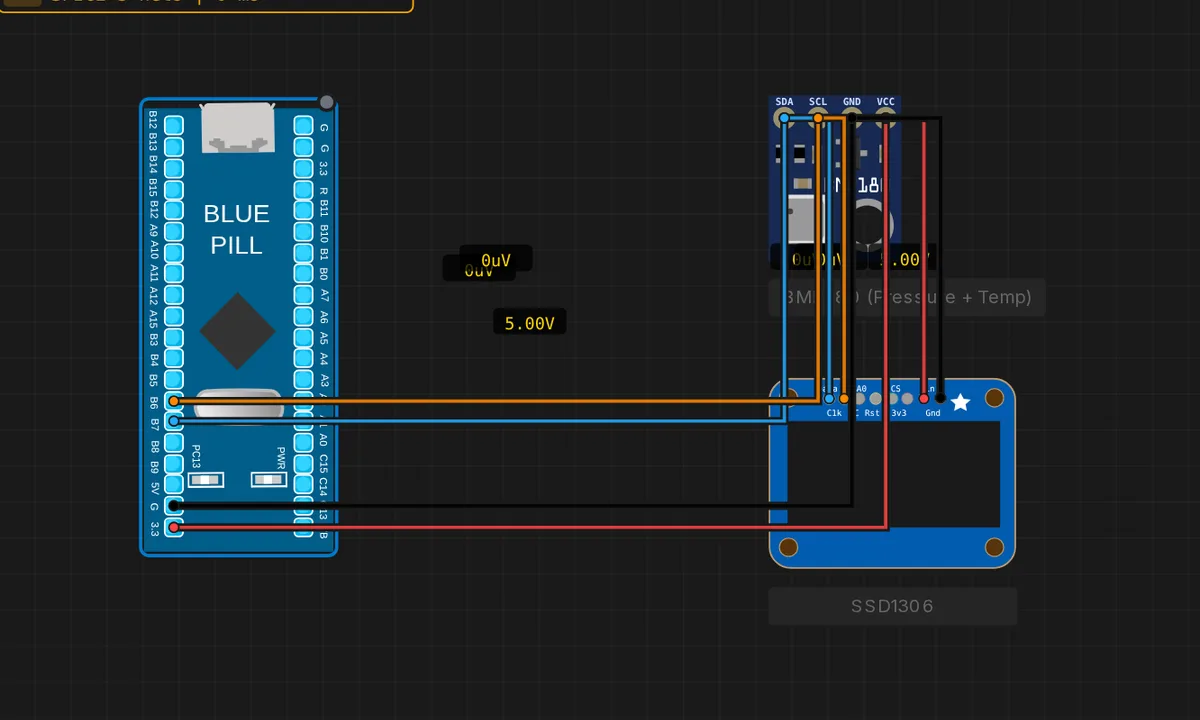 STM32: Weather Station (BMP280 + OLED)Run in simulator →
![[STM32 + ESP32] GPIO Sync — free online circuit simulator example on Sensbench](/wp-content/uploads/2026/08/stm32-esp32-gpio-sync-circuit-simulator.webp) [STM32 + ESP32] GPIO SyncRun in simulator →
[STM32 + ESP32] GPIO SyncRun in simulator →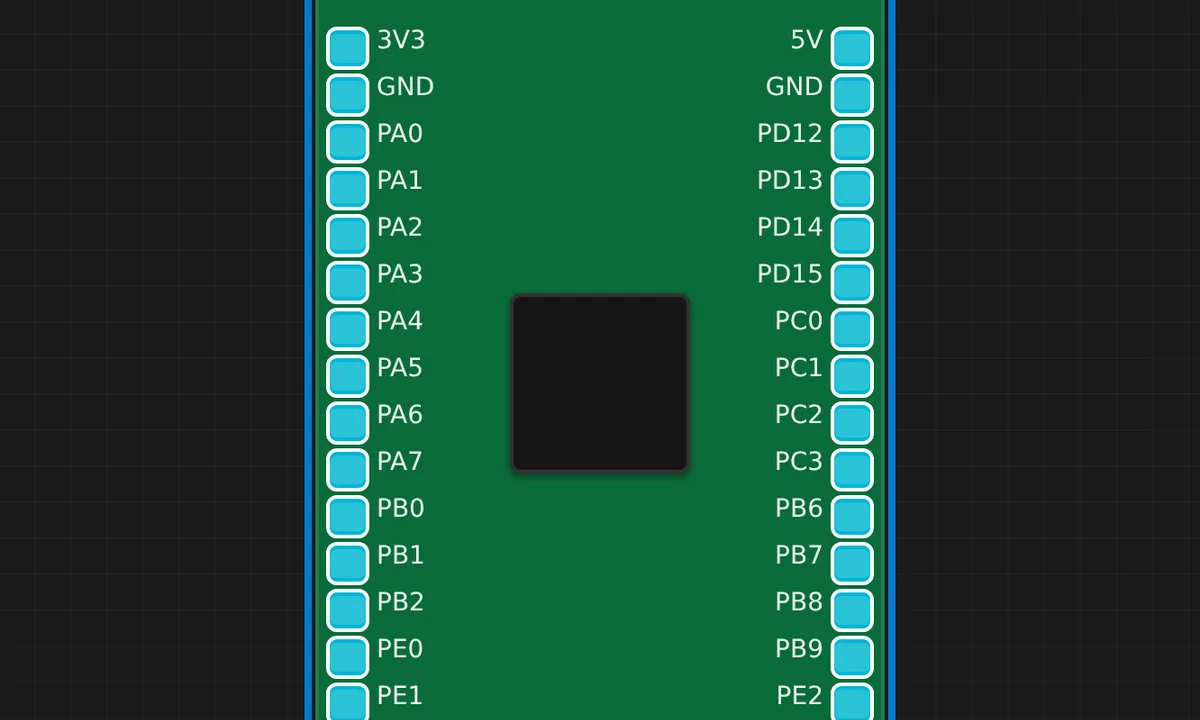 STM32F4 Discovery LED BlinkRun in simulator →
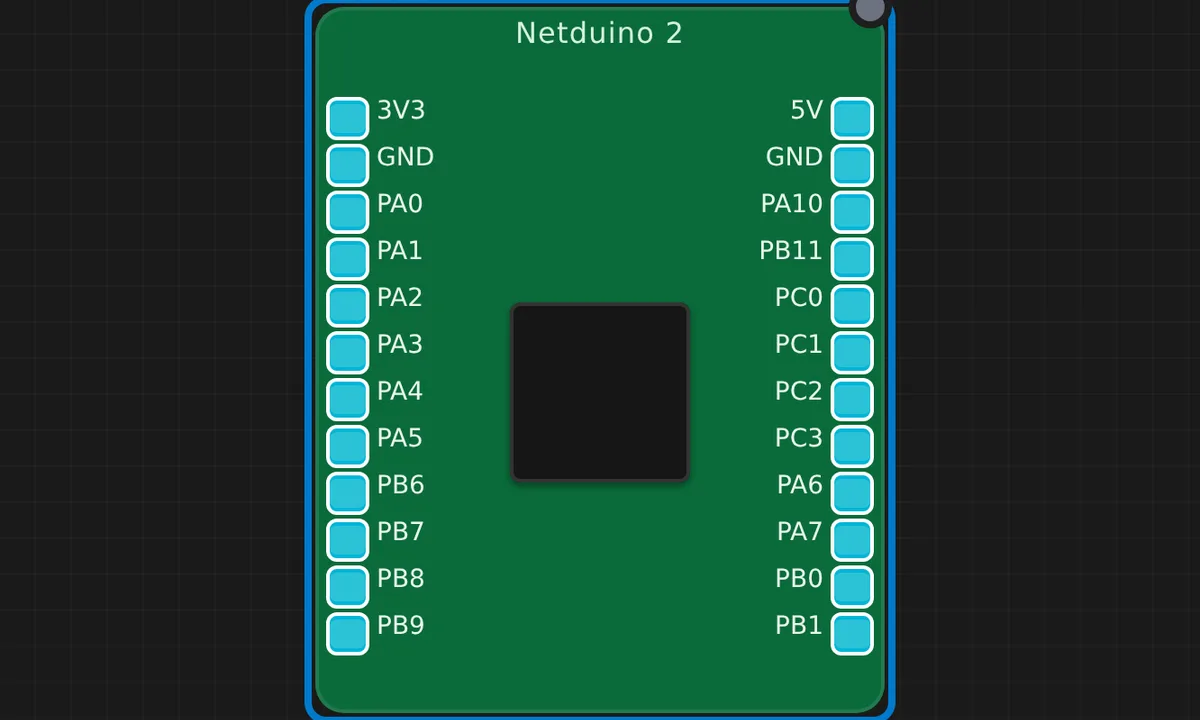 Netduino 2 Serial CounterRun in simulator →
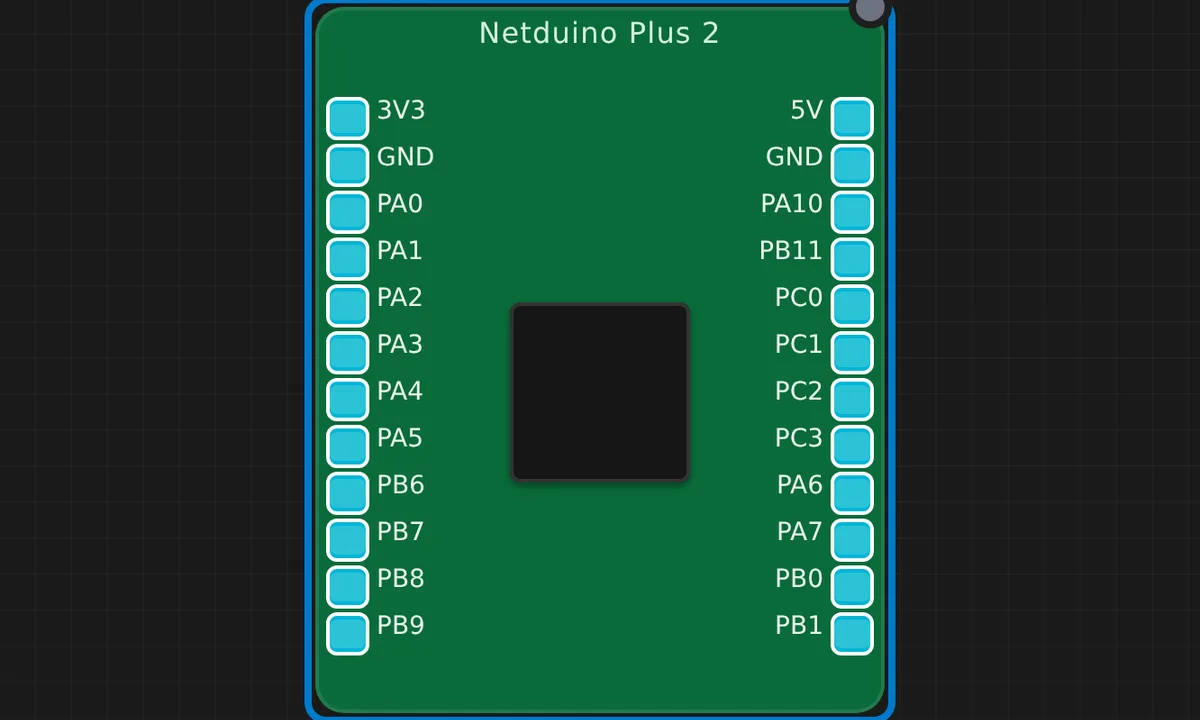 Netduino Plus 2 BlinkRun in simulator →
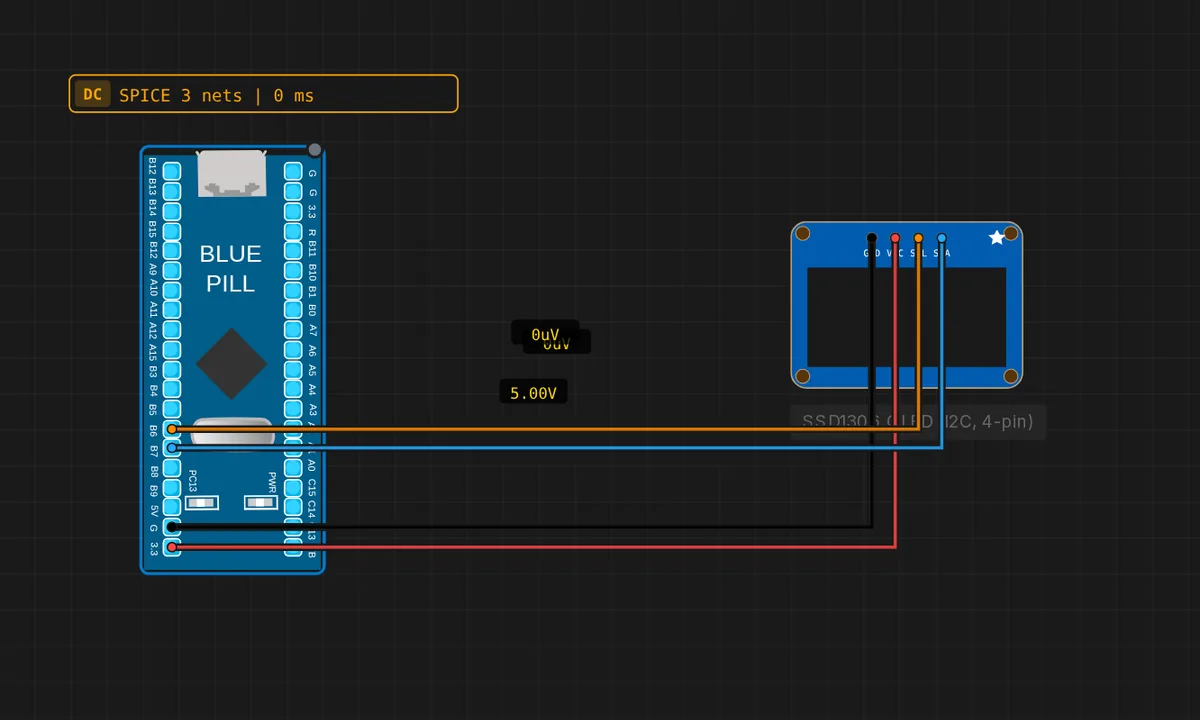 STM32 Blue Pill: SSD1306 OLED (4-pin I2C)Run in simulator →
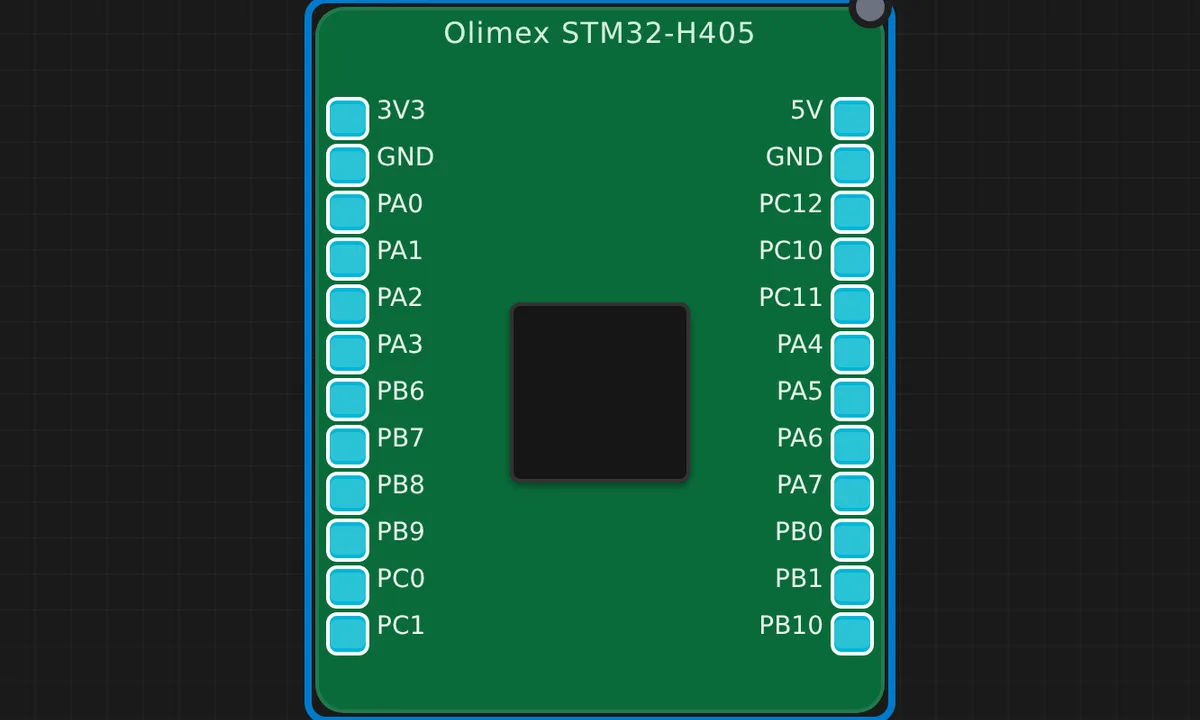 Olimex STM32-H405 BlinkRun in simulator →
![[STM32 + Arduino] GPIO Mirror — free online circuit simulator example on Sensbench](/wp-content/uploads/2026/08/stm32-uno-gpio-mirror-circuit-simulator.webp) [STM32 + Arduino] GPIO MirrorRun in simulator →
[STM32 + Arduino] GPIO MirrorRun in simulator →![[STM32 + Arduino] Serial Link — free online circuit simulator example on Sensbench](/wp-content/uploads/2026/08/stm32-uno-serial-link-circuit-simulator.webp) [STM32 + Arduino] Serial LinkRun in simulator →
[STM32 + Arduino] Serial LinkRun in simulator →
Raspberry Pi 3 / 4 / 5 6
Full Linux on a Raspberry Pi, driving GPIO from Python.
![[Pi 3] Blink an LED — free online circuit simulator example on Sensbench](/wp-content/uploads/2026/08/pi3-blink-led-circuit-simulator.webp)
![[Pi 3] Running Lights (5 LEDs) — free online circuit simulator example on Sensbench](/wp-content/uploads/2026/08/pi3-running-lights-circuit-simulator.webp)
![[Pi 4] Button Toggles LED — free online circuit simulator example on Sensbench](/wp-content/uploads/2026/08/pi4-button-led-circuit-simulator.webp)
![[Pi 4] RGB LED Color Cycle — free online circuit simulator example on Sensbench](/wp-content/uploads/2026/08/pi4-rgb-color-cycle-circuit-simulator.webp)
![[Pi 5] PIR Motion Alarm — free online circuit simulator example on Sensbench](/wp-content/uploads/2026/08/pi5-pir-motion-alarm-circuit-simulator.webp)
![[Pi 5] Traffic Light — free online circuit simulator example on Sensbench](/wp-content/uploads/2026/08/pi5-traffic-light-circuit-simulator.webp)
Multi-Board Communication 4
Two boards in one simulation — watch them talk over UART, GPIO and handshakes.
![[2× Pico W] Bidirectional Digital Handshake — free online circuit simulator example on Sensbench](/wp-content/uploads/2026/08/dual-pico-bidirectional-handshake-circuit-simulator.webp)
![[2× Pico W] Digital GPIO Mirror — free online circuit simulator example on Sensbench](/wp-content/uploads/2026/08/dual-pico-digital-mirror-circuit-simulator.webp)
![[2× Pico W] Serial1 Passthrough (UART0) — free online circuit simulator example on Sensbench](/wp-content/uploads/2026/08/dual-pico-serial1-passthrough-circuit-simulator.webp)
![[Pi + Arduino] Serial LED Control — free online circuit simulator example on Sensbench](/wp-content/uploads/2026/08/pi-to-arduino-led-control-circuit-simulator.webp)
Analog & SPICE Circuits 23
Real SPICE simulation: dividers, filters, op-amps, rectifiers — with an oscilloscope on every node.
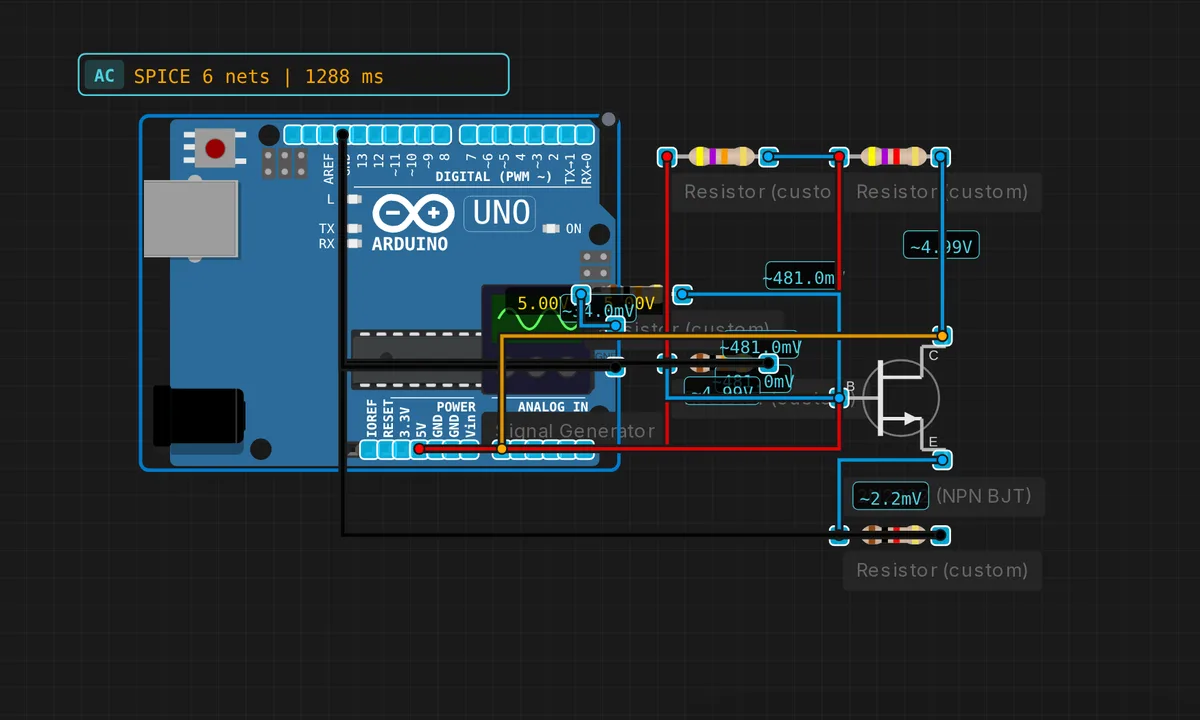 Common-Emitter AmplifierRun in simulator →
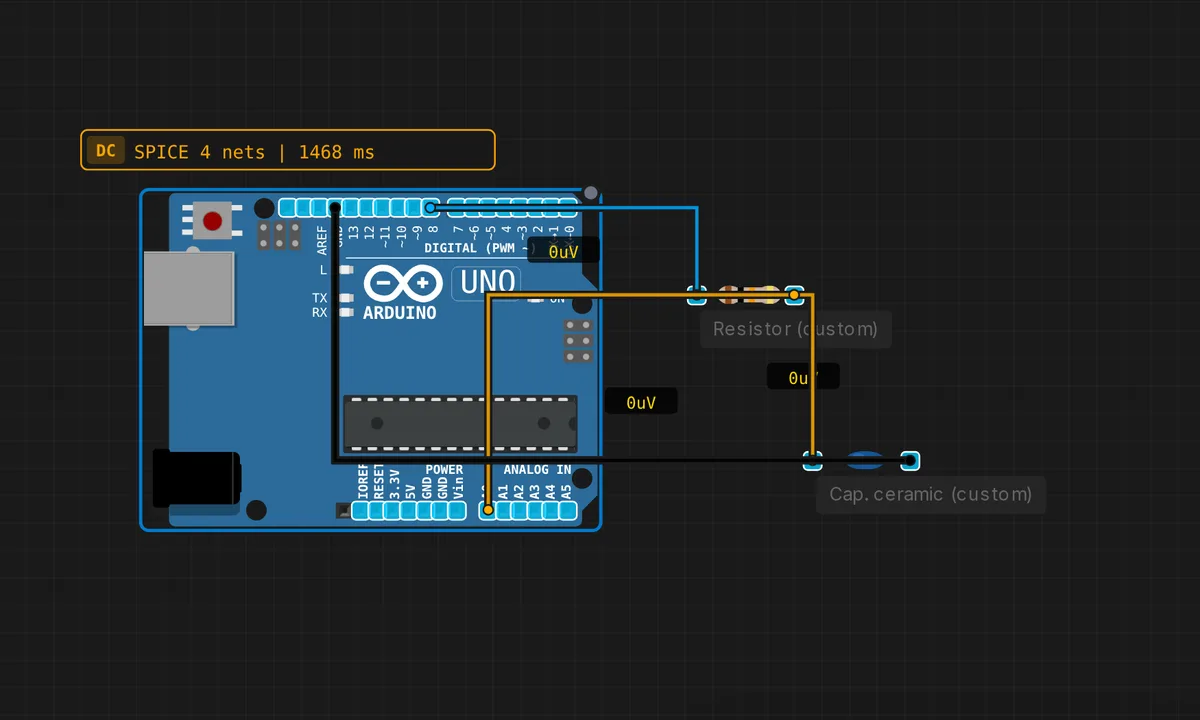 Capacitor Charging CurveRun in simulator →
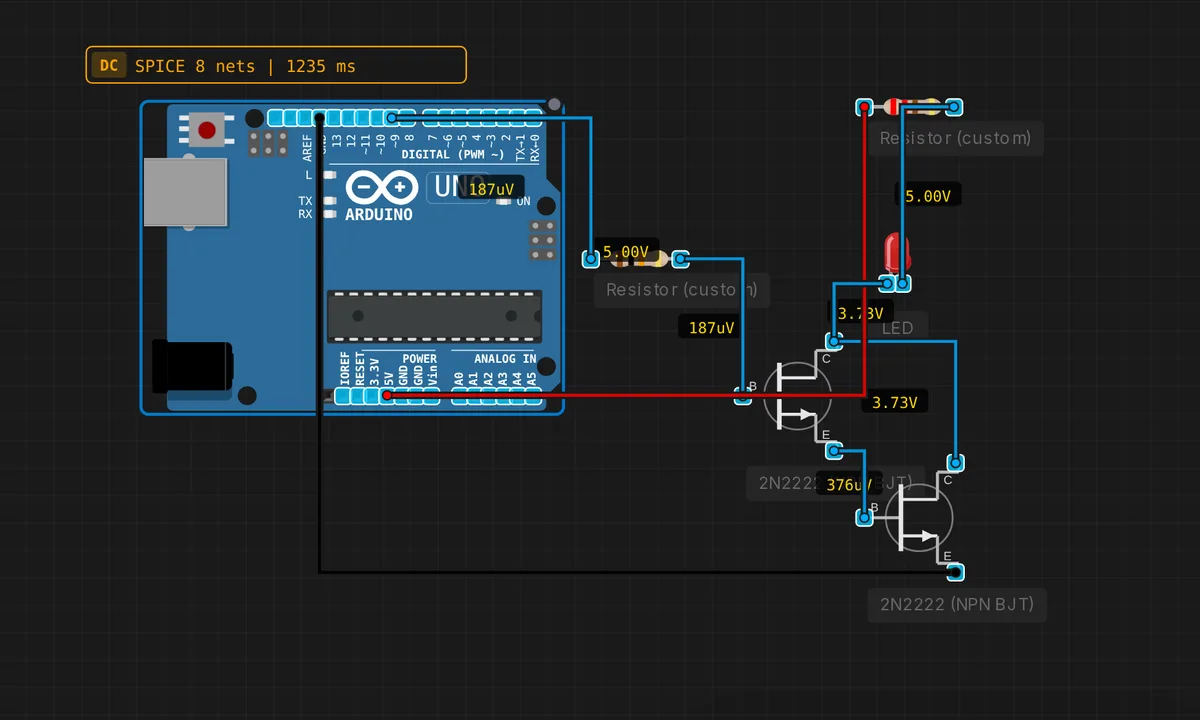 Darlington Pair (High Current)Run in simulator →
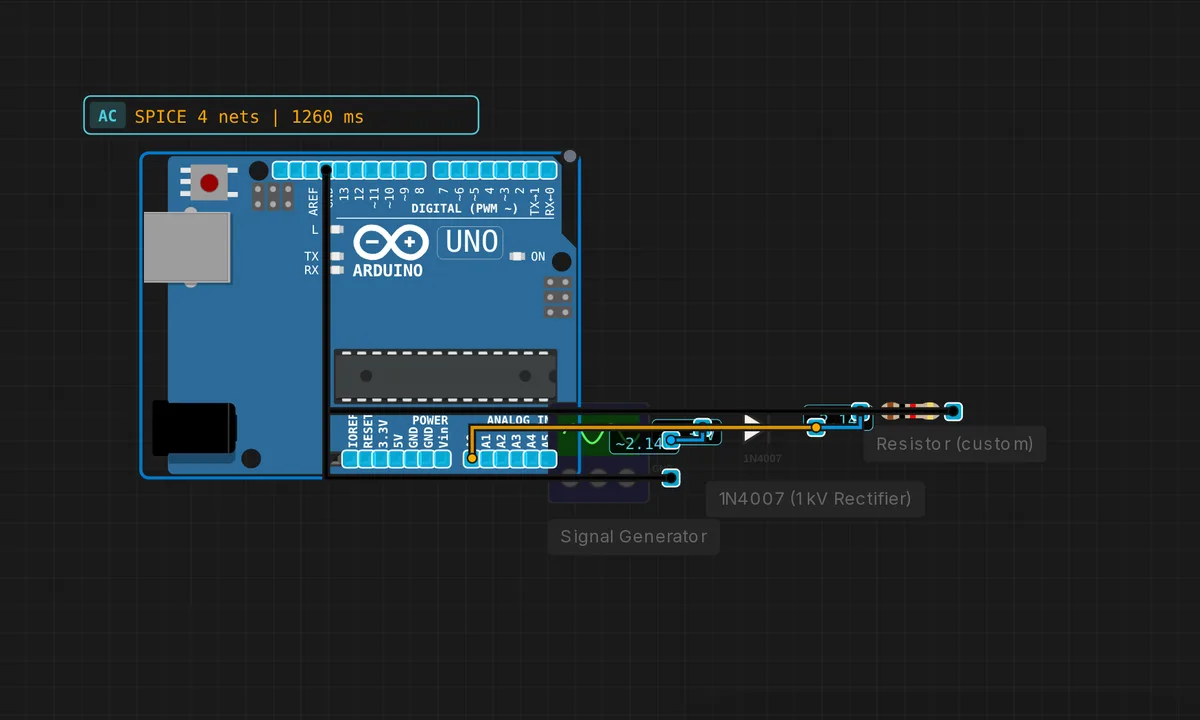 Half-Wave RectifierRun in simulator →
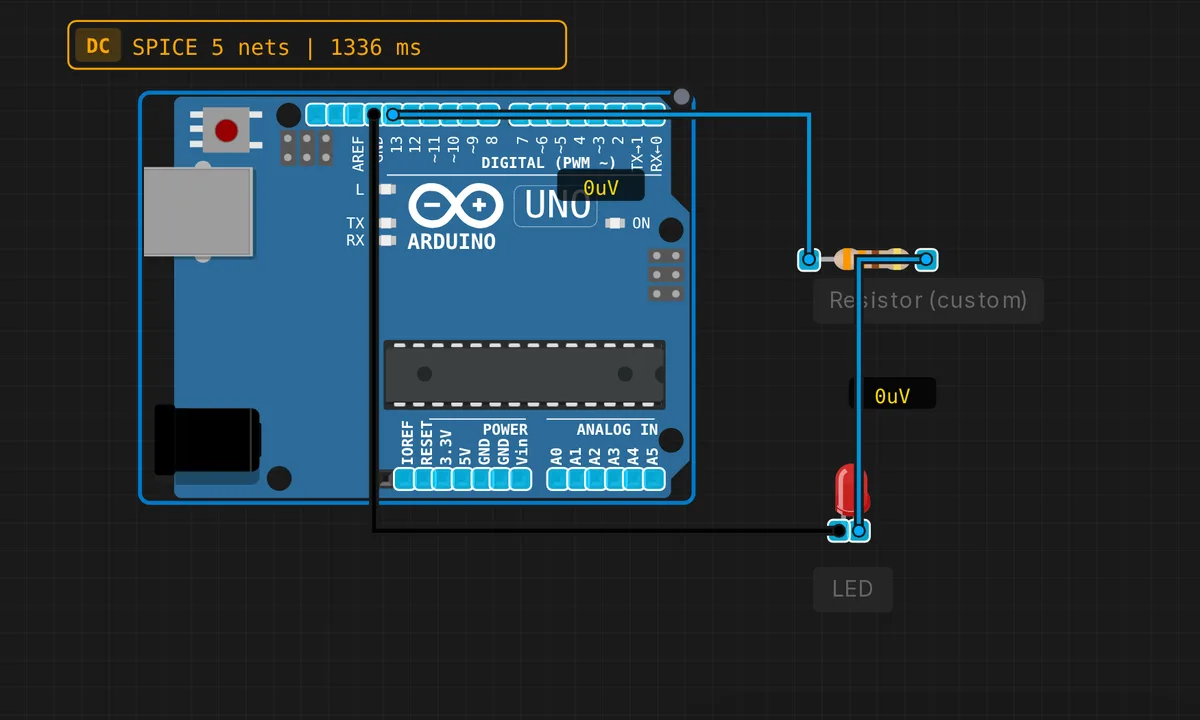 LED with Current-Limiting ResistorRun in simulator →
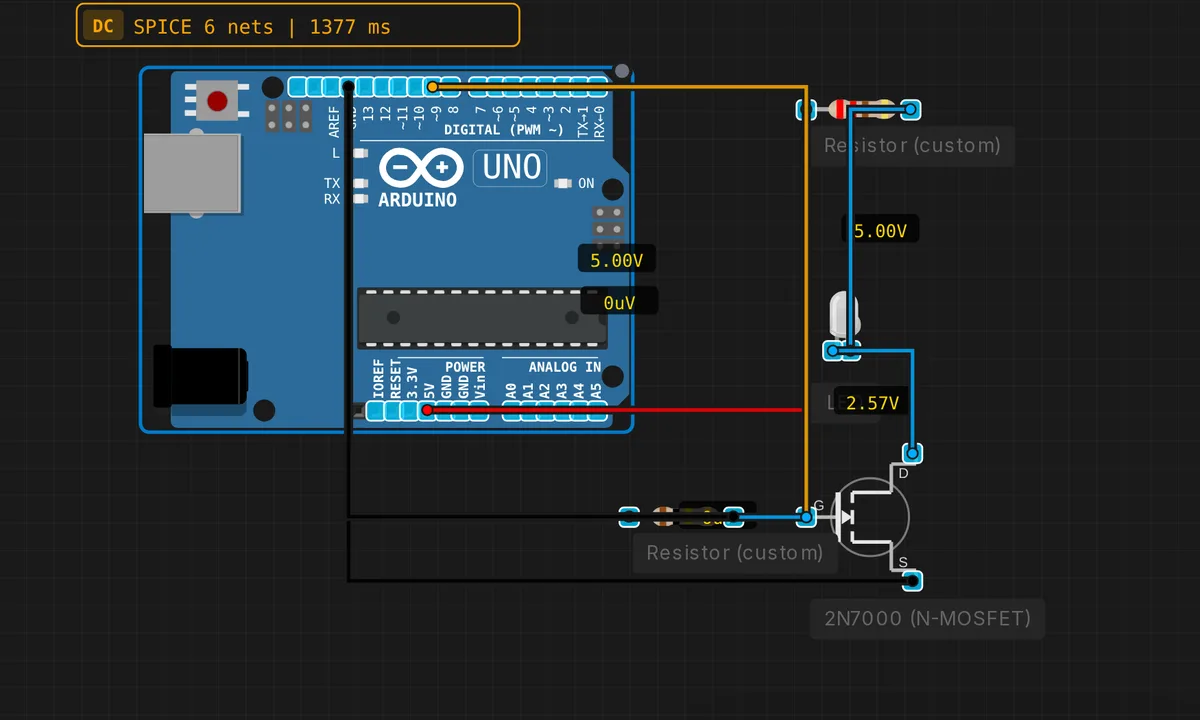 MOSFET PWM LED DimmerRun in simulator →
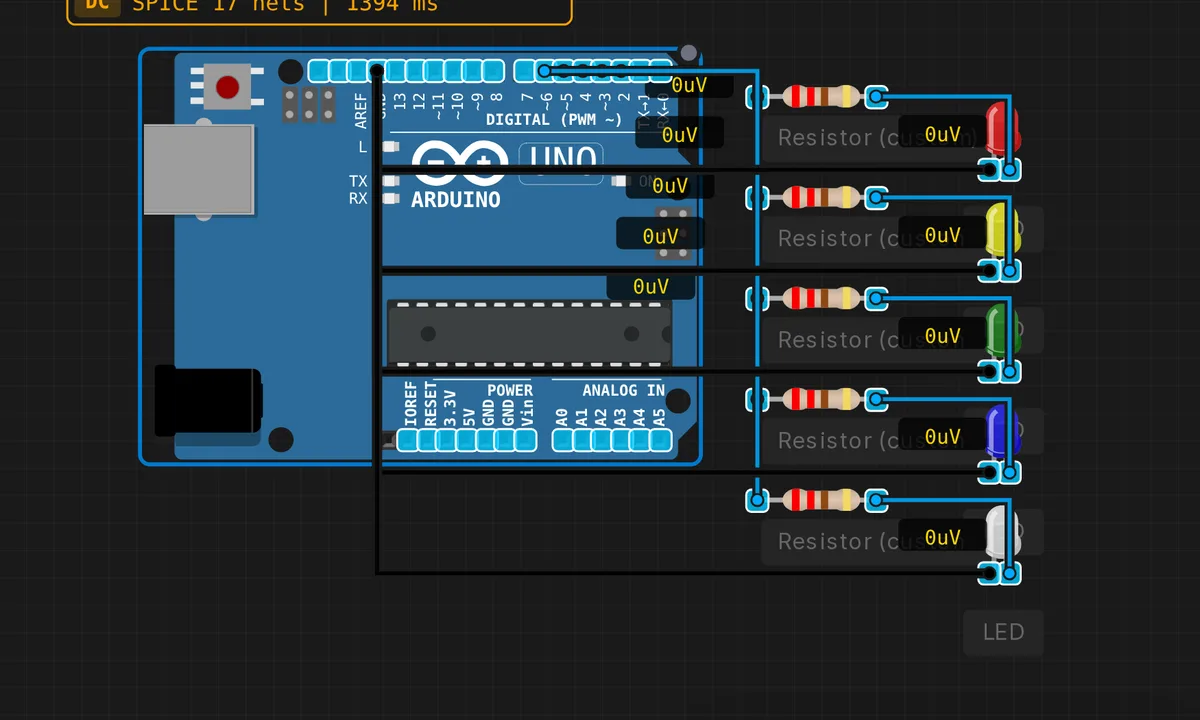 LED Bar GraphRun in simulator →
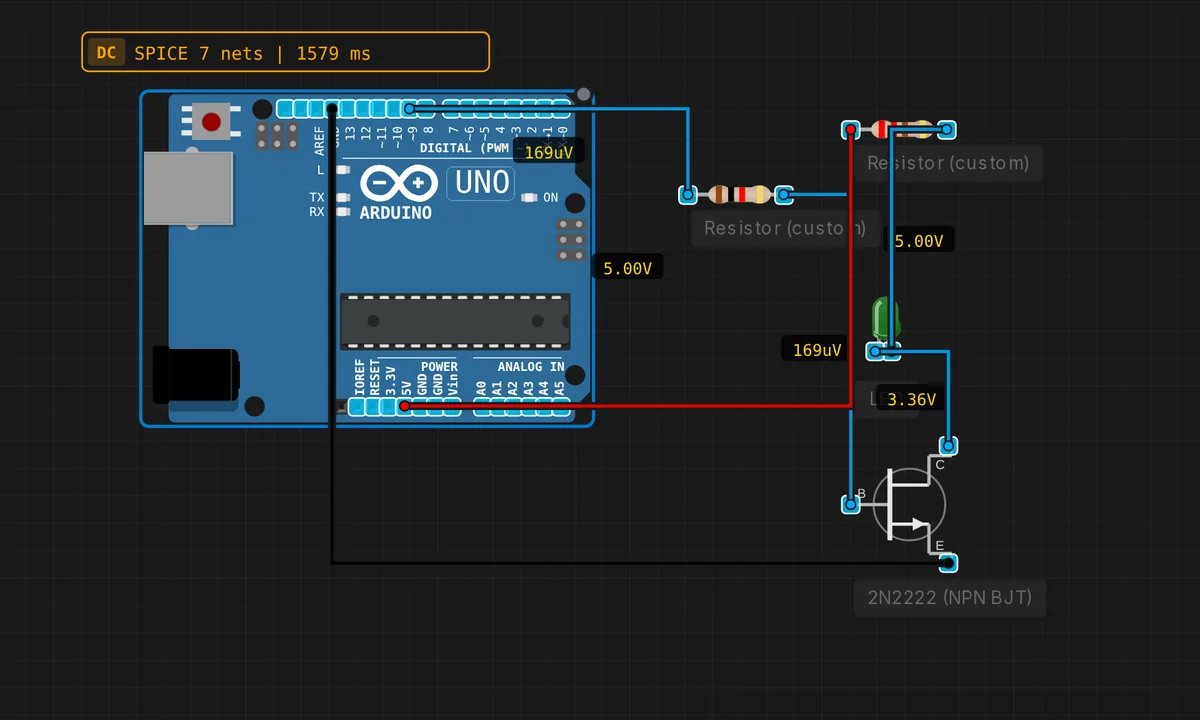 NPN Transistor LED SwitchRun in simulator →
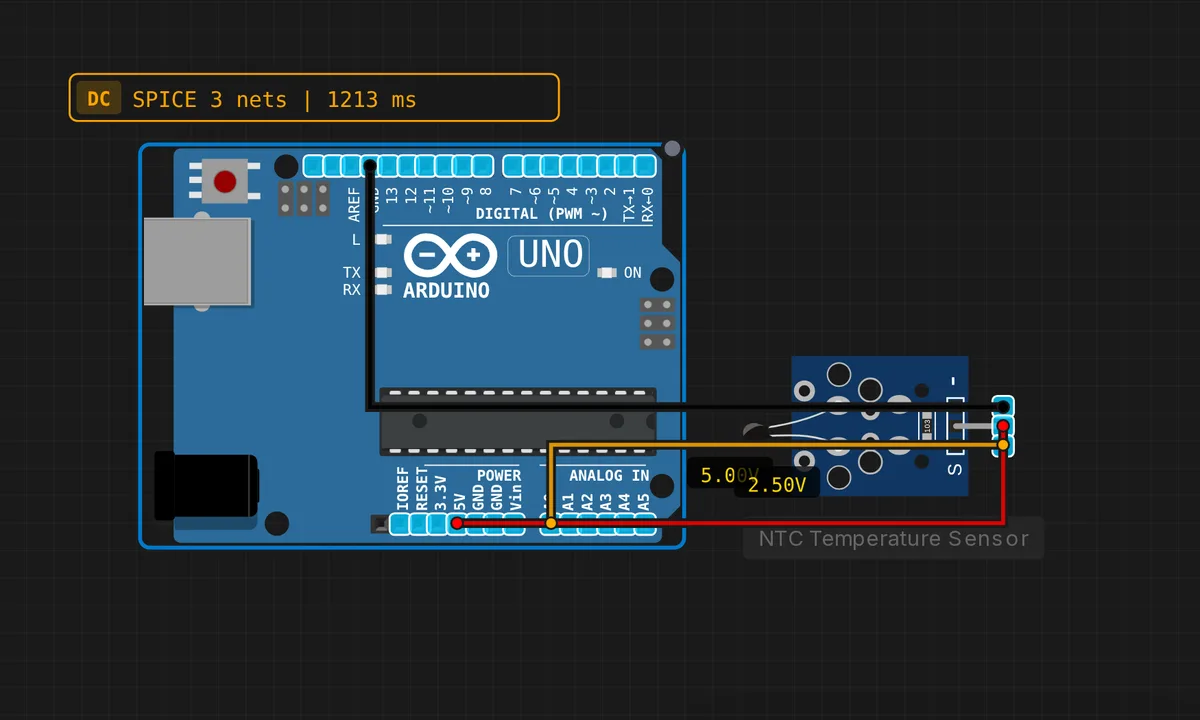 NTC Temperature SensorRun in simulator →
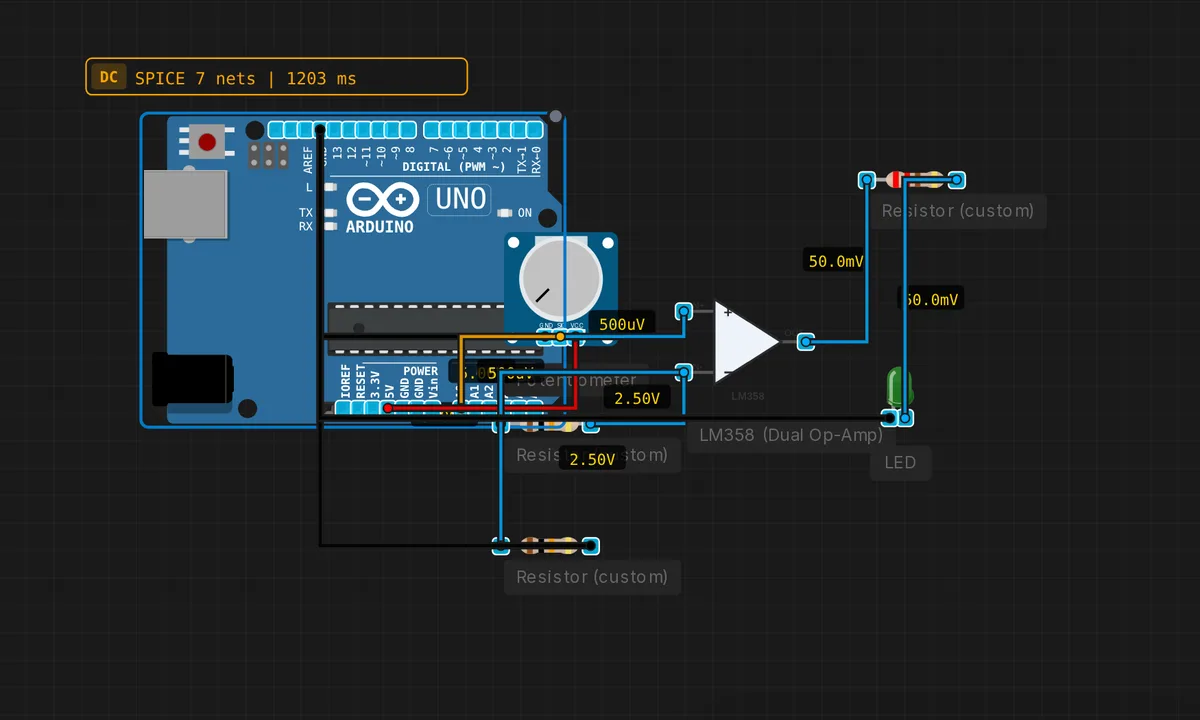 Comparator with LEDRun in simulator →
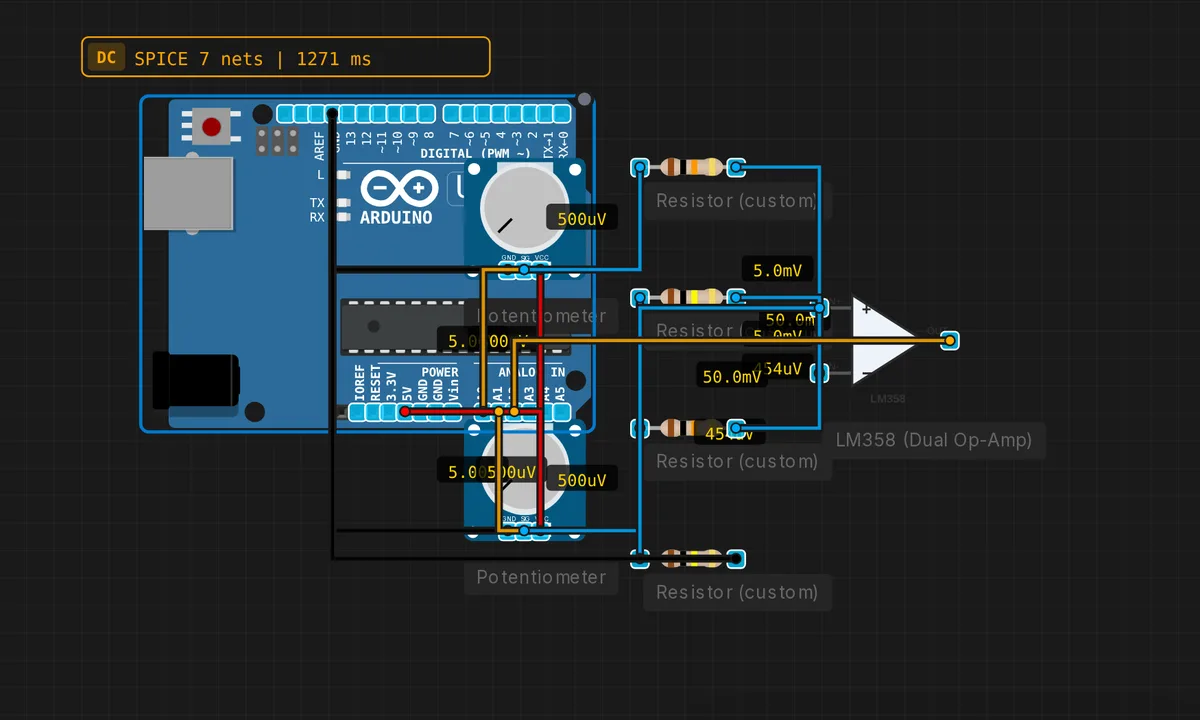 Difference AmplifierRun in simulator →
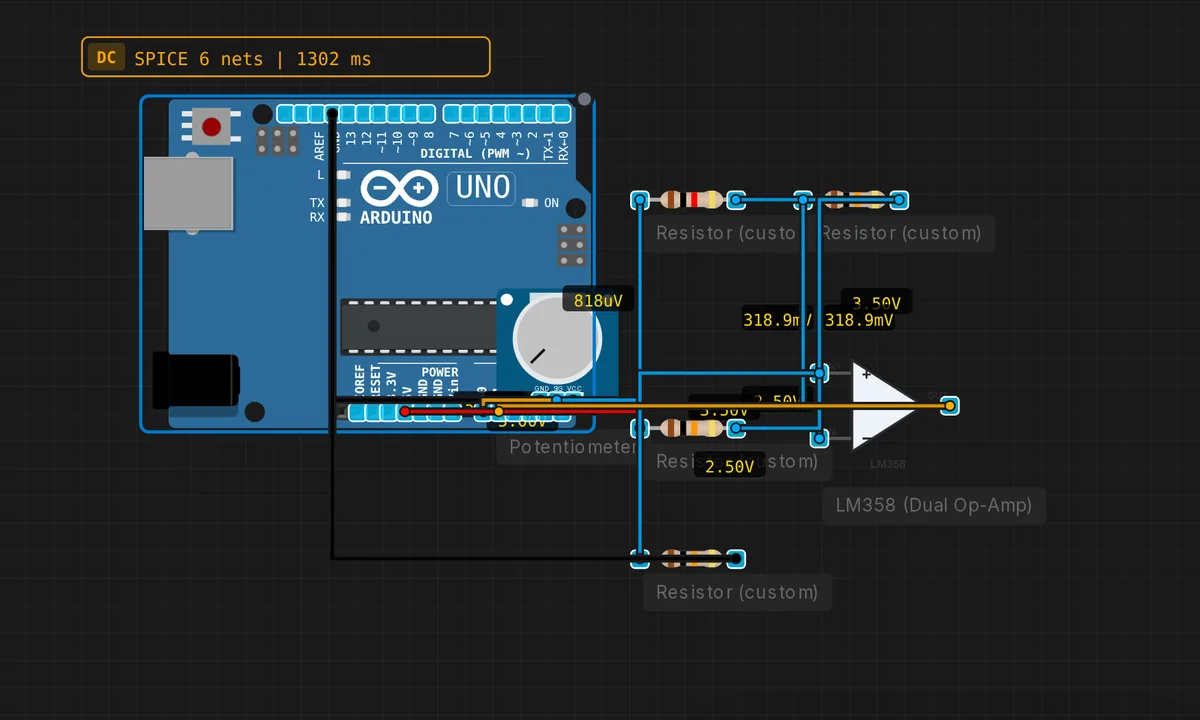 Inverting Amplifier (LM358)Run in simulator →
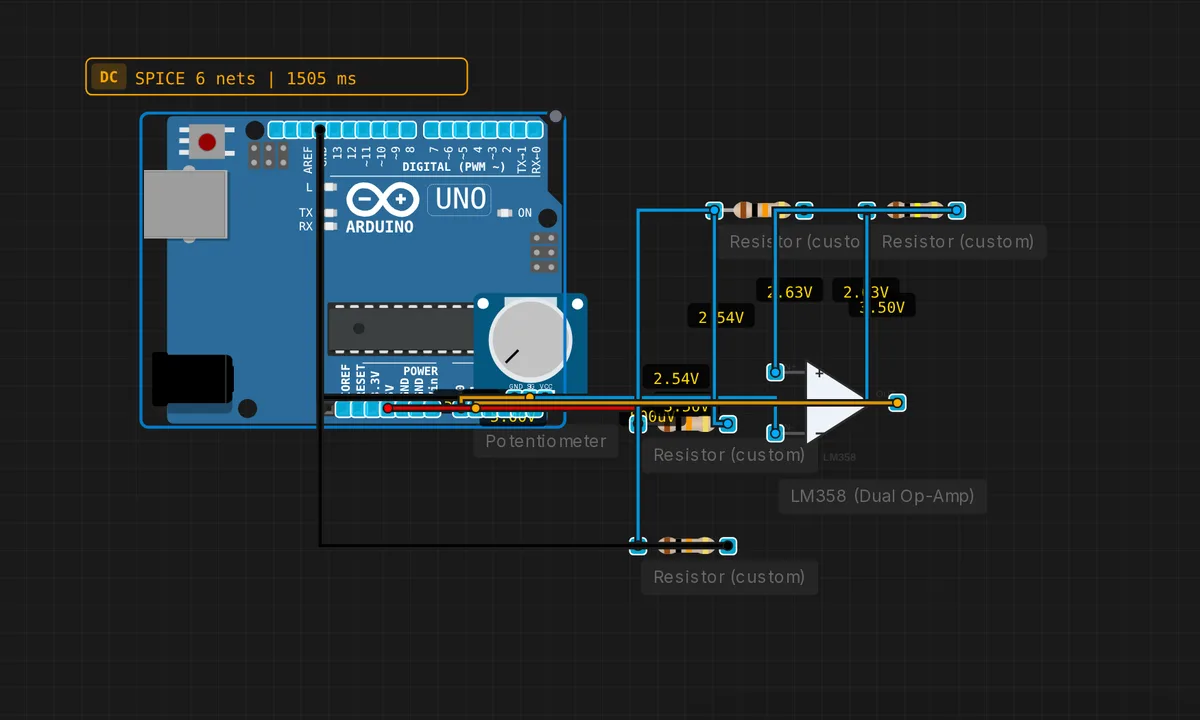 Schmitt TriggerRun in simulator →
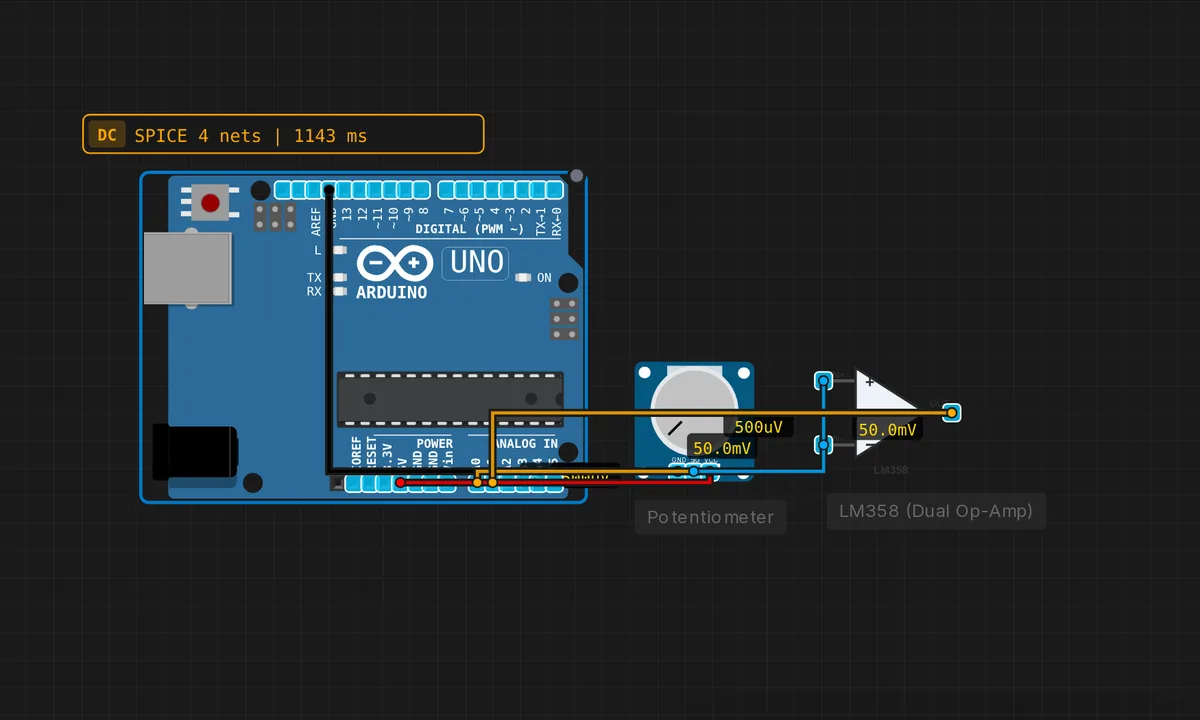 Voltage Follower (Buffer)Run in simulator →
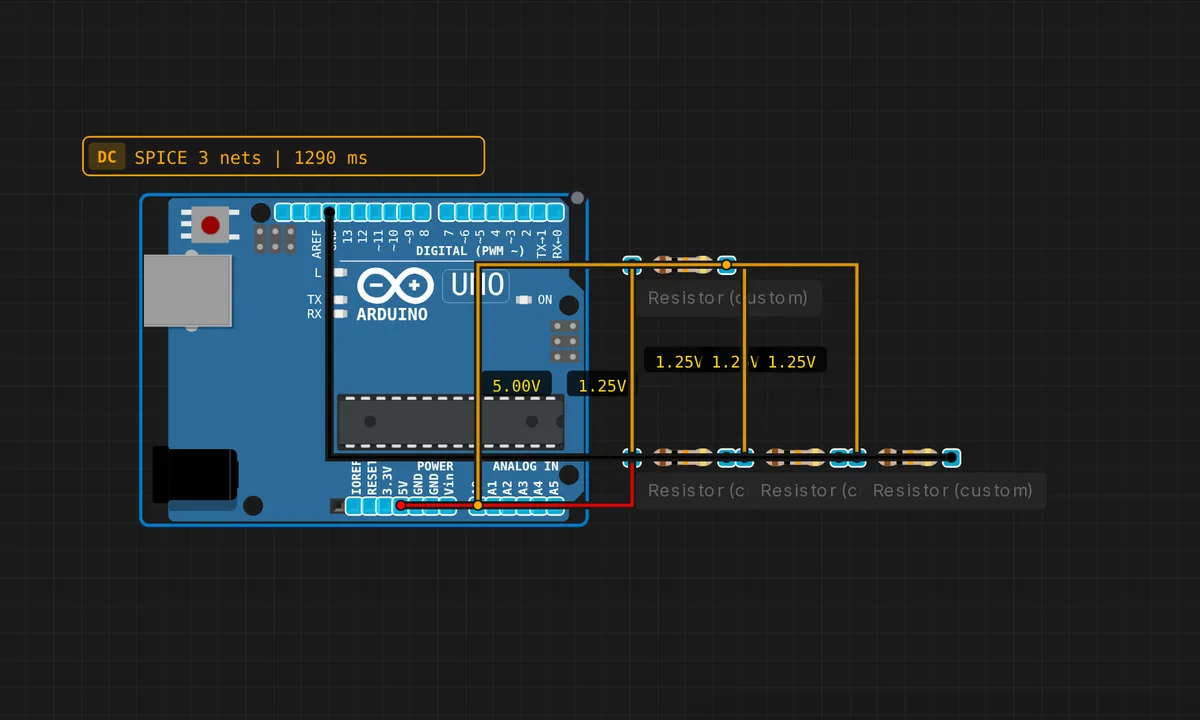 Parallel ResistorsRun in simulator →
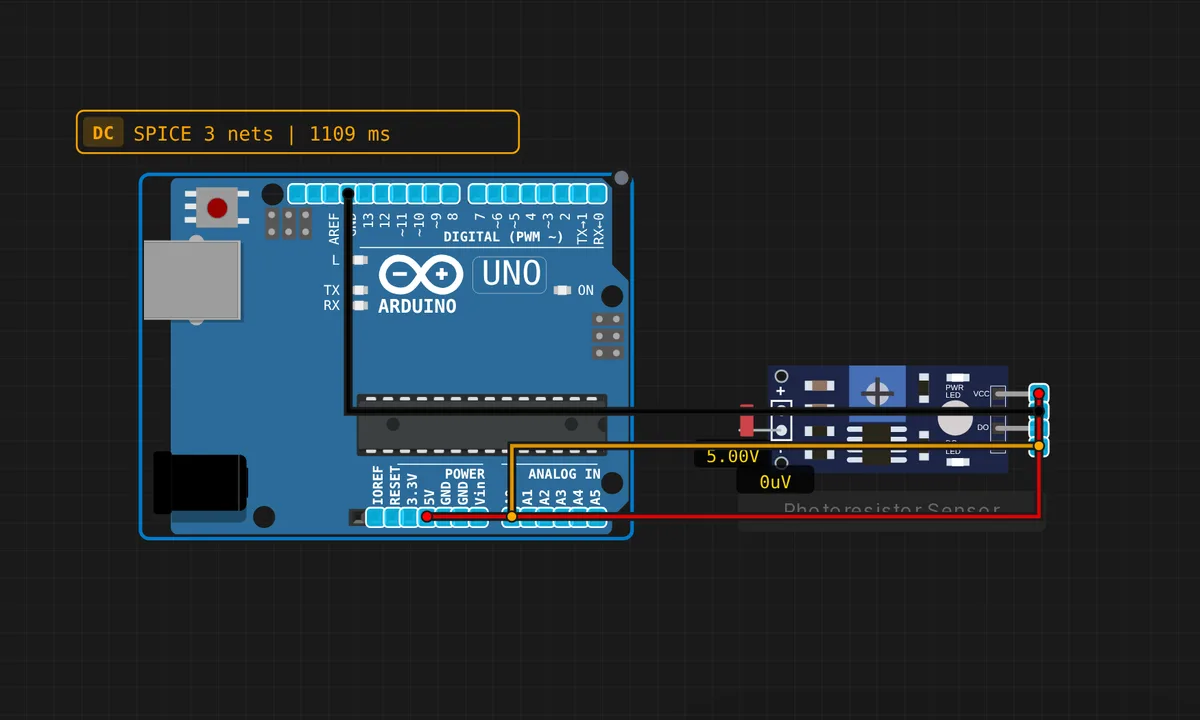 Photoresistor Light SensorRun in simulator →
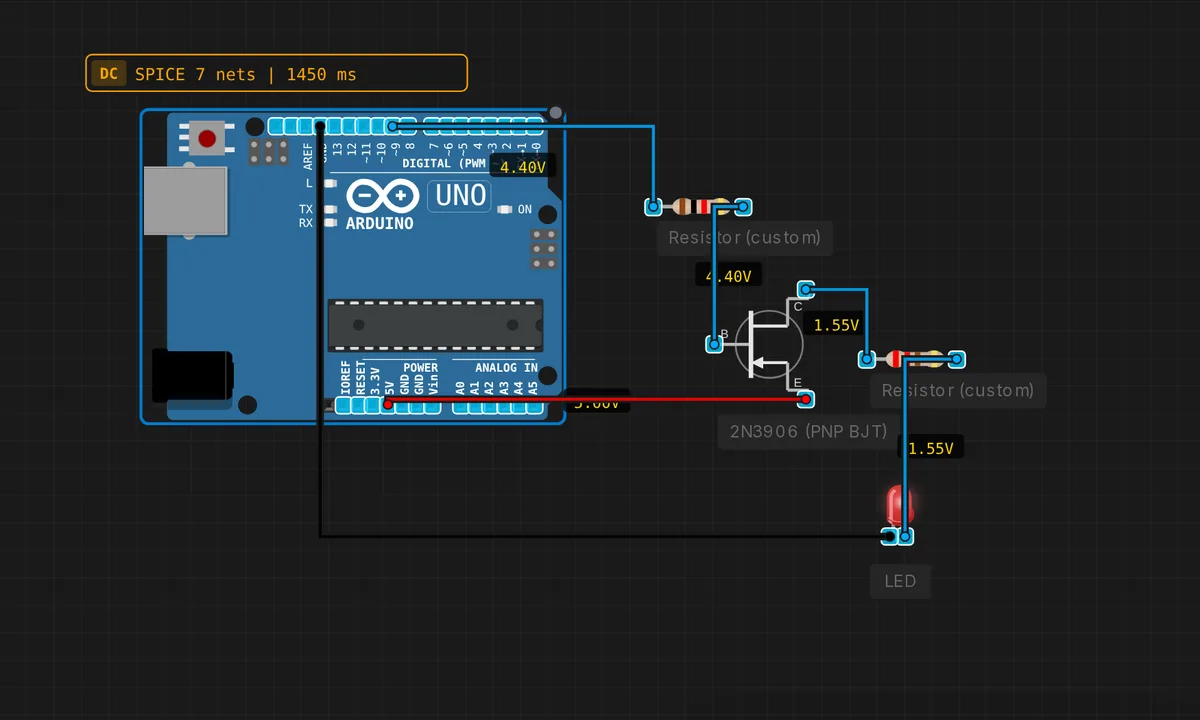 PNP High-Side SwitchRun in simulator →
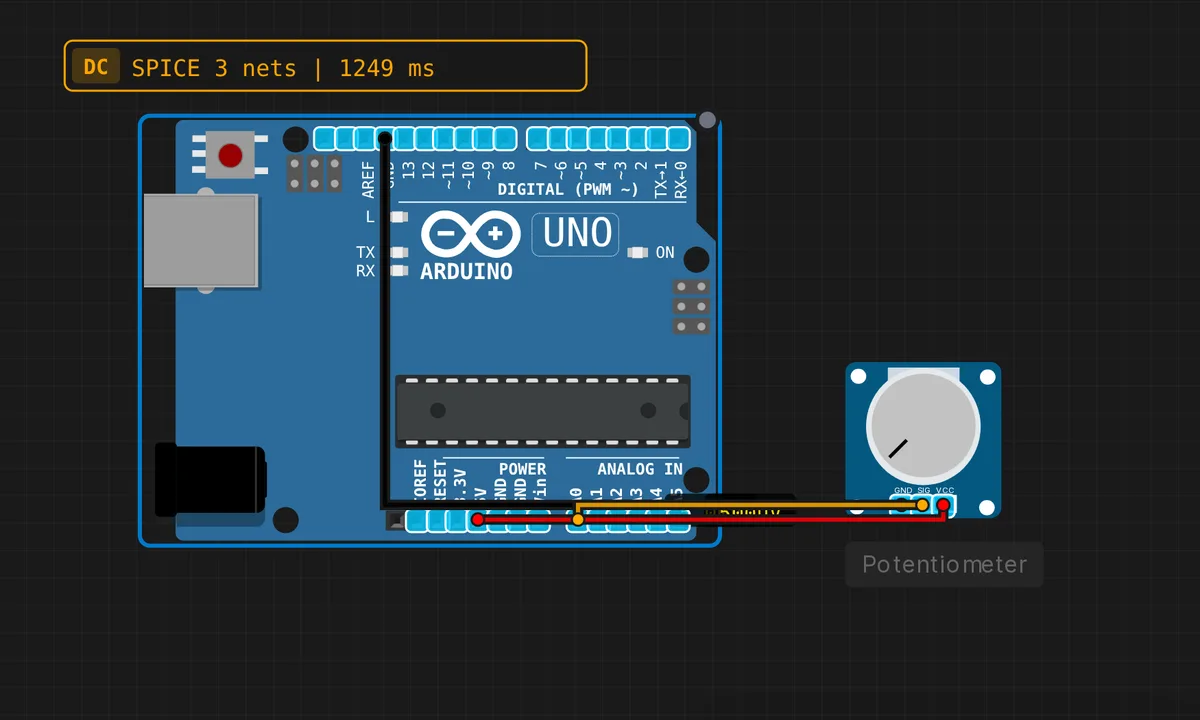 Potentiometer ADC ReaderRun in simulator →
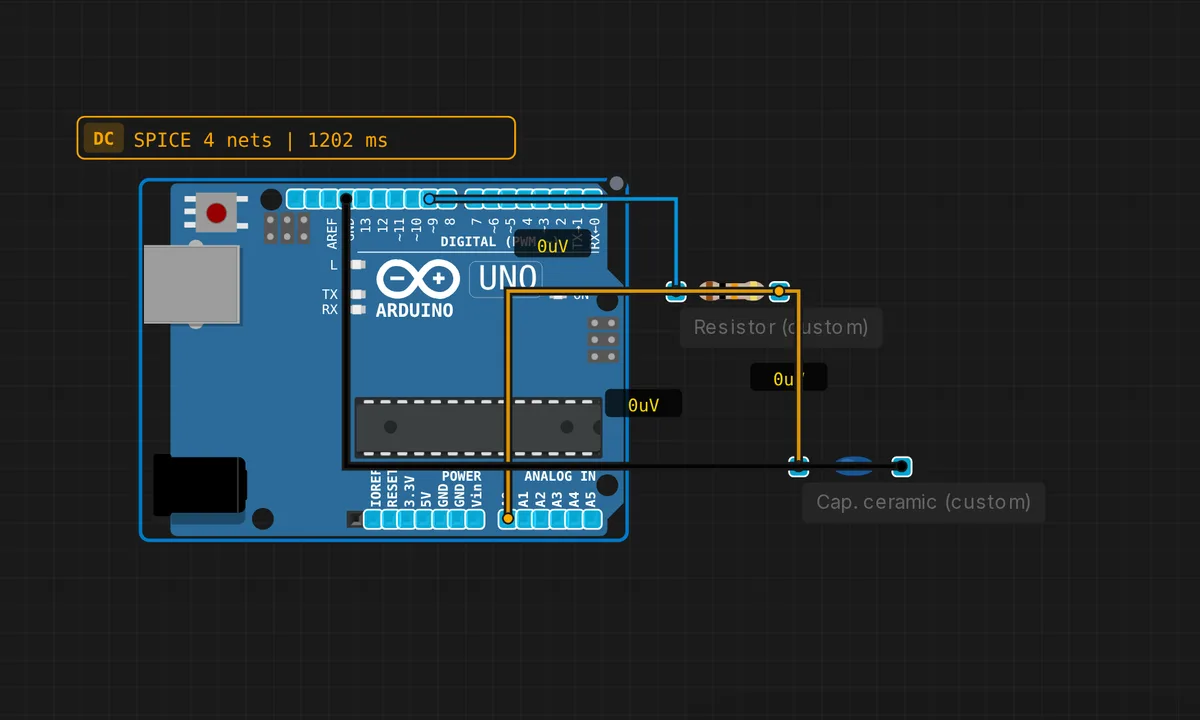 RC Low-Pass FilterRun in simulator →
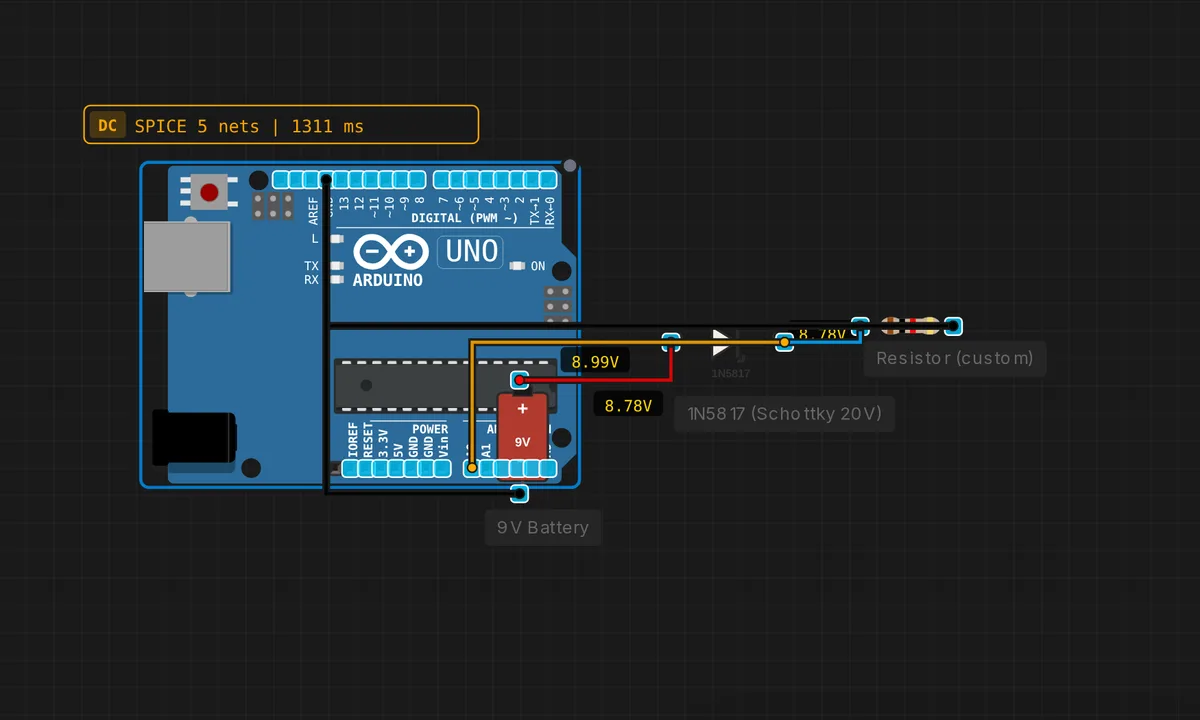 Reverse Polarity ProtectionRun in simulator →
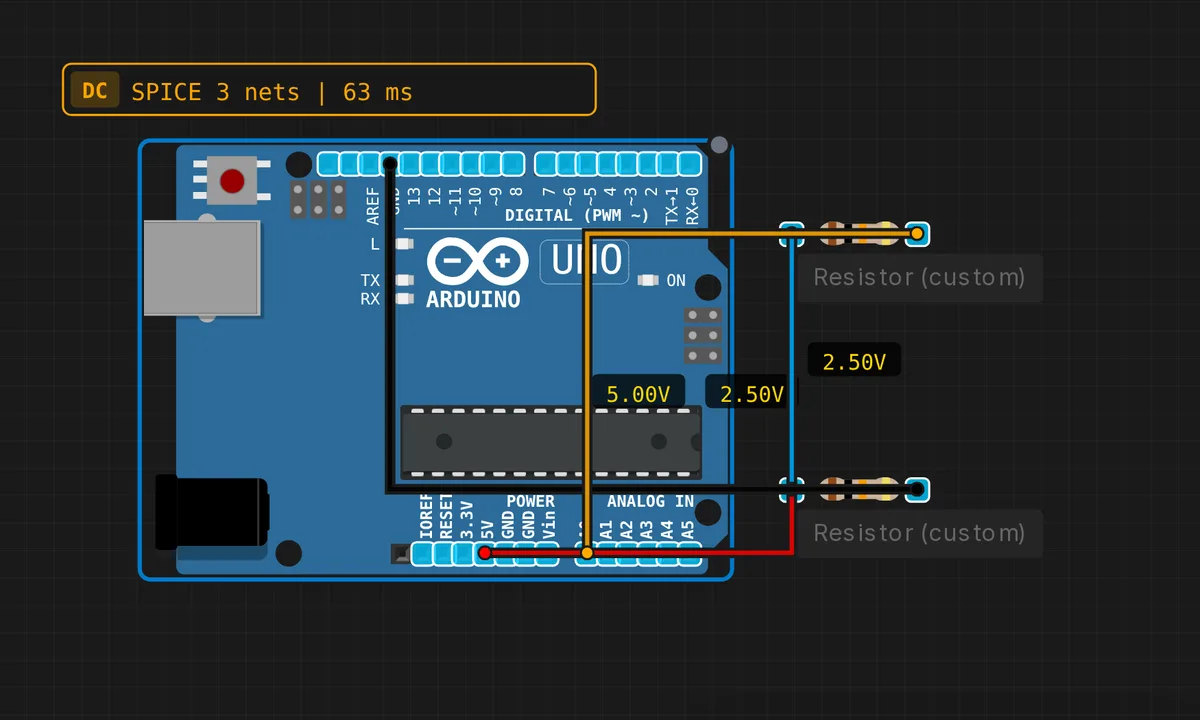 Voltage DividerRun in simulator →
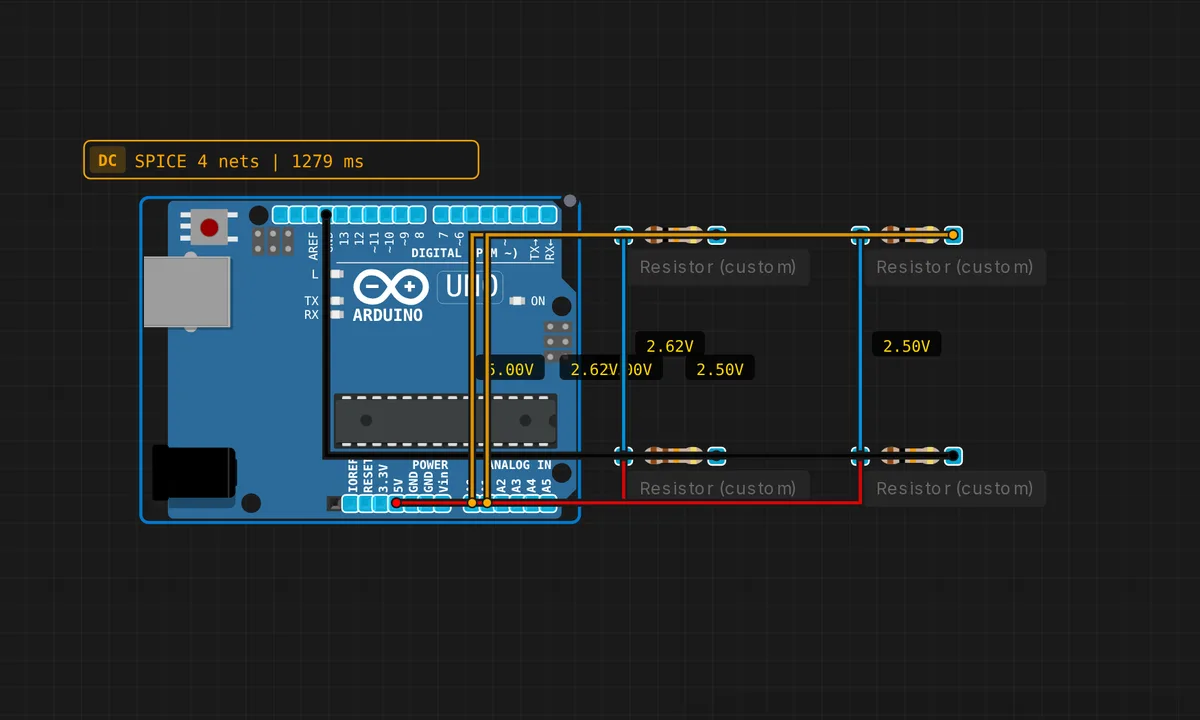 Wheatstone BridgeRun in simulator →
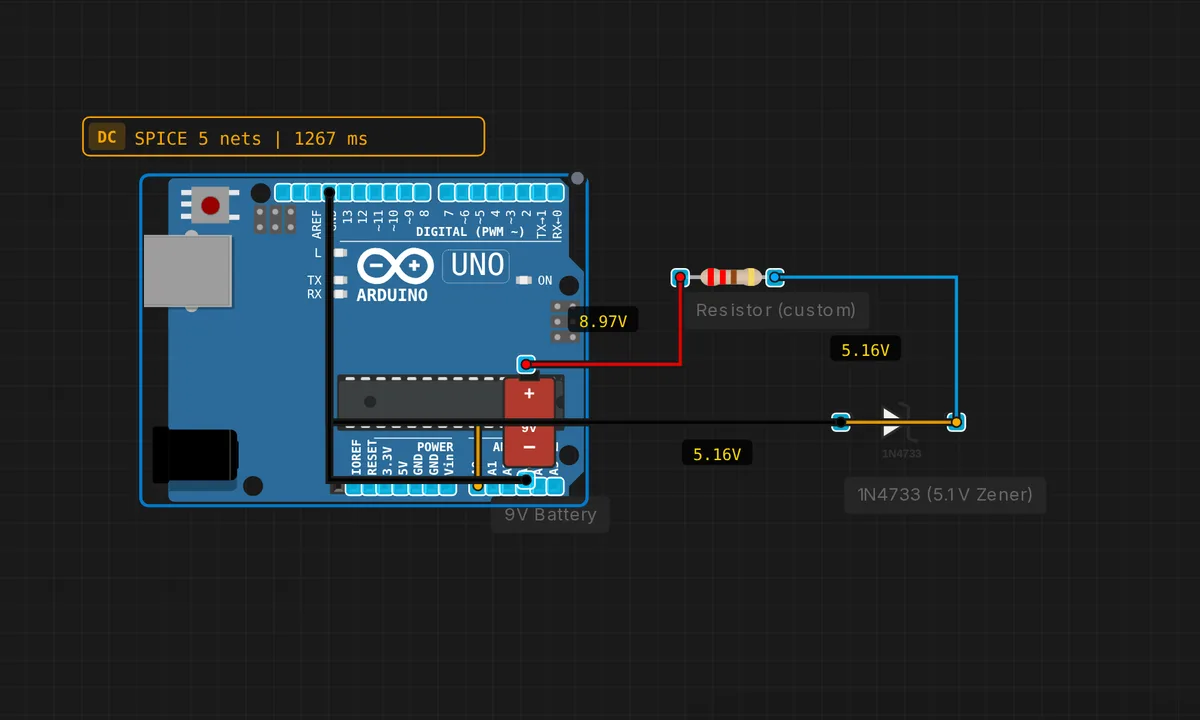 Zener Voltage RegulatorRun in simulator →
Logic, Power & Motor Drivers 14
Gates, latches, adders, motor drivers and power supplies — the glue between digital and analog.
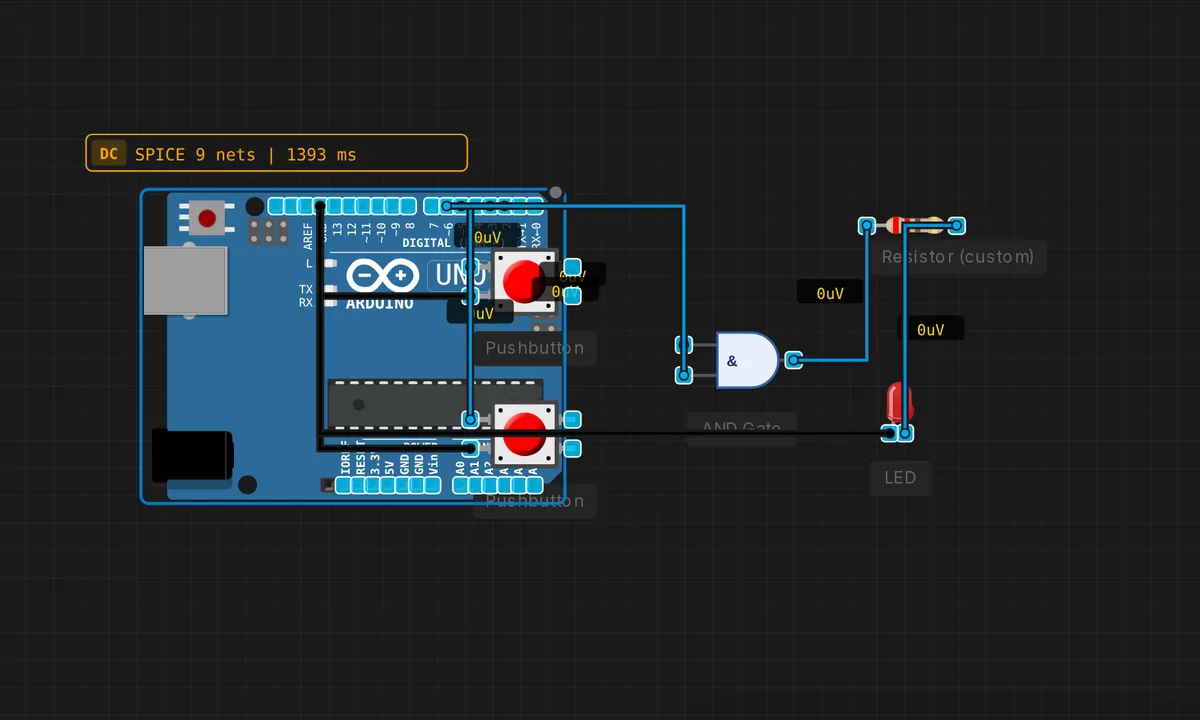 AND Gate AlarmRun in simulator →
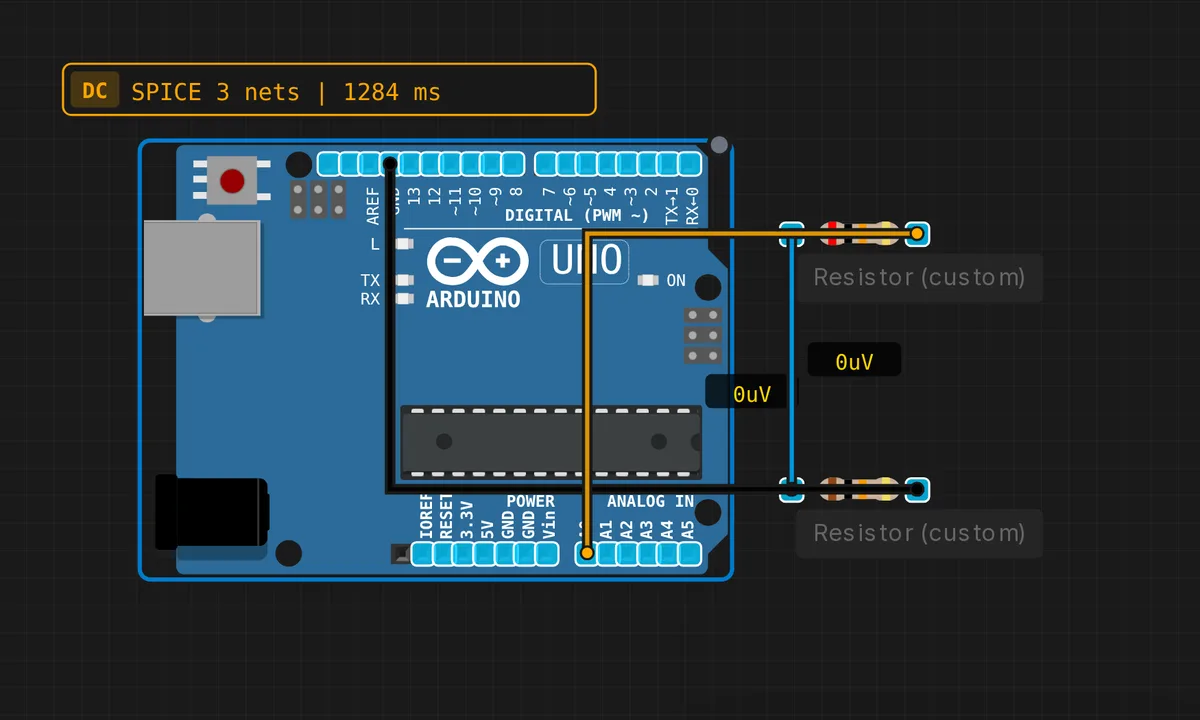 Battery Voltage MonitorRun in simulator →
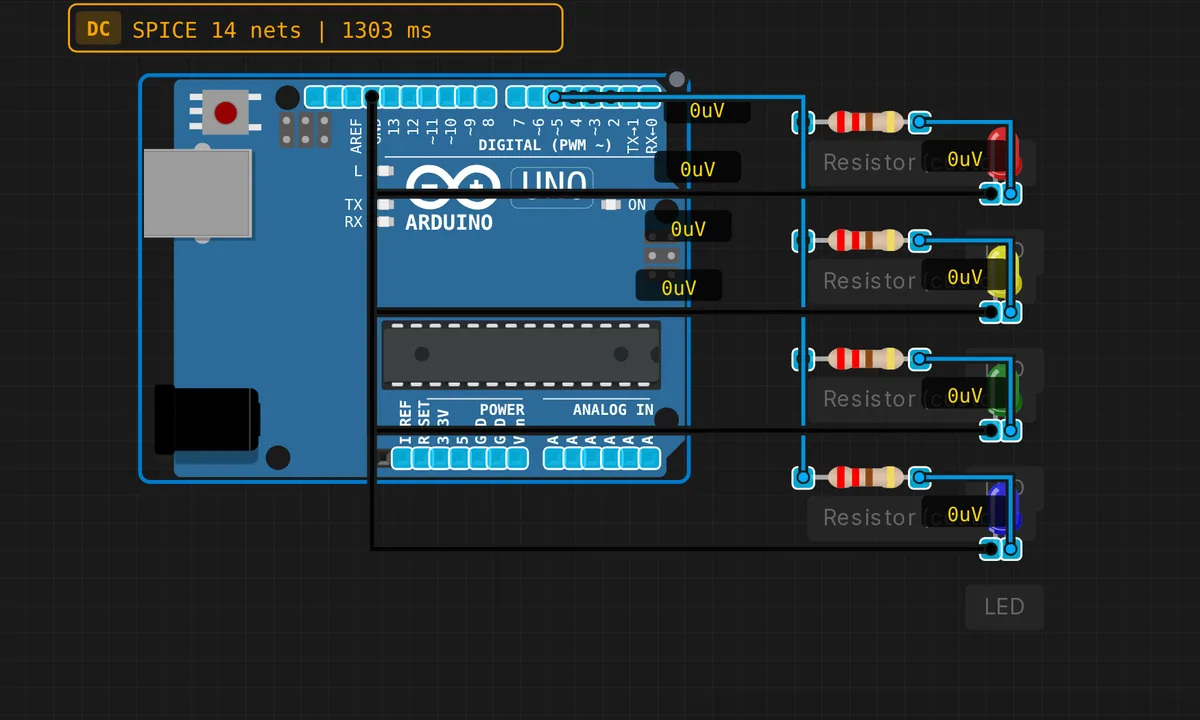 4-bit Binary CounterRun in simulator →
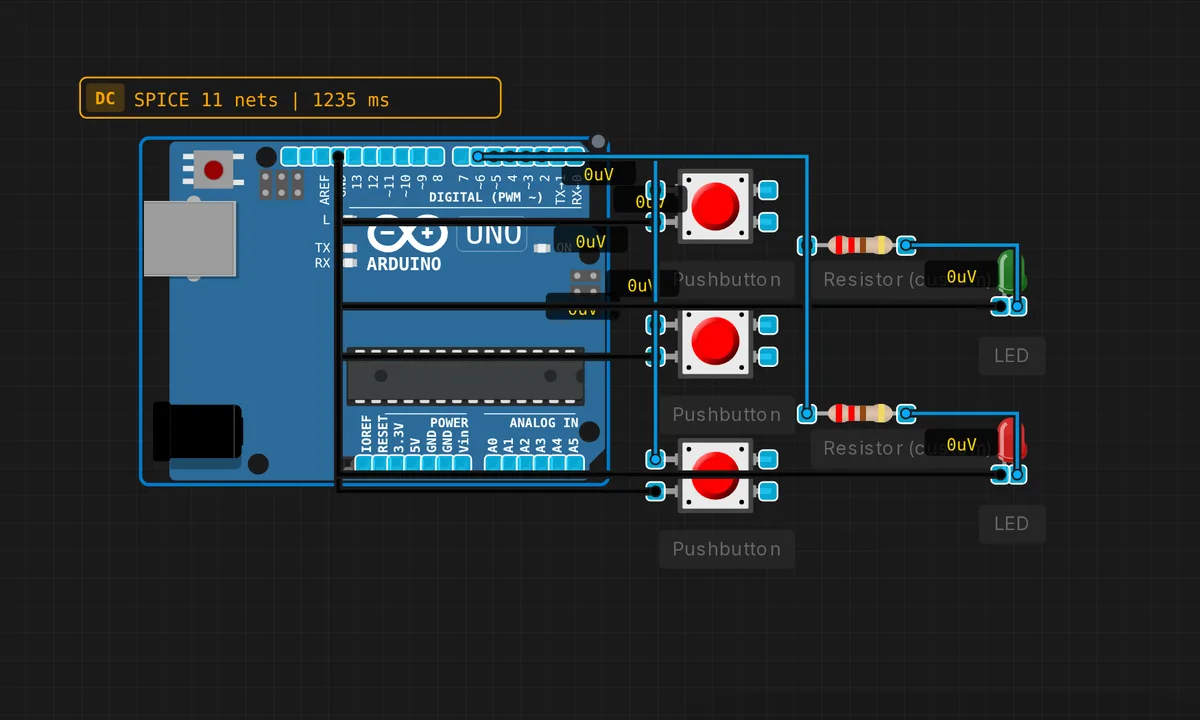 Full Adder (1-bit)Run in simulator →
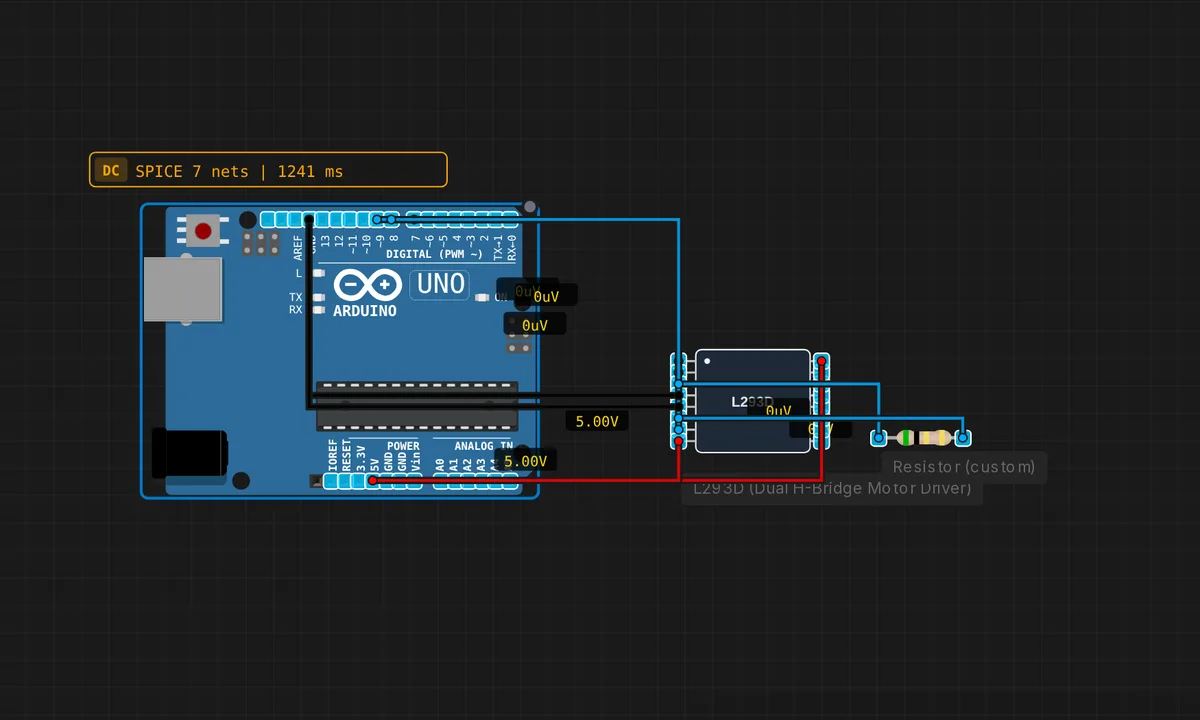 DC Motor Control (L293D)Run in simulator →
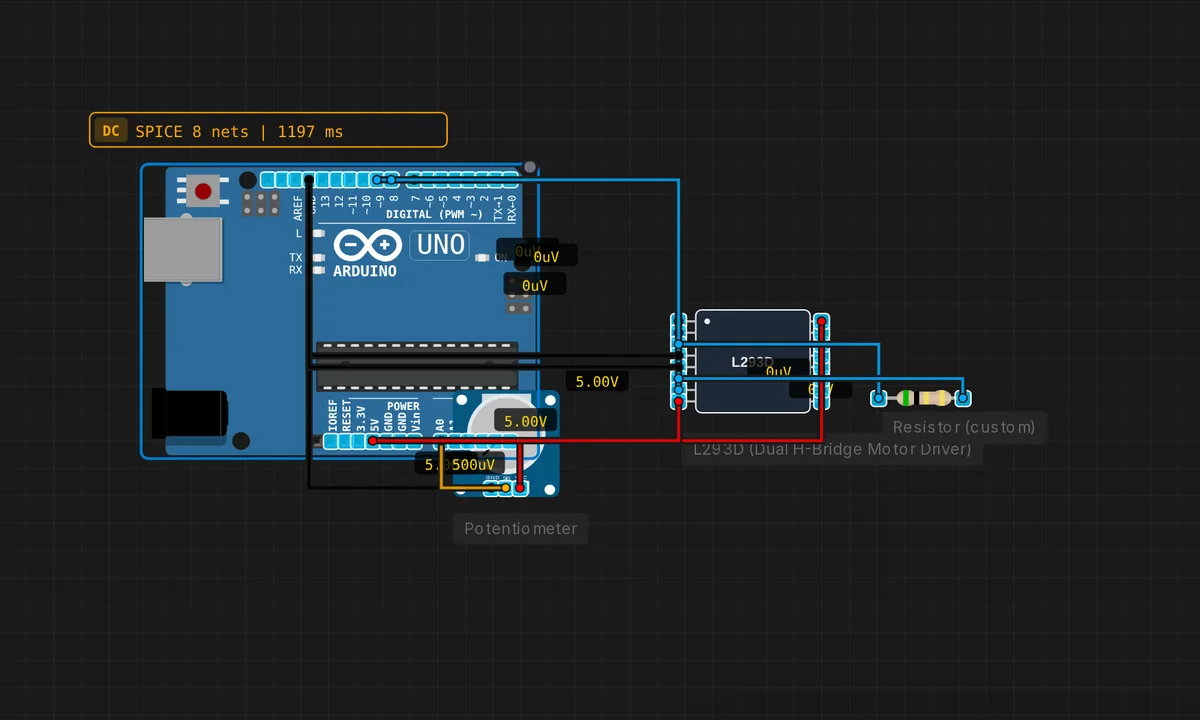 Motor Speed Control (PWM)Run in simulator →
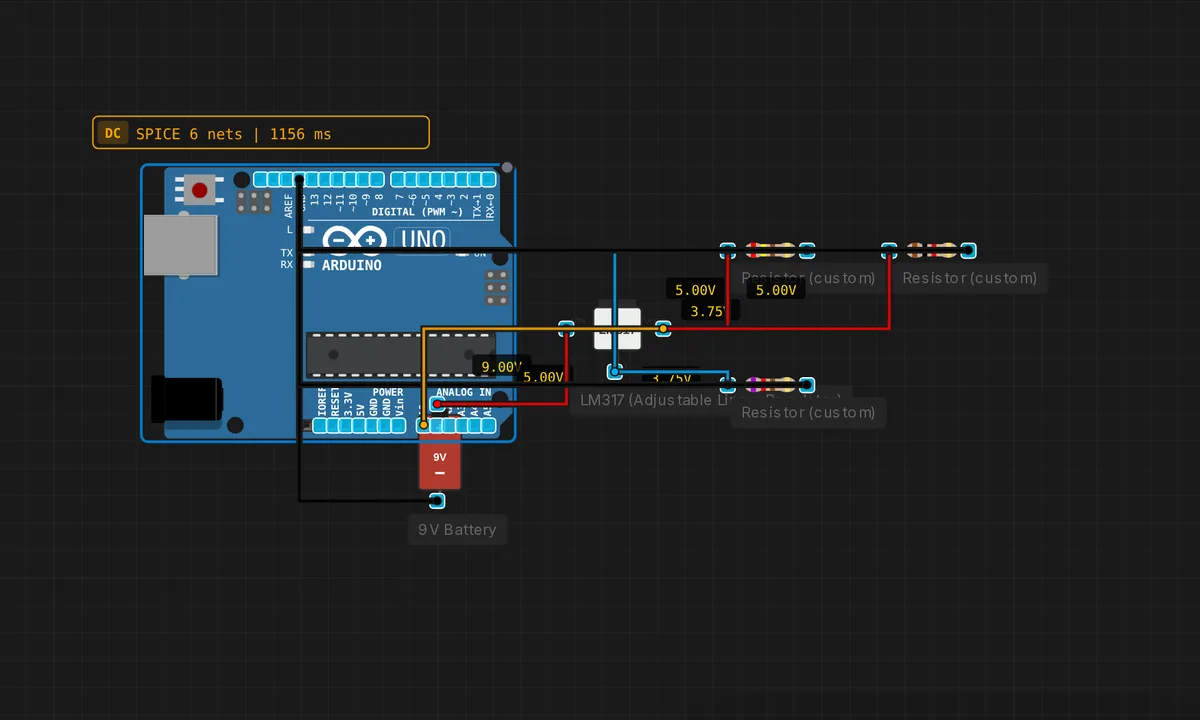 LM317 Adjustable PSURun in simulator →
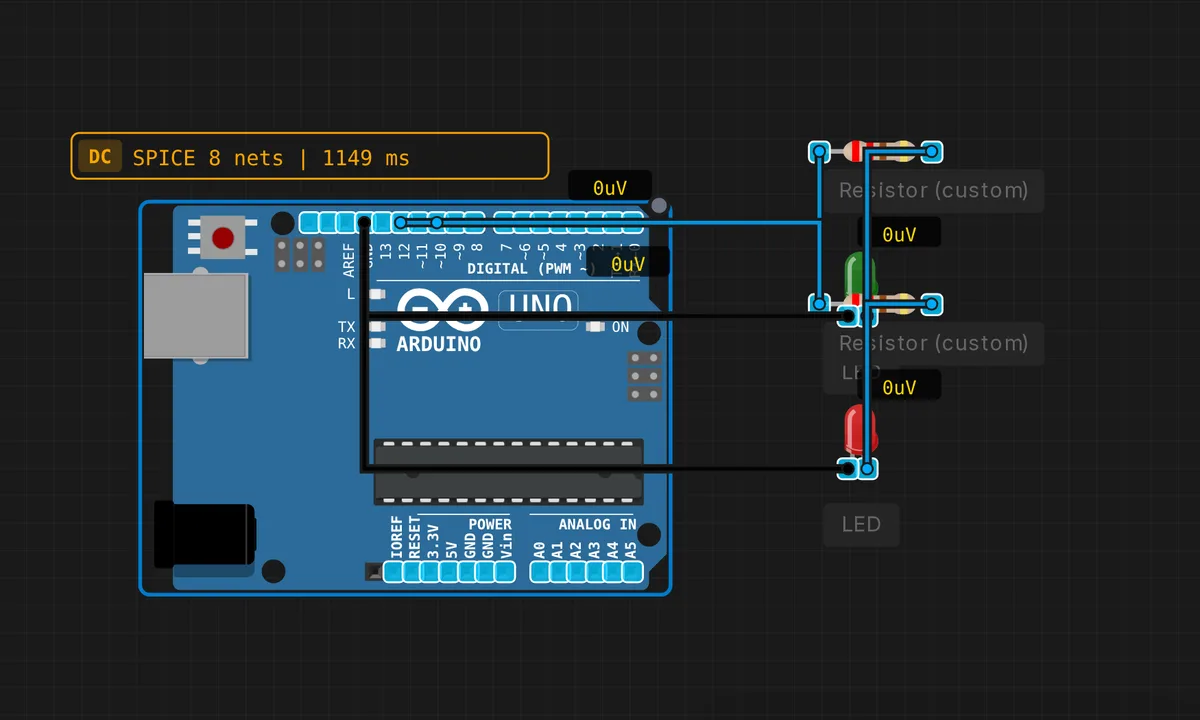 Logic Probe (HIGH/LOW/FLOATING)Run in simulator →
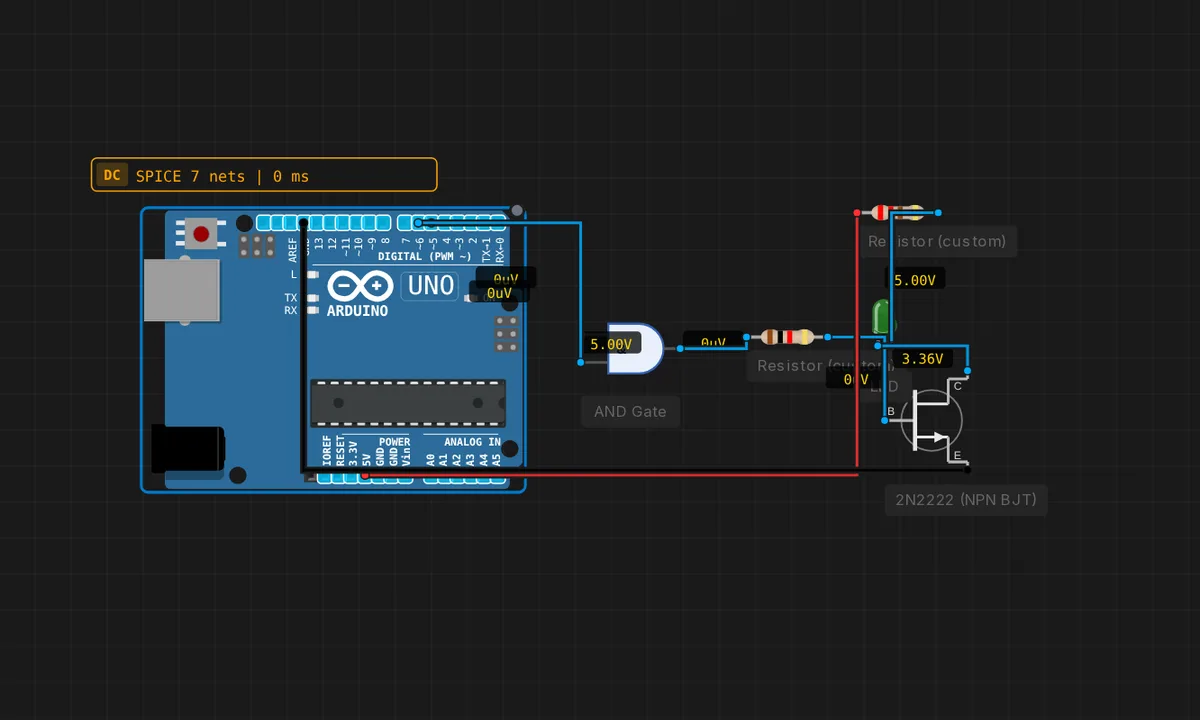 Mixed: MCU + AND gate + transistor (coexistence test)Run in simulator →
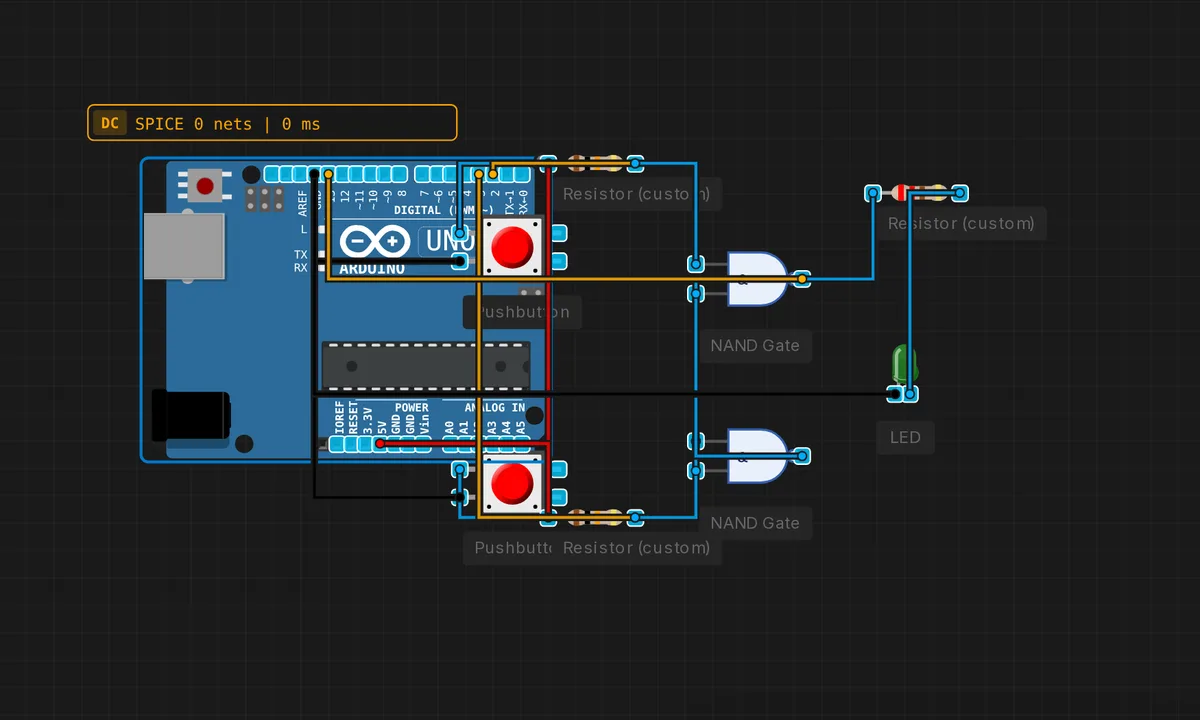 NAND SR LatchRun in simulator →
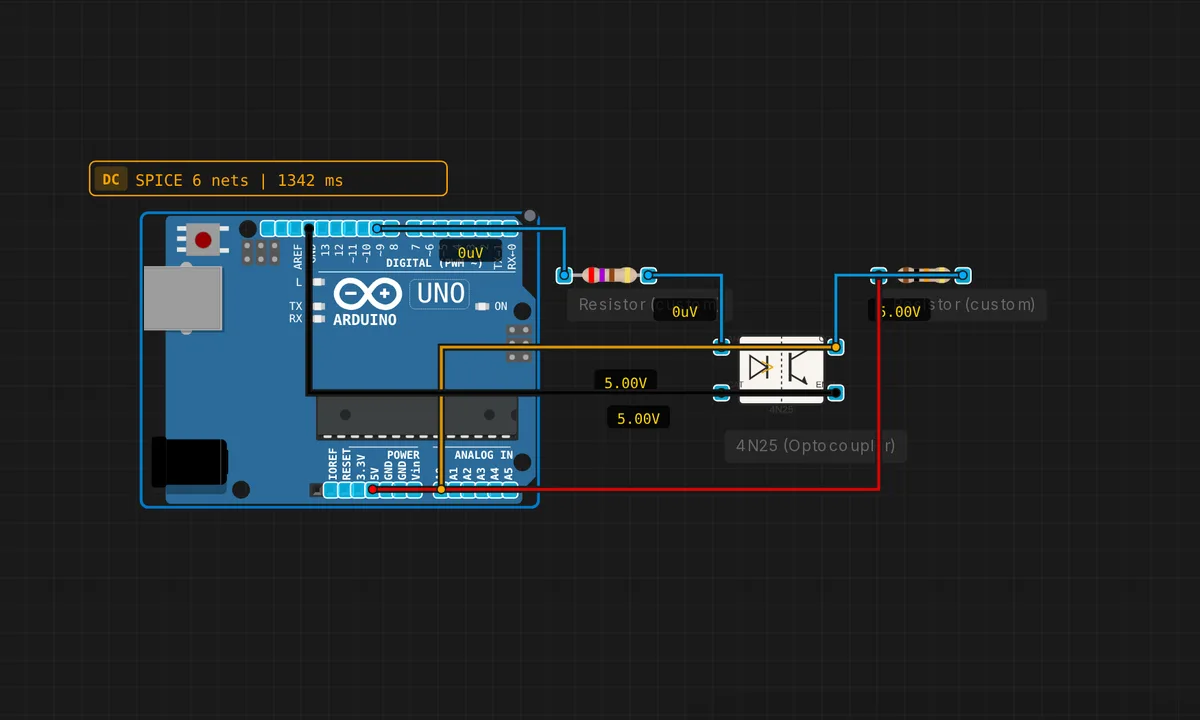 Optocoupler Signal IsolationRun in simulator →
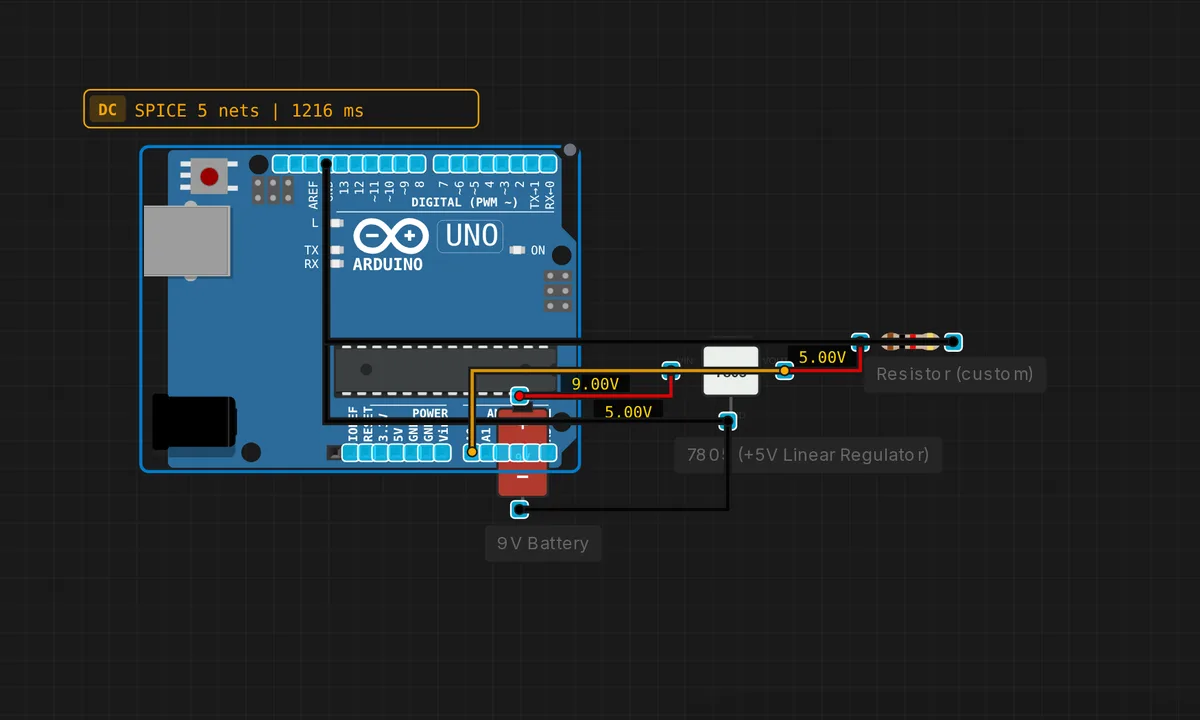 7805 Regulated Power SupplyRun in simulator →
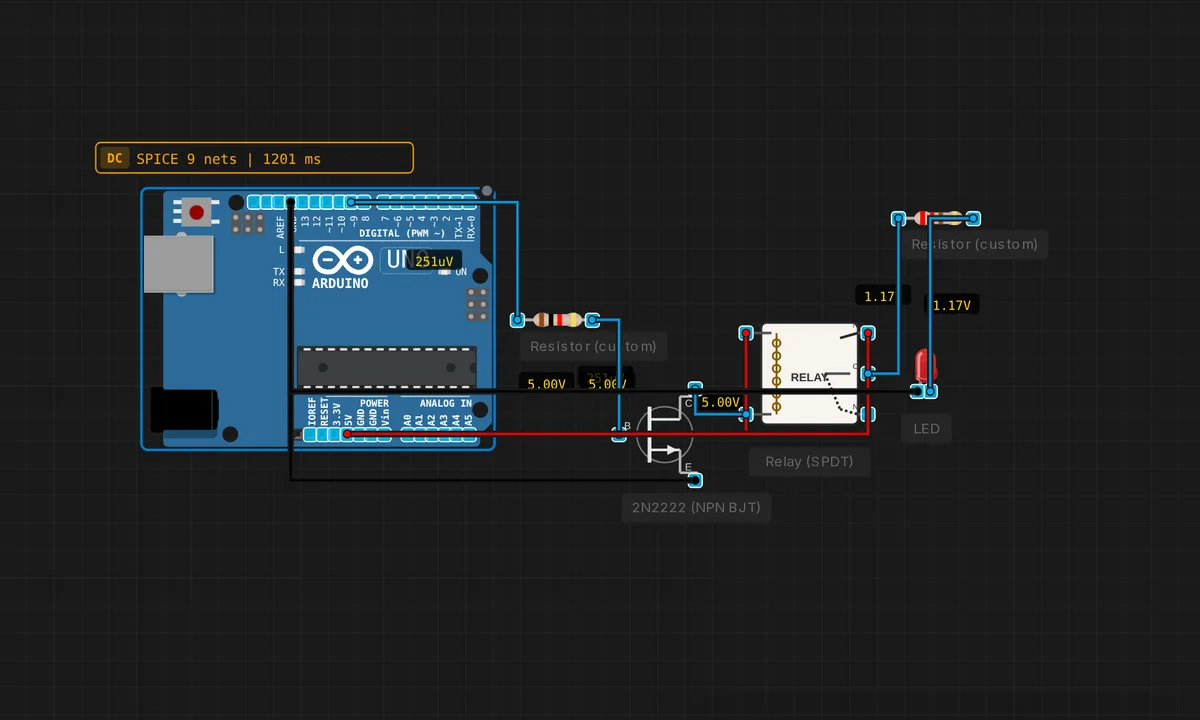 Relay-Controlled LEDRun in simulator →
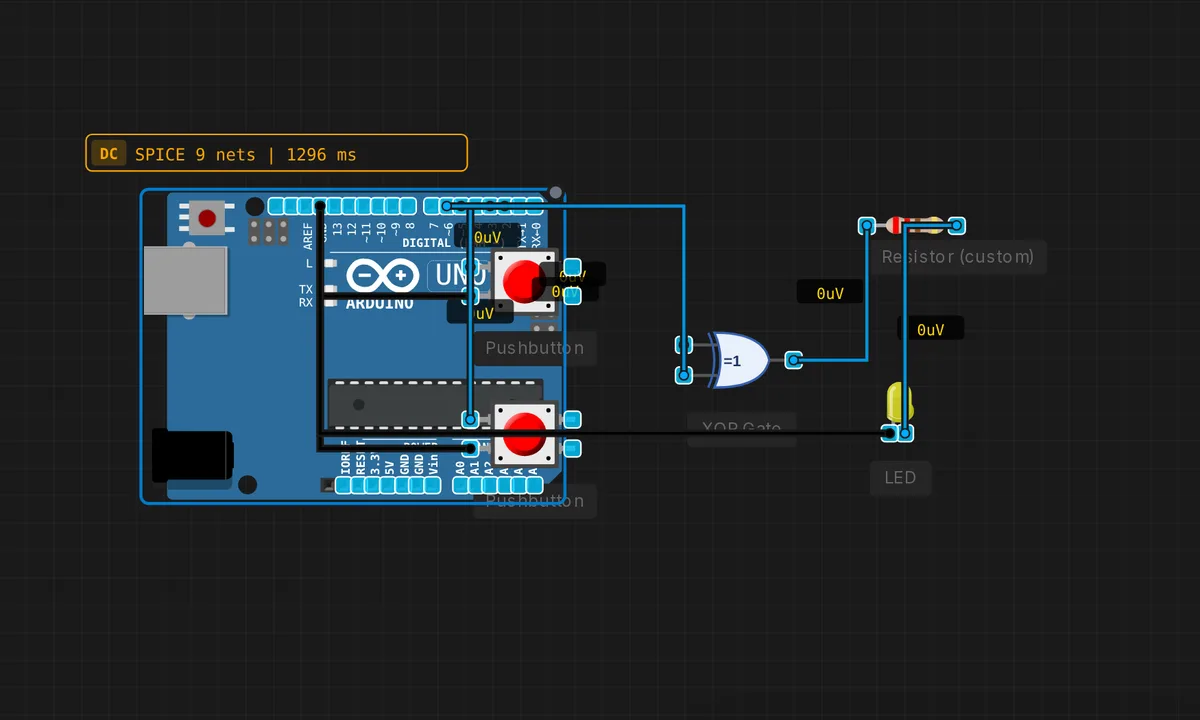 XOR Toggle DetectorRun in simulator →
No examples match your search. Try ‘esp32’, ‘blink’, ‘oled’, ‘dht’…
Retro Chips 7
Z80 and Intel 8080 CPUs emulated instruction-for-instruction — assembly, C-compiled programs, and the 1983 Galaksija home computer.
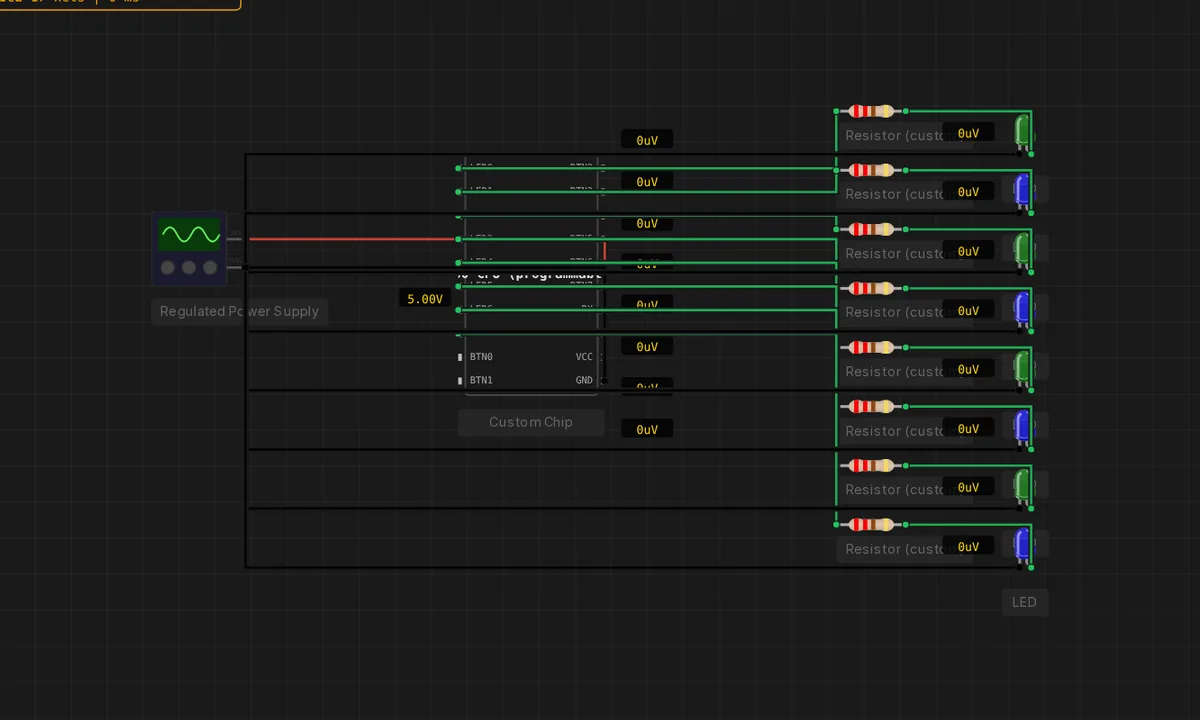 Z80 Comet ScannerRun in simulator →
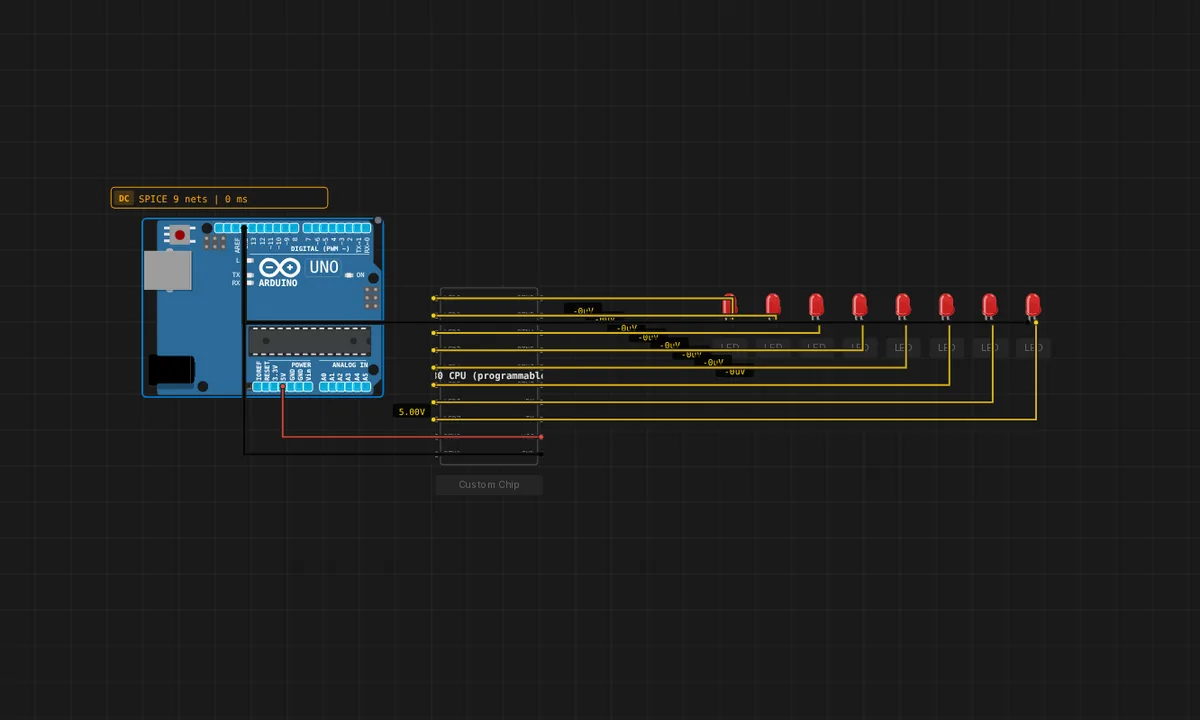 Z80 LED Chaser in C (no board)Run in simulator →
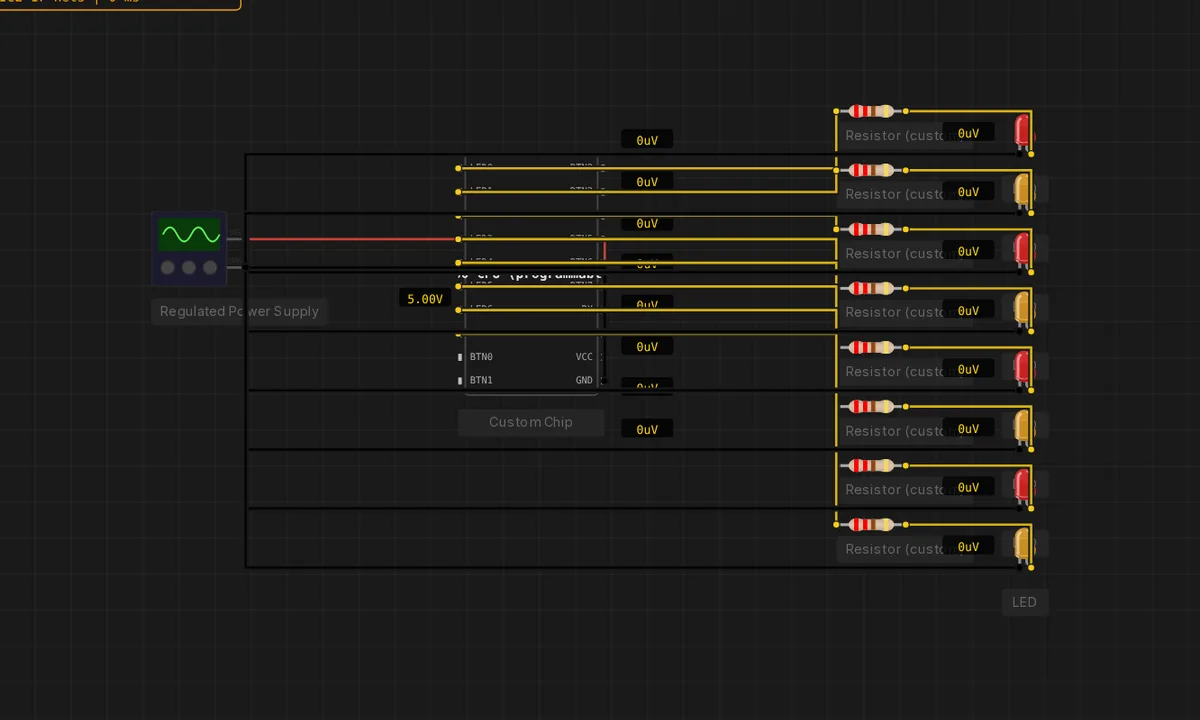 Z80 Larson Scanner (no board)Run in simulator →
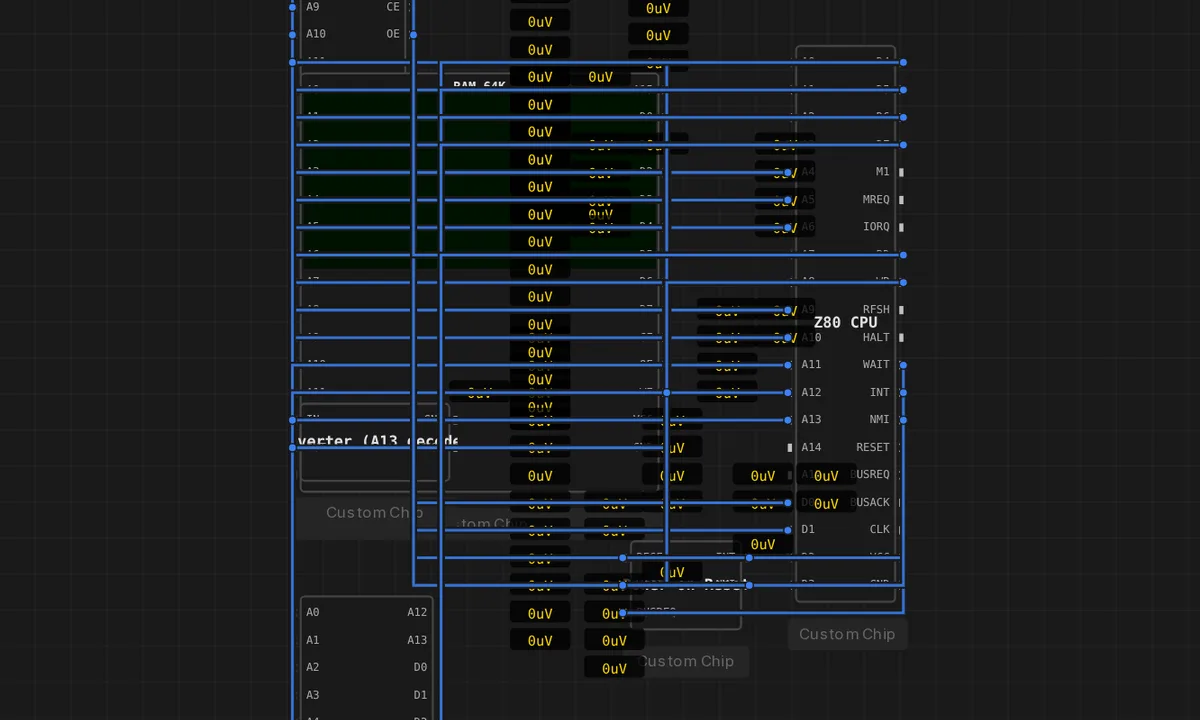 Galaksija — 1983 Z80 home computerRun in simulator →
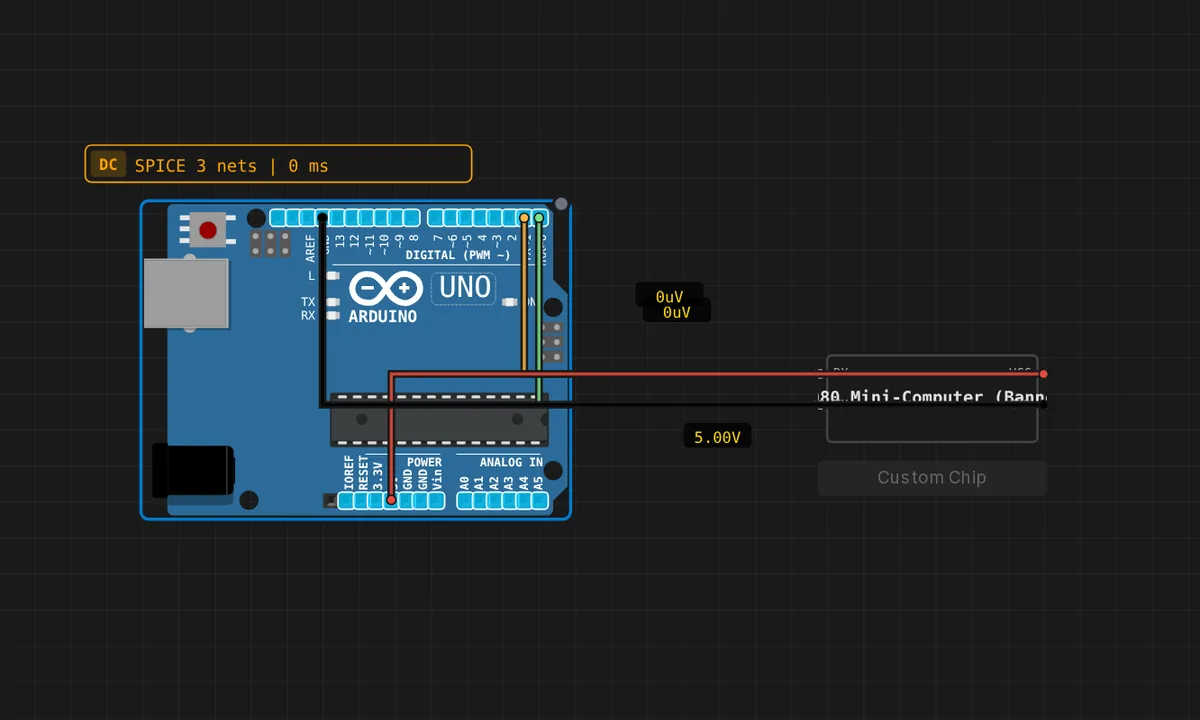 Intel 8080 Banner StreamerRun in simulator →
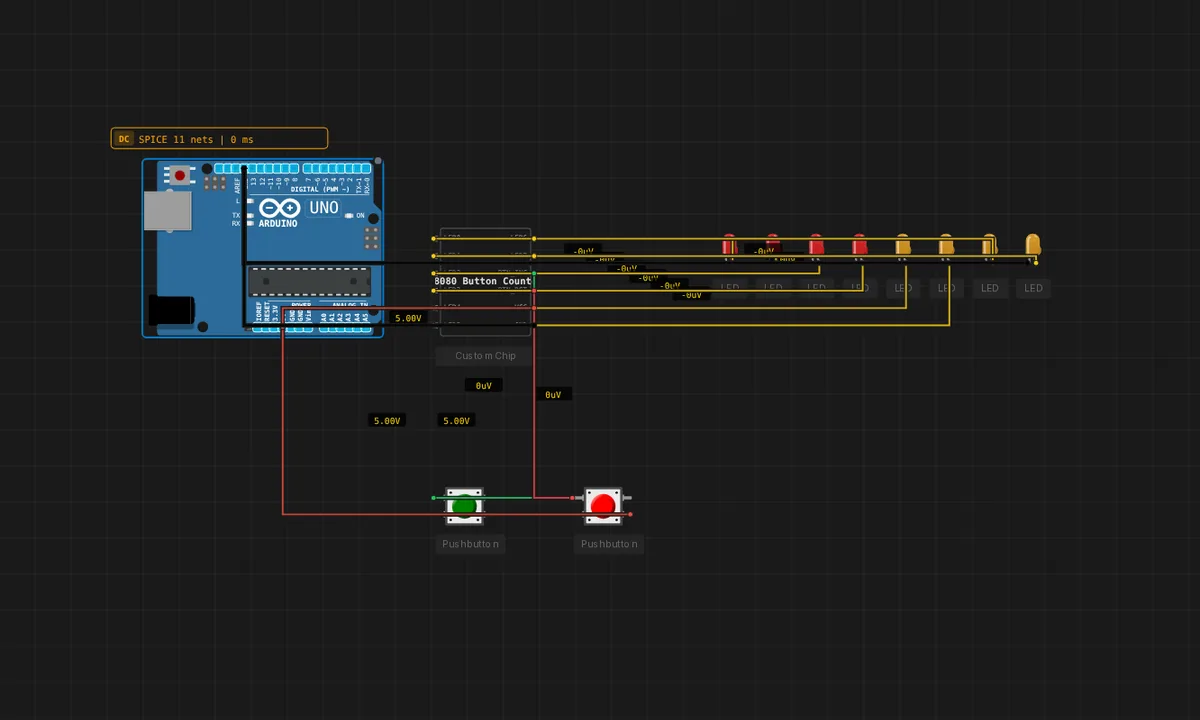 Intel 8080 Button CounterRun in simulator →
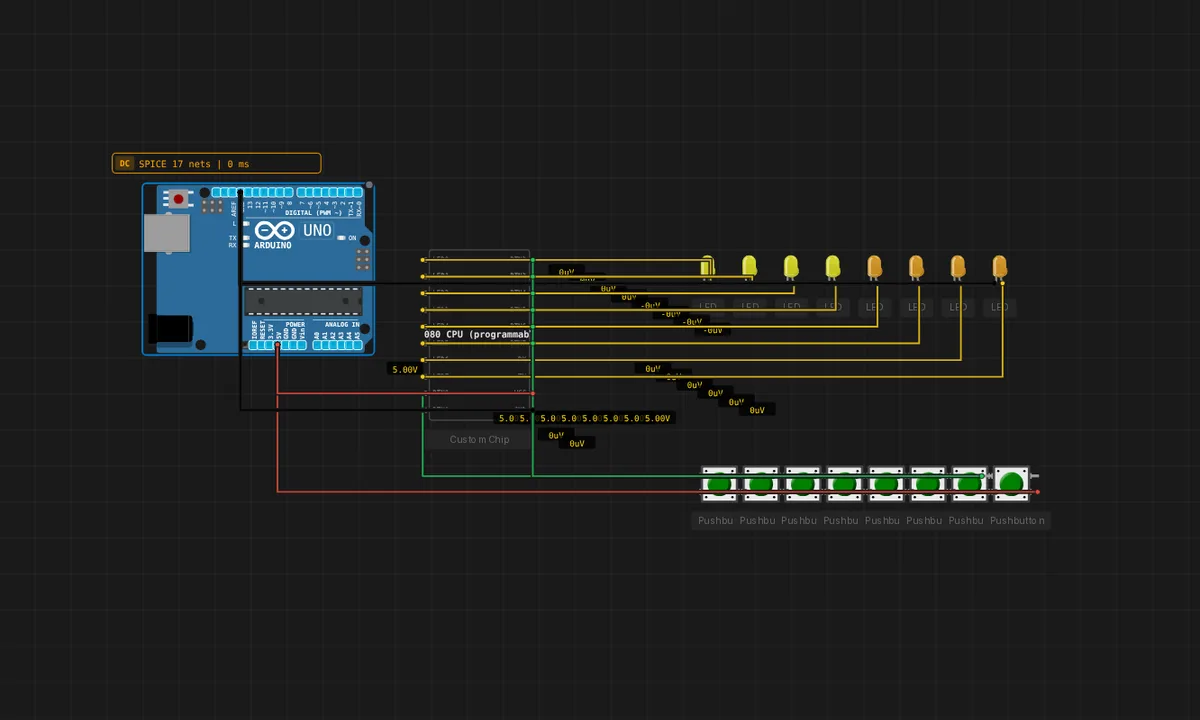 Kill the Bit (1975)Run in simulator →
100 Days of IoT 49
49 IoT projects from the 100-days series — Blynk dashboards, Telegram alerts, web servers, sensors and robots, mostly MicroPython.
 AQI ESPRun in simulator →
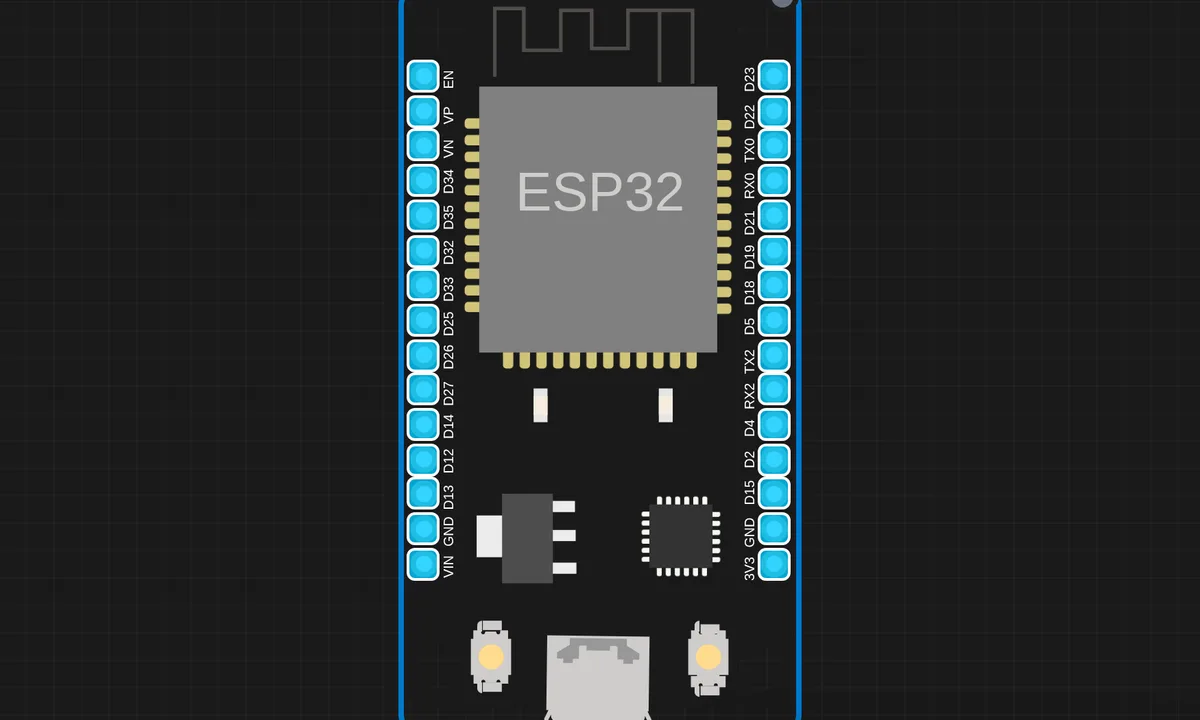 Auto Night Light using LDR (ESP32 + MicroPython)Run in simulator →
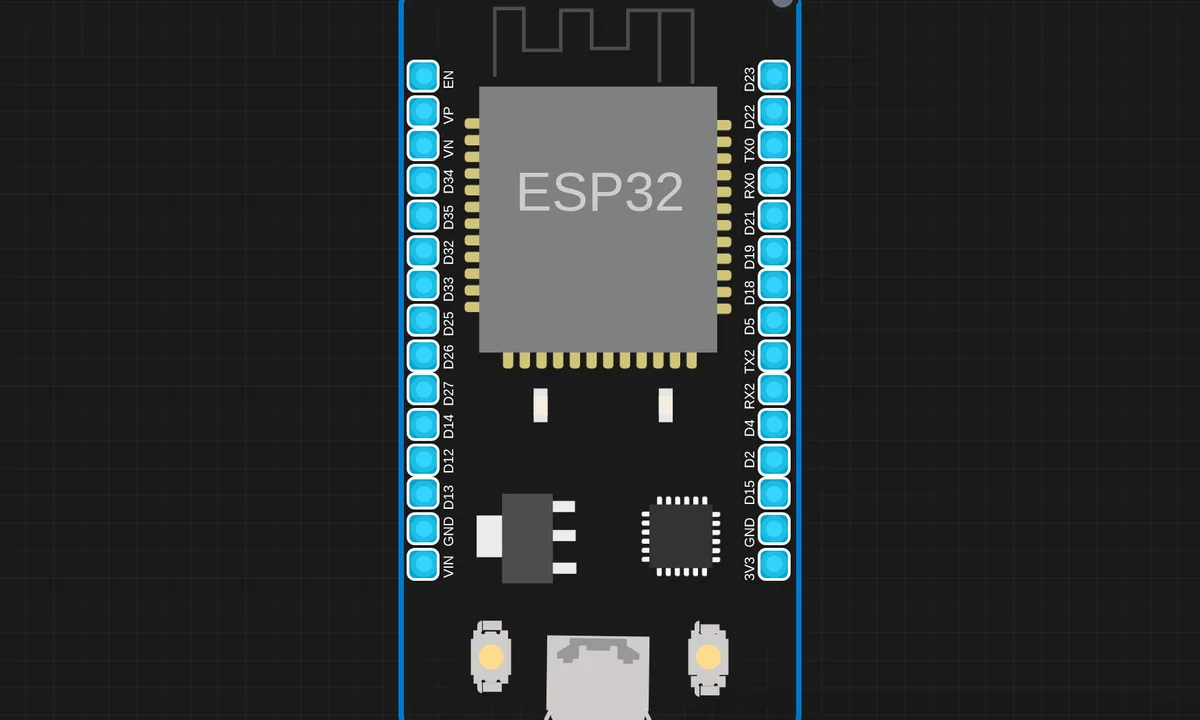 Battery Monitor with Blynk IoTRun in simulator →
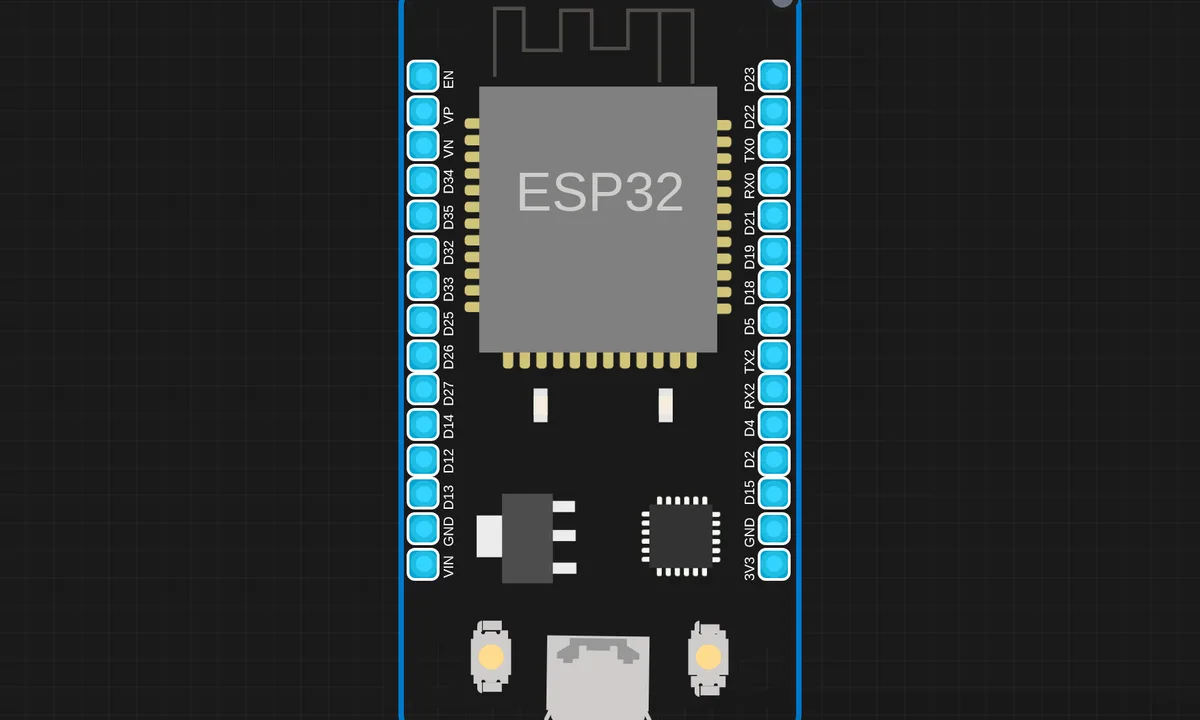 Bluetooth Based Wireless LED Control SystemRun in simulator →
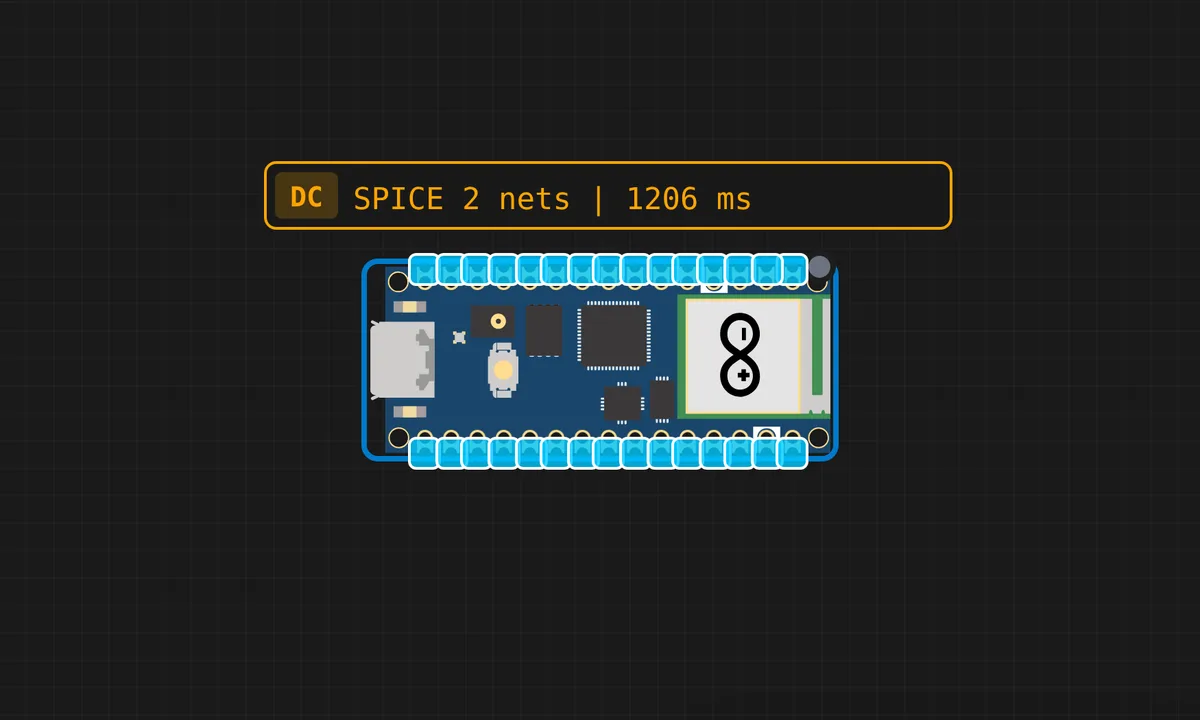 Blynk Based IoT Relay Control (MicroPython)Run in simulator →
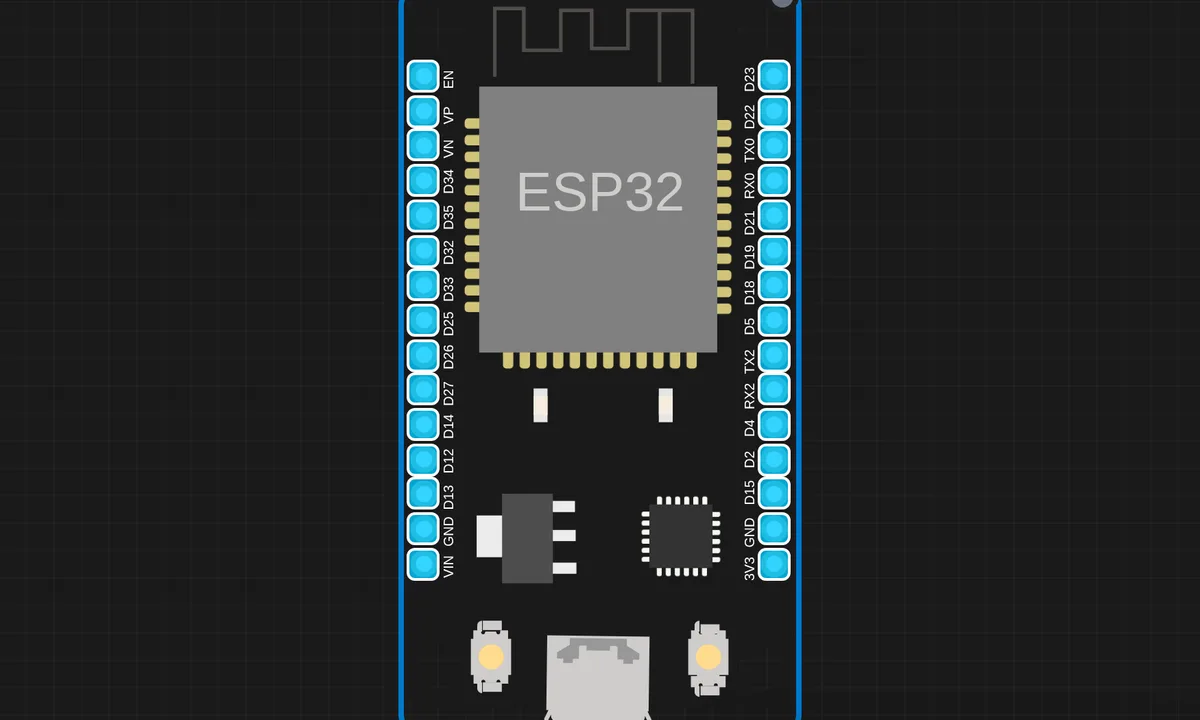 Blynk Controlled DC Brushless FanRun in simulator →
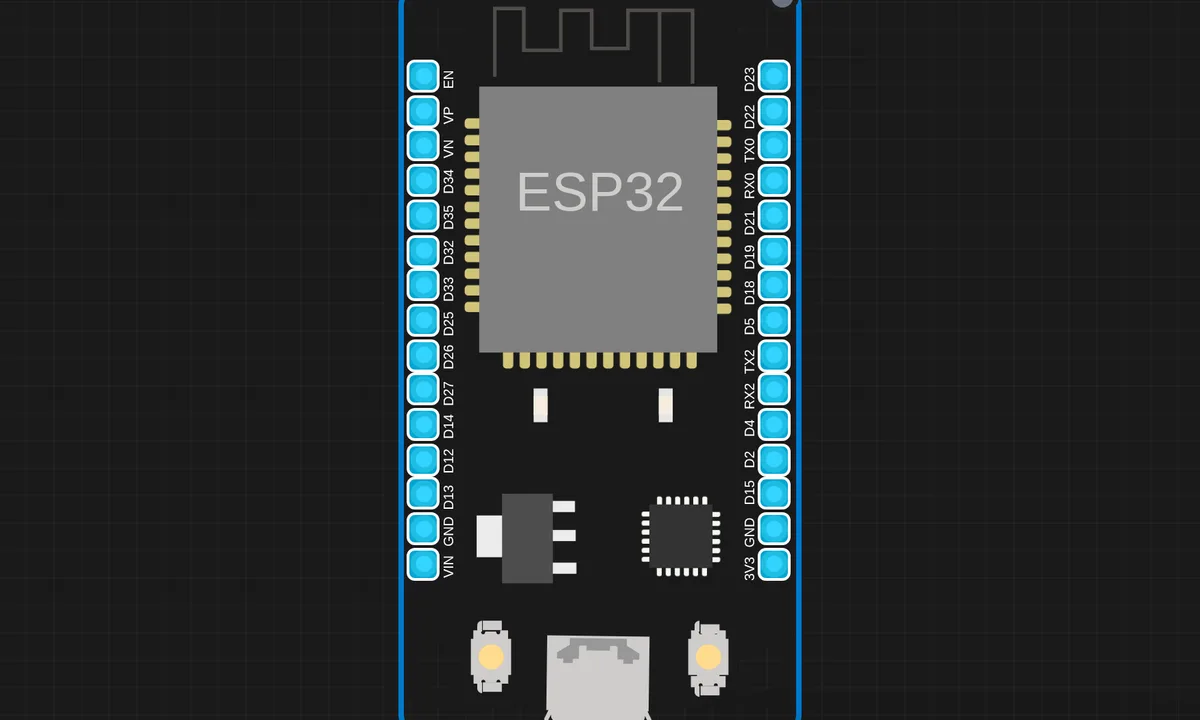 Clap Toggle Switch using ESP32 & Digital Sound Sensor (MicroPython)Run in simulator →
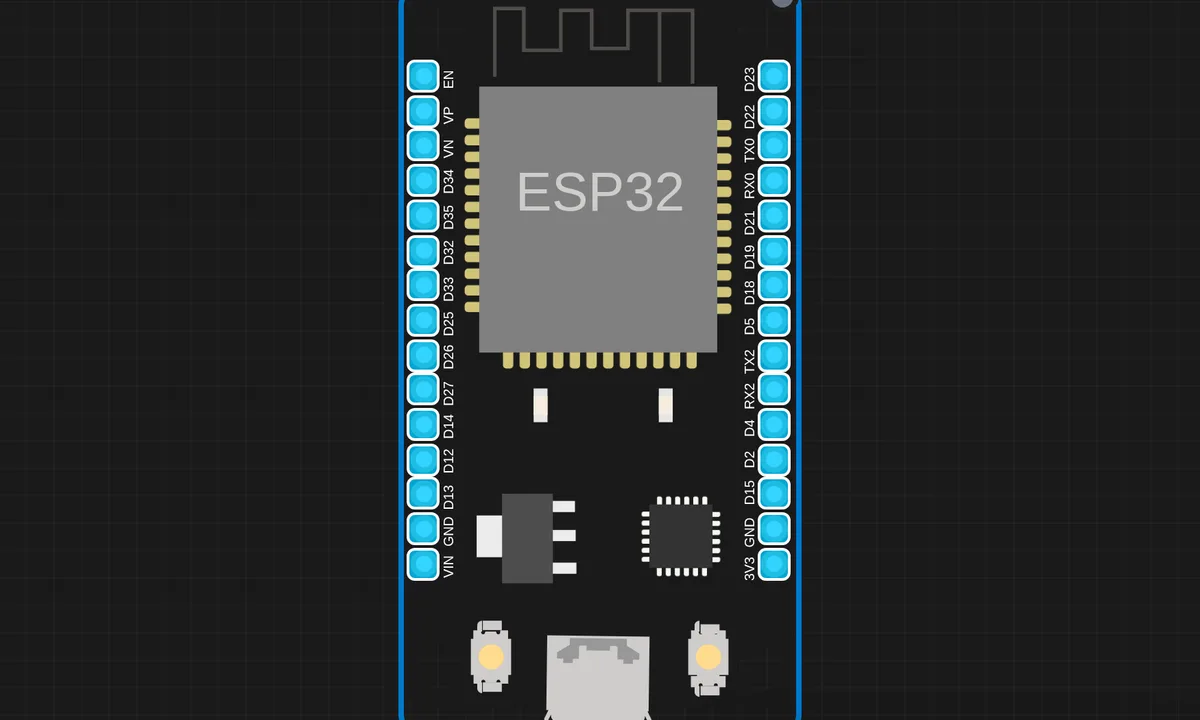 DC Motor Speed Control (Web Slider)Run in simulator →
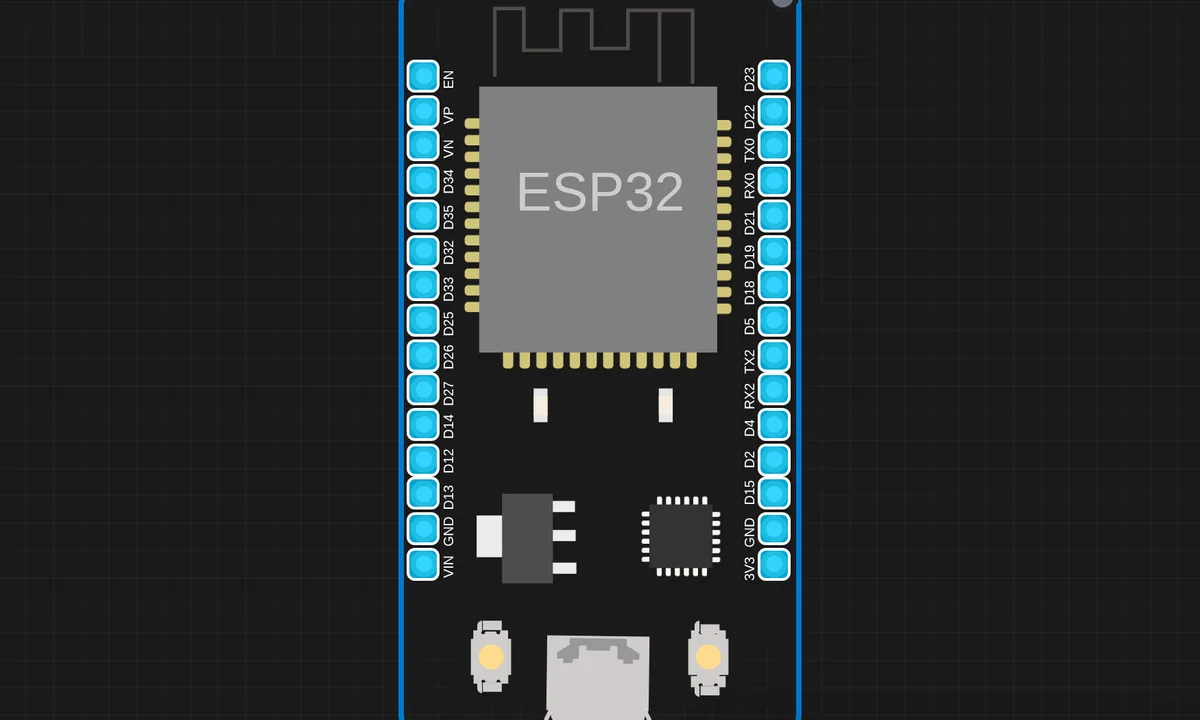 DHT11 Web Server using ESP32 & MicroPythonRun in simulator →
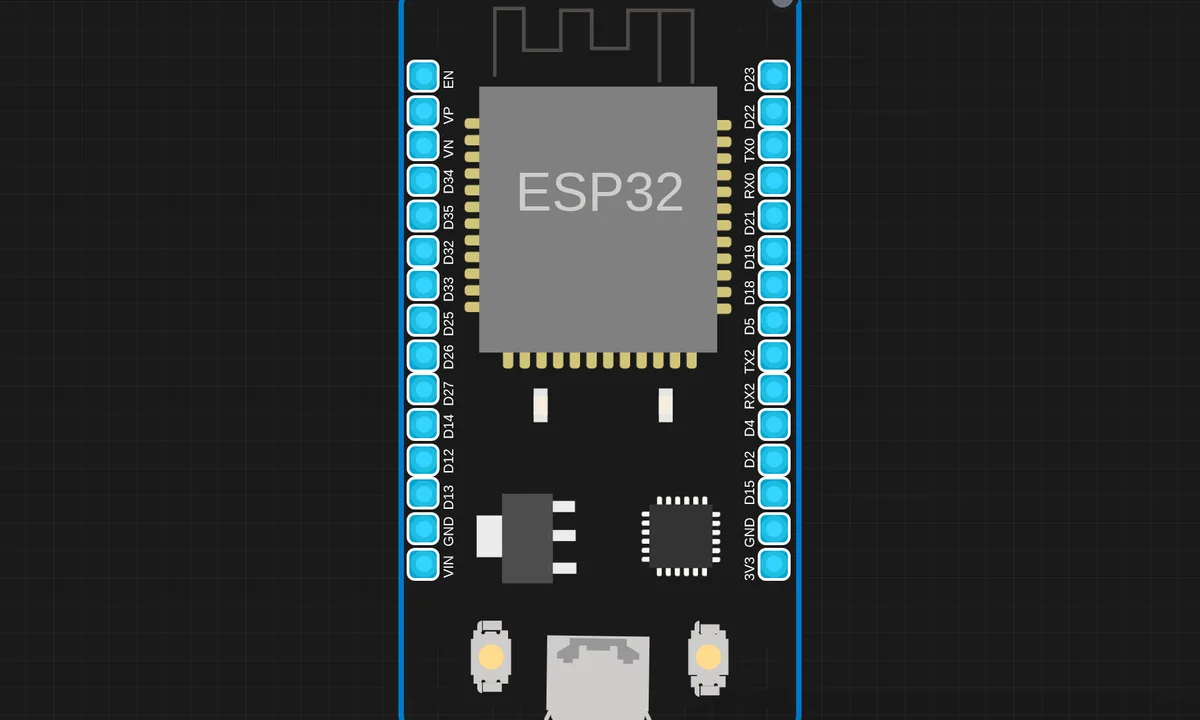 Dimmer LED using Potentiometer (MicroPython)Run in simulator →
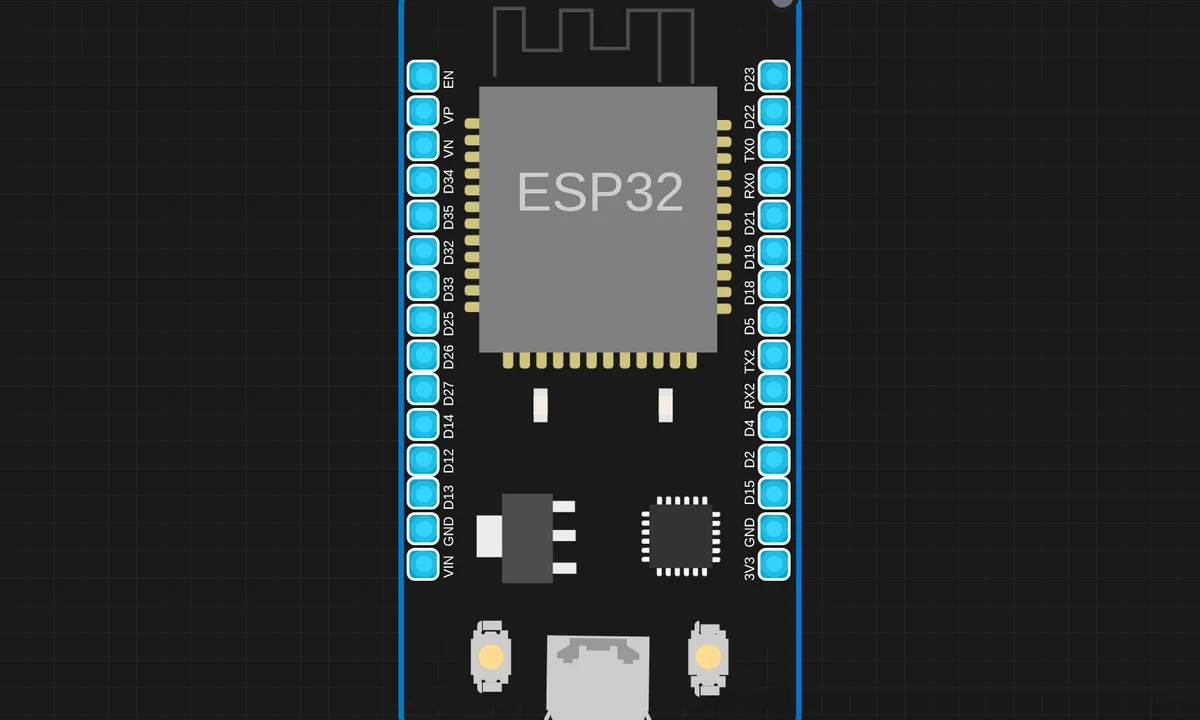 Dual IR Entry Exit Detector with Telegram AlertsRun in simulator →
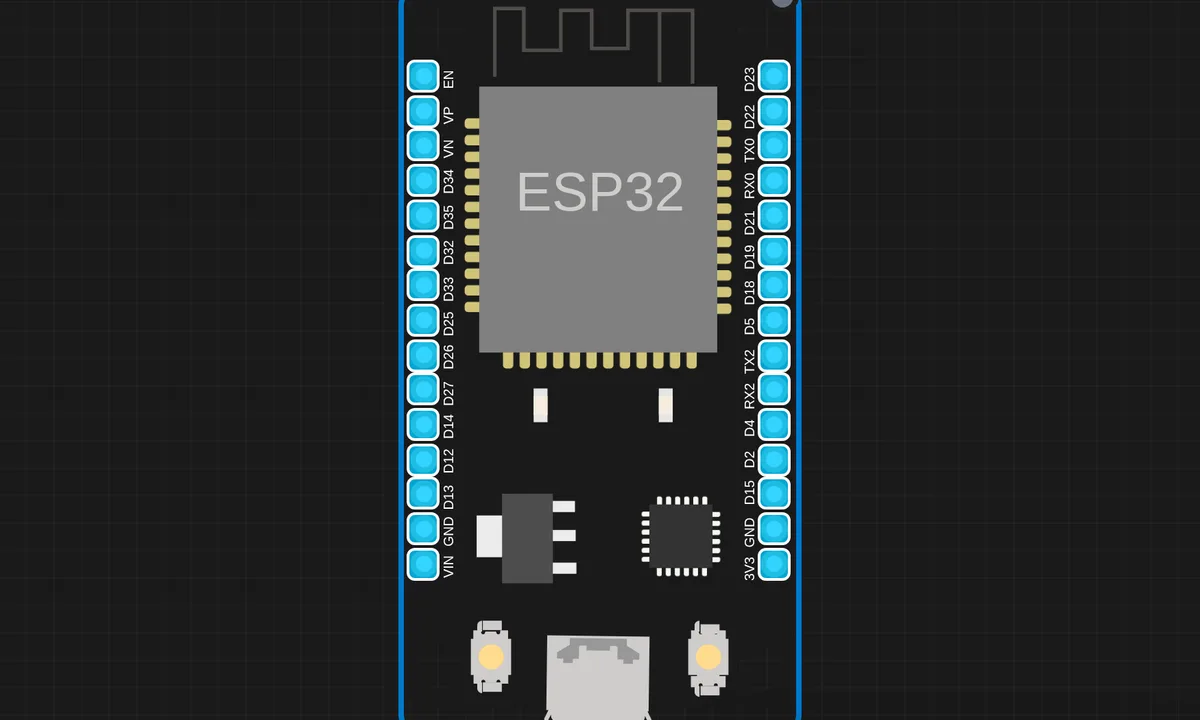 EEPROM Simulation using MicroPython on ESP32Run in simulator →
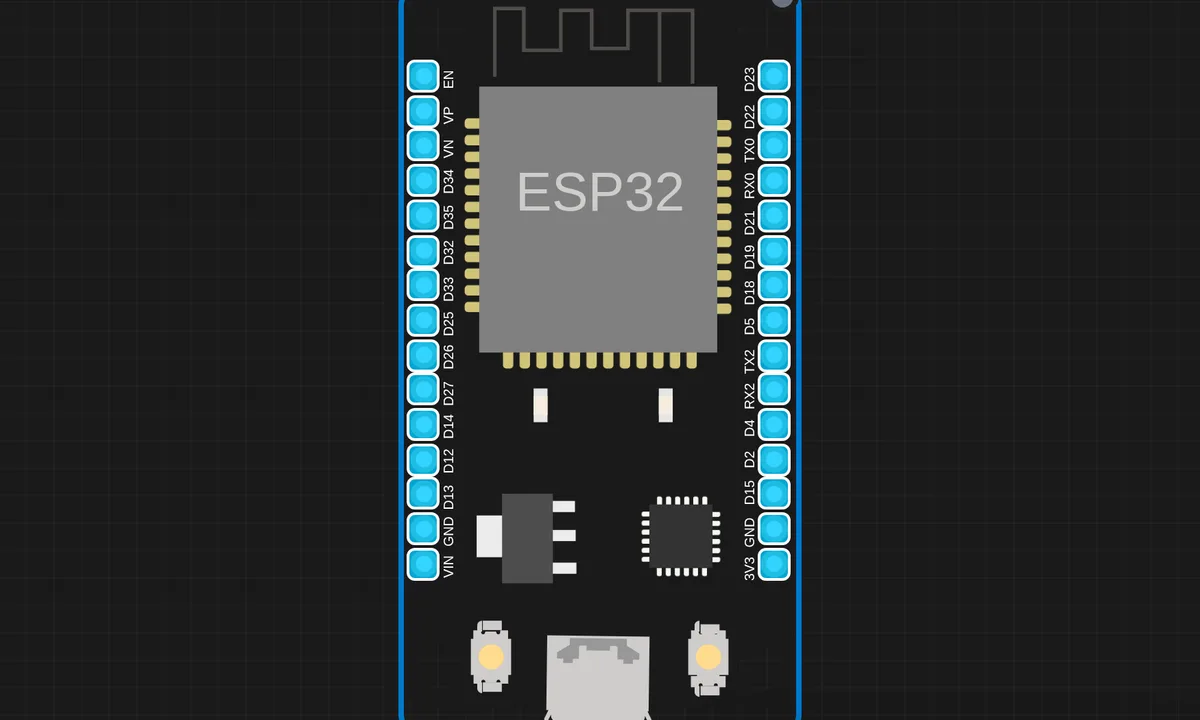 ESP32 BLE LED ControlRun in simulator →
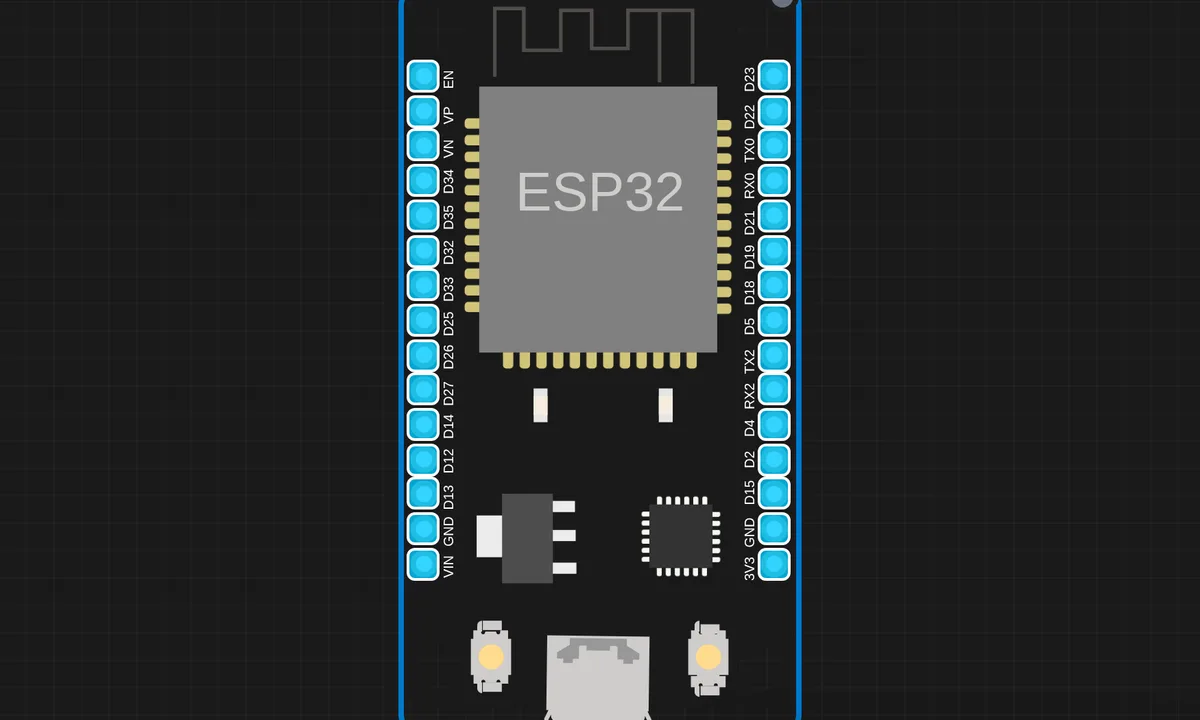 ESP32 Hotspot (Access Point) Setup MicroPythonRun in simulator →
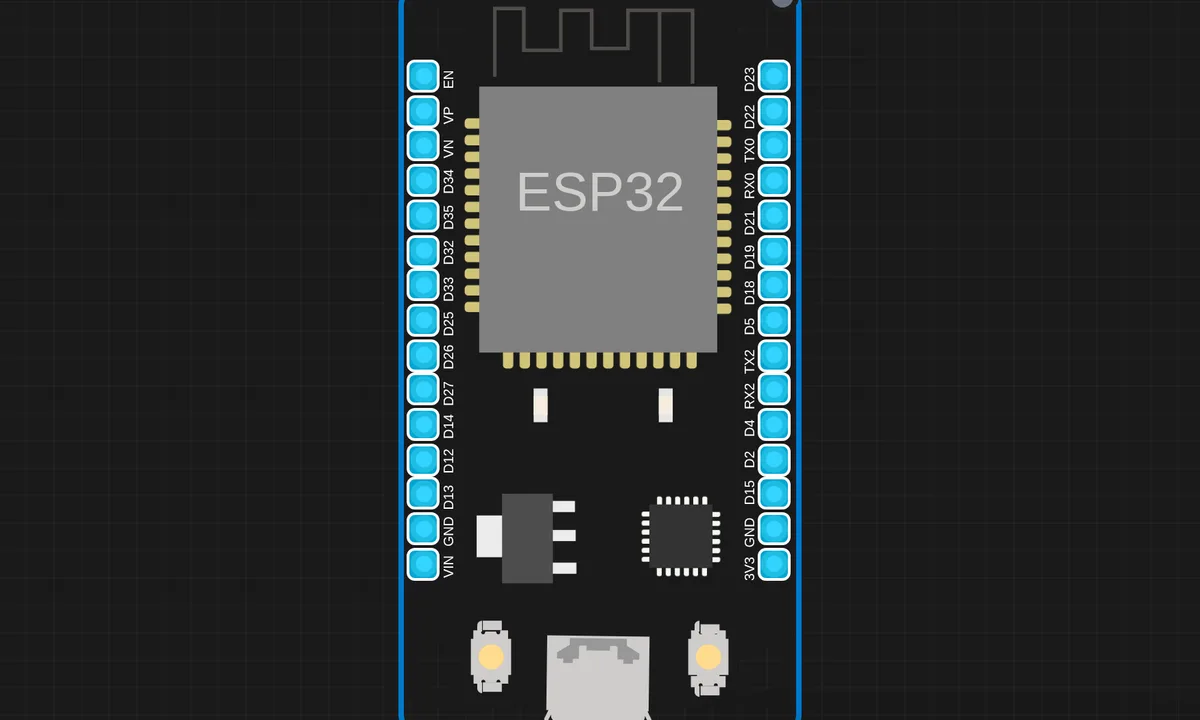 ESP32 IR Sensor Telegram Alert (MicroPython)Run in simulator →
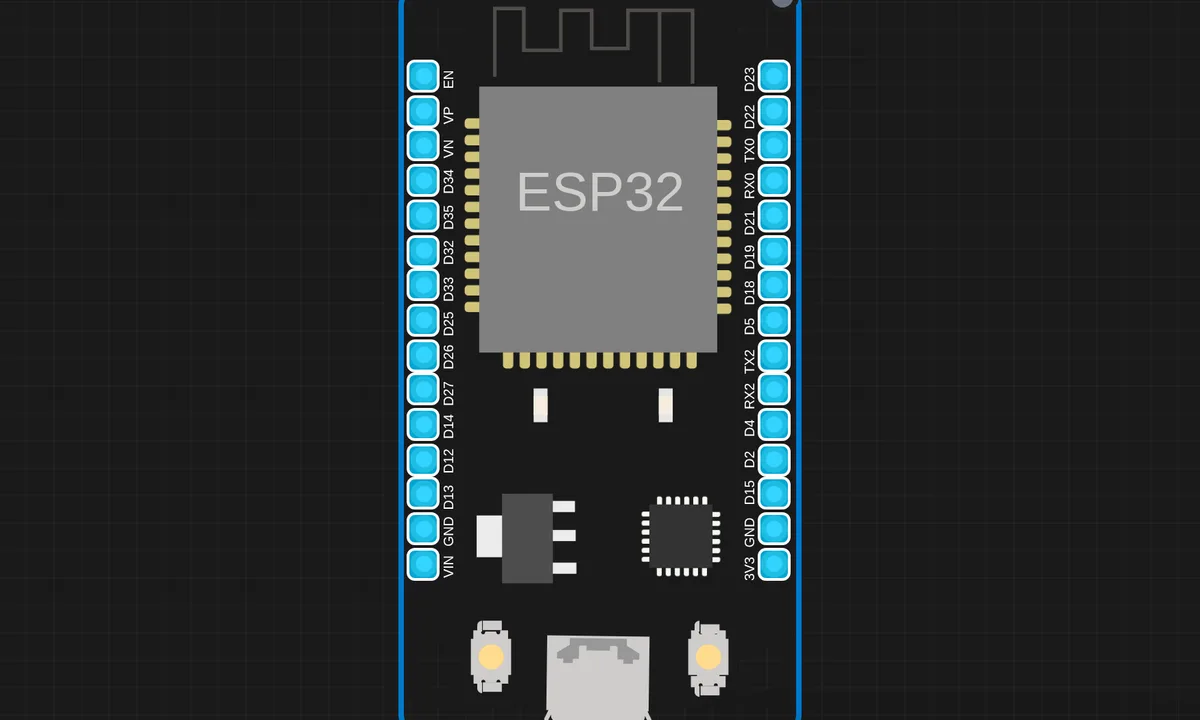 ESP32 OLED Smart UI Eyes Animation Time & Weather (MicroPython)Run in simulator →
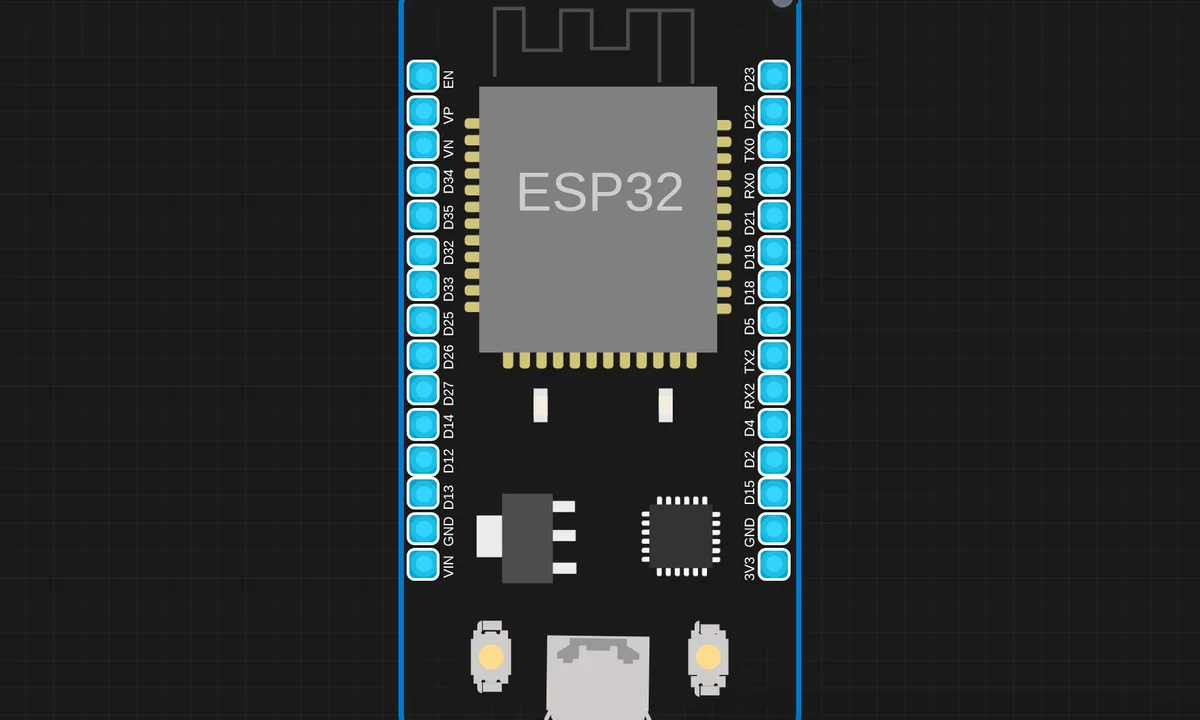 Flask Server Based LED Control using MicroPythonRun in simulator →
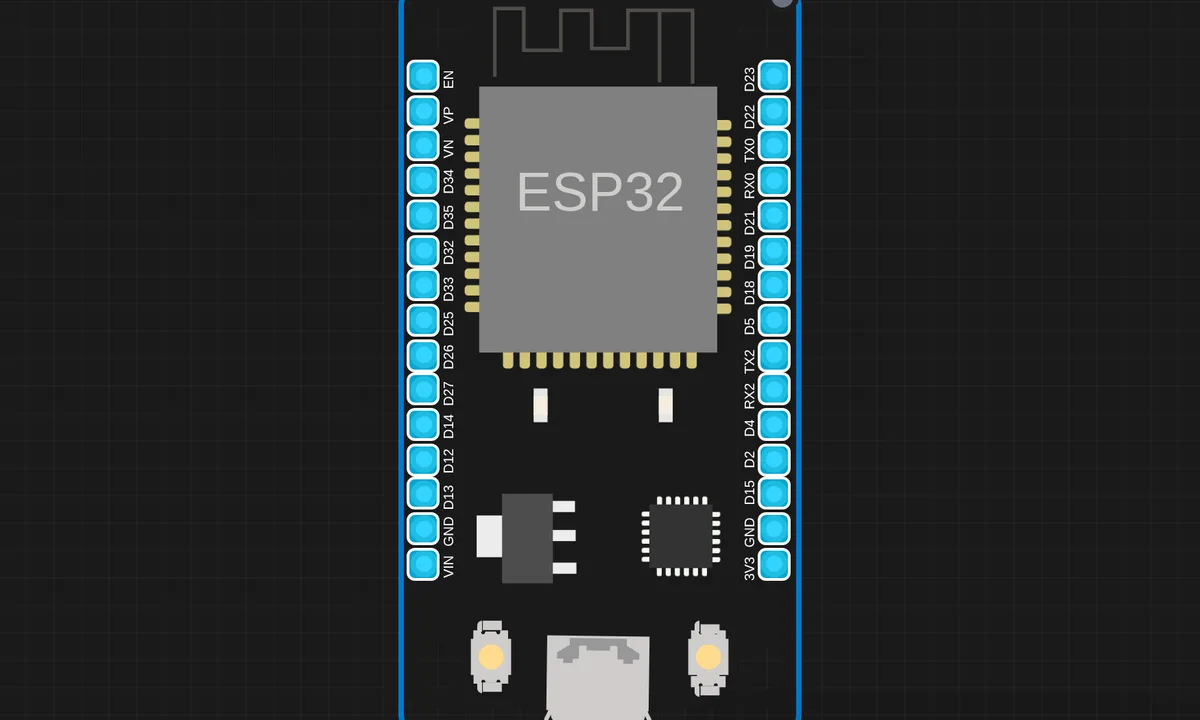 IoT Atmospheric Monitoring System using ESP32, wowki & BlynkRun in simulator →
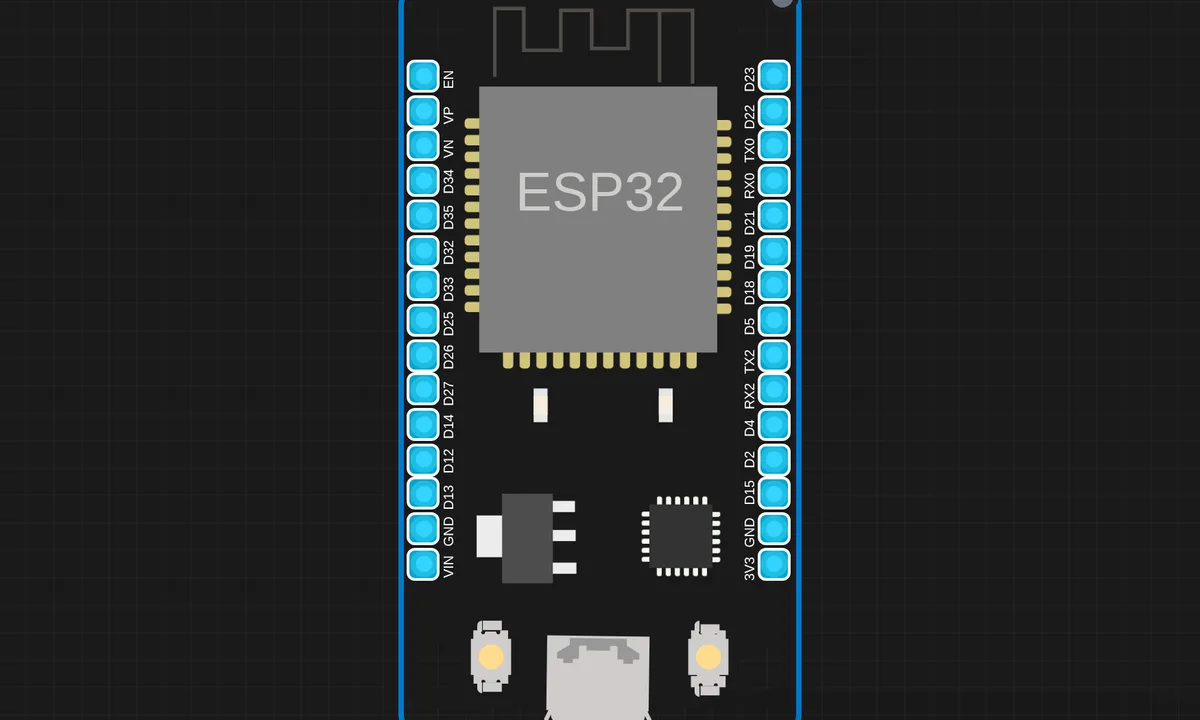 IoT Based DSM Smart MeteringRun in simulator →
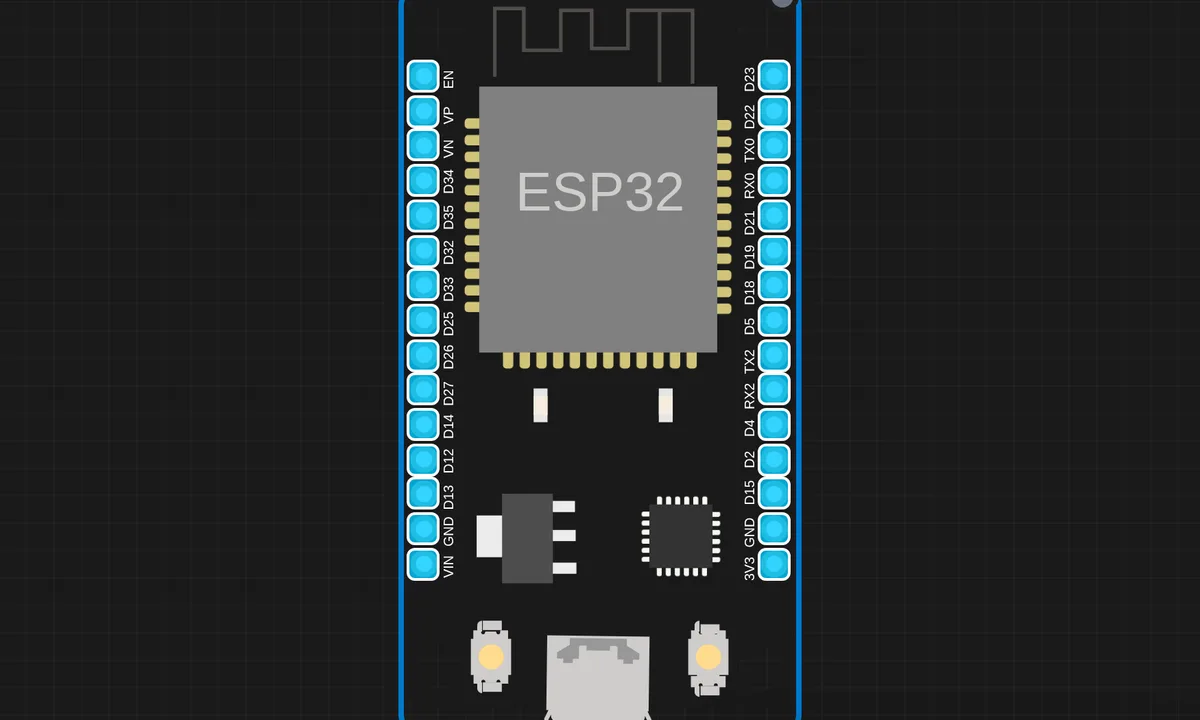 IoT Environment Monitoring With Anomaly DetectionRun in simulator →
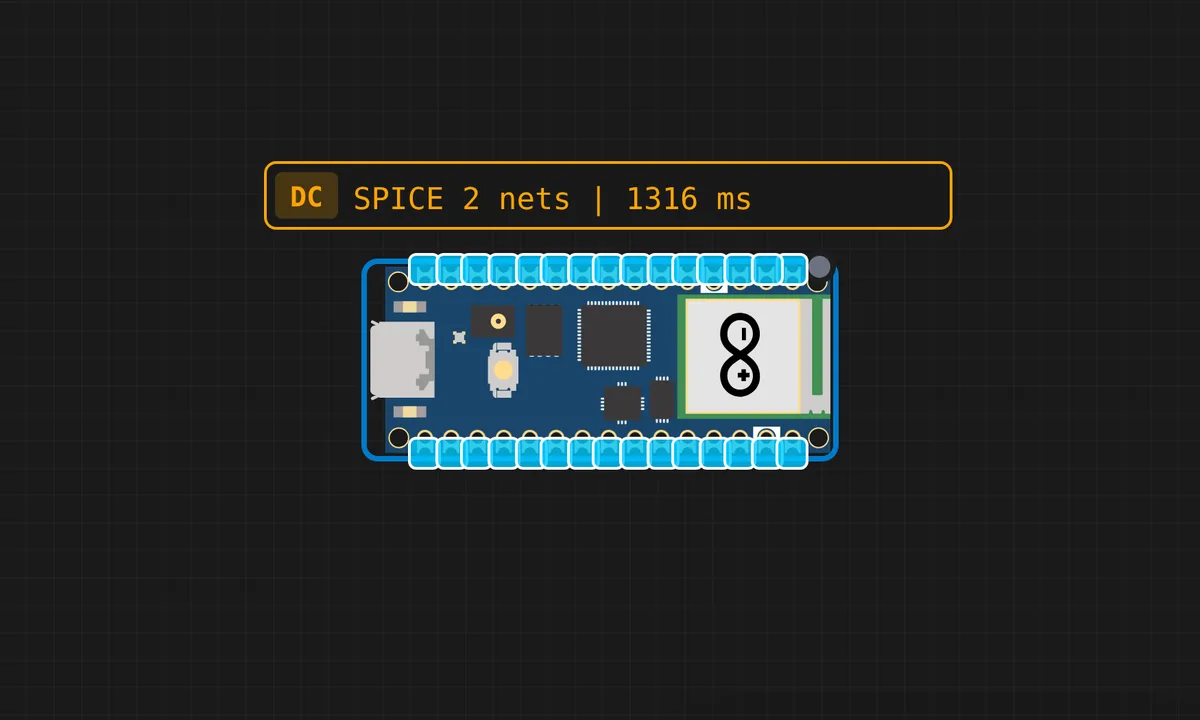 IoT Relay Control Web Server (Raspberry Pi Pico 2W)Run in simulator →
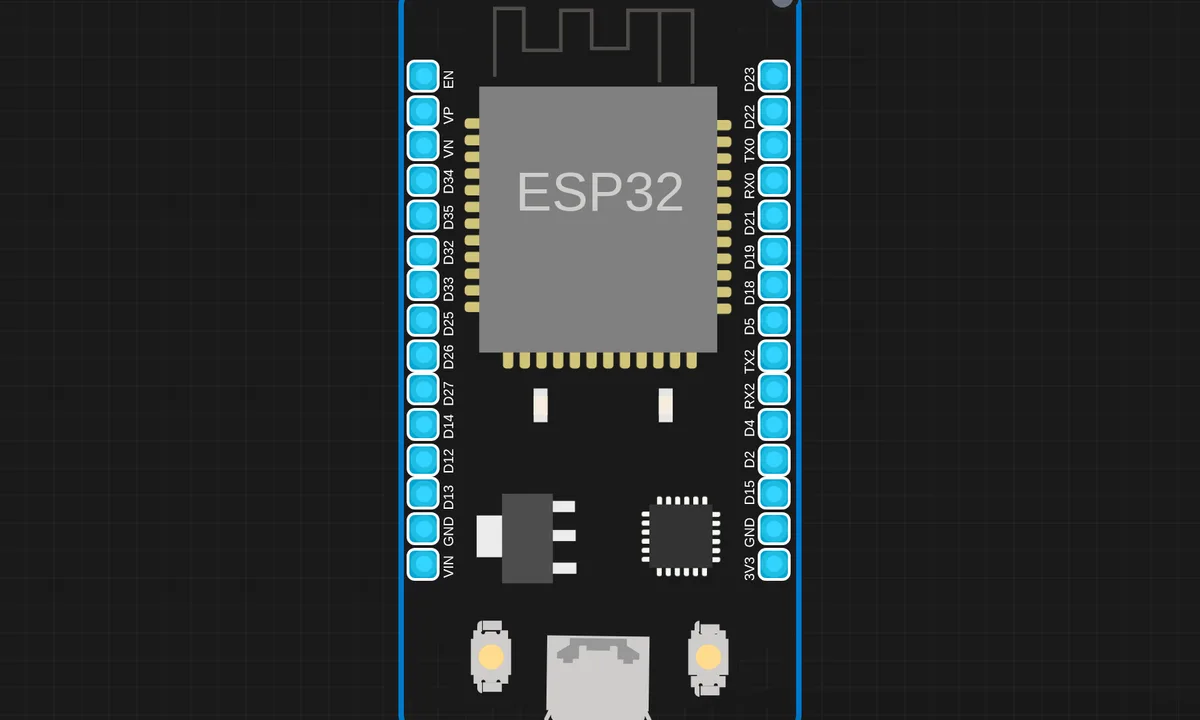 IoT Smart Irrigation SystemRun in simulator →
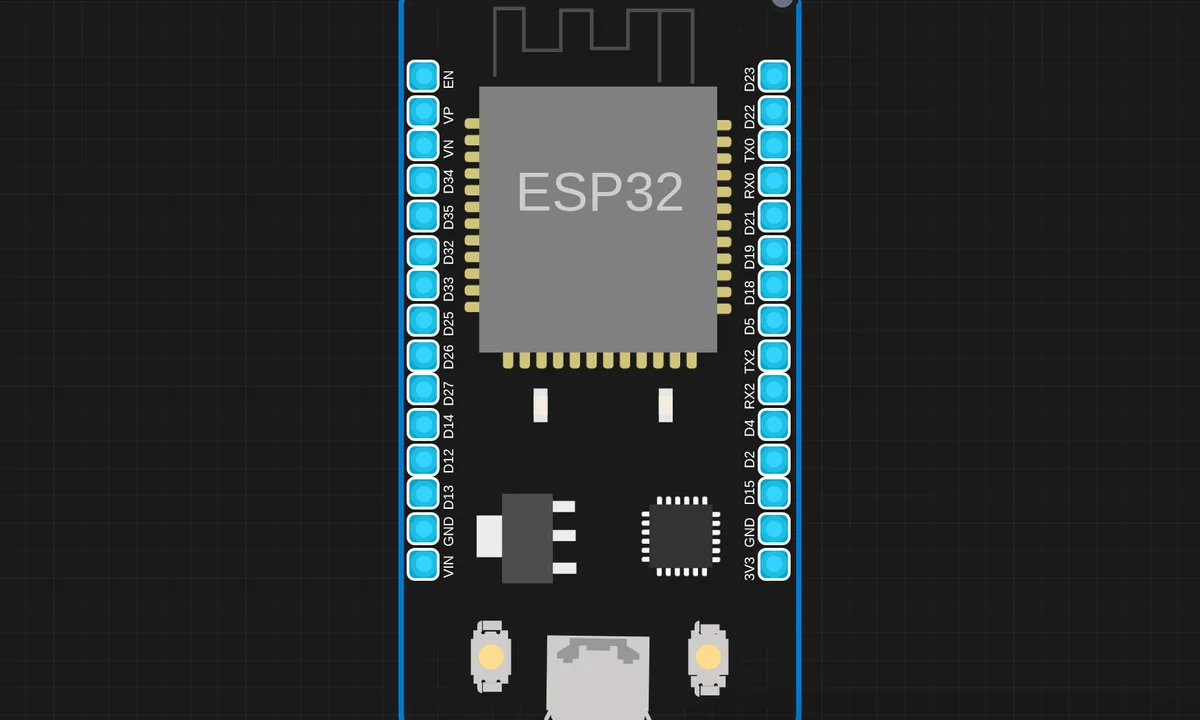 Joystick Controlled ServoRun in simulator →
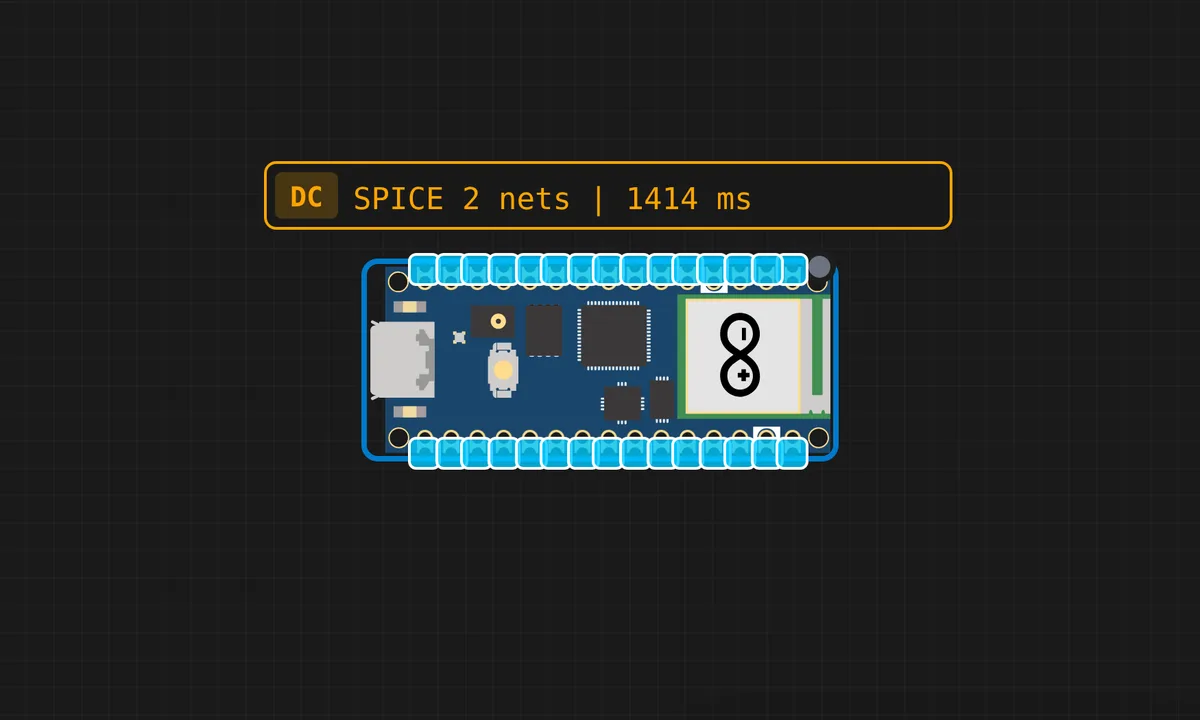 Joystick Direction Display with OLEDRun in simulator →
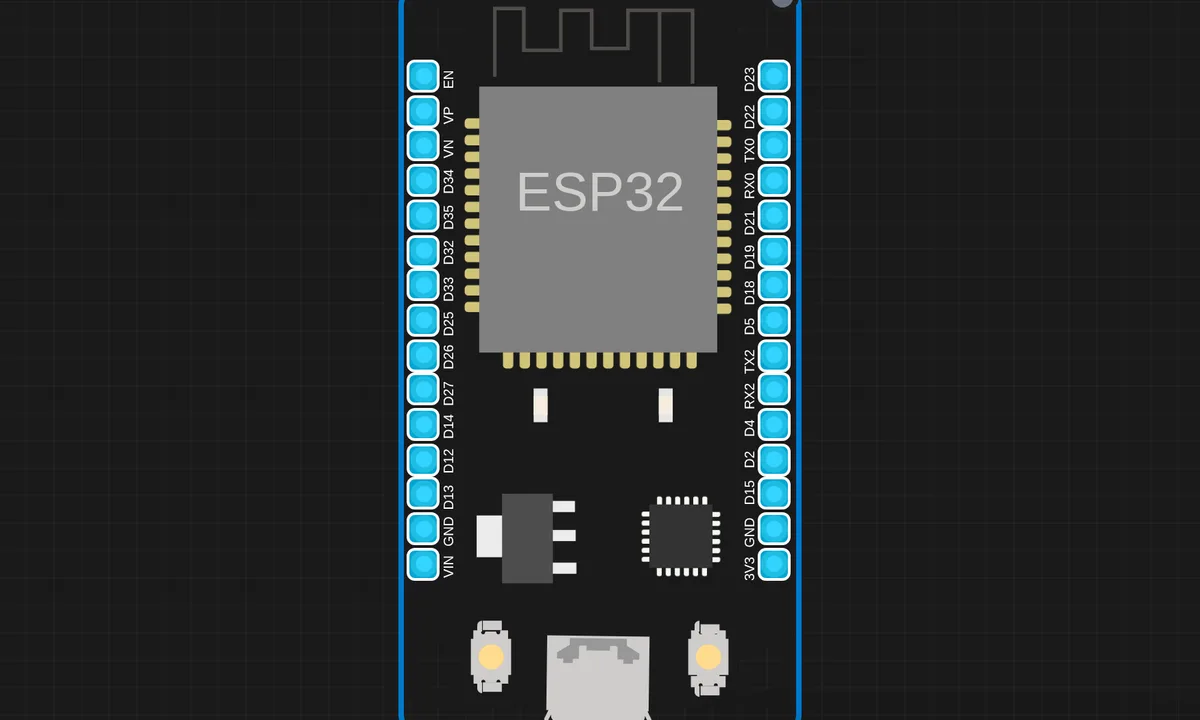 MicroPython WatchRun in simulator →
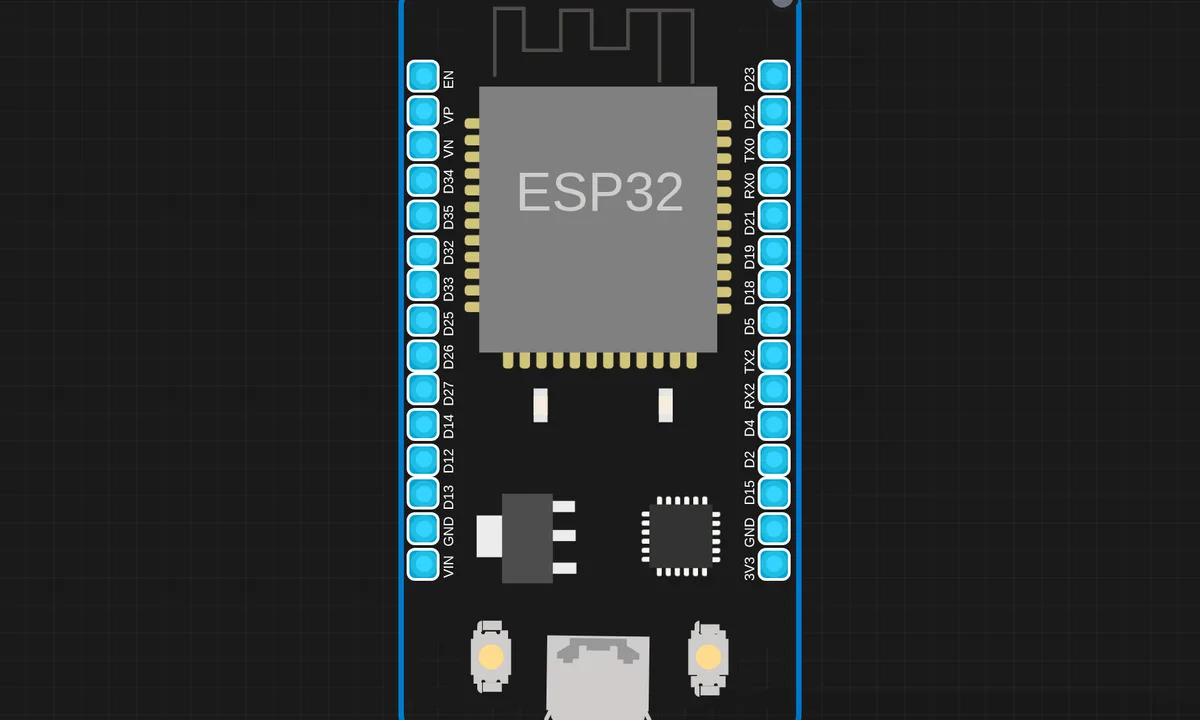 MQ4 Gas Leak Detection System using ESP32 and MicroPythonRun in simulator →
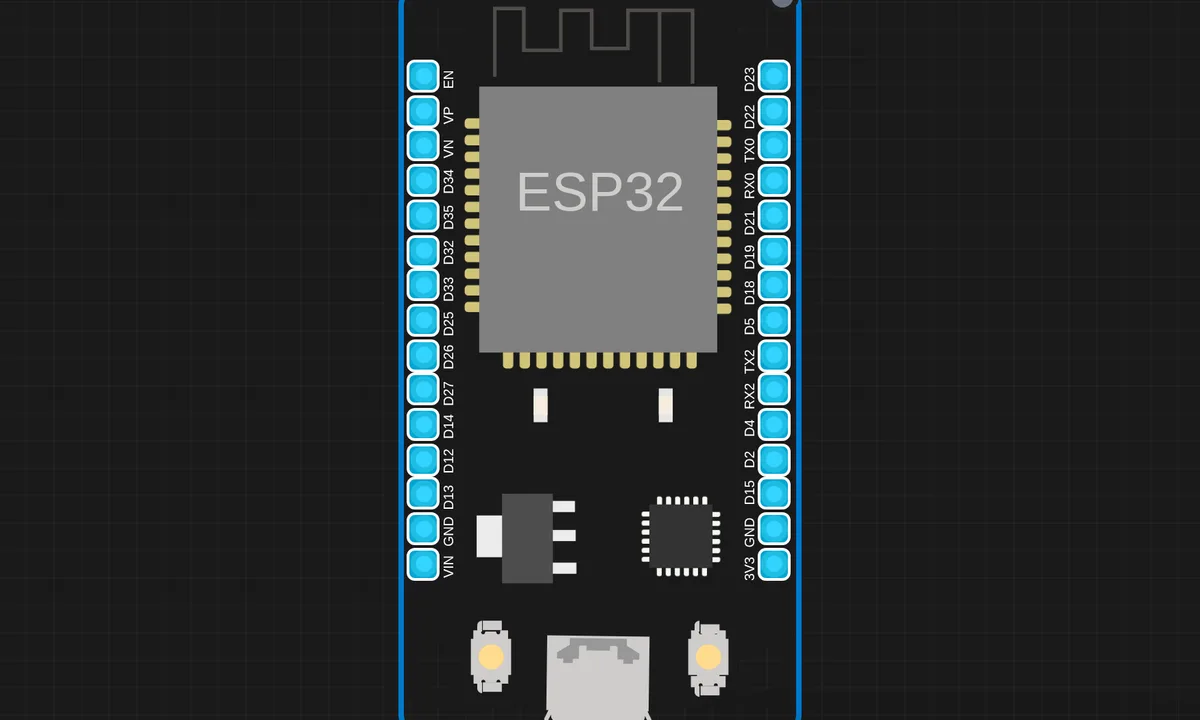 MQ7 CO Gas Detection ESP32Run in simulator →
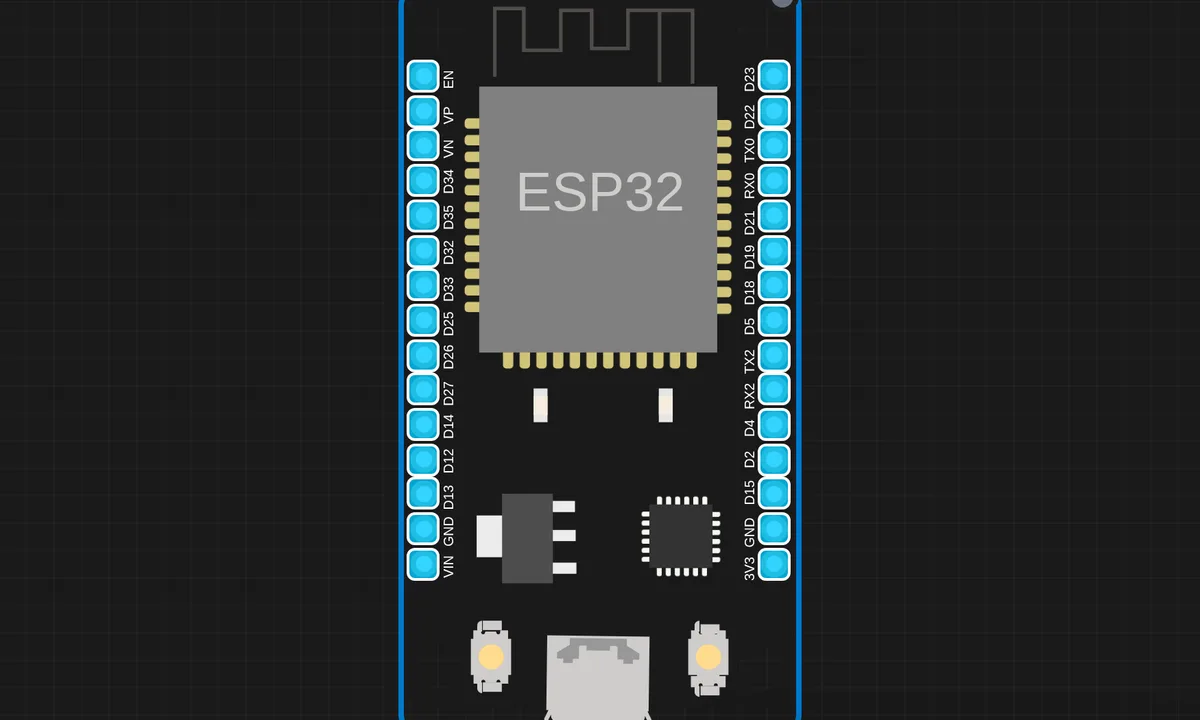 MQ 135 Gas Sensor with ESP32 (MicroPython)Run in simulator →
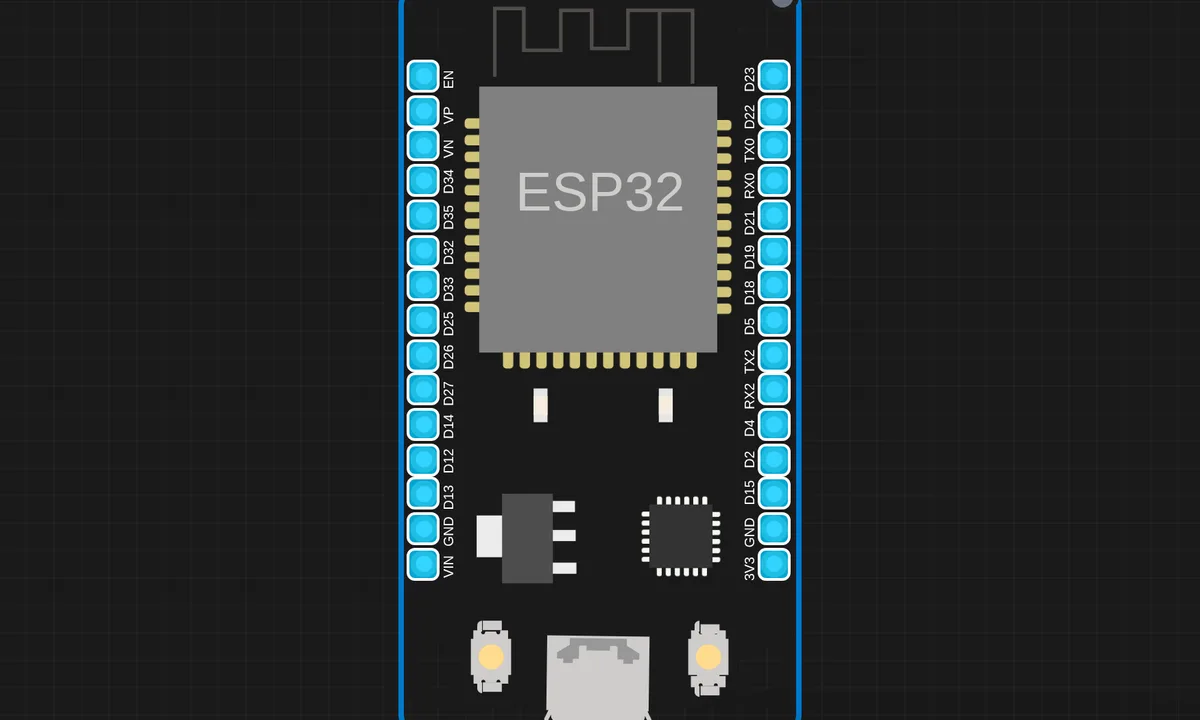 NTP Synchronized Digital Clock using ESP32 & MAX7219Run in simulator →
 OTA Update Pico2WRun in simulator →
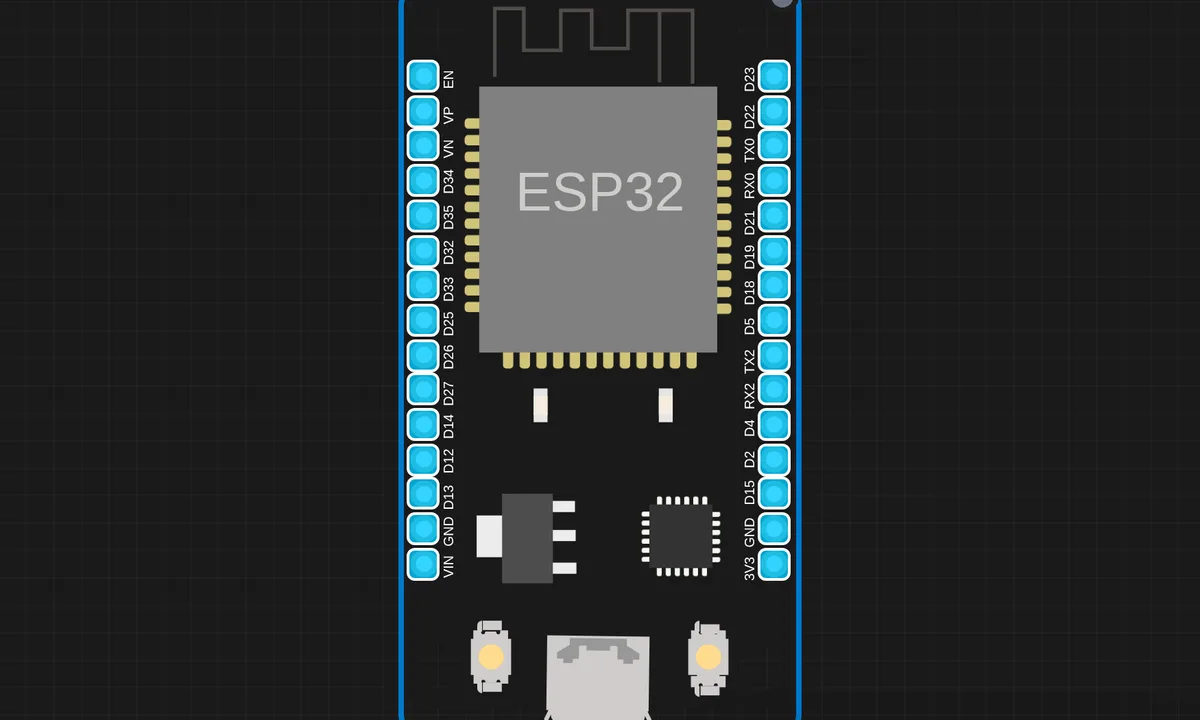 Password Lock System using ESP32Run in simulator →
 Pico 2 W Dht11 Http Csv LoggerRun in simulator →
 Pico W Async LED Control (MicroPython)Run in simulator →
 Pico W Web Servo ControllerRun in simulator →
 PIR Motion Detector using Raspberry Pi Pico 2W & MicroPythonRun in simulator →
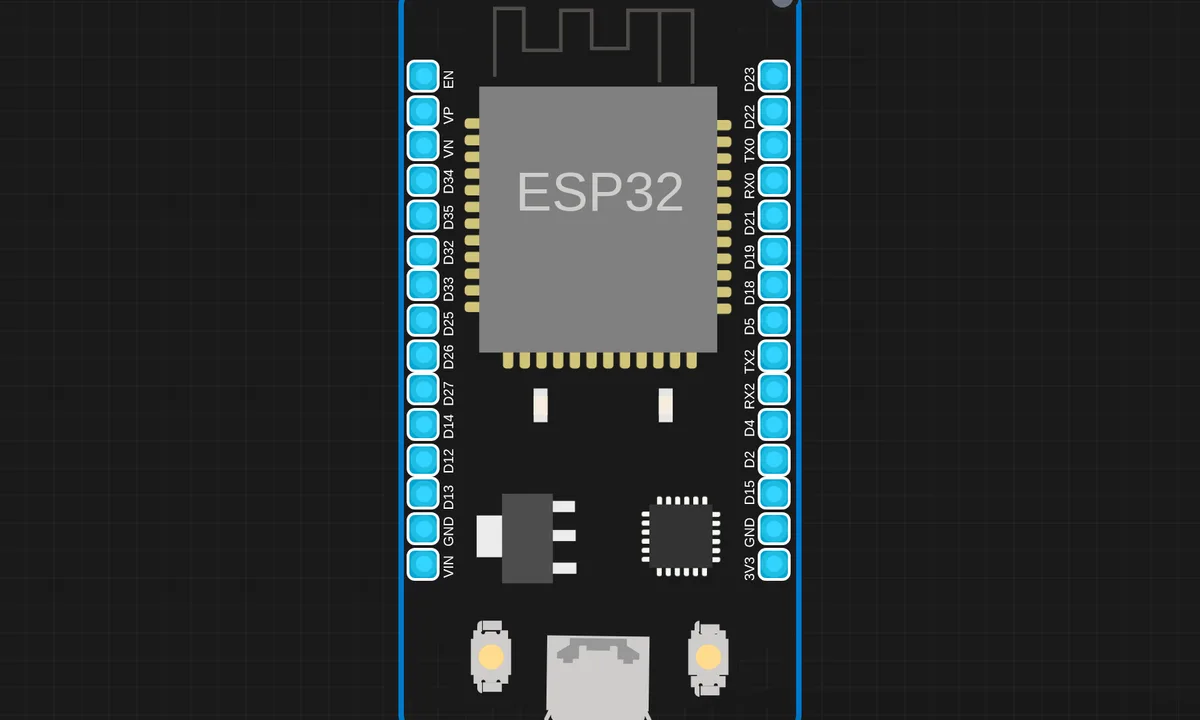 Potentiometer VisualizerRun in simulator →
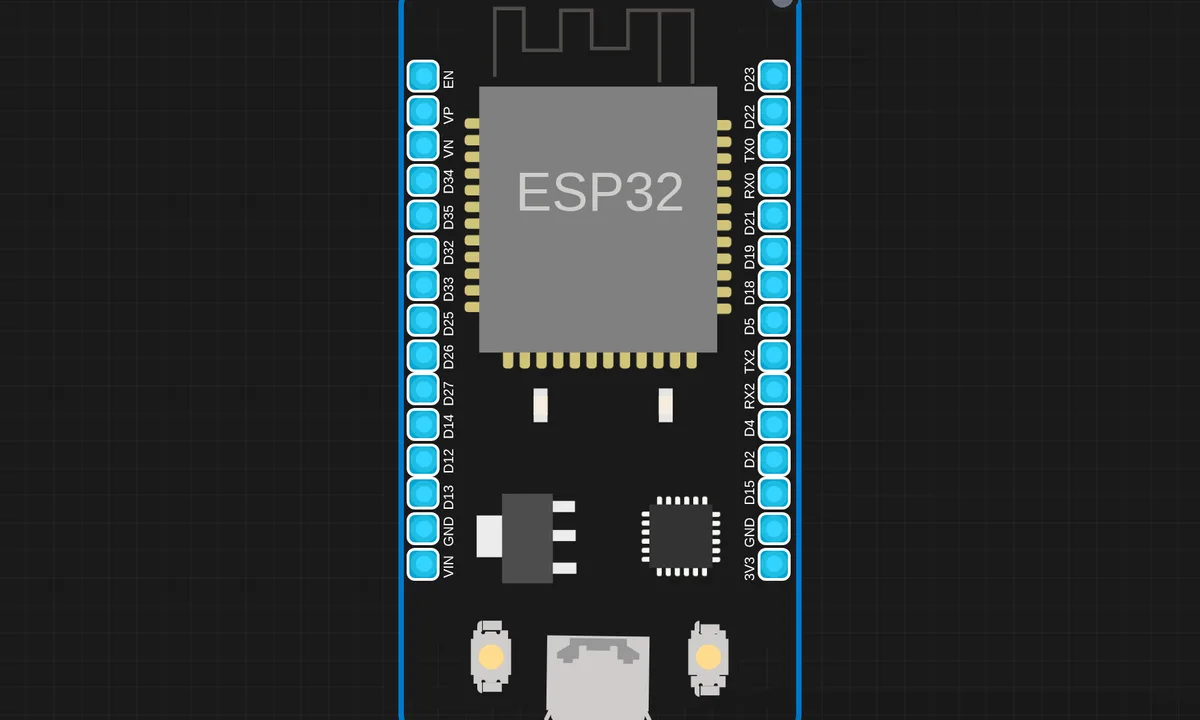 Pulse MonitorRun in simulator →
 Raspberry Pi Pico 2 W ThingsBoard IoTRun in simulator →
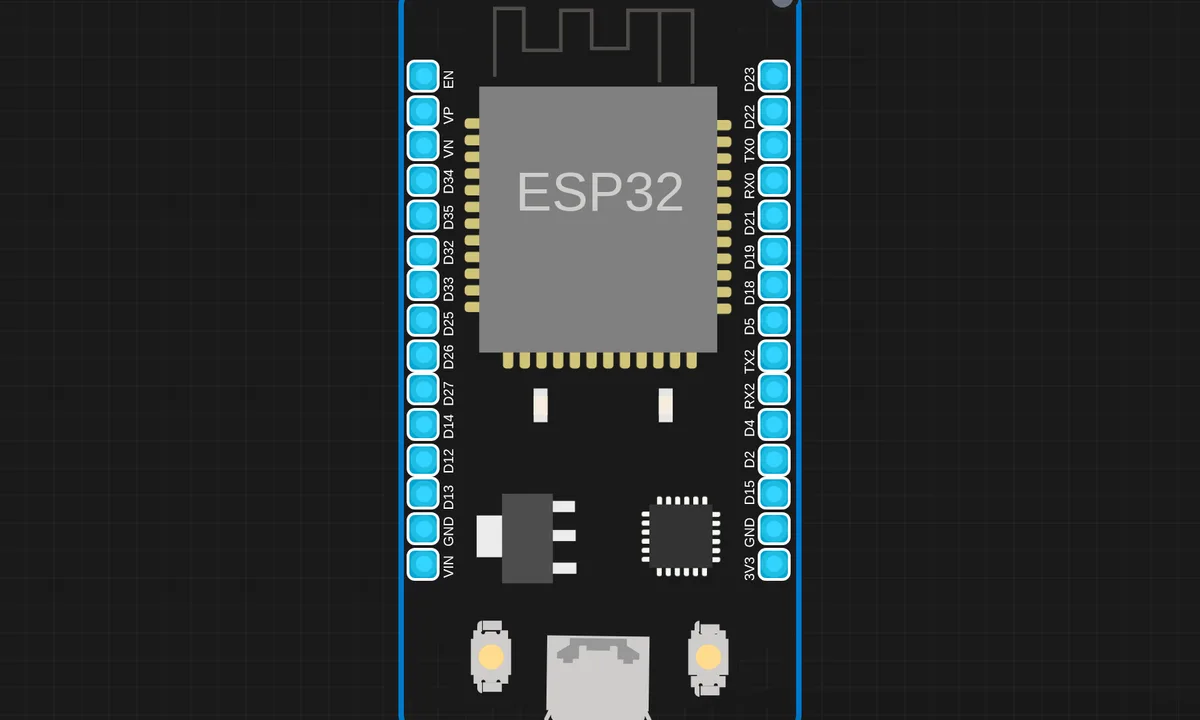 RGB Color Mixer using Potentiometers (ESP32 + MicroPython)Run in simulator →
 Servo Motor Control with Raspberry Pi Pico 2 W (MicroPython)Run in simulator →
 Single Digit Seven Segment Display with Raspberry Pi-Pico (MicroPython)Run in simulator →
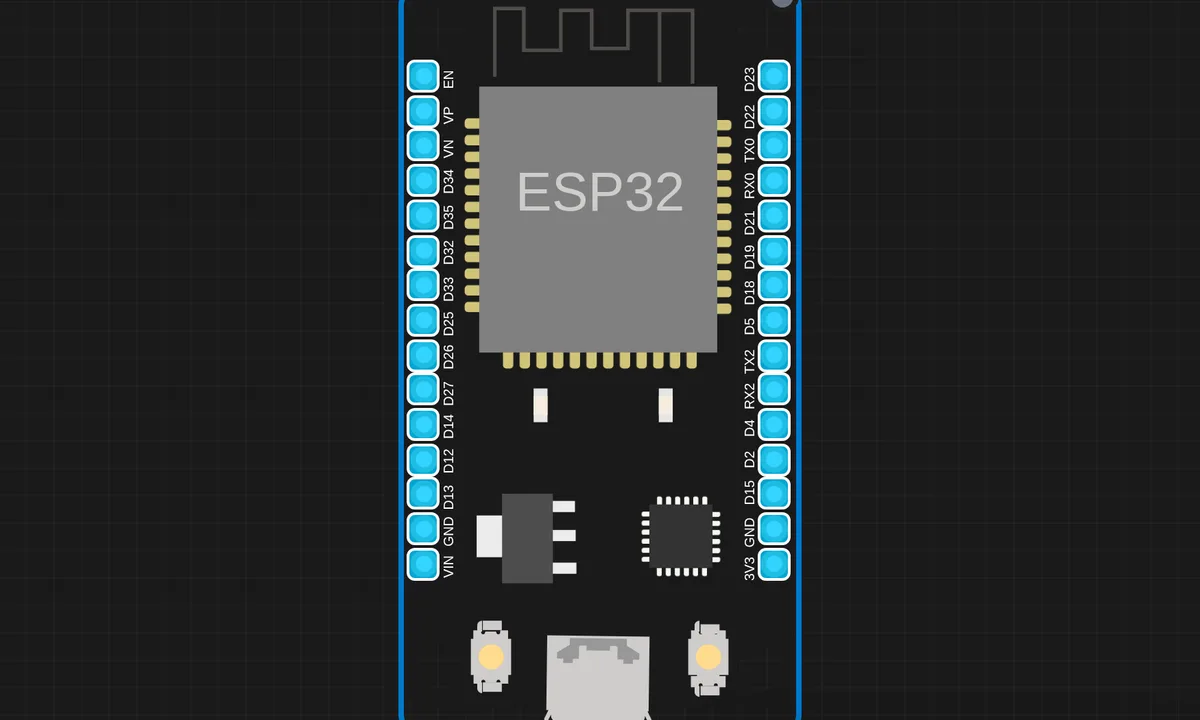 Smart Home Automation SystemRun in simulator →
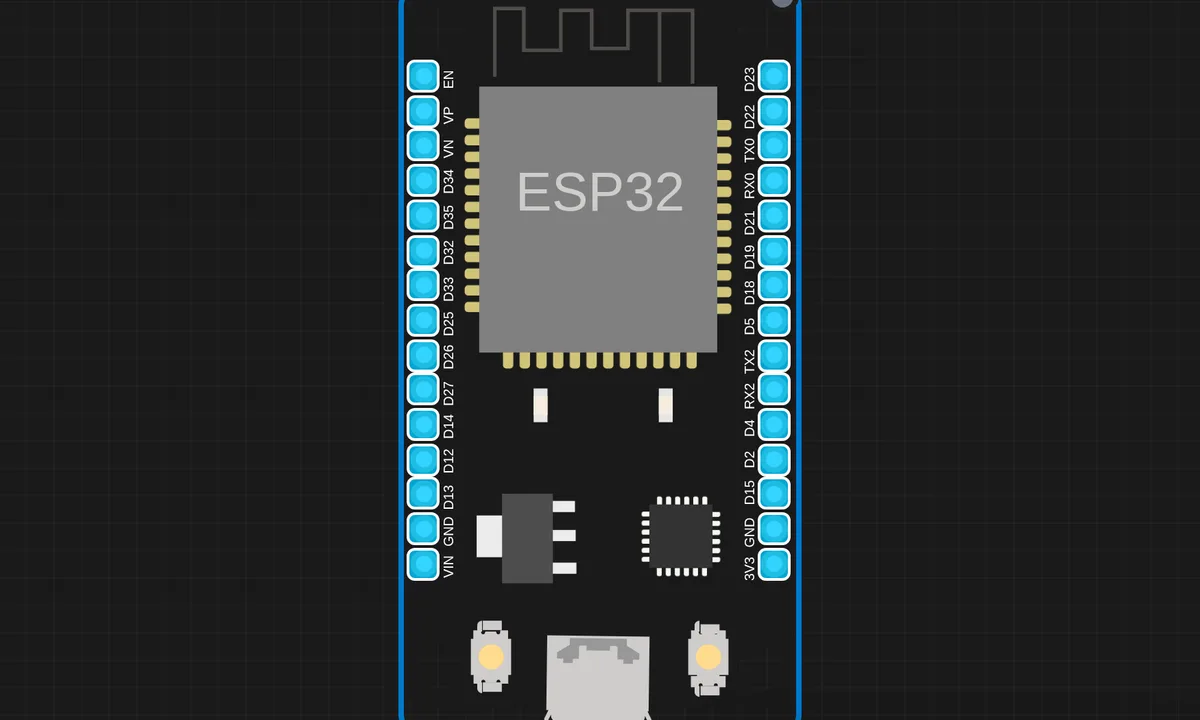 Smart Indoor Security SystemRun in simulator →
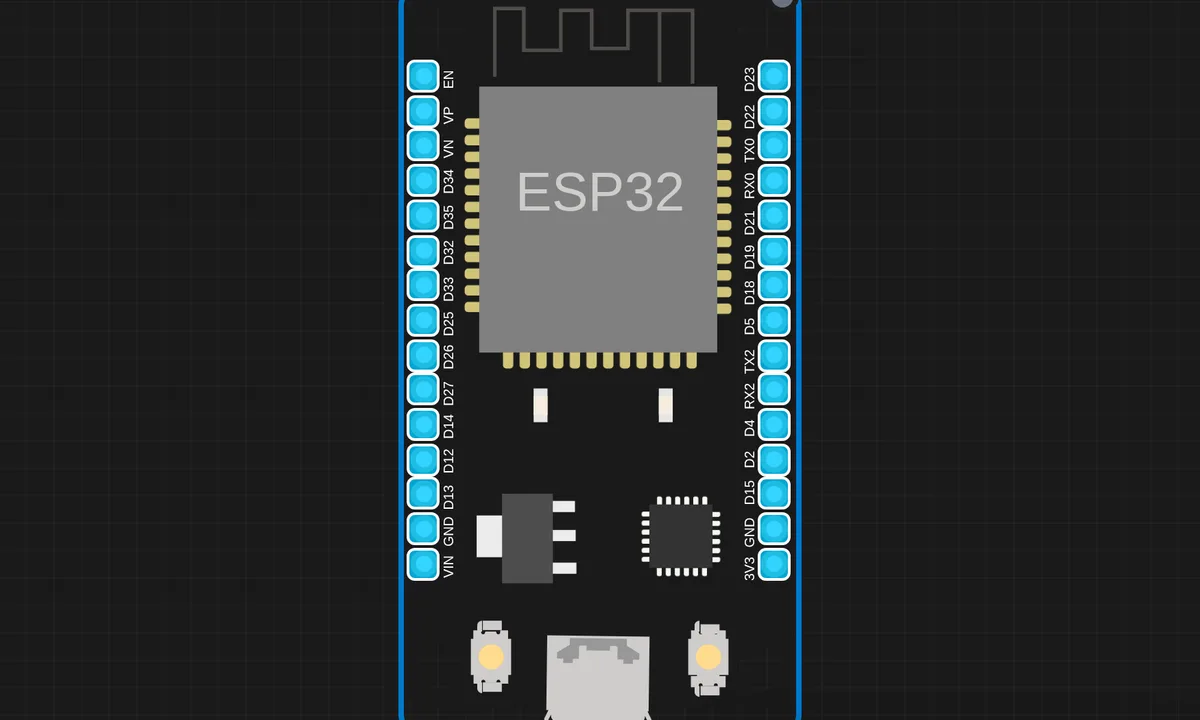 Smart IoT Gas Monitoring SystemRun in simulator →
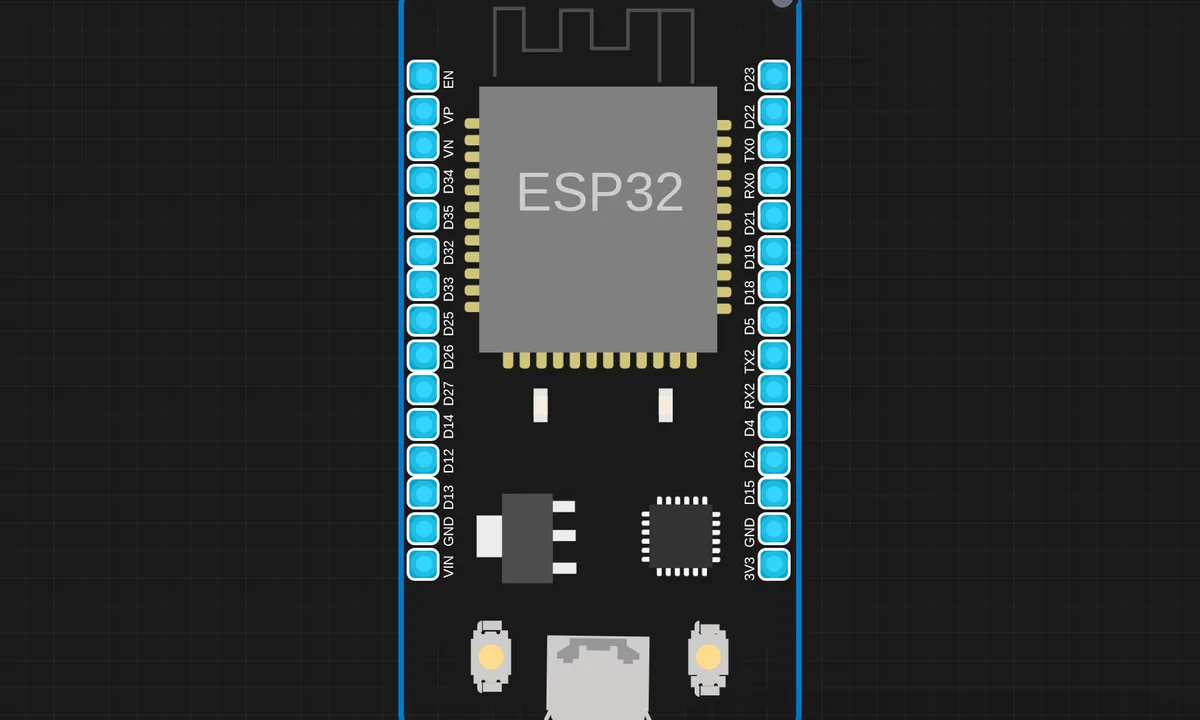 Stepper Motor Control using ESP32 & A4988 (MicroPython)Run in simulator →
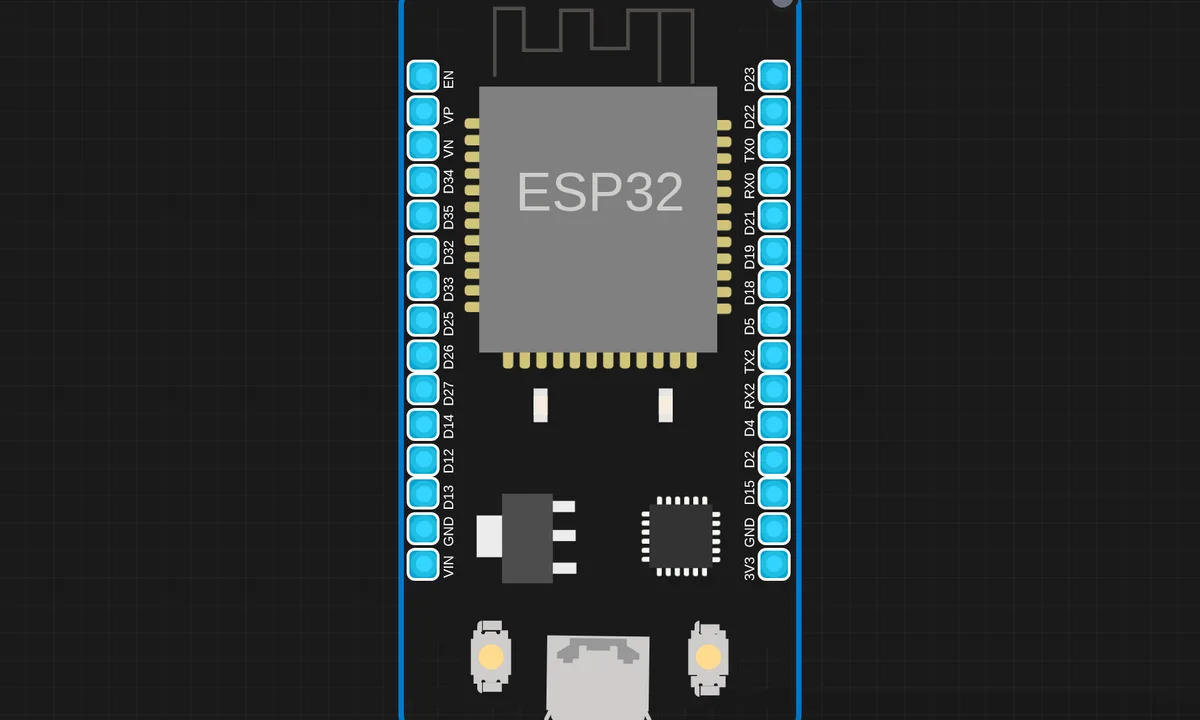 Temperature Based LED Indicator (MicroPython ESP32)Run in simulator →
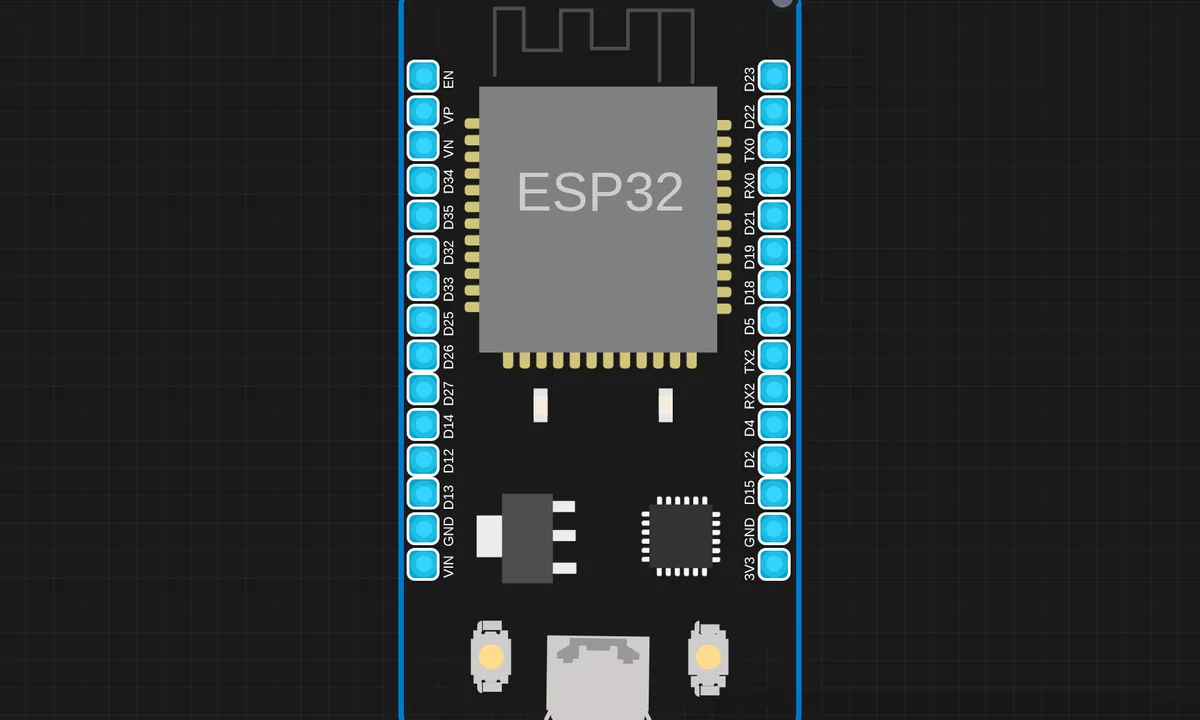 Ultrasonic LED Distance Indicator ESP32 MicroPythonRun in simulator →
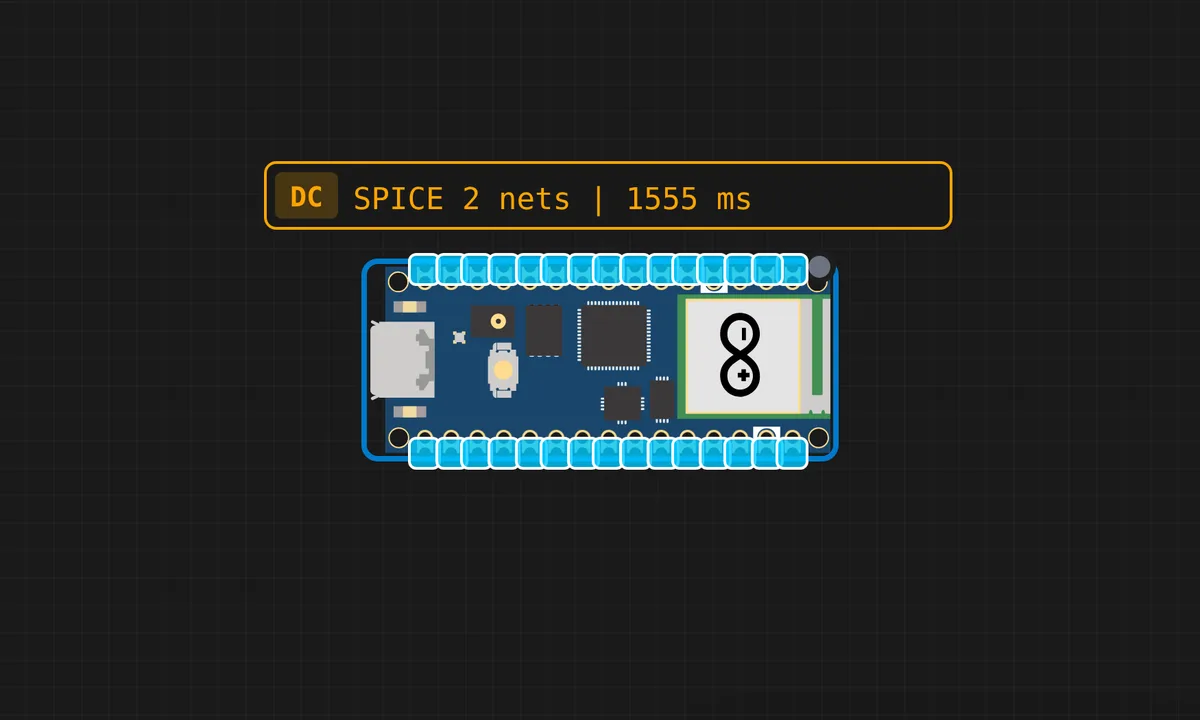 WebSocket LED Control using Raspberry Pi Pico WRun in simulator →
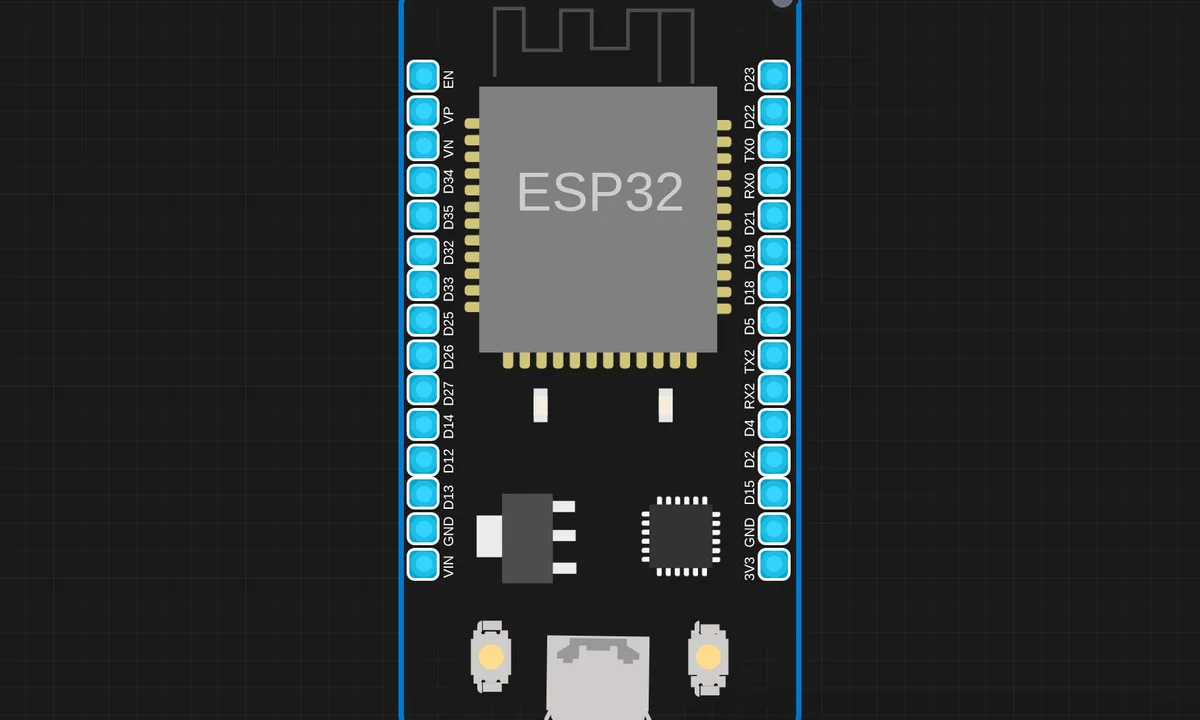 Wi Fi Controlled 4WD Robot CarRun in simulator →
Questions, answered
Are these simulator examples really free?
Yes. Every example on this page runs for free in your browser. There is no account, no install and no paywall — pick a card and it opens with the full code and wiring ready to run.
Do I need any real hardware?
No. The simulator emulates the actual chips — AVR, ARM, RISC-V and Xtensa — so the same sketch you run here works on the real board. When you do want hardware, our shop stocks the exact boards and sensors used in these examples.
Which example should I start with?
If you are new: the Getting Started group — blink an LED first, then a button, then serial output. If you have an ESP32 in mind, jump straight to the ESP32 group.
Can I change the code and wiring?
Yes — that is the point. Every example opens in the full editor: edit the sketch, add parts, move wires, hit play. Your changes stay in the simulator and cost nothing.
Every example runs in your browser
The Sensbench simulator emulates real chips — no cloud queue, no account, nothing to install. Open any example and start hacking on it.
ESP32 simulator · Arduino simulator · Pico simulator · Raspberry Pi simulator · SPICE simulator · All simulators