
I2C EEPROM Read/Write
I2C EEPROM Read/Write is a runnable microcontroller simulation example on SensBench — open the wired circuit, inspect the code, and compile real firmware in your browser, no install needed. Last updated Aug 14, 2026.
FREE SIMULATOR EXAMPLE · INTERMEDIATE
I2C EEPROM Read/Write
This example writes an 8-byte test pattern (10, 20, 30 … 80) into a virtual I2C EEPROM at address 0x50, reads every register back, and prints an [OK] or [FAIL] verdict per byte on the Serial Monitor at 9600 baud. It is the cleanest place to watch a full write-then-read TWI transaction without owning a logic analyzer.
| Board | Arduino Uno (ATmega328P, 16 MHz, 5 V logic) |
|---|---|
| Difficulty | intermediate |
| Category | communication |
| Libraries | None — just the Arduino core |
| Runs in | Sensbench browser simulator — free, no account |
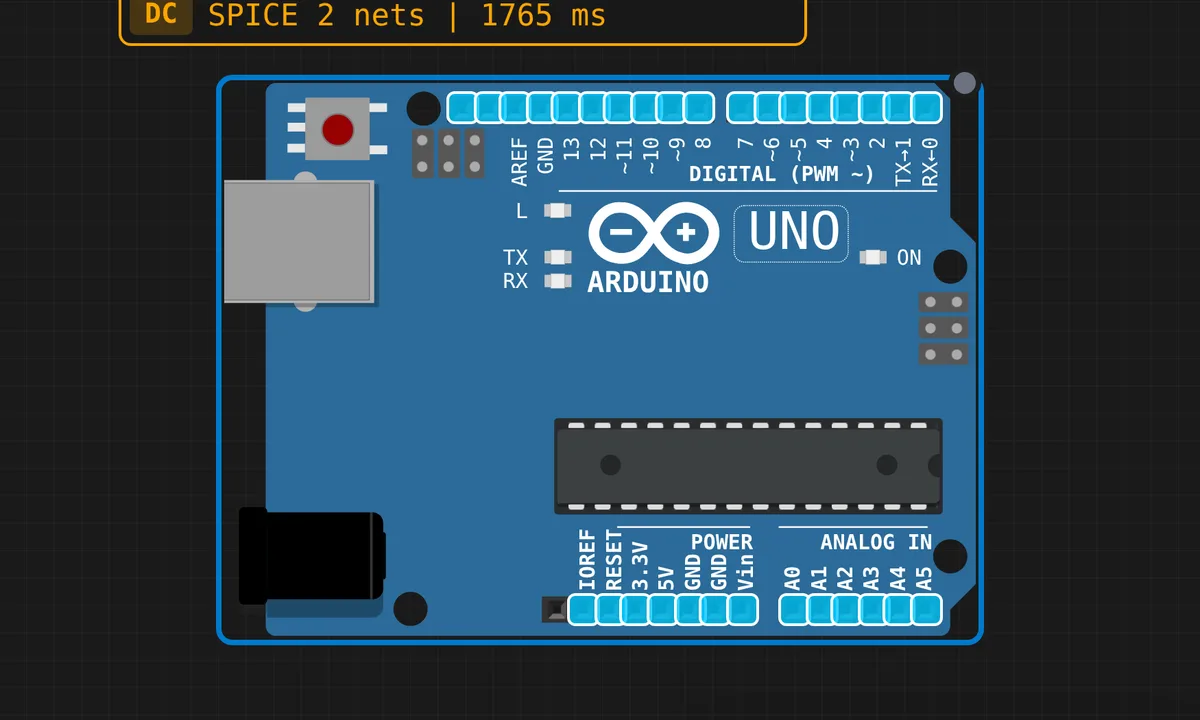
The exact circuit you get when you open this example — already wired, ready to run.
The sketch
// I2C EEPROM Read/Write Test
// Virtual EEPROM at address 0x50
// Writes values to registers, then reads them back.

#include <Wire.h>

#define EEPROM_ADDR 0x50

void writeEEPROM(byte reg, byte value) {
  Wire.beginTransmission(EEPROM_ADDR);
  Wire.write(reg);    // register address
  Wire.write(value);  // data
  Wire.endTransmission();
  delay(5); // EEPROM write cycle time
}

byte readEEPROM(byte reg) {
  Wire.beginTransmission(EEPROM_ADDR);
  Wire.write(reg);
  Wire.endTransmission();

  Wire.requestFrom(EEPROM_ADDR, 1);
  if (Wire.available()) {
    return Wire.read();
  }
  return 0xFF;
}

void setup() {
  Wire.begin();
  Serial.begin(9600);

  Serial.println("============================");
  Serial.println(" I2C EEPROM R/W Test (0x50)");
  Serial.println("============================");
  Serial.println();

  // Write test pattern
  Serial.println("Writing test data...");
  for (byte i = 0; i < 8; i++) {
    byte value = (i + 1) * 10;  // 10, 20, 30, ...
    writeEEPROM(i, value);
    Serial.print("  Write reg[");
    Serial.print(i);
    Serial.print("] = ");
    Serial.println(value);
  }

  Serial.println();
  Serial.println("Reading back...");

  // Read back and verify
  byte errors = 0;
  for (byte i = 0; i < 8; i++) {
    byte expected = (i + 1) * 10;
    byte actual = readEEPROM(i);
    Serial.print("  Read  reg[");
    Serial.print(i);
    Serial.print("] = ");
    Serial.print(actual);

    if (actual == expected) {
      Serial.println("  [OK]");
    } else {
      Serial.print("  [FAIL] expected ");
      Serial.println(expected);
      errors++;
    }
  }

  Serial.println();
  if (errors == 0) {
    Serial.println("All tests PASSED!");
  } else {
    Serial.print(errors);
    Serial.println(" test(s) FAILED.");
  }
}

void loop() {
  // Nothing to do
  delay(1000);
}
How it works
writeEEPROM() shows the EEPROM write convention: Wire.beginTransmission(0x50), then the first Wire.write() is not data — it is the register address inside the chip, and the second is the value. Nothing physically moves until Wire.endTransmission() clocks it all out. The delay(5) after each write respects the chip’s internal write cycle: while a real EEPROM is burning the byte into its array it NAKs the bus, so hammering it faster buys you errors, not speed.
readEEPROM() is the classic combined transaction. You first write just the register pointer — begin, write(reg), end — then Wire.requestFrom(EEPROM_ADDR, 1) makes the Uno the receiver and Wire.read() pulls the byte out of the buffer. Set the pointer, then read: nearly every I2C sensor and memory chip on earth follows this exact two-phase pattern.
Notice the sketch lives entirely in setup(): write the pattern, read it back, compare, print the verdict, done — loop() just idles. For a one-shot verification test that keeps the serial log readable instead of scrolling the same result ten times a second.
Before you build it for real
On the Uno, I2C is A4 (SDA) and A5 (SCL) — the pins hide in the analog header, though the R3 duplicates them near the reset button. Real EEPROMs like the 24LC256 need pull-up resistors around 4.7 kΩ on both lines; the ATmega328P’s weak internal pull-ups sort of work at 100 kHz on a quiet desk and fail exactly when your wiring gets long. And keep that 5 ms write delay — remove it and a real chip NAKs your next transaction or returns the previous byte, a bug that looks depressingly like bad code.
Get the parts
Related examples
FAQ
Why address 0x50?
The 24-series EEPROMs hard-wire their top four address bits to 0101 (0x5), and the A0–A2 pins on the chip select the low three. Tie all three to GND and you get 0x50 — which also means you can hang eight of them on one bus by strapping the pins differently.
Why write the register number before reading?
Because the EEPROM keeps an internal address pointer. The write phase sets that pointer; the read phase just streams bytes from wherever it points. It is called a combined or repeated-start transaction, and the same pattern shows up in RTCs, IMUs and OLEDs.