
Multi-Protocol Demo
Multi-Protocol Demo is a runnable microcontroller simulation example on SensBench — open the wired circuit, inspect the code, and compile real firmware in your browser, no install needed. Last updated Aug 14, 2026.
FREE SIMULATOR EXAMPLE · ADVANCED
Multi-Protocol Demo
This example runs all three classic Arduino buses at once: it scans the I2C bus, writes and verifies two bytes in a 24LC EEPROM at 0x50, reads the time from a DS1307 RTC at 0x68 every two seconds, fires three test bytes out over SPI with SS on pin 10, and narrates everything over Serial at 9600 baud. One sketch, three protocols — a bus diagnostic dressed up as a demo.
| Board | Arduino Uno (ATmega328P, 16 MHz, 5 V logic) |
|---|---|
| Difficulty | advanced |
| Category | communication |
| Libraries | None — just the Arduino core |
| Runs in | Sensbench browser simulator — free, no account |
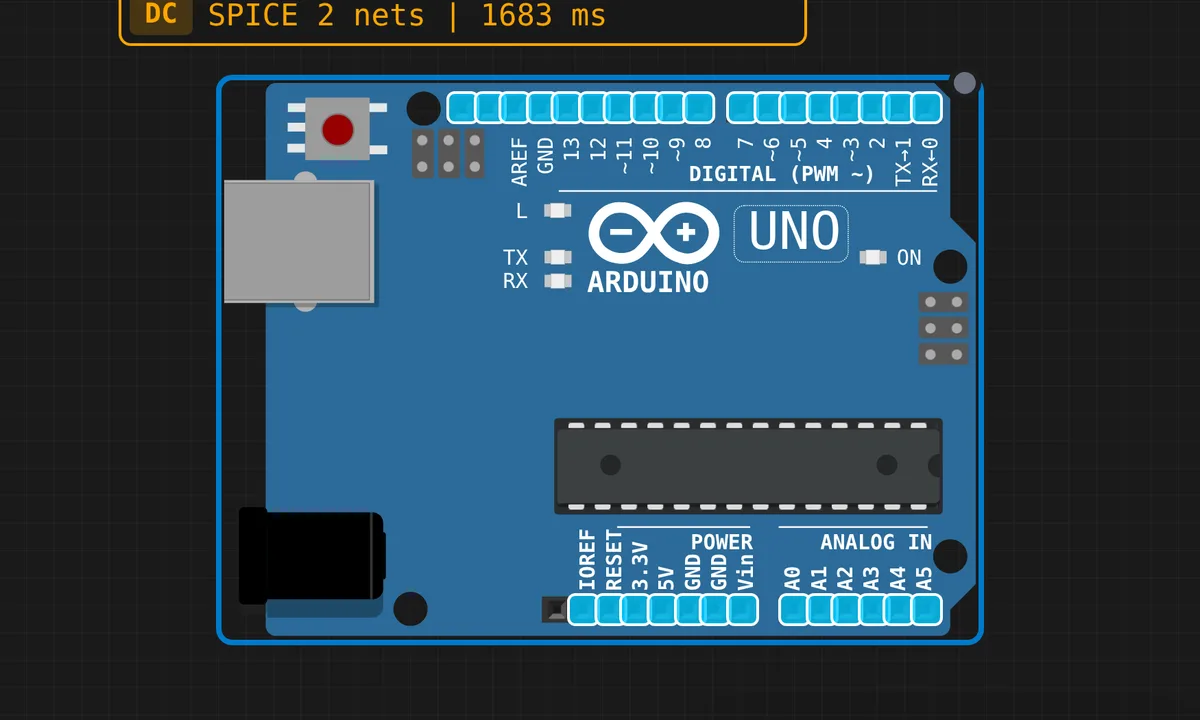
The exact circuit you get when you open this example — already wired, ready to run.
The sketch
// Multi-Protocol Demo: Serial + I2C + SPI
// Demonstrates all three major communication protocols
// working together in a single sketch.

#include <Wire.h>
#include <SPI.h>

#define DS1307_ADDR 0x68
#define EEPROM_ADDR 0x50
#define SS_PIN 10

byte bcdToDec(byte val) {
  return ((val >> 4) * 10) + (val & 0x0F);
}

void readRTC(byte &hr, byte &min, byte &sec) {
  Wire.beginTransmission(DS1307_ADDR);
  Wire.write(0x00);
  Wire.endTransmission();
  Wire.requestFrom(DS1307_ADDR, 3);
  sec = bcdToDec(Wire.read() & 0x7F);
  min = bcdToDec(Wire.read());
  hr  = bcdToDec(Wire.read() & 0x3F);
}

void writeEEPROM(byte reg, byte value) {
  Wire.beginTransmission(EEPROM_ADDR);
  Wire.write(reg);
  Wire.write(value);
  Wire.endTransmission();
  delay(5);
}

byte readEEPROM(byte reg) {
  Wire.beginTransmission(EEPROM_ADDR);
  Wire.write(reg);
  Wire.endTransmission();
  Wire.requestFrom(EEPROM_ADDR, 1);
  return Wire.available() ? Wire.read() : 0xFF;
}

byte spiTransfer(byte data) {
  digitalWrite(SS_PIN, LOW);
  byte result = SPI.transfer(data);
  digitalWrite(SS_PIN, HIGH);
  return result;
}

void setup() {
  Serial.begin(9600);
  Wire.begin();
  pinMode(SS_PIN, OUTPUT);
  digitalWrite(SS_PIN, HIGH);
  SPI.begin();

  Serial.println("===================================");
  Serial.println(" Multi-Protocol Demo");
  Serial.println(" Serial (USART) + I2C (TWI) + SPI");
  Serial.println("===================================");
  Serial.println();

  // ── I2C: Scan bus ──
  Serial.println("[I2C] Scanning bus...");
  int found = 0;
  for (byte addr = 1; addr < 127; addr++) {
    Wire.beginTransmission(addr);
    if (Wire.endTransmission() == 0) {
      Serial.print("  Found device at 0x");
      if (addr < 16) Serial.print("0");
      Serial.println(addr, HEX);
      found++;
    }
  }
  Serial.print("  ");
  Serial.print(found);
  Serial.println(" device(s) on I2C bus.");
  Serial.println();

  // ── I2C: Write/read EEPROM ──
  Serial.println("[I2C] EEPROM write/read test:");
  writeEEPROM(0, 42);
  writeEEPROM(1, 99);
  byte v0 = readEEPROM(0);
  byte v1 = readEEPROM(1);
  Serial.print("  Wrote 42, read ");
  Serial.print(v0);
  Serial.println(v0 == 42 ? " [OK]" : " [FAIL]");
  Serial.print("  Wrote 99, read ");
  Serial.print(v1);
  Serial.println(v1 == 99 ? " [OK]" : " [FAIL]");
  Serial.println();

  // ── SPI: Transfer test ──
  Serial.println("[SPI] Transfer test:");
  byte spiData[] = {0xAA, 0x55, 0x42};
  for (int i = 0; i < 3; i++) {
    byte rx = spiTransfer(spiData[i]);
    Serial.print("  TX=0x");
    if (spiData[i] < 16) Serial.print("0");
    Serial.print(spiData[i], HEX);
    Serial.print(" RX=0x");
    if (rx < 16) Serial.print("0");
    Serial.println(rx, HEX);
  }
  Serial.println();

  Serial.println("Setup complete. Reading RTC...");
  Serial.println();
}

void loop() {
  // ── Serial: Print RTC time every 2 seconds ──
  byte hr, min, sec;
  readRTC(hr, min, sec);

  Serial.print("[RTC] ");
  if (hr < 10) Serial.print("0");
  Serial.print(hr);
  Serial.print(":");
  if (min < 10) Serial.print("0");
  Serial.print(min);
  Serial.print(":");
  if (sec < 10) Serial.print("0");
  Serial.print(sec);

  Serial.print("  |  Uptime: ");
  Serial.print(millis() / 1000);
  Serial.println("s");

  delay(2000);
}
How it works
I2C first. Wire.begin() makes the Uno bus master on A4 (SDA) and A5 (SCL), and setup() opens with the same scan loop people ship as a standalone I2C scanner: probe every address from 1 to 126, print whatever ACKs. The RTC read is textbook DS1307 — write register pointer 0x00, then Wire.requestFrom(0x68, 3) for seconds, minutes, hours. Values come back BCD, so bcdToDec() splits each nibble, and the & 0x7F mask on seconds is load-bearing: it clears the clock-halt bit that would otherwise freeze the time.
The EEPROM routines target a 24LC-series chip at 0x50. writeEEPROM() is followed by delay(5) because a real EEPROM needs about 5 ms to burn a byte — skip it and your next read returns stale data or a NACK. readEEPROM() returns 0xFF when nothing answers on the bus, which quietly doubles as a wiring check in the setup self-test.
SPI is simpler by comparison: spiTransfer() pulls SS (pin 10) low, clocks one byte through SPI.transfer(), and releases the line. The returned byte is whatever the slave shifted back during those 8 clocks — with nothing wired, the demo honestly prints noise as RX. And pin 10 stays an output on purpose: on the Uno, if SS is ever configured as an input the SPI hardware can silently drop into slave mode mid-transfer.
Before you build it for real
On real hardware, I2C needs pull-up resistors on SDA and SCL — the Uno’s weak internal pull-ups sometimes limp along with one short-wired device, but a DS1307 module plus an EEPROM plus jumper-wire length wants real 4.7k resistors to 5 V. Mind logic levels next: the DS1307 and 24LC are 5 V parts so they are safe here, but the moment you clip a modern 3.3 V sensor onto this bus the Uno’s 5 V will damage it without a level shifter. And the fixed 5 ms EEPROM delay is the lazy version — production code polls for the ACK instead of guessing the write cycle finished.
Get the parts
Related examples
FAQ
The bus scan finds nothing at 0x68 — is the RTC dead?
Usually wiring, not death. SDA and SCL swapped is the classic (SDA is A4, SCL is A5 on the Uno), followed by missing pull-up resistors. Also check the module’s address jumpers: many DS1307 boards carry a 24LC32 EEPROM whose address (0x50-0x57) depends on the A0-A2 pins.
Why does the SPI test print different RX bytes every run?
Because nothing is clocking data back. SPI.transfer() returns whatever appeared on MISO while your byte went out, and with MISO unconnected that pin floats, so RX is noise. Jumper MISO to MOSI (pin 12 to pin 11) and you get a loopback: every TX byte comes straight back as RX.