
Serial Echo (USART)
Serial Echo (USART) is a runnable microcontroller simulation example on SensBench — open the wired circuit, inspect the code, and compile real firmware in your browser, no install needed. Last updated Aug 14, 2026.
FREE SIMULATOR EXAMPLE · BEGINNER
Serial Echo (USART)
This example turns an Arduino into a serial echo chamber: every character you type in the Serial Monitor comes straight back, tagged with a running count and its ASCII code, at 9600 baud. A five-second heartbeat prints uptime so the monitor is never silent even when you are.
| Board | Arduino Uno (ATmega328P, 16 MHz, 5 V logic) |
|---|---|
| Difficulty | beginner |
| Category | communication |
| Libraries | None — just the Arduino core |
| Runs in | Sensbench browser simulator — free, no account |
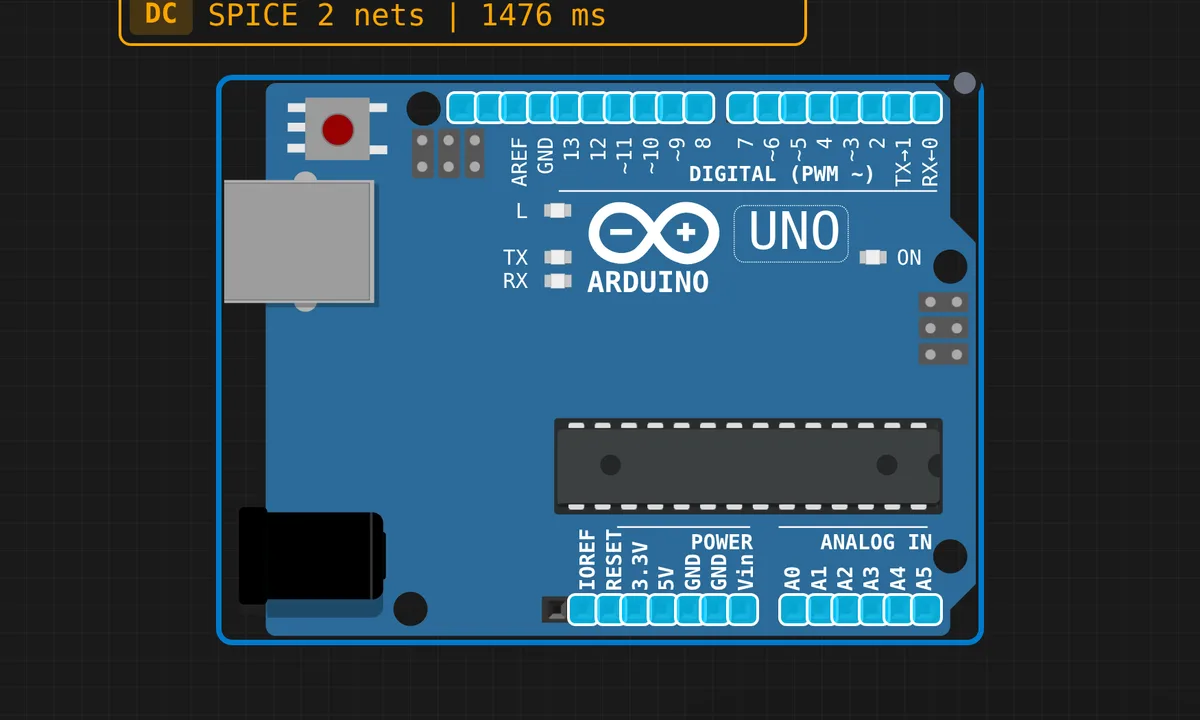
The exact circuit you get when you open this example — already wired, ready to run.
The sketch
// Serial Echo — USART Protocol Test
// Open the Serial Monitor to send and receive data.
// Everything you type is echoed back with extra info.

void setup() {
  Serial.begin(9600);
  Serial.println("=============================");
  Serial.println("  Serial Echo Test (USART)");
  Serial.println("=============================");
  Serial.println("Type something and press Send.");
  Serial.println();

  // Print system info
  Serial.print("CPU Clock: ");
  Serial.print(F_CPU / 1000000);
  Serial.println(" MHz");
  Serial.print("Baud rate: 9600");
  Serial.println();
  Serial.println();
}

unsigned long charCount = 0;

void loop() {
  if (Serial.available() > 0) {
    char c = Serial.read();
    charCount++;

    Serial.print("[");
    Serial.print(charCount);
    Serial.print("] Received: '");
    Serial.print(c);
    Serial.print("' (ASCII ");
    Serial.print((int)c);
    Serial.println(")");
  }

  // Periodic heartbeat
  static unsigned long lastBeat = 0;
  if (millis() - lastBeat >= 5000) {
    lastBeat = millis();
    Serial.print("Uptime: ");
    Serial.print(millis() / 1000);
    Serial.print("s | Chars received: ");
    Serial.println(charCount);
  }
}
How it works
The core is two calls. Serial.available() reports how many bytes sit in the 64-byte receive buffer, and Serial.read() pulls exactly one of them. Nothing blocks — if nobody typed anything, the if-body simply does not run this pass. That non-blocking shape is the pattern worth stealing for your own sketches.
Each byte comes back four ways: a running count, the character itself, and its decimal ASCII code via (int)c. Type A and you learn it is 65 — the sketch doubles as a pocket ASCII table, and as a way to see exactly what your terminal sends, line endings included.
The heartbeat uses the millis() pattern instead of delay(): a static timestamp compared against millis() on every pass. The echo keeps working during the wait, which is exactly why delay(5000) would be wrong here — it would freeze the echo for five seconds. Bonus detail: F_CPU is a compile-time constant, 16 MHz on the Uno, so the banner reports the real clock. Zero wiring: pins 0 and 1 are the USART, hard-wired to the USB bridge.
Before you build it for real
Three serial gotchas that bite on real hardware. Baud mismatch is number one: the sketch runs 9600, and a monitor set to anything else shows the classic garbage glyphs — the simulator’s monitor follows the sketch, a real terminal does not. Second, on a real Uno opening the serial port resets the board — the USB bridge pulses DTR — so the setup banner often prints before your monitor finishes connecting; press reset to see it again. Third, pins 0 and 1 are this USART: anything wired to RX/TX fights the USB link and can block uploads entirely.
Related examples
FAQ
Why does my text come back as garbage characters?
Baud mismatch, nine times out of ten. The sketch calls Serial.begin(9600) — set the Serial Monitor dropdown to 9600 and the garbage turns into text. If it is still wrong, suspect an 8 MHz clone board: a wrong F_CPU shifts every baud rate off its mark.
What happens if I paste a whole paragraph at once?
The Uno’s receive buffer holds 64 bytes. This sketch drains it one byte per loop() pass, and the loop is fast, so short bursts are fine — but paste faster than it drains and everything past byte 64 is silently dropped. For bulk input, raise the baud rate or read chunks with Serial.readBytes().