
Mega: Blink LED
Mega: Blink LED is a runnable microcontroller simulation example on SensBench — open the wired circuit, inspect the code, and compile real firmware in your browser, no install needed. Last updated Aug 14, 2026.
FREE SIMULATOR EXAMPLE · BEGINNER
Mega: Blink LED
This example blinks the onboard LED on pin 13 of the Arduino Mega 2560, toggling every 500 ms while the Serial Monitor prints LED ON / LED OFF at 9600 baud. It is the fastest way to prove the whole toolchain works — open it, press play, and the board says “Mega Blink ready!” before the first blink.
| Board | Arduino Mega 2560 (ATmega2560, 16 MHz) |
|---|---|
| Difficulty | beginner |
| Category | basics |
| Libraries | None — just the Arduino core |
| Runs in | Sensbench browser simulator — free, no account |
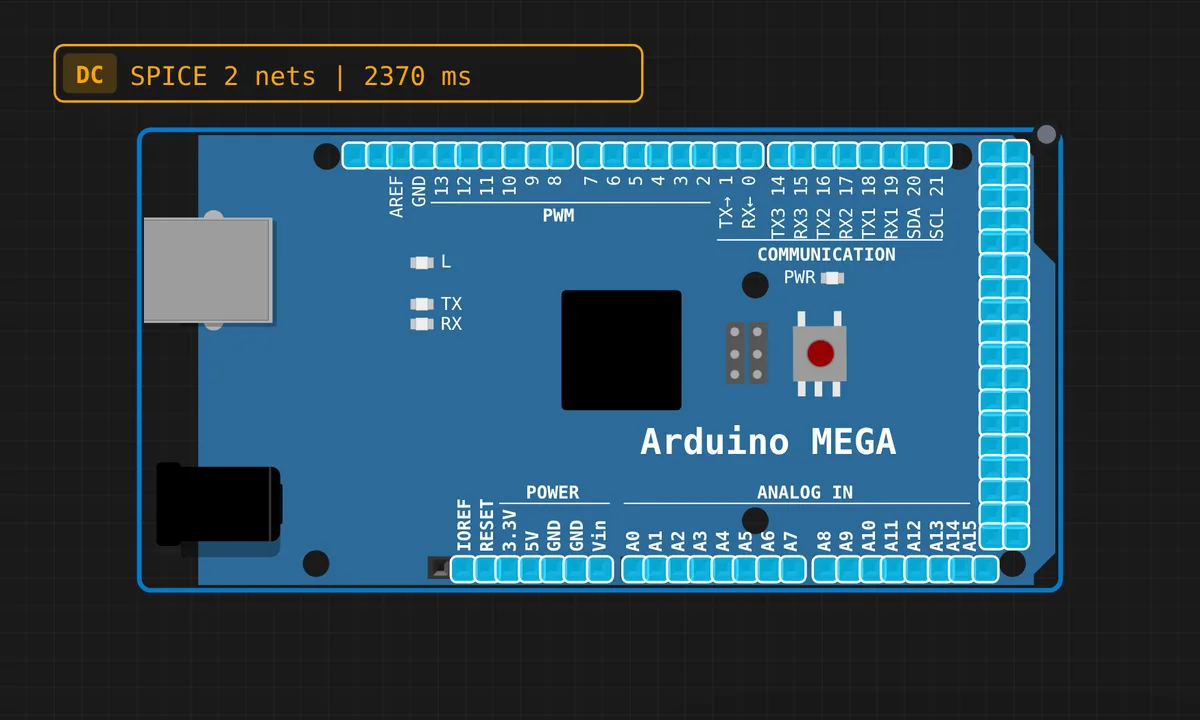
The exact circuit you get when you open this example — already wired, ready to run.
The sketch
// Arduino Mega 2560 — Blink LED

void setup() {
  pinMode(13, OUTPUT);
  Serial.begin(9600);
  Serial.println("Mega Blink ready!");
}

void loop() {
  digitalWrite(13, HIGH);
  Serial.println("LED ON");
  delay(500);
  digitalWrite(13, LOW);
  Serial.println("LED OFF");
  delay(500);
}
How it works
setup() does two things: pinMode(13, OUTPUT) claims the pin, and Serial.begin(9600) opens the UART so you can watch the rhythm without looking at the board. On the Mega 2560, pin 13 is tied to the onboard LED through a buffer, so the code has something visible to drive with zero wiring.
The loop is the simplest useful thing in embedded: digitalWrite(13, HIGH), wait 500 ms, write it LOW, repeat. A Serial.println() on every transition turns the Serial Monitor into a second indicator — if the text scrolls but the LED does not blink on a real board, you have a hardware problem, not a code problem.
Before you build it for real
The simulator’s delay(500) is harmless here, but on a real project blocking delay freezes everything — no button reads, no serial handling — so treat this pattern as a hello-world, not a template. Two hardware truths the sim hides: if you wire an external LED to pin 13 it needs a series resistor (220 Ω keeps you inside the ATmega2560’s 20 mA per-pin budget), and plugging in the USB cable or opening the Serial Monitor auto-resets the board, so the setup banner reprints and any state starts over.
Related examples
FAQ
Is pin 13 special on the Arduino Mega?
Yes — like the Uno, the Mega 2560 has its onboard LED wired to pin 13, so this sketch needs zero external parts. Unlike the ESP32, pin 13 has no boot-time strapping behavior; it is just an ordinary digital pin with an LED attached.
Why does the Serial Monitor miss the "ready" message sometimes?
Opening the Serial Monitor resets a real Mega (the USB-serial chip pulses the reset line), so the board reboots and prints the banner again. If you open the monitor late or the terminal does not reset the board, that first line is simply gone — the loop messages will still appear.