
Mega: Serial Hello
Mega: Serial Hello is a runnable microcontroller simulation example on SensBench — open the wired circuit, inspect the code, and compile real firmware in your browser, no install needed. Last updated Aug 14, 2026.
FREE SIMULATOR EXAMPLE · BEGINNER
Mega: Serial Hello
This example prints a hello banner once from setup(), then an uptime counter every second from the loop — “[12] Uptime: 11s” — over the Mega’s USB serial port at 9600 baud. No wiring, no parts; it is the minimal proof that the Mega’s serial pipeline works end to end.
| Board | Arduino Mega 2560 (ATmega2560, 16 MHz) |
|---|---|
| Difficulty | beginner |
| Category | communication |
| Libraries | None — just the Arduino core |
| Runs in | Sensbench browser simulator — free, no account |
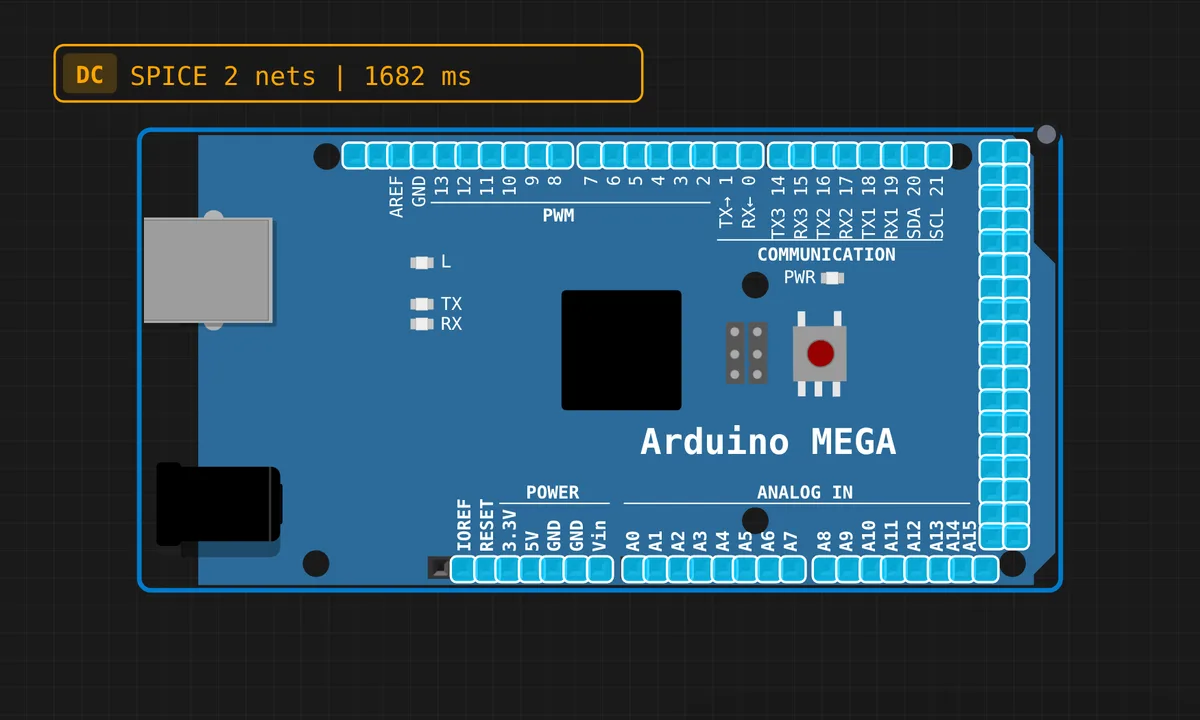
The exact circuit you get when you open this example — already wired, ready to run.
The sketch
// Arduino Mega — Serial Hello World
// Mega has 4 hardware UARTs: Serial, Serial1, Serial2, Serial3

void setup() {
  Serial.begin(9600);
  delay(200);
  Serial.println("=== Arduino Mega Serial Demo ===");
  Serial.println("Hello from Mega 2560!");
  Serial.print("Flash: 256 KB | RAM: 8 KB | CPU: ATmega2560 @ 16 MHz");
  Serial.println();
}

int counter = 0;

void loop() {
  delay(1000);
  counter++;
  Serial.print("[");
  Serial.print(counter);
  Serial.print("] Uptime: ");
  Serial.print(millis() / 1000);
  Serial.println("s");
}
How it works
setup() prints a one-time banner: board name, then the ATmega2560’s vital statistics — 256 KB flash, 8 KB RAM, 16 MHz. The brief delay(200) after Serial.begin(9600) gives the UART a moment before the first bytes go out, a habit worth keeping on real boards.
The loop is a heartbeat: every 1000 ms it increments a counter and prints it alongside millis() / 1000, the board’s uptime in whole seconds. Mixing Serial.print() and Serial.println() builds the line piece by piece — notice how the bracketed counter and uptime let you tell at a glance whether the board has reset (counter restarts, uptime drops to zero).
Before you build it for real
The header comment boasts four hardware UARTs, but this sketch only uses Serial — the one wired to the USB bridge. If you move output to Serial1–Serial3 on a real board, those are 5 V TTL pins, not RS-232 — connecting them straight to a PC serial port’s ±12 V will damage the chip; you need a USB-TTL adapter. Second trap: millis() is an unsigned long and overflows at about 49.7 days, so this uptime counter wraps to zero on any long-running real deployment.
Related examples
FAQ
The Mega has 4 UARTs — where are the other three?
Serial1 is on pins 18 (TX) and 19 (RX), Serial2 on 16/17, and Serial3 on 14/15. Only Serial is wired to the USB bridge; the others are plain 5 V TTL pins you use for GPS modules, Bluetooth adapters or board-to-board links.
Why does the counter restart when I open the Serial Monitor?
Opening the serial port pulses the reset line on a real Mega, so the whole sketch restarts — banner, counter, uptime and all. It is a feature for uploading code, but it surprises everyone the first time they open a monitor on a board that has been running for an hour.