
Nano: Serial Hello
Nano: Serial Hello is a runnable microcontroller simulation example on SensBench — open the wired circuit, inspect the code, and compile real firmware in your browser, no install needed. Last updated Aug 14, 2026.
FREE SIMULATOR EXAMPLE · BEGINNER
Nano: Serial Hello
This example prints a boot banner once, then an uptime-in-seconds and loop-counter line every second — the classic hello-world of the Serial Monitor at 9600 baud. The useful part is how it paces itself: with millis() instead of delay(), so the loop never stops running.
| Board | Arduino Nano (ATmega328P, 16 MHz) |
|---|---|
| Difficulty | beginner |
| Category | communication |
| Libraries | None — just the Arduino core |
| Runs in | Sensbench browser simulator — free, no account |
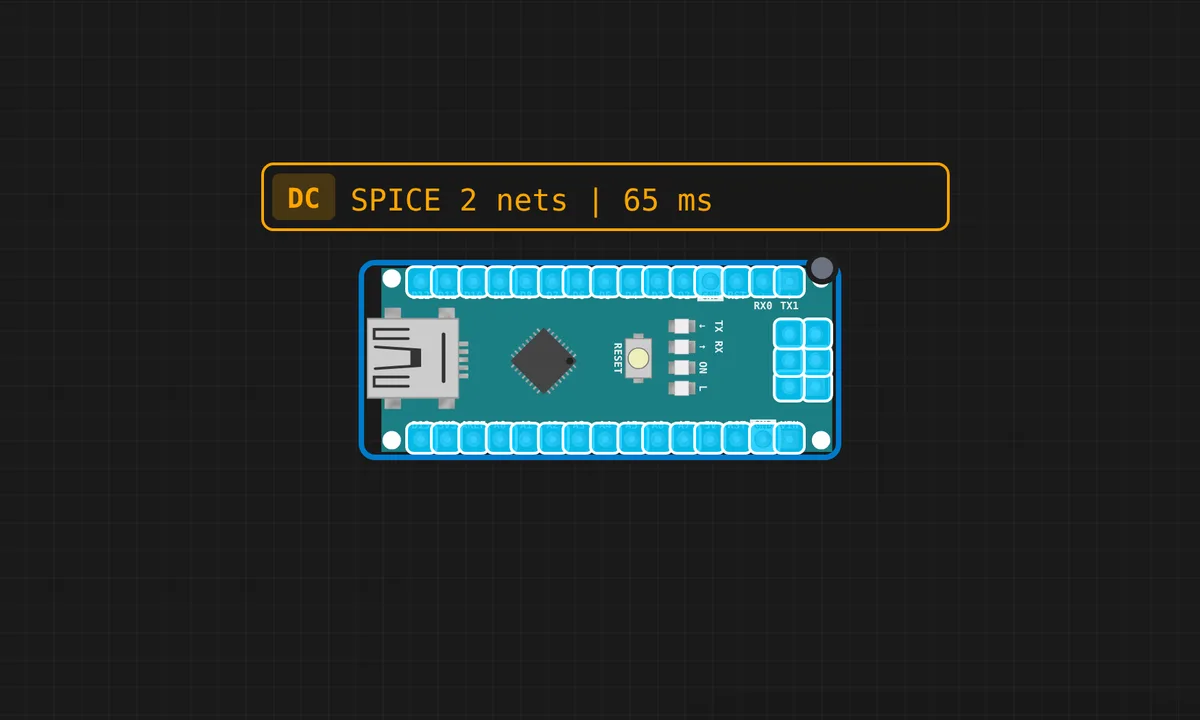
The exact circuit you get when you open this example — already wired, ready to run.
The sketch
// Arduino Nano — Serial Hello World

void setup() {
  Serial.begin(9600);
  delay(200);
  Serial.println("=== Arduino Nano Serial Demo ===");
  Serial.println("Hello from Nano!");
  Serial.println();
}

unsigned long lastPrint = 0;
int count = 0;

void loop() {
  if (millis() - lastPrint >= 1000) {
    lastPrint = millis();
    count++;
    Serial.print("Uptime: ");
    Serial.print(millis() / 1000);
    Serial.print("s  |  Loop #");
    Serial.println(count);
  }
}
How it works
setup() opens the port with Serial.begin(9600), waits 200 ms for the link to settle, and prints three banner lines. The loop() then free-runs: on every pass it checks millis() - lastPrint >= 1000, and only when a full second has elapsed does it update the timestamp, bump the counter and print. Between prints the loop executes thousands of times — that headroom is exactly what real projects need when they juggle sensors and buttons at once.
The subtraction form is deliberate and worth copying: comparing millis() - lastPrint against an interval stays correct when millis() wraps around after about 49.7 days, because unsigned long arithmetic wraps the same way on both sides. The naive version — comparing millis() to a precomputed deadline — glitches once every wrap. Small detail, real bug.
Before you build it for real
Two classic first-day traps. Baud mismatch: if the Serial Monitor is not set to 9600 you get garbage characters, not an error — always the first thing to check. Second, on a real Nano opening the serial port resets the board: the USB-serial chip pulses DTR, the bootloader runs, and your first banner lines may be gone before the monitor connects. Cheap Nano clones add a third: the CH340 USB chip needs its own driver on Windows before the port appears at all.
Related examples
FAQ
Why is the Serial Monitor showing random garbage?
Almost always a baud-rate mismatch — the sketch runs at 9600, so the monitor must be set to 9600 too. If the rate matches and you still see junk on a clone board, check that the CH340 driver is installed and the correct COM port is selected.
Why use millis() instead of delay(1000)?
delay() freezes the whole chip for the full second — nothing else can run, buttons feel dead, sensor reads stall. The millis() pattern checks the clock and moves on, so the loop stays responsive and you can add more independent tasks later without restructuring anything.