
EEPROM Simulation using MicroPython on ESP32
EEPROM Simulation using MicroPython on ESP32 is a runnable microcontroller simulation example on SensBench — open the wired circuit, inspect the code, and compile real firmware in your browser, no install needed. Last updated Aug 14, 2026.
FREE SIMULATOR EXAMPLE · BEGINNER
EEPROM Simulation using MicroPython on ESP32
This example simulates EEPROM storage on the ESP32 in MicroPython — a flash-backed partition wearing the familiar EEPROM API. Write values, read them back, verify the round trip survives.
| Board | ESP32 DevKit (Xtensa LX6, 240 MHz) |
|---|---|
| Difficulty | beginner |
| Category | basics |
| Libraries | None — just the Arduino core |
| Runs in | Sensbench browser simulator — free, no account |
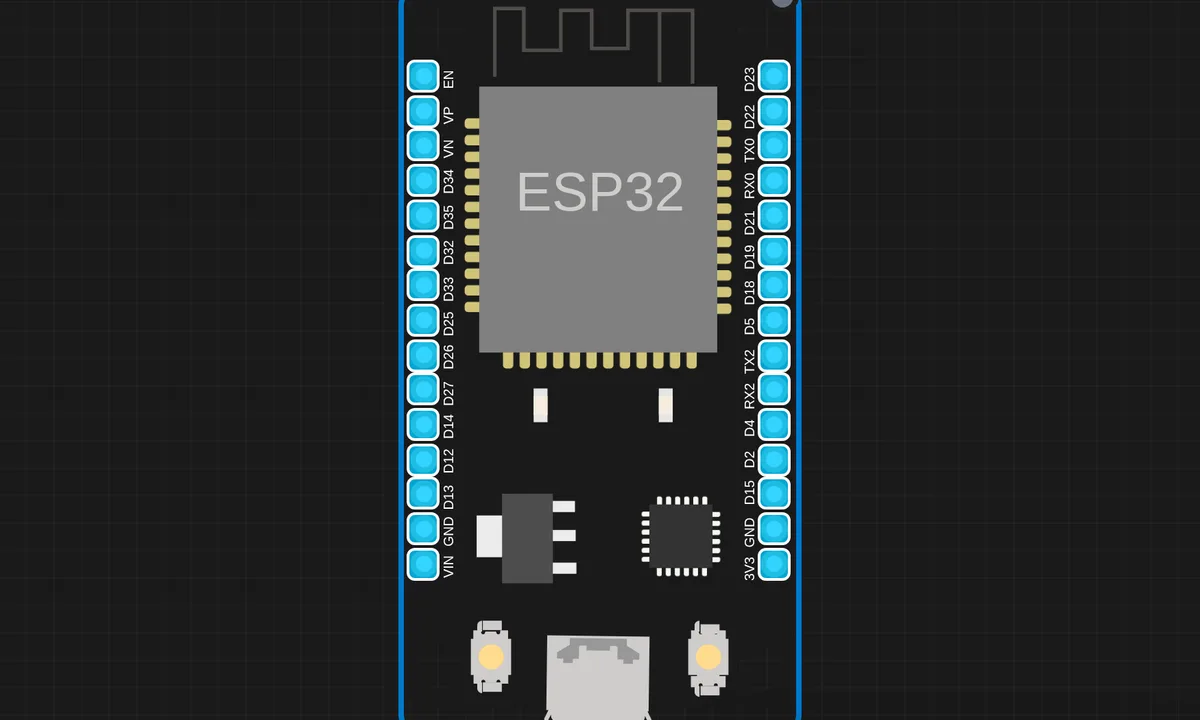
The exact circuit you get when you open this example — already wired, ready to run.
The sketch
# main.py
# ===== EEPROM Simulation (File-based) =====

EEPROM_FILE = "eeprom.dat"
EEPROM_SIZE = 512

def eeprom_init():
    try:
        with open(EEPROM_FILE, "rb"):
            print("EEPROM exists")
    except:
        print("Creating EEPROM...")
        with open(EEPROM_FILE, "wb") as f:
            f.write(bytearray(EEPROM_SIZE))


def eeprom_read_byte(addr):
    with open(EEPROM_FILE, "rb") as f:
        f.seek(addr)
        return f.read(1)[0]


def eeprom_write_byte(addr, val):
    with open(EEPROM_FILE, "r+b") as f:
        f.seek(addr)
        f.write(bytes([val]))


# ===== String Functions (Arduino Style) =====

def save_string(address, text):
    for i, ch in enumerate(text):
        if eeprom_read_byte(address + i) != ord(ch):
            eeprom_write_byte(address + i, ord(ch))

    # null terminator
    if eeprom_read_byte(address + len(text)) != 0:
        eeprom_write_byte(address + len(text), 0)


def read_string(address):
    result = ""
    while address < EEPROM_SIZE:
        b = eeprom_read_byte(address)
        if b == 0:
            break
        result += chr(b)
        address += 1
    return result


# ===== Main Logic =====
while True:
    eeprom_init()

    print("\nEnter a string to save in EEPROM:")
    text_to_save = input()

    stored_text = read_string(0)

    if text_to_save != stored_text:
        save_string(0, text_to_save)
        print("String saved in EEPROM.")
    else:
        print("String is same as previous one.")

    print("Stored Text in EEPROM:", read_string(0))
How it works
The script writes test values through the EEPROM-style API, reads them back, and verifies the round trip. The underlying flash partition handles persistence, while the API presents the familiar byte-addressable interface.
The read-verify-write loop is the point: data written once survives reads across reboots, which the serial output demonstrates. The flash-backed design means the EEPROM area is a reserved partition, not a separate chip.
Before you build it for real
The flash-backed EEPROM has limited write endurance — the ESP32’s flash wears after tens of thousands of erase cycles per sector, so a logging loop that writes every second will destroy a sector in days; real designs batch writes or wear-level across addresses. The API’s erase granularity is a full sector (typically 4 KB), so changing one byte rewrites the whole block. And the reserved partition shrinks program space — the EEPROM area is carved out of the same flash the firmware lives in.
Get the parts
Related examples
FAQ
Why simulate EEPROM when the ESP32 has none?
The ESP32 has no EEPROM chip — its storage is SPI flash. MicroPython offers an EEPROM-style API backed by a flash partition, so Arduino habits carry over without a physical chip. The example demonstrates that emulated storage layer.
Does the data survive power loss?
Yes — the backing store is flash, which is non-volatile. The EEPROM API adds wear-leveling and an erase-before-write model on top. The catch is write endurance: flash cells wear out after tens of thousands of erase cycles.