
ESP32 Hotspot (Access Point) Setup MicroPython
ESP32 Hotspot (Access Point) Setup MicroPython is a runnable microcontroller simulation example on SensBench — open the wired circuit, inspect the code, and compile real firmware in your browser, no install needed. Last updated Aug 14, 2026.
FREE SIMULATOR EXAMPLE · INTERMEDIATE
ESP32 Hotspot (Access Point) Setup MicroPython
This example turns the ESP32 into a WiFi access point — it advertises its own network, hands out IP addresses, and waits for clients. The self-contained network pattern behind every IoT configuration portal.
| Board | ESP32 DevKit (Xtensa LX6, 240 MHz) |
|---|---|
| Difficulty | intermediate |
| Category | communication |
| Libraries | None — just the Arduino core |
| Runs in | Sensbench browser simulator — free, no account |
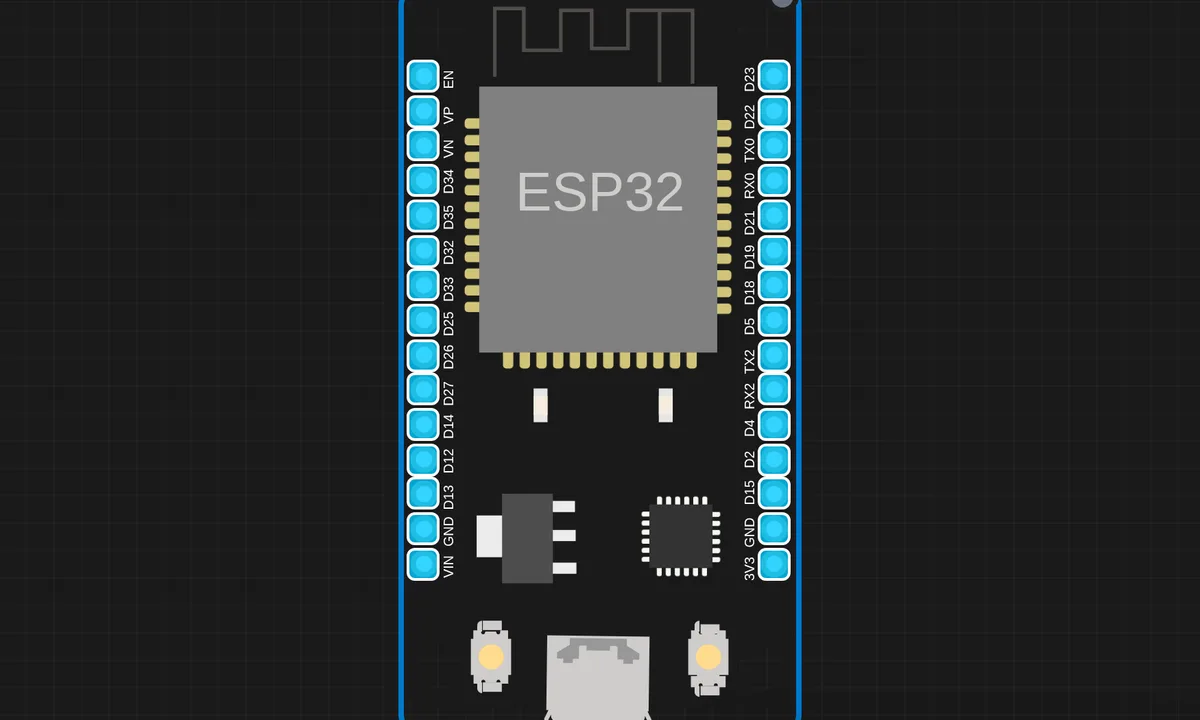
The exact circuit you get when you open this example — already wired, ready to run.
The sketch
# main.py
import network
import time

ap=network.WLAN(network.AP_IF)

ap.active(True)
ap.config(essid="ESP32_HOTSPOT", password="@Kritish", authmode=network.AUTH_WPA_WPA2_PSK)

while not ap.active():
    time.sleep(1)

print("✅ ESP32 Hotspot Started")
print("📶 SSID: ESP32_HOTSPOT")
print("🌐 IP Address:", ap.ifconfig()[0])
How it works
The script configures the ESP32’s radio into softAP mode with an SSID and password, then prints the assigned IP. Once running, other devices see the advertised network and can join — the ESP32 is the router, DHCP server and endpoint in one.
The setup is a handful of MicroPython calls: create the interface, set the credentials, activate. The serial output prints the network details, which is the device telling you how to reach it — the pattern every headless IoT gadget uses.
Before you build it for real
The softAP’s range and client count are small — the onboard antenna and single radio cap it at a few meters and a handful of clients, which is why the AP mode is for setup portals, not infrastructure. 2.4 GHz only, so 5 GHz-only phones see nothing. And an AP cannot reach the internet through itself — the ESP32 in softAP mode is an island network; anything needing internet must use station mode or the AP-STA combination, which doubles the radio’s duty.
Get the parts
Related examples
FAQ
Why make the ESP32 an access point?
An AP makes the device self-contained: it brings its own network, so a phone connects directly to the ESP32 without any router. That is the pattern for configuration portals and standalone devices — the ESP32 is the network.
How many clients can connect?
Typically up to 4-5 simultaneous clients on the ESP32’s softAP, and range is shorter than a router’s — the onboard antenna is small. For a config portal that is plenty; for an infrastructure AP it is not.