
ESP32 IR Sensor Telegram Alert (MicroPython)
ESP32 IR Sensor Telegram Alert (MicroPython) is a runnable microcontroller simulation example on SensBench — open the wired circuit, inspect the code, and compile real firmware in your browser, no install needed. Last updated Aug 14, 2026.
FREE SIMULATOR EXAMPLE · INTERMEDIATE
ESP32 IR Sensor Telegram Alert (MicroPython)
This example sends a Telegram alert when an IR beam breaks on the ESP32 — the sensor watches a gap, and every interruption posts a message to your phone. The single-beam security alert pattern.
| Board | ESP32 DevKit (Xtensa LX6, 240 MHz) |
|---|---|
| Difficulty | intermediate |
| Category | communication |
| Libraries | None — just the Arduino core |
| Runs in | Sensbench browser simulator — free, no account |
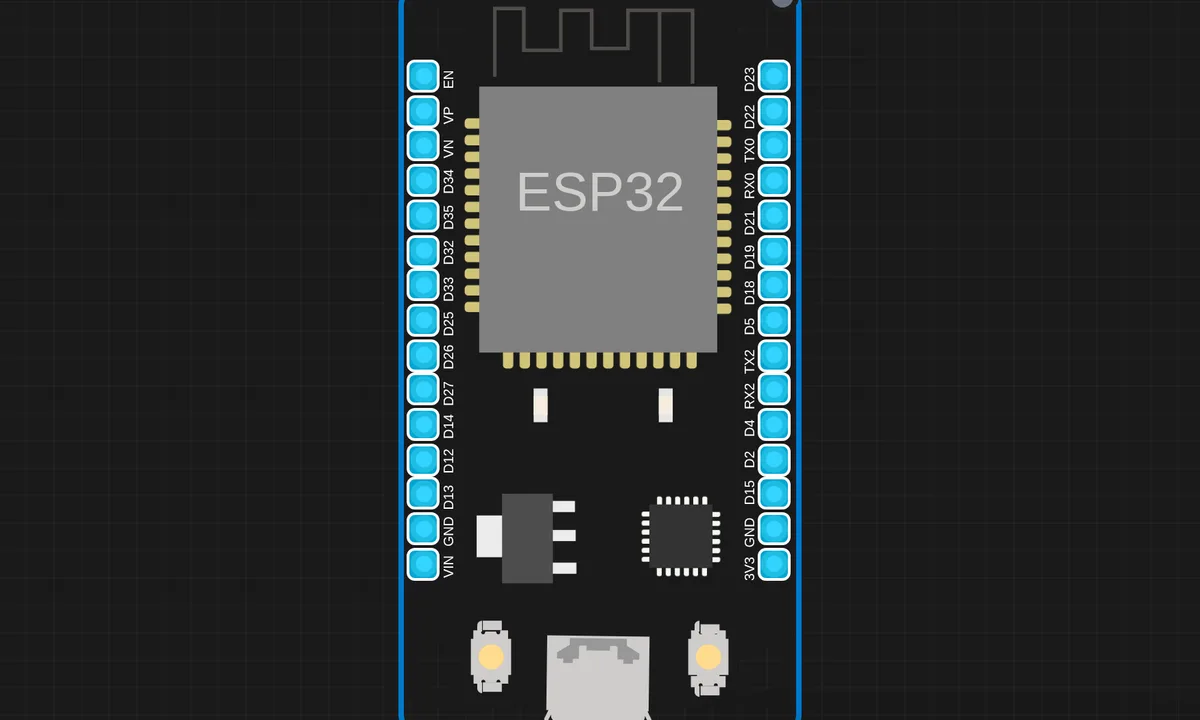
The exact circuit you get when you open this example — already wired, ready to run.
The sketch
# main.py
import network
import urequests
import machine
import time
import ujson

# -------- WiFi --------
SSID = "ssid"
PASSWORD = "@pass"

wifi = network.WLAN(network.STA_IF)
wifi.active(True)
wifi.connect(SSID, PASSWORD)

print("Connecting to WiFi...")
while not wifi.isconnected():
    time.sleep(1)

print("WiFi Connected ✅")
print(wifi.ifconfig())

# -------- Telegram --------
BOT_TOKEN = "bottoken"
CHAT_ID = -12457   # int ONLY

def send_telegram(msg):
    msg = msg.replace(" ", "%20").replace("\n", "%0A")
    url = (
        "https://api.telegram.org/bot"
        + BOT_TOKEN
        + "/sendMessage?chat_id="
        + str(CHAT_ID)
        + "&text="
        + msg
    )
    r = urequests.get(url)
    print("Telegram response:", r.text)
    r.close()

# -------- IR Sensor --------
ir = machine.Pin(27, machine.Pin.IN)

print("System Ready 🚀")

last_alert = 0
ALERT_DELAY = 10

while True:
    if ir.value() == 0:
        if time.time() - last_alert > ALERT_DELAY:
            print("🚨 Object Detected!")
            send_telegram("🚨 IR ALERT!\nObject detected near ESP32")
            last_alert = time.time()
        time.sleep(1)
How it works
The script polls the IR sensor’s digital output. When the beam breaks, it builds a Telegram message and posts it through the Bot API over HTTPS. The edge detection and the HTTP call are the whole application — sense, alert, repeat.
The Telegram integration is the same bot-token-and-chat-ID pattern as the dual-IR example, reduced to one sensor. The serial output logs both the detection and the alert result, so the console tells you whether the message left the device.
Before you build it for real
The IR beam pair needs line-of-sight alignment — a few degrees of misalignment or direct sunlight on the receiver and the beam never registers, which is why real installations use modulated IR, not bare LED beams. The alert’s delivery depends on WiFi: a dropped connection turns the detector into a silent local event, so anything security-relevant needs queuing. And the bot token is a credential in the source — anyone with the firmware can send as your bot.
Get the parts
Related examples
FAQ
How does the IR sensor detect something?
The module’s IR emitter and receiver face each other across a gap; anything passing between them breaks the beam and the digital output flips. The script watches for that edge — the simplest presence detector there is.
What happens if WiFi is down when the beam breaks?
The script’s alert fails to send. Robust versions queue the alert and retry when the connection returns. The example shows the basic pattern; the retry queue is the production upgrade.