
Flask Server Based LED Control using MicroPython
Flask Server Based LED Control using MicroPython is a runnable microcontroller simulation example on SensBench — open the wired circuit, inspect the code, and compile real firmware in your browser, no install needed. Last updated Aug 14, 2026.
FREE SIMULATOR EXAMPLE · INTERMEDIATE
Flask Server Based LED Control using MicroPython
This example controls an LED on the ESP32 through a Flask-style HTTP API — /on and /off routes implemented in MicroPython’s lightweight server pattern. The browser-as-remote, with Flask-shaped code.
| Board | ESP32 DevKit (Xtensa LX6, 240 MHz) |
|---|---|
| Difficulty | intermediate |
| Category | communication |
| Libraries | None — just the Arduino core |
| Runs in | Sensbench browser simulator — free, no account |
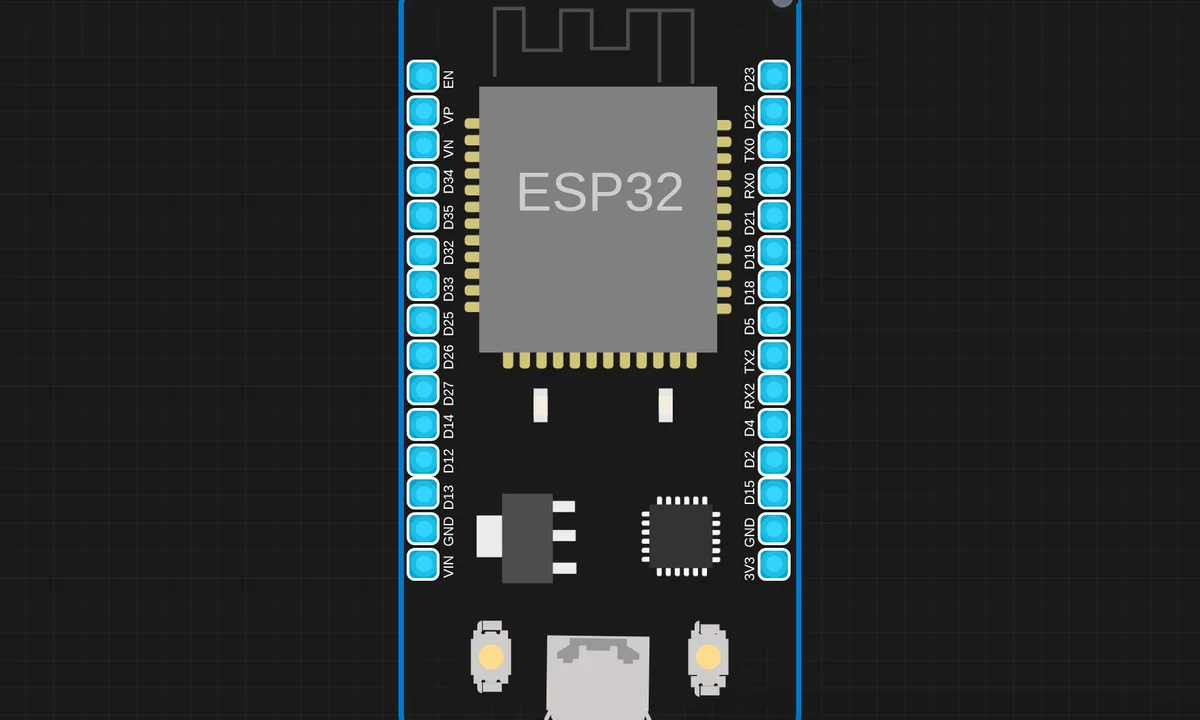
The exact circuit you get when you open this example — already wired, ready to run.
The sketch
# app.py
from flask import Flask, jsonify, render_template

app = Flask(__name__)

led_state = {"value": 0}

@app.route("/")
def home():
    return render_template("index.html")

@app.route("/led/on")
def led_on():
    led_state["value"] = 1
    return "OK"

@app.route("/led/off")
def led_off():
    led_state["value"] = 0
    return "OK"

@app.route("/led/state")
def get_state():
    return jsonify(led_state)

app.run(host="0.0.0.0", port=5000)


# main.py
import network, urequests, time
from machine import Pin

# LED
led = Pin("LED", Pin.OUT)

# WiFi
ssid = "kritish"
password = "pass"

wlan = network.WLAN(network.STA_IF)
wlan.active(True)
wlan.connect(ssid, password)

while not wlan.isconnected():
    time.sleep(1)

print("Connected:", wlan.ifconfig())

# Flask server URL
SERVER = "http://ip:5000/led/state"

while True:
    try:
        r = urequests.get(SERVER)
        state = r.json()["value"]
        r.close()

        led.value(state)
        print("LED =", state)

    except Exception as e:
        print("Error:", e)

    time.sleep(2)
How it works
The script builds a small HTTP server with Flask-style route decorators. /on drives the LED high, /off drives it low, and each route returns a short response. The routing layer maps URL paths to handler functions before the socket layer sees the bytes.
The Flask-like abstraction is the teaching point: the same mental model desktop web developers know, reimplemented in a few dozen lines of MicroPython. Under the hood it is raw sockets and string matching — the abstraction is thin enough to see through.
Before you build it for real
The Flask-style layer is an imitation, not the real framework — no middleware, no templating, no thread pool: the server handles one request at a time, so a slow client stalls everyone else. The route matching is naive string comparison — a malformed request can fall through to an error path real Flask would handle. And the server binds port 80, which is fine on the isolated device network but means the ESP32 is reachable by anyone on that network.
Get the parts
Related examples
FAQ
Is it really Flask on the ESP32?
No — MicroPython cannot run Flask. The project implements a Flask-style routing layer (decorator-style route registration) on a lightweight socket server, so the code reads like Flask but runs on a fraction of a desktop Python’s resources.
Why route-based HTTP for an LED?
Routes give each command a clean URL — /on and /off — which any browser or script can hit. The pattern scales to any device API: add routes, not branches, as the feature list grows.