
Pico W Async LED Control (MicroPython)
Pico W Async LED Control (MicroPython) is a runnable microcontroller simulation example on SensBench — open the wired circuit, inspect the code, and compile real firmware in your browser, no install needed. Last updated Aug 14, 2026.
FREE SIMULATOR EXAMPLE · INTERMEDIATE
Pico W Async LED Control (MicroPython)
This example controls the Pico W’s onboard LED through an asyncio HTTP server in MicroPython — the async pattern that lets one core serve many clients. The CYW43 LED path plus concurrent networking.
| Board | Raspberry Pi Pico W (RP2040 + WiFi) |
|---|---|
| Difficulty | intermediate |
| Category | communication |
| Libraries | None — just the Arduino core |
| Runs in | Sensbench browser simulator — free, no account |
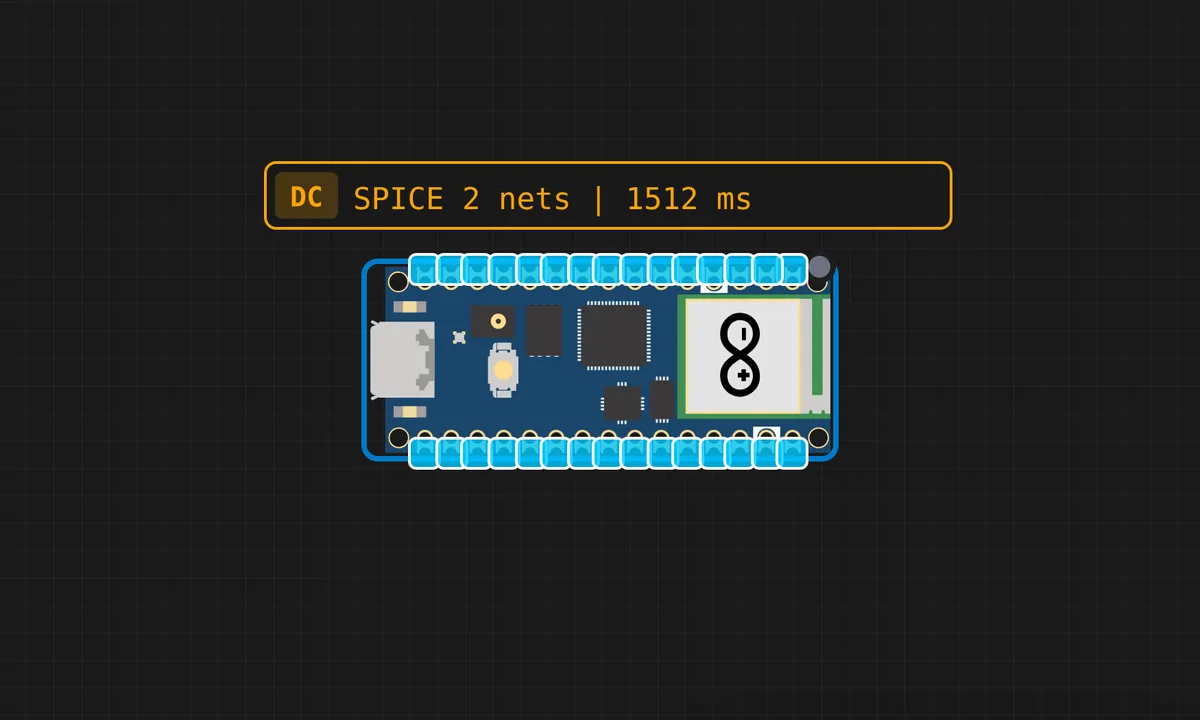
The exact circuit you get when you open this example — already wired, ready to run.
The sketch
# main.py
import uasyncio as asyncio
import network
from machine import Pin

SSID = "kritish"
PASSWORD = "pass"

led = Pin("LED", Pin.OUT)
led.off()

# ---------- Async WiFi Connect ----------
async def wifi_connect():
    wlan = network.WLAN(network.STA_IF)
    wlan.active(True)
    wlan.connect(SSID, PASSWORD)

    print("Connecting WiFi...")
    while not wlan.isconnected():
        await asyncio.sleep(0.5)

    print("IP:", wlan.ifconfig()[0])


# ---------- HTML ----------
HTML_PAGE = """<!DOCTYPE html>
<html>
<head>
<title>Pico Async LED</title>
</head>
<body>
<h2>Pico W Async LED Control</h2>
<p>Status: <span id="status">--</span></p>

<button onclick="ledOn()">ON</button>
<button onclick="ledOff()">OFF</button>

<script>
function ledOn(){
 fetch("/on").then(r=>r.text()).then(t=>{
   document.getElementById("status").innerText=t;
 });
}
function ledOff(){
 fetch("/off").then(r=>r.text()).then(t=>{
   document.getElementById("status").innerText=t;
 });
}
</script>
</body>
</html>
"""


# ---------- Client Handler ----------
async def handle_client(reader, writer):
    request_line = await reader.readline()
    request = request_line.decode()

    # skip headers
    while await reader.readline() != b"\r\n":
        pass

    print("REQ:", request)

    if "GET /on" in request:
        led.on()
        body = "ON"
        content_type = "text/plain"

    elif "GET /off" in request:
        led.off()
        body = "OFF"
        content_type = "text/plain"

    else:
        body = HTML_PAGE
        content_type = "text/html"

    response = (
        "HTTP/1.1 200 OK\r\n"
        f"Content-Type: {content_type}\r\n"
        "Connection: close\r\n\r\n"
        + body
    )

    writer.write(response.encode())
    await writer.drain()
    await writer.wait_closed()


# ---------- Main ----------
async def main():
    await wifi_connect()

    server = await asyncio.start_server(handle_client, "0.0.0.0", 80)
    print("Server running on port 80")

    while True:
        await asyncio.sleep(1)


asyncio.run(main())
How it works
The firmware runs an asyncio HTTP server that toggles the Pico W’s onboard LED through the CYW43 driver. The server coroutine accepts connections and spawns a handler per client, so multiple browsers can toggle the LED concurrently without one blocking the others.
The onboard LED path is the Pico W’s signature detail: Pin('LED') routes through the WiFi chip, not a plain GPIO. The async pattern is the transferable lesson — the same structure drives sensors, relays or any other peripheral.
Before you build it for real
The async scheduler is cooperative, not preemptive — one blocking call (a long sleep, a busy loop) freezes every other task; async code only works if every task yields. The onboard LED goes through the CYW43 chip, so plain-GPIO LED code does not apply. And the single core is the hard limit: concurrency here is interleaving, not parallelism — the scheduler gives the illusion of multitasking, which is enough for IO-bound servers and nothing more.
Related examples
FAQ
Why async for a single LED?
Because the LED is not the point — the concurrency is. An async server interleaves multiple clients on one core, so a slow browser never blocks a fast one. The single LED is the simplest observable that demonstrates the scheduling.
How does asyncio work in MicroPython?
MicroPython’s uasyncio provides the same coroutine model as desktop Python: tasks yield at await points, and the scheduler switches between them. The Pico’s single core runs everything, so the scheduling is cooperative — a blocking task stalls everyone.