
Pico W Web Servo Controller
Pico W Web Servo Controller is a runnable microcontroller simulation example on SensBench — open the wired circuit, inspect the code, and compile real firmware in your browser, no install needed. Last updated Aug 14, 2026.
FREE SIMULATOR EXAMPLE · ADVANCED
Pico W Web Servo Controller
This example controls a servo from a web page served by the Raspberry Pi Pico W — the browser posts angles, the firmware maps them to PWM pulse widths. The web-remote servo pattern.
| Board | Raspberry Pi Pico W (RP2040 + WiFi) |
|---|---|
| Difficulty | advanced |
| Category | robotics |
| Libraries | None — just the Arduino core |
| Runs in | Sensbench browser simulator — free, no account |
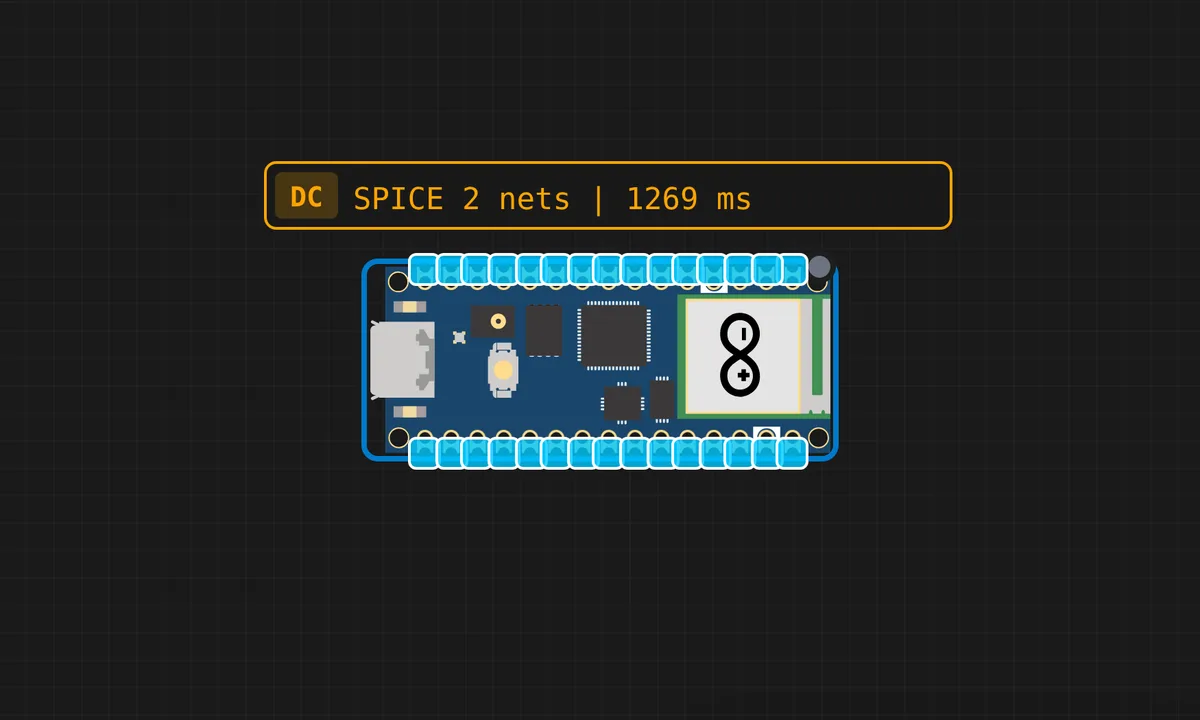
The exact circuit you get when you open this example — already wired, ready to run.
The sketch
# main.py
import network
import socket
from machine import Pin, PWM
import time
# Import credentials from the separate secrets file
ssid = "kritish"
password = "password"
# ====== WiFi Setup ======
print("Connecting to WiFi...")
sta = network.WLAN(network.STA_IF)
sta.active(True)
# Attempt to connect to the network
try:
sta.connect(ssid, password)
except Exception as e:
print(f"Connection error: {e}")
timeout_counter = 0
while not sta.isconnected() and timeout_counter < 20: # Timeout after ~10 seconds
time.sleep(0.5)
print(".", end="")
timeout_counter += 1
if sta.isconnected():
print("\nConnected!")
print("IP address:", sta.ifconfig()[0])
else:
print("\nConnection failed! Check credentials and signal.")
raise OSError("WiFi connection failed.")
# ====== Servo Setup (Pico W Specific) ======
SERVO_PIN = 15 # Ensure the servo is connected to GP15.
servo = PWM(Pin(SERVO_PIN), freq=50)
SERVO_FREQ = 50
SERVO_MIN_US = 500 # 0 degrees (0.5ms pulse width)
SERVO_MAX_US = 2500 # 180 degrees (2.5ms pulse width)
TOTAL_PERIOD_US = 1000000 / SERVO_FREQ # 20000 us (20ms)
DUTY_SCALE = 65535 # Max value for Pico's duty_u16 method
def write_servo(angle):
"""Sets the servo angle (0-180 degrees) by calculating the PWM duty_u16."""
angle = max(0, min(180, angle))
pulse_us = SERVO_MIN_US + (SERVO_MAX_US - SERVO_MIN_US) * (angle / 180)
duty = int((pulse_us / TOTAL_PERIOD_US) * DUTY_SCALE)
servo.duty_u16(duty)
# ====== HTML Page (Vibrant Redesign) ======
def webpage(pos):
"""Generates the HTML page with a vibrant design and current servo position."""
html = f"""
<!DOCTYPE html>
<html>
<head>
<title>Pico W Servo</title>
<meta name="viewport" content="width=device-width, initial-scale=1">
<link href="https://fonts.googleapis.com/css2?family=Poppins:wght@400;600;700&display=swap" rel="stylesheet">
<style>
:root {{
--primary-color: #6a0dad; /* Deep Purple */
--secondary-color: #ff6f61; /* Coral Red */
--accent-color: #ffda03; /* Bright Yellow */
--bg-light: #f0f8ff; /* Alice Blue */
--text-dark: #2c3e50; /* Dark Grey Blue */
}}
body {{
margin: 0;
font-family: 'Poppins', sans-serif;
background: linear-gradient(45deg, var(--bg-light) 0%, var(--primary-color) 100%);
color: var(--text-dark);
display: flex;
justify-content: center;
align-items: center;
min-height: 100vh;
overflow: hidden;
}}
.container {{
background: rgba(255, 255, 255, 0.9);
border-radius: 15px;
padding: 40px;
box-shadow: 0 10px 30px rgba(0, 0, 0, 0.2);
text-align: center;
max-width: 400px;
width: 90%;
backdrop-filter: blur(5px);
-webkit-backdrop-filter: blur(5px);
}}
h1 {{
color: var(--primary-color);
margin-bottom: 10px;
font-size: 2em;
font-weight: 700;
}}
p {{
font-size: 1.1em;
margin-bottom: 25px;
color: var(--text-dark);
}}
strong#servoVal {{
font-size: 1.8em;
color: var(--secondary-color);
display: block;
margin-top: 10px;
font-weight: 600;
}}
.slider {{
-webkit-appearance: none;
width: 100%;
height: 15px;
background: linear-gradient(to right, var(--accent-color), var(--secondary-color));
border-radius: 8px;
outline: none;
opacity: 0.8;
transition: opacity .2s ease-in-out;
margin-top: 20px;
margin-bottom: 30px;
}}
.slider:hover {{
opacity: 1;
}}
/* Slider Thumb Styling */
.slider::-webkit-slider-thumb {{
-webkit-appearance: none;
appearance: none;
width: 25px;
height: 25px;
border-radius: 50%;
background: var(--primary-color);
cursor: grab;
box-shadow: 0 2px 5px rgba(0, 0, 0, 0.2);
border: 2px solid var(--bg-light);
}}
.slider::-moz-range-thumb {{
width: 25px;
height: 25px;
border-radius: 50%;
background: var(--primary-color);
cursor: grab;
box-shadow: 0 2px 5px rgba(0, 0, 0, 0.2);
border: 2px solid var(--bg-light);
}}
.info-text {{
font-size: 0.9em;
color: #7f8c8d; /* Grey */
margin-top: 20px;
}}
</style>
</head>
<body>
<div class="container">
<h1>Servo Control</h1>
<p>Current Angle:</p>
<strong id="servoVal">{pos}°</strong>
<input type="range" min="0" max="180" value="{pos}" class="slider"
id="servoSlider" oninput="update(this.value)"
onchange="send(this.value)">
<p class="info-text">Move and release the slider to update the servo position.</p>
</div>
<script>
function update(val) {{
document.getElementById("servoVal").innerHTML = val + '°';
}}
function send(val) {{
fetch('/?value=' + val)
.then(response => {{
if (response.ok) {{
console.log("Command sent successfully:", val);
}} else {{
console.error("Failed to send command:", response.status);
}}
}})
.catch(error => {{
console.error("Network error:", error);
}});
}}
</script>
</body>
</html>
"""
return html
# ====== Web Server ======
s = socket.socket(socket.AF_INET, socket.SOCK_STREAM)
s.setsockopt(socket.SOL_SOCKET, socket.SO_REUSEADDR, 1)
s.bind(('', 80))
s.listen(5)
current_pos = 90
write_servo(current_pos)
print("Web server started on port 80...")
while True:
try:
conn, addr = s.accept()
print("Client connected from:", addr)
request = conn.recv(1024).decode('utf-8')
request_line = request.split('\n')[0]
print("Request line:", request_line)
if "GET /?value=" in request_line:
try:
value_str = request_line.split("/?value=")[1].split(" ")[0]
new_pos = int(value_str)
if 0 <= new_pos <= 180:
current_pos = new_pos
write_servo(current_pos)
print(f"Servo angle updated to: {current_pos}°")
else:
print(f"Error: Angle {new_pos} is out of the 0-180° range.")
except (ValueError, IndexError):
print("Error: Invalid angle value or malformed URL in request.")
response = webpage(current_pos)
conn.send('HTTP/1.1 200 OK\r\n')
conn.send('Content-Type: text/html\r\n')
conn.send('Connection: close\r\n\r\n')
conn.sendall(response.encode('utf-8'))
conn.close()
except OSError as e:
print(f"Socket error: {e}")
conn.close()
except Exception as e:
print(f"An unexpected error occurred in main loop: {e}")How it works
The firmware serves the control page and listens for position updates. Each update maps the requested angle to a pulse width and writes it to the PWM channel on the servo pin. The servo tracks the browser’s control with one HTTP round trip of latency.
The angle-to-pulse mapping is the servo’s language: roughly 1 ms for 0 degrees, 1.5 ms for 90, 2 ms for 180, with the exact endpoints tuned per servo. The page’s UI is a thin wrapper — the interesting code is the PWM translation.
Before you build it for real
The servo’s power must come from a separate supply — the Pico W’s 3V3 rail cannot feed the motor, and drawing servo current from the board browns out the WiFi chip mid-move. The pulse-width endpoints vary between servos — the 1-2 ms range is nominal, and each physical unit needs its extremes measured and tuned. And the HTTP round trip is the control latency: fast enough for a slider, too slow for anything that needs sub-100 ms response.
Get the parts
Related examples
FAQ
How does the web page reach the servo?
The Pico W serves an HTML page with a control — a slider or buttons — and each interaction posts the value back over HTTP. The firmware maps the value to a PWM duty on the servo pin. Browser to pulse width in one round trip.
Why PWM duty_ns for servo control?
Servo position lives in nanosecond-scale pulse widths: 1 ms to 2 ms encodes 0 to 180 degrees. MicroPython’s duty_ns() sets the pulse width directly, which is far clearer than a 0-65535 duty value that then needs translation.