
Potentiometer Visualizer
Potentiometer Visualizer is a runnable microcontroller simulation example on SensBench — open the wired circuit, inspect the code, and compile real firmware in your browser, no install needed. Last updated Aug 14, 2026.
FREE SIMULATOR EXAMPLE · BEGINNER
Potentiometer Visualizer
This example visualizes a potentiometer on the ESP32 — the knob’s position becomes a gauge on the display, updated continuously. The analog-to-UI pattern behind every dashboard.
| Board | ESP32 DevKit (Xtensa LX6, 240 MHz) |
|---|---|
| Difficulty | beginner |
| Category | basics |
| Libraries | None — just the Arduino core |
| Runs in | Sensbench browser simulator — free, no account |
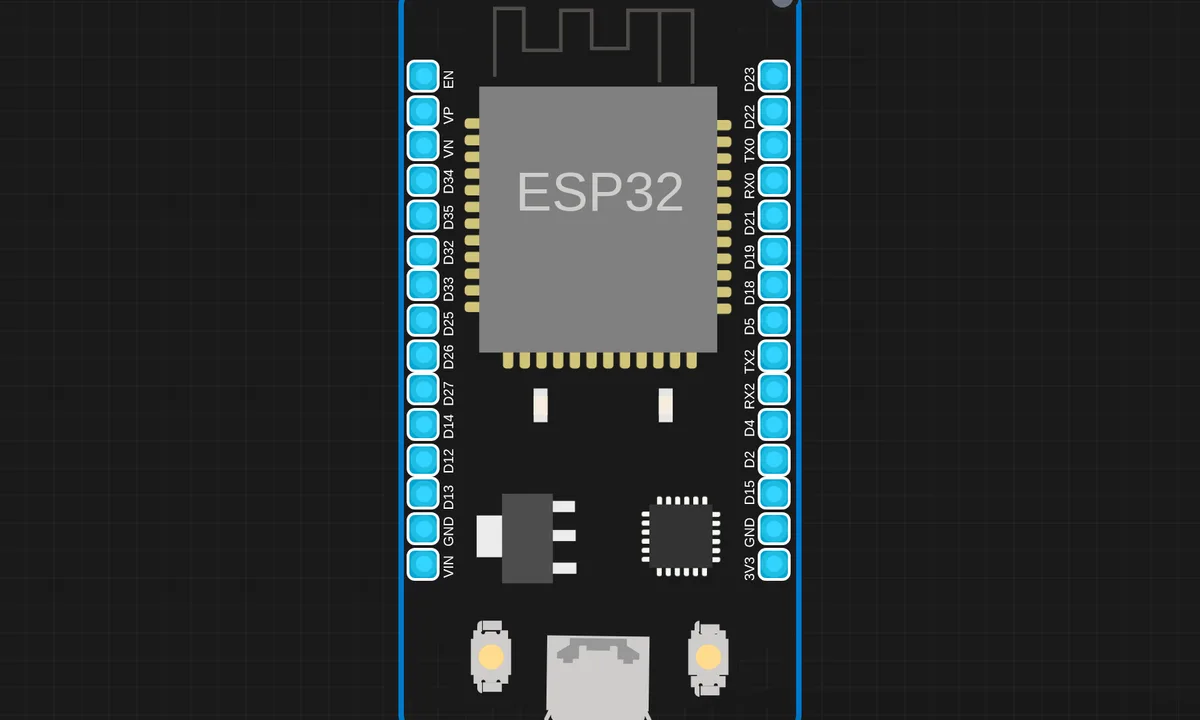
The exact circuit you get when you open this example — already wired, ready to run.
The sketch
# main.py
from machine import Pin, ADC
from time import sleep

led_pins = [2, 4, 5, 12, 13, 14, 15, 16, 17, 18]
leds = [Pin(pin, Pin.OUT) for pin in led_pins]

pot = ADC(Pin(34))
pot.atten(ADC.ATTN_11DB)

while True:
    val = pot.read()
    level = min(10, round((val / 4095) * 10))  # Fixed

    for i in range(10):
        leds[i].value(1 if i < level else 0)

    on_leds = [led_pins[i] for i in range(level)]
    print(f"Analog Value: {val}, Level: {level}, LEDs ON: {on_leds}")

    sleep(0.2)
How it works
The firmware reads the potentiometer on the ADC and renders the value as a visual gauge on the display — a bar or arc whose fill tracks the knob. The mapping from raw ADC to screen geometry is the code’s core.
The display update runs continuously, so the gauge feels directly coupled to the knob. The ADC’s noise shows up as a slight quiver at the gauge’s edge, which smoothing or a dead zone removes — the same polish every real UI needs.
Before you build it for real
The ADC’s low-bit noise quivers the gauge edge — smoothing or a dead zone is the difference between a solid bar and a nervous one. The end-range nonlinearity compresses the gauge’s extremes, so the visual mapping can look uneven unless the code corrects it. And the display refresh is the frame budget — redrawing every loop iteration wastes power and I2C bandwidth; real UIs redraw only when the value changes meaningfully.
Get the parts
Related examples
FAQ
What does the visualizer show?
The pot’s position rendered as a graphical element — a bar, gauge or sweep — that tracks the knob. Instead of a raw number, the display shows position at a glance, which is the step from data to UI.
Why visualize instead of just printing?
A visual readout is readable across the room and shows relative position instantly. For dashboards and control panels, the graphic is the product; the number is the debug output. This example is the bridge between the two.