
Servo Motor Control with Raspberry Pi Pico 2 W (MicroPython)
Servo Motor Control with Raspberry Pi Pico 2 W (MicroPython) is a runnable microcontroller simulation example on SensBench — open the wired circuit, inspect the code, and compile real firmware in your browser, no install needed. Last updated Aug 14, 2026.
FREE SIMULATOR EXAMPLE · BEGINNER
Servo Motor Control with Raspberry Pi Pico 2 W (MicroPython)
This example sweeps a servo on the Raspberry Pi Pico 2 W in MicroPython — PWM pulse widths map angles to positions, full 0-180 travel. The servo bring-up on the RP2350.
| Board | Raspberry Pi Pico (RP2040 dual-core Cortex-M0+, 133 MHz) |
|---|---|
| Difficulty | beginner |
| Category | robotics |
| Libraries | None — just the Arduino core |
| Runs in | Sensbench browser simulator — free, no account |
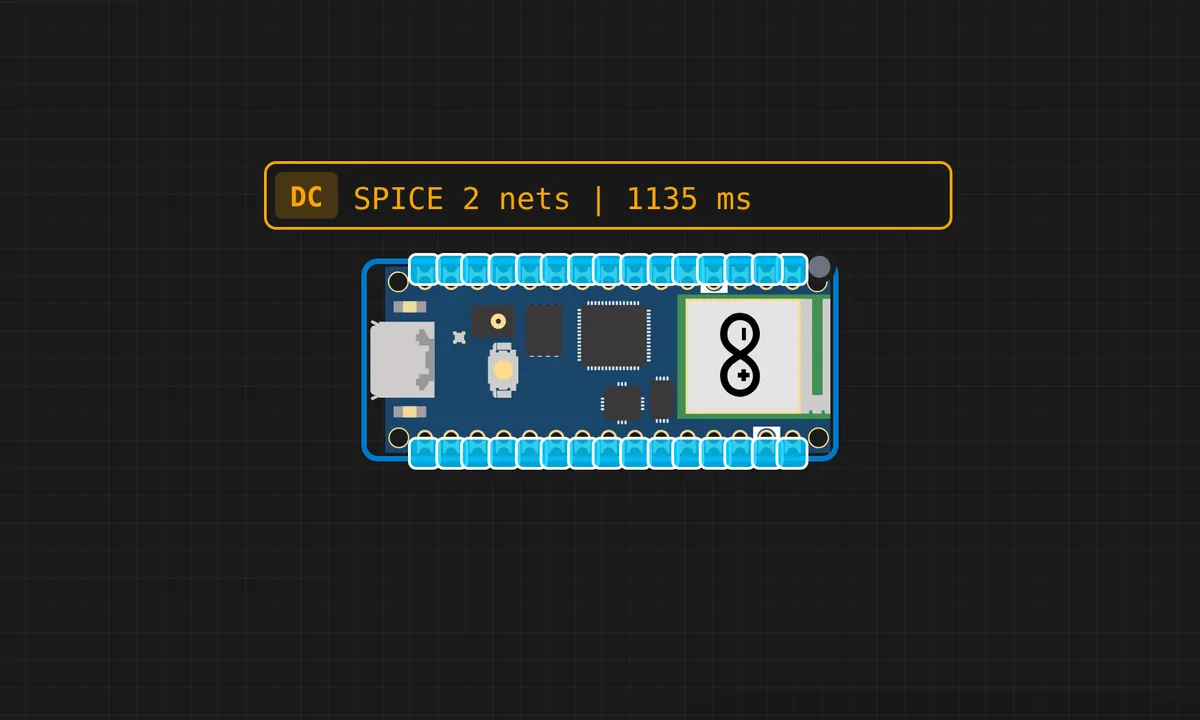
The exact circuit you get when you open this example — already wired, ready to run.
The sketch
# main.py
from machine import Pin, PWM
import time

servo = PWM(Pin(15))
servo.freq(50)

print("=== Servo Angle Control (Safe Mode) ===")

def set_angle(angle):
    # Clamp angles to safe mechanical range
    if angle < 20:
        angle = 20
    elif angle > 170:
        angle = 170

    min_duty = 1200    # calibrated
    max_duty = 8800

    duty = int(min_duty + (angle / 180) * (max_duty - min_duty))
    servo.duty_u16(duty)

    print("Requested Angle:", angle)
    print("Applied Duty:", duty)

while True:
    try:
        angle = int(input("\nEnter angle (0-180): "))
        set_angle(angle)

    except ValueError:
        print("❌ Enter a valid number")
How it works
The firmware configures a PWM channel on the servo pin and sweeps the angle through the full range, converting each angle to its pulse width. The sweep loop demonstrates the full 0-180 travel with the width math visible in the code.
The angle-to-width mapping is linear between the two endpoints, and the sweep’s timing — the delay between steps — sets how fast the servo moves. The serial output announces the sweep’s ends, mirroring the pattern of the Pico’s servo example on the newer chip.
Before you build it for real
The servo power must be separate — motor current through the Pico 2 W’s rail stalls the board, and the WiFi chip is the first casualty of a brownout. The pulse endpoints vary per servo: 1-2 ms is nominal, and physical units need their extremes measured before trusting the angle math. And the sweep is open-loop — the firmware assumes the servo reached the commanded angle; under load or low voltage, reality lags the command, which is why feedback servos exist.
Get the parts
Related examples
FAQ
What makes the Pico 2 W good for servo control?
The RP2350’s PWM hardware is flexible and every GPIO is PWM-capable, so the servo pin can be anywhere. MicroPython’s PWM API exposes pulse widths directly, which is exactly what servo control needs.
Why pulse width and not voltage?
Servos decode position from the pulse width of a 50 Hz signal: 1 ms means 0 degrees, 2 ms means 180. The voltage stays constant — the width is the language. The firmware’s job is translating angles into widths.