
Single Digit Seven Segment Display with Raspberry Pi-Pico (MicroPython)
Single Digit Seven Segment Display with Raspberry Pi-Pico (MicroPython) is a runnable microcontroller simulation example on SensBench — open the wired circuit, inspect the code, and compile real firmware in your browser, no install needed. Last updated Aug 14, 2026.
FREE SIMULATOR EXAMPLE · BEGINNER
Single Digit Seven Segment Display with Raspberry Pi-Pico (MicroPython)
This example counts 0-9 on a single-digit 7-segment display from the Raspberry Pi Pico in MicroPython — the segment pattern table and direct pin driving. The display’s fundamentals before any driver chip.
| Board | Raspberry Pi Pico (RP2040 dual-core Cortex-M0+, 133 MHz) |
|---|---|
| Difficulty | beginner |
| Category | basics |
| Libraries | None — just the Arduino core |
| Runs in | Sensbench browser simulator — free, no account |
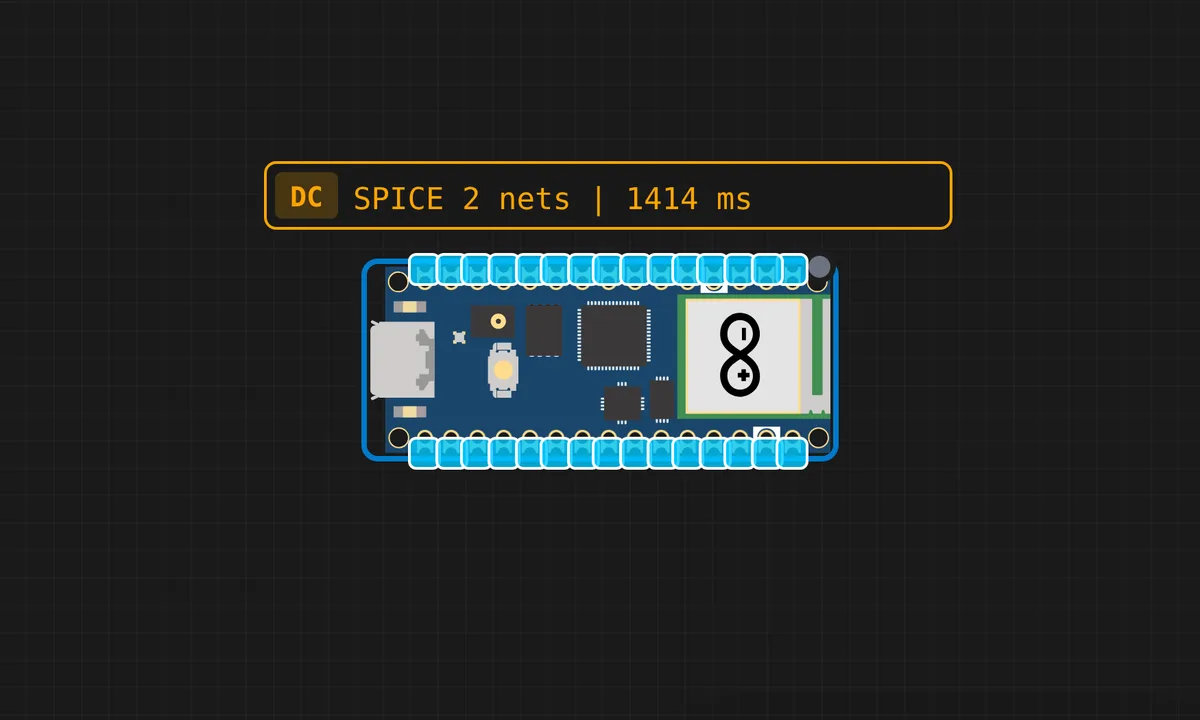
The exact circuit you get when you open this example — already wired, ready to run.
The sketch
# main.py
from machine import Pin  # Import Pin class to control GPIO pins

# ----------------------------
# Define 7-segment display pins
# Each pin corresponds to one segment: a, b, c, d, e, f, g
# Adjust wiring as per your circuit
# ----------------------------
led_a = Pin(2, Pin.OUT)
led_b = Pin(3, Pin.OUT)
led_c = Pin(6, Pin.OUT)
led_d = Pin(5, Pin.OUT)
led_e = Pin(4, Pin.OUT)
led_f = Pin(1, Pin.OUT)
led_g = Pin(0, Pin.OUT)

# ----------------------------
# Functions for digits 0-9
# Each function turns ON/OFF segments to display the correct number
# ----------------------------

def value_one():
    led_a.value(0)
    led_b.value(0)
    led_c.value(0)
    led_d.value(0)
    led_e.value(1)
    led_f.value(1)
    led_g.value(0)

def value_two():
    led_a.value(1)
    led_b.value(1)
    led_c.value(0)
    led_d.value(1)
    led_e.value(1)
    led_f.value(0)
    led_g.value(1)

def value_three():
    led_a.value(1)
    led_b.value(1)
    led_c.value(1)
    led_d.value(1)
    led_e.value(0)
    led_f.value(0)
    led_g.value(1)

def value_four():
    led_a.value(0)
    led_b.value(1)
    led_c.value(1)
    led_d.value(0)
    led_e.value(0)
    led_f.value(1)
    led_g.value(1)

def value_five():
    led_a.value(1)
    led_b.value(0)
    led_c.value(1)
    led_d.value(1)
    led_e.value(0)
    led_f.value(1)
    led_g.value(1)

def value_six():
    led_a.value(1)
    led_b.value(0)
    led_c.value(1)
    led_d.value(1)
    led_e.value(1)
    led_f.value(1)
    led_g.value(1)

def value_seven():
    led_a.value(1)
    led_b.value(1)
    led_c.value(1)
    led_d.value(0)
    led_e.value(0)
    led_f.value(0)
    led_g.value(0)

def value_eight():
    led_a.value(1)
    led_b.value(1)
    led_c.value(1)
    led_d.value(1)
    led_e.value(1)
    led_f.value(1)
    led_g.value(1)

def value_nine():
    led_a.value(1)
    led_b.value(1)
    led_c.value(1)
    led_d.value(0)
    led_e.value(0)
    led_f.value(1)
    led_g.value(1)

def value_zero():
    led_a.value(1)
    led_b.value(1)
    led_c.value(1)
    led_d.value(1)
    led_e.value(1)
    led_f.value(1)
    led_g.value(0)

# ----------------------------
# Main Loop
# User enters a digit (0-9) via input
# That digit is displayed on the 7-segment
# ----------------------------
while True:
    k = int(input("Enter a number (0-9): "))
    if k == 0:
        value_zero()
    elif k == 1:
        value_one()
    elif k == 2:
        value_two()
    elif k == 3:
        value_three()
    elif k == 4:
        value_four()
    elif k == 5:
        value_five()
    elif k == 6:
        value_six()
    elif k == 7:
        value_seven()
    elif k == 8:
        value_eight()
    elif k == 9:
        value_nine()
    else:
        print("Please Enter a value between 0-9 and one digit")
How it works
The firmware counts 0-9 on the 7-segment display, looking up each digit’s segment pattern and driving the segment pins. The pattern table maps digits to seven-bit masks, and the loop walks the table with a readable pause between digits.
The direct pin driving shows exactly what a display driver does internally — the same pattern table and pin writes that a MAX7219 performs in hardware. The serial output names the current digit, so the display and console cross-check each other.
Before you build it for real
Every segment is an LED and needs its own series resistor — seven resistors on a real build, and the simulator’s bare wiring is only safe in simulation. The direct-drive approach costs seven pins, which is why real multi-digit displays move to shift registers or driver chips after the first digit. And the pattern table is display-specific — common-cathode vs common-anode inverts every bit, so the table must match the physical part.
Get the parts
Related examples
FAQ
Why a single digit?
A single 7-segment digit is the minimal display project: seven pins (or one shift register) and a lookup table of segment patterns. It teaches the display’s fundamentals — segment mapping, current limiting, refresh — before multiplexing complicates everything.
How do the segment patterns work?
Each digit is seven booleans — one per segment — packed into a byte. The firmware looks up the pattern for the digit to show and writes each bit to its segment pin. The table is the same 0x3F-through-0x6F set every display project uses.