
Clap Toggle Switch using ESP32 & Digital Sound Sensor (MicroPython)
Clap Toggle Switch using ESP32 & Digital Sound Sensor (MicroPython) is a runnable microcontroller simulation example on SensBench — open the wired circuit, inspect the code, and compile real firmware in your browser, no install needed. Last updated Aug 14, 2026.
FREE SIMULATOR EXAMPLE · BEGINNER
Clap Toggle Switch using ESP32 & Digital Sound Sensor (MicroPython)
This example builds a clap toggle switch on the ESP32 — a digital sound sensor listens for loud transients, and each accepted clap flips an LED. MicroPython edge detection plus a debounce window.
| Board | ESP32 DevKit (Xtensa LX6, 240 MHz) |
|---|---|
| Difficulty | beginner |
| Category | sensors |
| Libraries | None — just the Arduino core |
| Runs in | Sensbench browser simulator — free, no account |
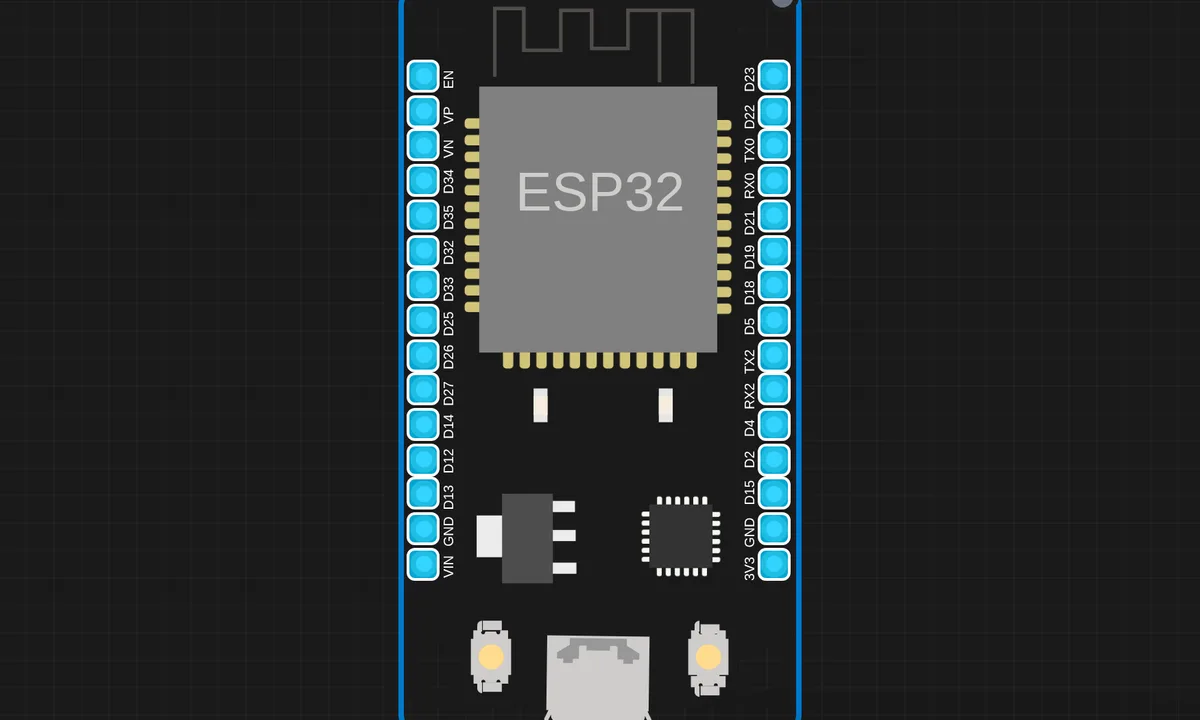
The exact circuit you get when you open this example — already wired, ready to run.
The sketch
# main.py
from machine import Pin
import time

sound = Pin(15, Pin.IN)
led = Pin(2, Pin.OUT)

state = 0          # 0 = OFF, 1 = ON
last_time = 0
debounce = 500     # ms (clap gap)

while True:
    if sound.value() == 1:
        current_time = time.ticks_ms()

        # debounce check
        if time.ticks_diff(current_time, last_time) > debounce:
            state = not state   # TOGGLE
            led.value(state)
            print("Clap! LED:", "ON" if state else "OFF")
            last_time = current_time

        # wait until sound goes low
        while sound.value() == 1:
            pass

    time.sleep_ms(20)
How it works
The script polls the digital sound sensor’s output pin. A falling (or rising) edge that survives the debounce window toggles the LED state. The debounce constant is the whole intelligence — the rest is edge detection on a pin.
The sound sensor’s trimmer sets the sensitivity in hardware, which the simulator models as the default threshold. The code’s clap window is the software half of the same trade-off: too short and one clap counts twice, too long and fast double-claps merge.
Before you build it for real
The sound sensor’s comparator threshold is set by a trimmer — the simulator uses a fixed default, but real modules arrive with the trimmer at a random point, so the first job on hardware is sensitivity calibration. The sensor cannot distinguish a clap from any other loud noise: a door slam, a cough, a dropped tool — all toggle the light, which is the honest limit of a one-dollar sound module. And the debounce window is tuned for a specific room’s acoustics — echoey rooms need a longer window than dead ones.
Get the parts
Related examples
FAQ
How does the sound sensor detect a clap?
The module’s microphone and comparator convert loudness into a digital threshold crossing — the output pin flips when the sound level passes the trimmer-set point. The script watches for that edge, which is a clap or any other loud noise.
Why debounce the claps?
One clap can produce several threshold crossings as the sound echoes and decays. The script’s debounce window ignores crossings for a fixed time after each accepted clap, so a double-clap registers as two toggles instead of a burst.