
IoT Environment Monitoring With Anomaly Detection
IoT Environment Monitoring With Anomaly Detection is a runnable microcontroller simulation example on SensBench — open the wired circuit, inspect the code, and compile real firmware in your browser, no install needed. Last updated Aug 14, 2026.
FREE SIMULATOR EXAMPLE · INTERMEDIATE
IoT Environment Monitoring With Anomaly Detection
This example adds anomaly detection to ESP32 environment monitoring — a rolling baseline of recent readings flags any sample that jumps outside the expected band. Edge-side anomaly detection in plain MicroPython.
| Board | ESP32 DevKit (Xtensa LX6, 240 MHz) |
|---|---|
| Difficulty | intermediate |
| Category | communication |
| Libraries | None — just the Arduino core |
| Runs in | Sensbench browser simulator — free, no account |
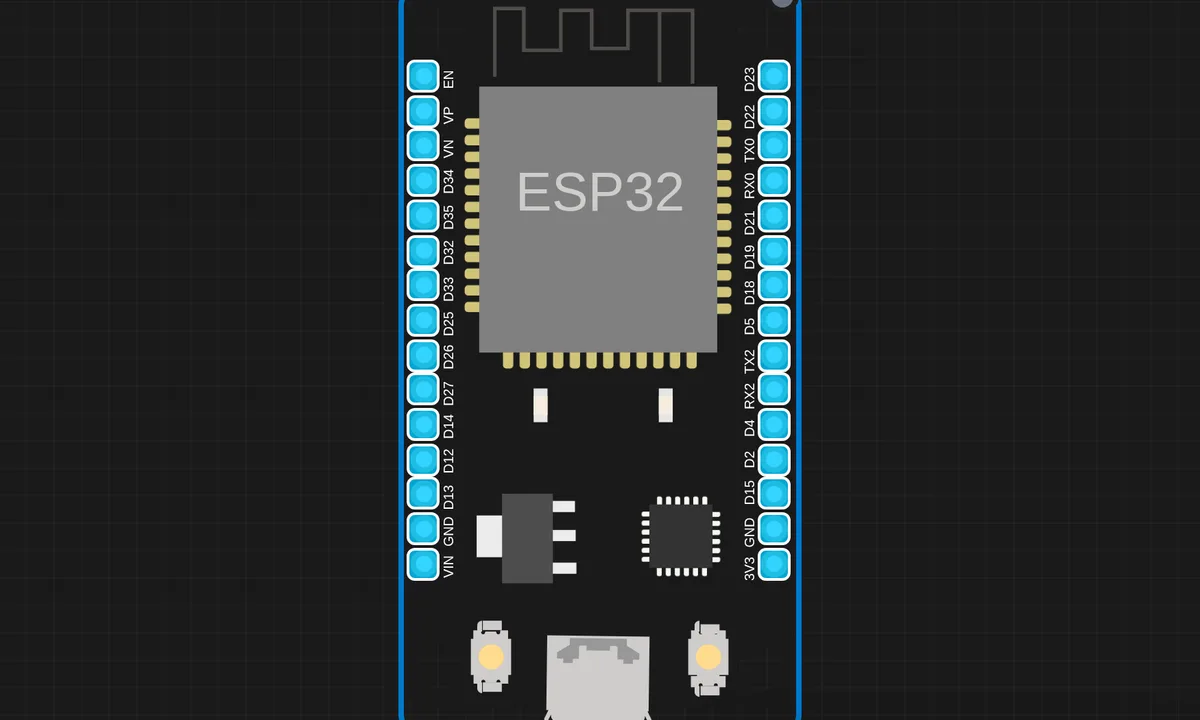
The exact circuit you get when you open this example — already wired, ready to run.
The sketch
# main.py
import network
import urequests as requests
import time
from machine import Pin, ADC
import dht

# --------------------------
# WiFi Credentials
# --------------------------

SSID = "yourssid"
PASS = "yourpassword"
# --------------------------
# ThingSpeak Details
# --------------------------
API_KEY = "yourapikey"
BASE_URL = "http://api.thingspeak.com/update"

# --------------------------a
# Sensors Setup
# --------------------------
d = dht.DHT11(Pin(2))     # D2 = GPIO4
ldr = ADC(0)              # A0 pin for LDR

# --------------------------
# Connect to WiFi
# --------------------------
def connect_wifi():
    sta = network.WLAN(network.STA_IF)
    sta.active(True)
    if not sta.isconnected():
        print("Connecting WiFi...")
        sta.connect(SSID, PASS)
        while not sta.isconnected():
            time.sleep(0.5)
    print("Connected:", sta.ifconfig())

connect_wifi()

# --------------------------
# Upload Loop
# --------------------------
while True:
    try:
        d.measure()
        temp = d.temperature()
        hum = d.humidity()
        light = ldr.read()

        print("Temp:", temp, "°C", "Hum:", hum, "%", "LDR:", light)

        url = f"{BASE_URL}?api_key={API_KEY}&field1={temp}&field2={hum}&field3={light}"
        r = requests.get(url)
        print("Uploaded:", r.text)
        r.close()

    except Exception as e:
        print("Error:", e)

    time.sleep(15)   # ThingSpeak min 15 sec
How it works
The script samples the environment sensors continuously and maintains a rolling window of recent readings. When a new sample falls outside the window’s statistical bounds, the code flags it — printing the alert and recording the event. The window length sets the sensitivity.
The detection math is deliberately simple: a running average with a deviation threshold. That transparency is the point — you can read the code and see exactly what triggers an alert, unlike a black-box ML model.
Before you build it for real
The threshold is the whole detector: too tight and normal variation floods alerts, too loose and real events pass silently — the tuning is empirical and site-specific. The rolling window learns whatever is normal: if the sensor drifts slowly, the baseline follows the drift and never flags it, which is the classic blind spot of window-based detection. And the sensor’s own noise sets the floor — a DHT’s jitter of a degree means the anomaly threshold cannot be tighter than the sensor’s noise.
Get the parts
Related examples
FAQ
What counts as an anomaly?
A reading that deviates statistically from the recent history — the script keeps a rolling baseline and flags values that jump outside it. The detection is threshold-plus-history, not machine learning: simple, explainable, and good enough for sensor drift and sudden events.
Why detect anomalies on the device instead of in the cloud?
Immediacy and bandwidth: the device sees every sample and can react instantly, while a cloud pipeline adds latency and needs every sample uploaded. Edge detection is also what makes the device useful offline.