
IoT Relay Control Web Server (Raspberry Pi Pico 2W)
IoT Relay Control Web Server (Raspberry Pi Pico 2W) is a runnable microcontroller simulation example on SensBench — open the wired circuit, inspect the code, and compile real firmware in your browser, no install needed. Last updated Aug 14, 2026.
FREE SIMULATOR EXAMPLE · INTERMEDIATE
IoT Relay Control Web Server (Raspberry Pi Pico 2W)
This example runs an IoT relay web server on the Raspberry Pi Pico 2 W — hit the endpoint and the relay on GP2 flips. The Pico 2 W’s RP2350 running the classic web-switch pattern.
| Board | Raspberry Pi Pico W (RP2040 + WiFi) |
|---|---|
| Difficulty | intermediate |
| Category | communication |
| Libraries | None — just the Arduino core |
| Runs in | Sensbench browser simulator — free, no account |
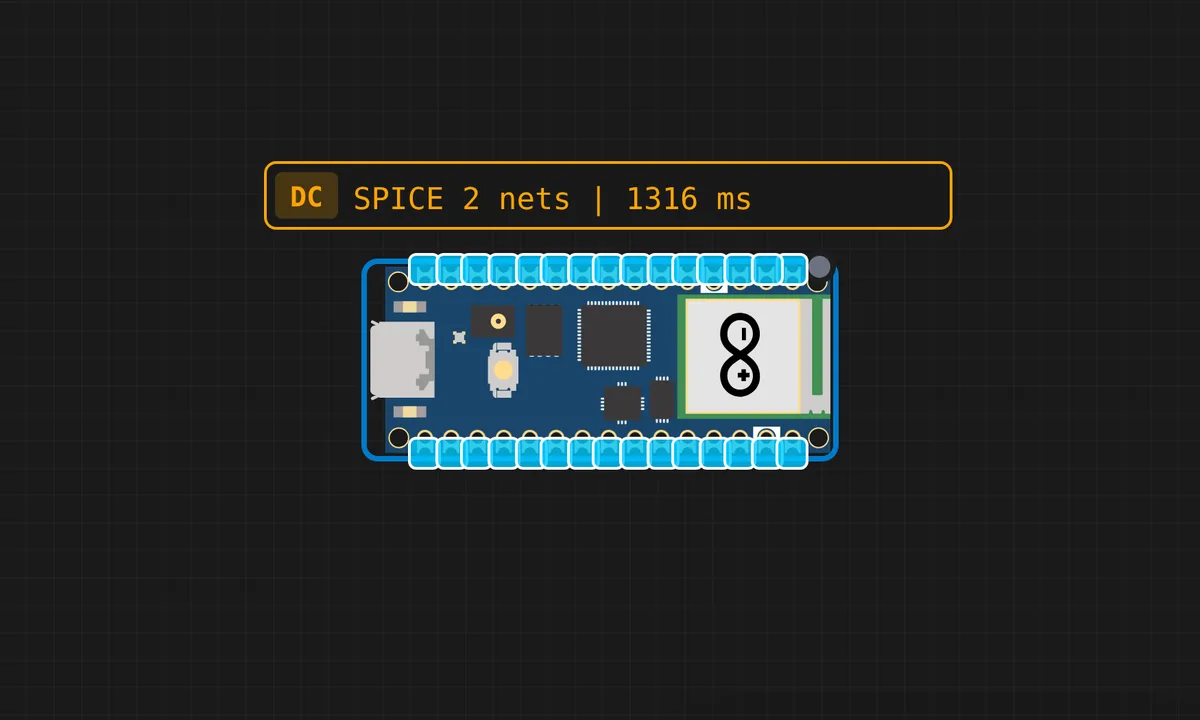
The exact circuit you get when you open this example — already wired, ready to run.
The sketch
# main.py
import network
import socket
import machine
import time

# -------- Relay Setup --------
relay = machine.Pin(2, machine.Pin.OUT)   # GP2 (active LOW)
relay_state = 1   # 1 = OFF, 0 = ON
relay.value(relay_state)

# -------- WiFi --------
ssid = "ssid"
password = "pass"

wlan = network.WLAN(network.STA_IF)
wlan.active(True)
wlan.connect(ssid, password)

print("Connecting...")
while not wlan.isconnected():
    time.sleep(0.5)

ip = wlan.ifconfig()[0]
print("Connected at:", ip)

# -------- Web Page --------
def webpage(state):
    checked = "checked" if state == 0 else ""
    status = "ON" if state == 0 else "OFF"

    return """
<!DOCTYPE html>
<html>
<head>
<meta name="viewport" content="width=device-width, initial-scale=1">
<title>Relay Switch</title>

<style>
body {
    background:#111;
    color:white;
    font-family:Arial;
    text-align:center;
    margin-top:60px;
}
.switch {
  position: relative;
  display: inline-block;
  width: 80px;
  height: 40px;
}
.switch input {
  opacity: 0;
  width: 0;
  height: 0;
}
.slider {
  position: absolute;
  cursor: pointer;
  top: 0;
  left: 0;
  right: 0;
  bottom: 0;
  background-color: red;
  transition: .2s;
  border-radius: 40px;
}
.slider:before {
  position: absolute;
  content: "";
  height: 32px;
  width: 32px;
  left: 4px;
  bottom: 4px;
  background-color: white;
  transition: .2s;
  border-radius: 50%;
}
input:checked + .slider {
  background-color: green;
}
input:checked + .slider:before {
  transform: translateX(40px);
}
</style>

<script>
function send(cmd, state){
  fetch(cmd);
  document.getElementById("status").innerHTML = state;
  history.pushState({}, "", cmd);
}
</script>
</head>

<body>
<h1>IOT RELAY WEB SWITCH</h1>
<h2>Status: <span id="status">""" + status + """</span></h2>

<label class="switch">
  <input type="checkbox" """ + checked + """
    onchange="
      if(this.checked){
        send('/on','ON');
      } else {
        send('/off','OFF');
      }
    ">
  <span class="slider"></span>
</label>

</body>
</html>
"""

# -------- Socket --------
s = socket.socket()
s.setsockopt(socket.SOL_SOCKET, socket.SO_REUSEADDR, 1)
s.bind((ip, 80))
s.listen(1)

print("Open browser: http://" + ip)

# -------- Main Loop --------
while True:
    conn, addr = s.accept()
    request = conn.recv(1024)
    request = str(request)

    if "/on" in request:
        relay_state = 0
        relay.value(relay_state)

    elif "/off" in request:
        relay_state = 1
        relay.value(relay_state)

    conn.send("HTTP/1.1 200 OK\r\nContent-Type: text/html\r\n\r\n")
    conn.sendall(webpage(relay_state))
    conn.close()
How it works
The Pico 2 W joins WiFi and serves an HTTP endpoint that flips the relay on GP2. Each request parses the path, drives the pin, and returns a status line. The blocking server handles one request at a time, which is honest for a single-relay demo.
The WiFi join uses the Pico W’s standard network module, and the relay pin is a plain GPIO output. The code is deliberately minimal — the relay’s driver circuit and the web layer are the two things to understand, and neither hides behind a library.
Before you build it for real
The relay needs a driver transistor and flyback diode on real hardware — the Pico’s 3.3 V pin cannot energize a coil directly, and the simulator’s virtual relay hides both. The server is blocking: one client at a time, so parallel browser requests queue. And the Pico 2 W’s WiFi is 2.4 GHz only — same CYW43-class radio as the original Pico W, same band limitation.
Get the parts
Related examples
FAQ
What is the Pico 2 W?
The Pico 2 W is the RP2350-based successor to the original Pico W — dual RISC-V or Arm cores, more RAM, same form factor, same WiFi chip. MicroPython code written for the Pico W mostly runs unchanged, which this example demonstrates.
Why a web server for a relay?
A relay controlled by URLs is the most portable interface there is — any phone, any computer, any script can flip it. No app, no protocol library; HTTP is the universal remote.