
NTP Synchronized Digital Clock using ESP32 & MAX7219
NTP Synchronized Digital Clock using ESP32 & MAX7219 is a runnable microcontroller simulation example on SensBench — open the wired circuit, inspect the code, and compile real firmware in your browser, no install needed. Last updated Aug 14, 2026.
FREE SIMULATOR EXAMPLE · INTERMEDIATE
NTP Synchronized Digital Clock using ESP32 & MAX7219
This example runs an NTP-synchronized digital clock on the ESP32 — network time displayed on a MAX7219 8-digit LED matrix over SPI. The always-accurate clock pattern.
| Board | ESP32 DevKit (Xtensa LX6, 240 MHz) |
|---|---|
| Difficulty | intermediate |
| Category | displays |
| Libraries | None — just the Arduino core |
| Runs in | Sensbench browser simulator — free, no account |
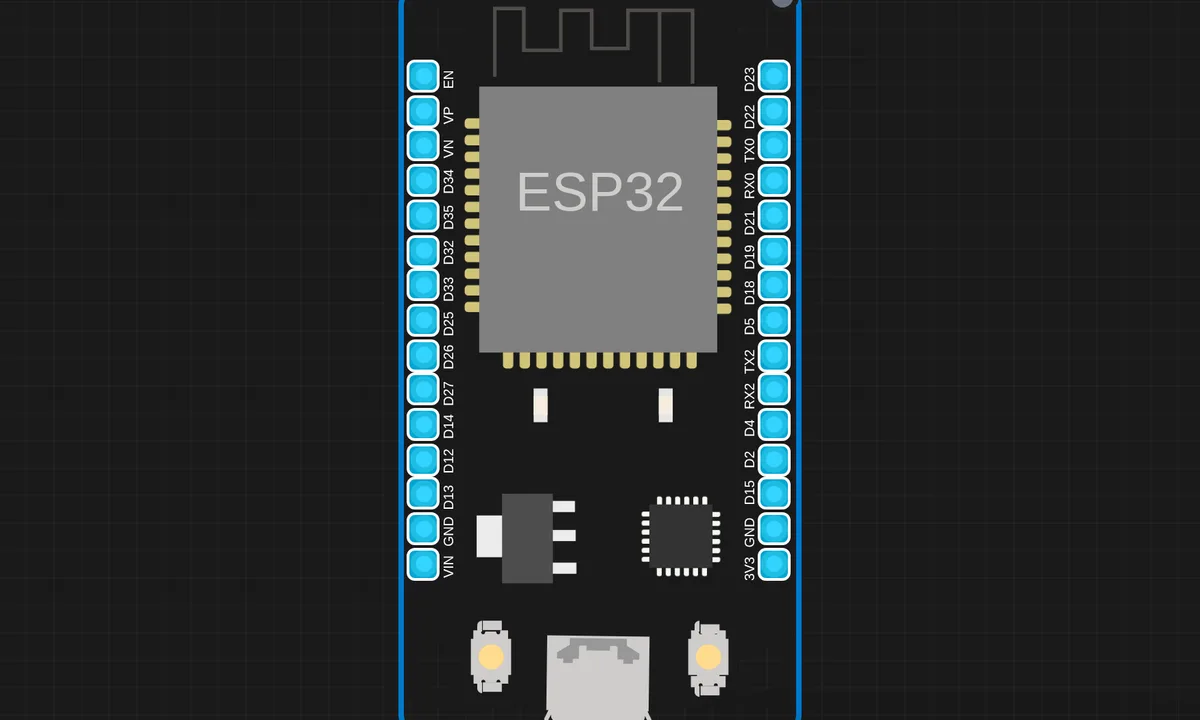
The exact circuit you get when you open this example — already wired, ready to run.
The sketch
# main.py


from machine import Pin, SPI
import max7219
import time
import network
import ntptime

# ========== WIFI CONFIG ==========
SSID = "SENSBENCH-GUEST"
PASSWORD = ""

# ========== CONNECT WIFI ==========
wlan = network.WLAN(network.STA_IF)
wlan.active(True)
wlan.connect(SSID, PASSWORD)

print("Connecting WiFi...")
while not wlan.isconnected():
    time.sleep(1)

print("WiFi Connected:", wlan.ifconfig())

# ========== NTP TIME SYNC ==========
print("Syncing time from NTP...")
ntptime.settime()   # UTC time

# ========== SPI MAX7219 ==========
spi = SPI(1, baudrate=10000000, polarity=1, phase=0,
          sck=Pin(4), mosi=Pin(2))
cs = Pin(5, Pin.OUT)

display = max7219.Matrix8x8(spi, cs, 5)  # 5 matrices
display.brightness(5)

# Colon draw function
def draw_colon(x):
    display.pixel(x, 2, 1)
    display.pixel(x, 5, 1)

# Timezone offset (India = UTC +5:30)
TZ_OFFSET = 5*3600 + 30*60

# ========== MAIN LOOP ==========
while True:
    t = time.time() + TZ_OFFSET
    tm = time.localtime(t)

    hh = "{:02d}".format(tm[3])
    mm = "{:02d}".format(tm[4])
    ss = "{:02d}".format(tm[5])

    # SERIAL PRINT
    print("TIME:", hh, mm)

    # DISPLAY
    display.fill(0)
    display.text(hh, 0, 0, 1)
    draw_colon(18)
    draw_colon(19)
    display.text(mm, 22, 0, 1)
    display.show()

    time.sleep(1)

# max7219.py
"""
MicroPython max7219 cascadable 8x8 LED matrix driver

MIT License
Copyright (c) 2017 Mike Causer

Permission is hereby granted, free of charge, to any person obtaining a copy
of this software and associated documentation files (the "Software"), to deal
in the Software without restriction, including without limitation the rights
to use, copy, modify, merge, publish, distribute, sublicense, and/or sell
copies of the Software, and to permit persons to whom the Software is
furnished to do so, subject to the following conditions:

The above copyright notice and this permission notice shall be included in all
copies or substantial portions of the Software.

THE SOFTWARE IS PROVIDED "AS IS", WITHOUT WARRANTY OF ANY KIND, EXPRESS OR
IMPLIED, INCLUDING BUT NOT LIMITED TO THE WARRANTIES OF MERCHANTABILITY,
FITNESS FOR A PARTICULAR PURPOSE AND NONINFRINGEMENT. IN NO EVENT SHALL THE
AUTHORS OR COPYRIGHT HOLDERS BE LIABLE FOR ANY CLAIM, DAMAGES OR OTHER
LIABILITY, WHETHER IN AN ACTION OF CONTRACT, TORT OR OTHERWISE, ARISING FROM,
OUT OF OR IN CONNECTION WITH THE SOFTWARE OR THE USE OR OTHER DEALINGS IN THE
SOFTWARE.
"""

from micropython import const
import framebuf

_NOOP = const(0)
_DIGIT0 = const(1)
_DECODEMODE = const(9)
_INTENSITY = const(10)
_SCANLIMIT = const(11)
_SHUTDOWN = const(12)
_DISPLAYTEST = const(15)

class Matrix8x8:
    def __init__(self, spi, cs, num):
        """
        Driver for cascading MAX7219 8x8 LED matrices.

        >>> import max7219
        >>> from machine import Pin, SPI
        >>> spi = SPI(1)
        >>> display = max7219.Matrix8x8(spi, Pin('X5'), 4)
        >>> display.text('1234',0,0,1)
        >>> display.show()

        """
        self.spi = spi
        self.cs = cs
        self.cs.init(cs.OUT, True)
        self.buffer = bytearray(8 * num)
        self.num = num
        fb = framebuf.FrameBuffer(self.buffer, 8 * num, 8, framebuf.MONO_HMSB)
        self.framebuf = fb
        # Provide methods for accessing FrameBuffer graphics primitives. This is a workround
        # because inheritance from a native class is currently unsupported.
        # http://docs.micropython.org/en/latest/pyboard/library/framebuf.html
        self.fill = fb.fill  # (col)
        self.pixel = fb.pixel # (x, y[, c])
        self.hline = fb.hline  # (x, y, w, col)
        self.vline = fb.vline  # (x, y, h, col)
        self.line = fb.line  # (x1, y1, x2, y2, col)
        self.rect = fb.rect  # (x, y, w, h, col)
        self.fill_rect = fb.fill_rect  # (x, y, w, h, col)
        self.text = fb.text  # (string, x, y, col=1)
        self.scroll = fb.scroll  # (dx, dy)
        self.blit = fb.blit  # (fbuf, x, y[, key])
        self.init()

    def _write(self, command, data):
        self.cs(0)
        for m in range(self.num):
            self.spi.write(bytearray([command, data]))
        self.cs(1)

    def init(self):
        for command, data in (
            (_SHUTDOWN, 0),
            (_DISPLAYTEST, 0),
            (_SCANLIMIT, 7),
            (_DECODEMODE, 0),
            (_SHUTDOWN, 1),
        ):
            self._write(command, data)

    def brightness(self, value):
        if not 0 <= value <= 15:
            raise ValueError("Brightness out of range")
        self._write(_INTENSITY, value)

    def show(self):
        for y in range(8):
            self.cs(0)
            for m in range(self.num):
                self.spi.write(bytearray([_DIGIT0 + y, self.buffer[(y * self.num) + m]]))
            self.cs(1)
How it works
The firmware fetches the time from NTP over WiFi, then drives the MAX7219 display over SPI with the hours and minutes. The display update loop converts time digits into the MAX7219’s segment bitmaps and shifts them out through the three-wire interface.
The SPI protocol to the MAX7219 is the hardware story: each digit is addressed and loaded in sequence, and the chip’s internal registers control brightness and scan limit. The NTP refresh runs in the background, correcting the clock before drift becomes visible.
Before you build it for real
The clock is only as good as its last NTP sync — offline, the display drifts at the local clock’s rate, and long outages become visible error. The MAX7219’s current setting is a real hardware concern: the register-based brightness limit protects the LEDs, and a bare module without the chip’s current limiting will burn segments. And NTP needs a reachable server — the default pool addresses work on the open internet, but a device behind a restricted network needs a configured local time source.
Get the parts
Related examples
FAQ
Why use a MAX7219 instead of a plain 7-segment?
The MAX7219 drives an 8-digit LED matrix over SPI with just three wires — it handles the multiplexing and current limiting that a direct-drive display needs per segment. One chip replaces a pile of shift registers and resistors.
How does NTP keep the clock accurate?
The ESP32 asks a time server over WiFi at startup and periodically re-syncs. Between syncs, the local clock drifts — a few seconds a day without correction — so the periodic NTP refresh is what keeps the display honest.