
OTA Update Pico2W
OTA Update Pico2W is a runnable microcontroller simulation example on SensBench — open the wired circuit, inspect the code, and compile real firmware in your browser, no install needed. Last updated Aug 14, 2026.
FREE SIMULATOR EXAMPLE · ADVANCED
OTA Update Pico2W
This example performs an OTA firmware update on the Raspberry Pi Pico 2 W — download over WiFi, verify, and reboot into the new image. The update mechanism every deployed IoT device needs.
| Board | Raspberry Pi Pico W (RP2040 + WiFi) |
|---|---|
| Difficulty | advanced |
| Category | communication |
| Libraries | None — just the Arduino core |
| Runs in | Sensbench browser simulator — free, no account |
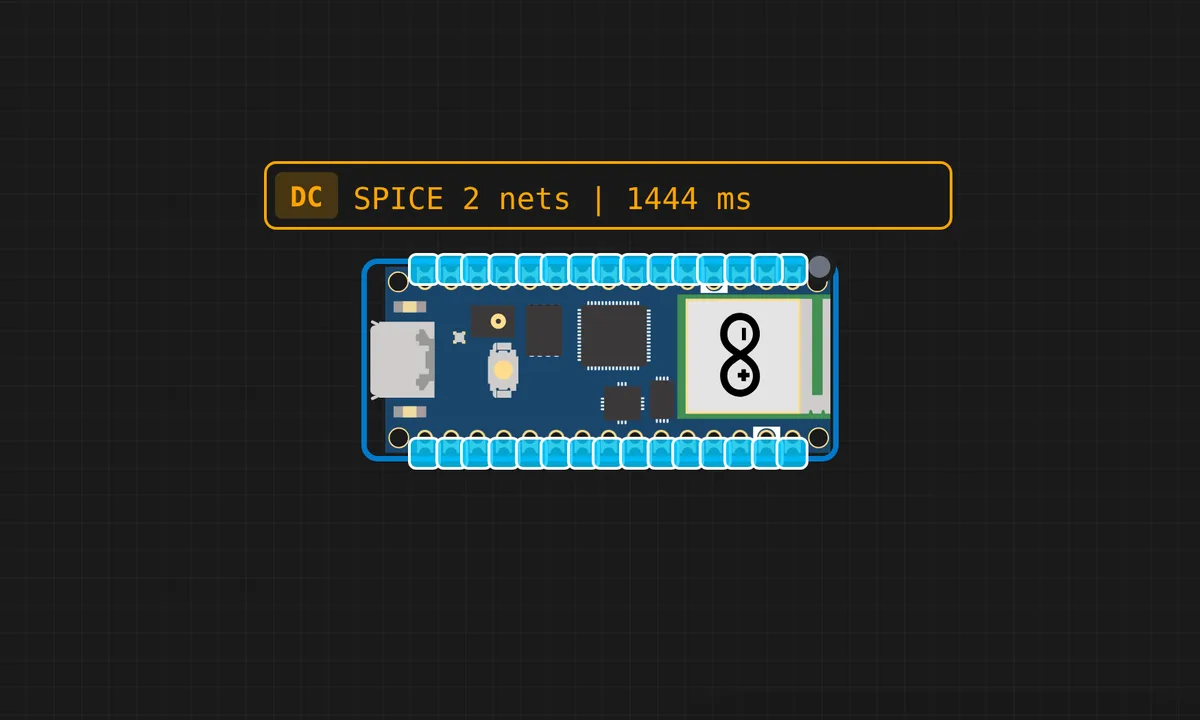
The exact circuit you get when you open this example — already wired, ready to run.
The sketch
# boot.py
# boot.py - Runs automatically every time Pico starts
import ota

ota.check_and_update()

# main.py
import time
from machine import Pin

led = Pin("LED", Pin.OUT)

while True:
    led.on()
    print("LED ON - Version 1.0.0")
    time.sleep(1)
    led.off()
    print("LED OFF - Version 1.0.0")
    time.sleep(1)

# ota.py
import network
import urequests
import time
import machine

# ---- FILL YOUR DETAILS HERE ----
SSID = "your_wifi_name"
PASSWORD = "your_wifi_password"
GITHUB_USER = "kritishmohapatra"
GITHUB_REPO = "pico-ota-test"
# --------------------------------

BASE_URL = f"{OTA_SERVER}/{GITHUB_USER}/{GITHUB_REPO}/main/"

def connect_wifi():
    wlan = network.WLAN(network.STA_IF)
    wlan.active(True)
    if not wlan.isconnected():
        print("Connecting to WiFi...")
        wlan.connect(SSID, PASSWORD)
        timeout = 15
        while not wlan.isconnected() and timeout > 0:
            time.sleep(1)
            timeout -= 1
    if wlan.isconnected():
        print("WiFi connected! IP:", wlan.ifconfig()[0])
        return True
    print("WiFi connection failed!")
    return False

def get_local_version():
    try:
        with open("local_version.txt", "r") as f:
            return f.read().strip()
    except:
        return "0.0.0"

def get_remote_version():
    try:
        r = urequests.get(BASE_URL + "version.txt")
        v = r.text.strip()
        r.close()
        return v
    except Exception as e:
        print("Version check failed:", e)
        return None

def check_and_update():
    if not connect_wifi():
        return

    remote = get_remote_version()
    local = get_local_version()

    print(f"Local version:  {local}")
    print(f"Remote version: {remote}")

    if remote and remote != local:
        print("New update found! Downloading...")
        try:
            r = urequests.get(BASE_URL + "main.py")
            with open("main.py", "w") as f:
                f.write(r.text)
            r.close()
            with open("local_version.txt", "w") as f:
                f.write(remote)
            print("Update done! Restarting...")
            time.sleep(2)
            machine.reset()
        except Exception as e:
            print("Update failed:", e)
    else:
        print("Already on latest version!")
How it works
The Pico 2 W checks for a firmware update over WiFi, downloads the new image, verifies it, and reboots into it. The update flow is the point: download to staging, verify the image, commit — the sequence that makes OTA survivable.
The two-bank approach is the production pattern the example demonstrates: the new firmware lands in the inactive bank, and the bootloader only switches banks after verification. A failed update leaves the old firmware running, which is the entire safety story.
Before you build it for real
OTA’s failure modes are the whole subject: a power cut during the update, a corrupted download, or a bad image can brick the device permanently unless the two-bank fallback is real. The verification step is not optional — checksumming the downloaded image before committing is what separates a robust updater from a gamble. And bandwidth and flash headroom matter: the update image must fit the spare bank, which is why the Pico 2 W’s larger flash matters for OTA-enabled designs.
Related examples
FAQ
What does OTA update mean here?
The device downloads new firmware over WiFi and reboots into it — no USB cable, no physical access. For deployed IoT devices, OTA is the difference between shipping a bug and shipping a recall.
Why is OTA risky?
Because the update replaces the running firmware: a failed download, a truncated image or a power cut mid-flash leaves a bricked device unless the design includes a fallback. Real OTA schemes keep a known-good image and verify the new one before committing.