
Pico 2 W Dht11 Http Csv Logger
Pico 2 W Dht11 Http Csv Logger is a runnable microcontroller simulation example on SensBench — open the wired circuit, inspect the code, and compile real firmware in your browser, no install needed. Last updated Aug 14, 2026.
FREE SIMULATOR EXAMPLE · INTERMEDIATE
Pico 2 W Dht11 Http Csv Logger
This example logs DHT11 readings on the Raspberry Pi Pico 2 W and serves them as CSV over HTTP — point a browser at the device and download the dataset. The self-hosted data logger pattern.
| Board | Raspberry Pi Pico W (RP2040 + WiFi) |
|---|---|
| Difficulty | intermediate |
| Category | communication |
| Libraries | None — just the Arduino core |
| Runs in | Sensbench browser simulator — free, no account |
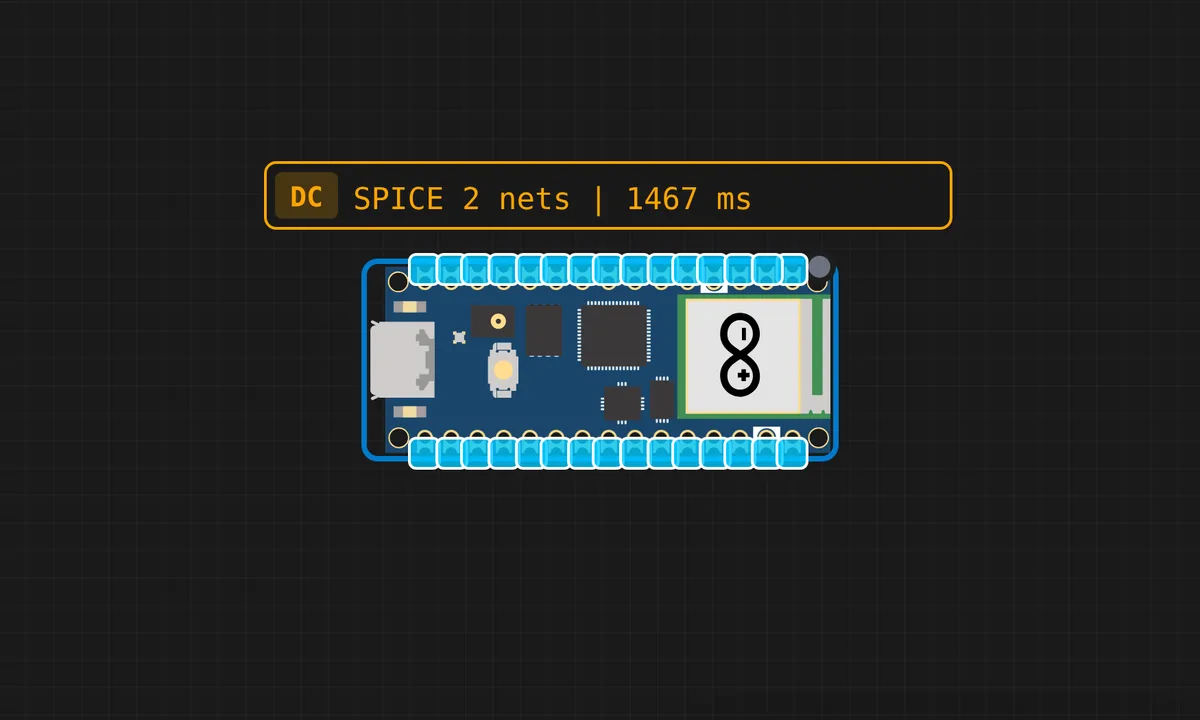
The exact circuit you get when you open this example — already wired, ready to run.
The sketch
# app.py
from flask import Flask, request
import csv, os
from datetime import datetime

app = Flask(__name__)
CSV_FILE = "data.csv"

if not os.path.exists(CSV_FILE):
    with open(CSV_FILE, 'w', newline='') as f:
        csv.writer(f).writerow(
            ["time", "temperature", "humidity"]
        )

@app.route('/data', methods=['POST'])
def data():
    d = request.json
    print("Received:", d)

    with open(CSV_FILE, 'a', newline='') as f:
        csv.writer(f).writerow([
            datetime.now().strftime("%H:%M:%S"),
            d["temperature"],
            d["humidity"]
        ])

    return "OK"

app.run(host="0.0.0.0", port=5000)


# main.py
import network, time, urequests
import dht
from machine import Pin

ssid = "kritish"
password = "pas"

url = "http://ip:5000/data"  # laptop IP

sensor = dht.DHT11(Pin(15))

wlan = network.WLAN(network.STA_IF)
wlan.active(True)
wlan.connect(ssid, password)

while not wlan.isconnected():
    time.sleep(1)

print("WiFi connected")

while True:
    sensor.measure()
    temp = sensor.temperature()
    hum = sensor.humidity()

    data = {
        "temperature": temp,
        "humidity": hum
    }

    try:
        r = urequests.post(url, json=data)
        r.close()
        print("Sent:", data)
    except Exception as e:
        print("Error:", e)

    time.sleep(5)
How it works
The firmware reads the DHT11 on a schedule and appends each reading — timestamp, temperature, humidity — to an in-memory log. The HTTP endpoint serves the accumulated log as CSV, so pointing a browser at the device downloads the whole dataset.
The sampling interval is the storage budget: every reading costs a CSV line, and the RAM ceiling is the log’s lifetime. The serial output mirrors each append, so the console shows the log growing in real time.
Before you build it for real
The RAM is the log’s ceiling — a few thousand CSV lines fit, then the device must either rotate the log or push it elsewhere; long-term logging graduates to flash files or a cloud endpoint. The DHT11’s 1-second minimum interval caps the sampling rate, and its ±2 °C accuracy is the data’s own noise floor. And the timestamp depends on a clock source — without NTP, the CSV’s time column is just uptime, which makes the data far less useful for analysis.
Get the parts
Related examples
FAQ
Why CSV over HTTP?
CSV is the universal data format — every spreadsheet and analysis tool reads it, and HTTP is the universal transport. The Pico 2 W serves its log as a CSV file, so any browser downloads a ready-to-analyze dataset. No custom protocol.
How long can the log get?
As long as the Pico’s RAM and flash allow — a few thousand readings in RAM, more in a flash file. For long-term logging the pattern graduates to an SD card or a cloud endpoint; the example shows the self-hosted version.