
PIR Motion Detector using Raspberry Pi Pico 2W & MicroPython
PIR Motion Detector using Raspberry Pi Pico 2W & MicroPython is a runnable microcontroller simulation example on SensBench — open the wired circuit, inspect the code, and compile real firmware in your browser, no install needed. Last updated Aug 14, 2026.
FREE SIMULATOR EXAMPLE · BEGINNER
PIR Motion Detector using Raspberry Pi Pico 2W & MicroPython
This example detects motion on the Raspberry Pi Pico 2 W with a PIR sensor — one digital pin, one threshold, an LED and a serial event log. The simplest sensor project that exists.
| Board | Raspberry Pi Pico (RP2040 dual-core Cortex-M0+, 133 MHz) |
|---|---|
| Difficulty | beginner |
| Category | basics |
| Libraries | None — just the Arduino core |
| Runs in | Sensbench browser simulator — free, no account |
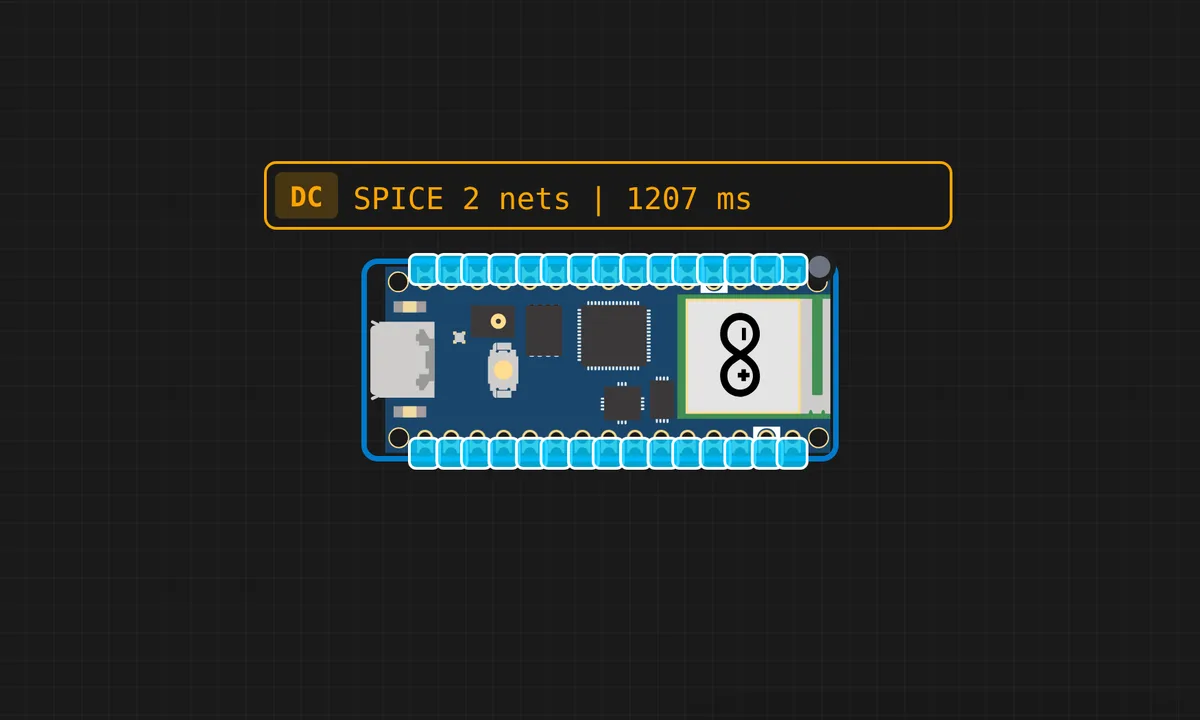
The exact circuit you get when you open this example — already wired, ready to run.
The sketch
# main.py
from machine import Pin
import time

pir = Pin(16, Pin.IN, Pin.PULL_DOWN)   # PIR sensor pin
led = Pin("LED", Pin.OUT)              # Built-in LED

print("PIR Motion Detector Started...")

while True:
    if pir.value() == 1:
        print("Motion Detected!")
        led.value(1)
        time.sleep(1)
    else:
        print("No motion")
        led.value(0)
        time.sleep(0.2)
How it works
The firmware reads the PIR module’s digital output on a GPIO pin. A HIGH means motion in the sensor’s field of view; the code lights an LED and prints the event. The loop polls the pin continuously, so motion triggers within one poll period.
The edge detection — printing only on state changes rather than continuously — keeps the serial output readable and mirrors the pattern used in every motion-driven project. The warm-up delay at startup is the sensor’s own requirement, encoded in the firmware.
Before you build it for real
The PIR’s warm-up window is 20-30 seconds of random triggering — real deployments either ignore motion during startup or delay arming, and the simulator’s instant readiness hides the window. The module’s sensitivity and retrigger trimmers are the first debug step on real hardware when the sensor fires constantly or never. And the PIR cannot see through glass — mounting behind a window defeats the sensor entirely, a placement rule no firmware can fix.
Get the parts
Related examples
FAQ
Why is the PIR the beginner's first sensor?
Because it is digital and self-contained: the module’s electronics turn motion into a clean HIGH/LOW signal, so the firmware only needs one input pin and one if-statement. No ADC, no timing protocol, no library.
What is the warm-up delay for?
The PIR’s pyroelectric element needs time to stabilize after power-on — 20-30 seconds on real modules. The firmware’s startup delay waits out that window, because readings during warm-up trigger randomly.