
Blink LED
Blink LED is a runnable microcontroller simulation example on SensBench — open the wired circuit, inspect the code, and compile real firmware in your browser, no install needed. Last updated Aug 14, 2026.
FREE SIMULATOR EXAMPLE · BEGINNER
Blink LED
This example is the embedded equivalent of hello world: it blinks the Arduino Uno’s built-in LED on pin 13, one second on, one second off. There is nothing to wire — open it, press play, and the L LED on the board starts pulsing in front of code that is thirteen lines long.
| Board | Arduino Uno (ATmega328P, 16 MHz, 5 V logic) |
|---|---|
| Difficulty | beginner |
| Category | basics |
| Libraries | None — just the Arduino core |
| Runs in | Sensbench browser simulator — free, no account |
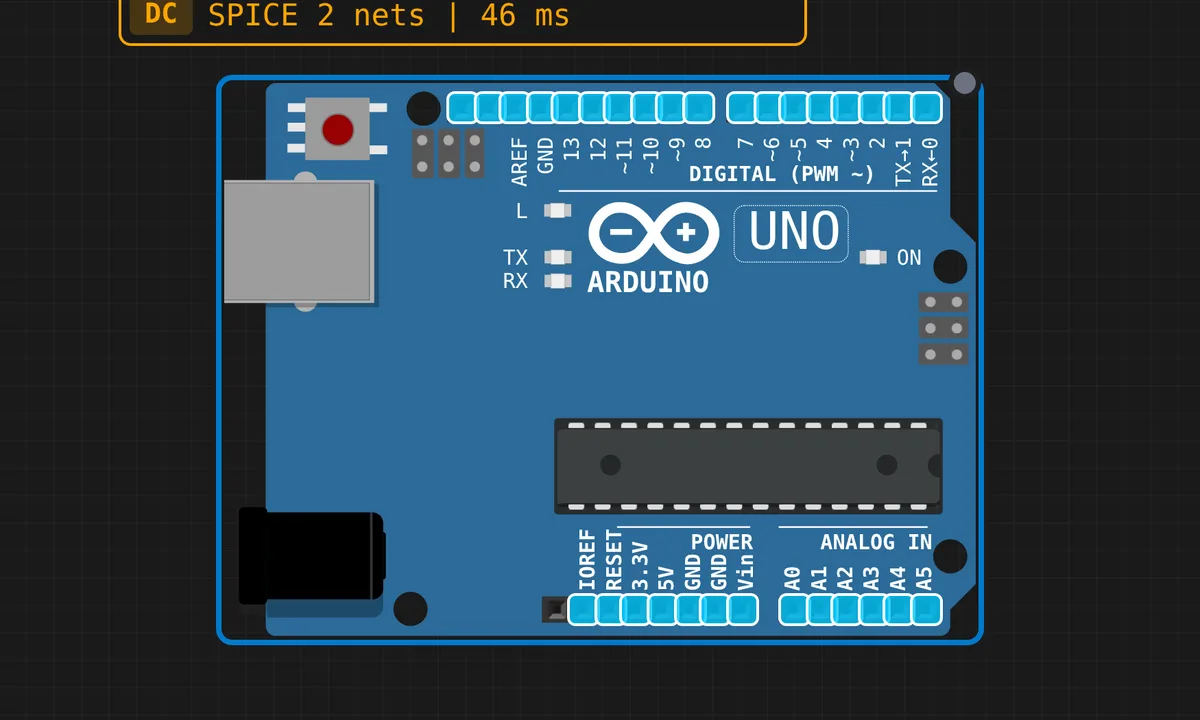
The exact circuit you get when you open this example — already wired, ready to run.
The sketch
// Blink LED Example
// Toggles the built-in LED on pin 13

void setup() {
  pinMode(13, OUTPUT);
}

void loop() {
  digitalWrite(13, HIGH);
  delay(1000);
  digitalWrite(13, LOW);
  delay(1000);
}
How it works
setup() runs once at reset and calls pinMode(13, OUTPUT) — that flips the ATmega328P’s data-direction bit so the pin can source current instead of just sensing it. From then on loop() repeats forever: digitalWrite(13, HIGH) puts 5 V on the pin, delay(1000) parks the CPU for a second, then LOW and another second. Pin 13 is special on the Uno: it is hard-wired to the onboard L LED, so the blink shows up with zero external parts.
The thing to notice is what delay() really does: it blocks. During that second the ATmega328P does literally nothing else — fine for a blink, fatal for anything that also reads sensors or serial. When you outgrow it, the fix is millis()-based timing, and this sketch is the standard place to learn that difference. Change either delay value in the simulator and the rhythm changes immediately.
Before you build it for real
The simulator’s LED needs nothing between it and the pin; a real LED on a breadboard absolutely does. If you extend this sketch by wiring an external LED to pin 13 (or any other pin), put a 220 Ω resistor in series — a bare red LED drops about 2 V and will otherwise pull well past the 20 mA per-pin budget of the ATmega328P (200 mA for the whole chip). Also know that pin 13 already carries the onboard LED and its buffer circuit on a real Uno, so it behaves slightly differently when you later reuse it as an input — prefer another pin once you start adding buttons.
Related examples
FAQ
Why is the built-in LED on pin 13?
History, mostly: the original Arduino boards put an LED on 13 because it was the least useful pin for anything else — it also carries the SPI clock, SCK. The convention stuck, so pin 13 blinks on the Uno, Nano and Mega alike.
Can I make it blink faster or run two LEDs at different rates?
Faster is easy — lower both delay values. Two LEDs at different rates is where delay() breaks down: it blocks the whole CPU, so you cannot overlap timings. That is the point to learn millis() and keep both blinks in one non-blocking loop.