
ESP32-C3: Serial Echo
ESP32-C3: Serial Echo is a runnable microcontroller simulation example on SensBench — open the wired circuit, inspect the code, and compile real firmware in your browser, no install needed. Last updated Aug 14, 2026.
FREE SIMULATOR EXAMPLE · BEGINNER
ESP32-C3: Serial Echo
Type a line into the Serial Monitor, hit enter, and the ESP32-C3 answers “Echo:” plus your line, at 115200 baud. No wiring, no parts — this is a pure UART round-trip through firmware, and the standard first proof that serial input actually reaches your code.
| Board | ESP32-C3 (RISC-V single-core, 160 MHz) |
|---|---|
| Difficulty | beginner |
| Category | communication |
| Libraries | None — just the Arduino core |
| Runs in | Sensbench browser simulator — free, no account |
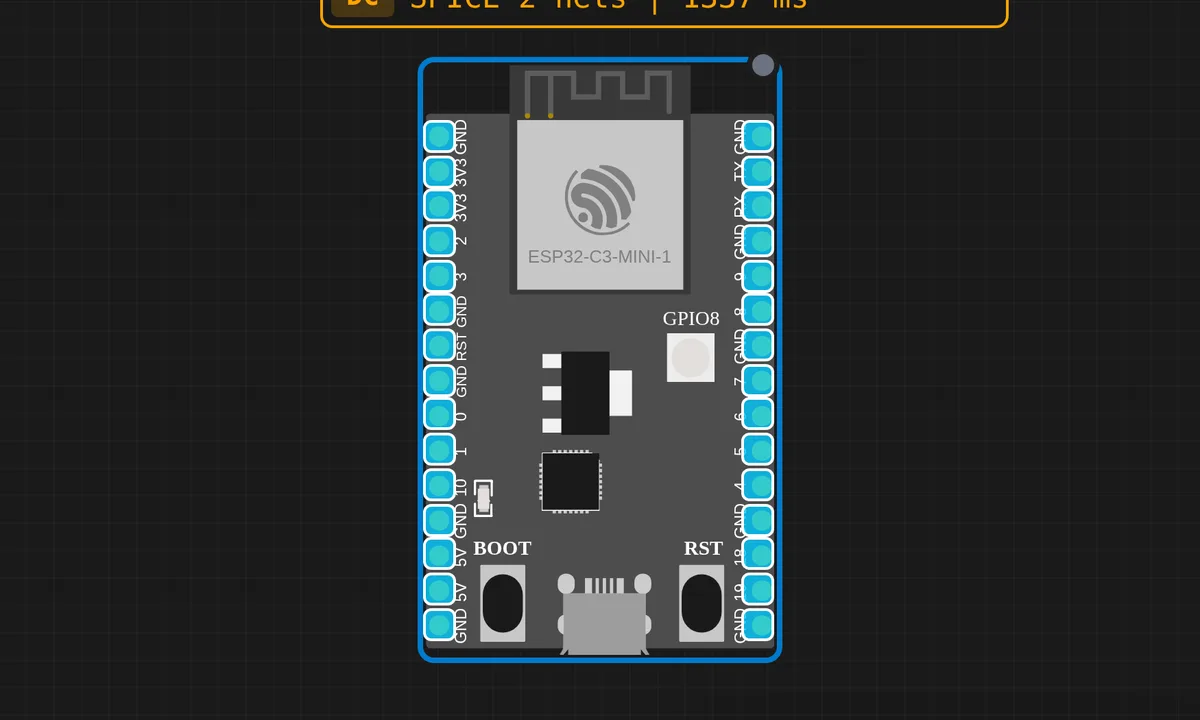
The exact circuit you get when you open this example — already wired, ready to run.
The sketch
// ESP32-C3 — Serial Echo
// Open Serial Monitor at 115200 baud, type anything

void setup() {
  Serial.begin(115200);
  delay(200);
  Serial.println("ESP32-C3 Serial Echo");
  Serial.println("Type anything and press Enter...");
}

void loop() {
  if (Serial.available()) {
    String line = Serial.readStringUntil('\n');
    line.trim();
    if (line.length() > 0) {
      Serial.print("Echo: ");
      Serial.println(line);
    }
  }
}
How it works
Serial.available() reports how many bytes are waiting in the RX buffer; the loop does nothing until at least one shows up. Then Serial.readStringUntil('\n') consumes everything up to the newline terminator — which is why the line-ending setting in your monitor decides whether this sketch works at all.
Before echoing, line.trim() strips whitespace — including the carriage return that “Both NL & CR” mode appends — and the length() > 0 guard swallows empty lines so a stray enter press does not echo blank noise back at you.
One behavior worth knowing: readStringUntil gives up after a default 1000 ms timeout. Send half a line and pause, and it returns early with whatever arrived. Harmless here, but real protocols should frame messages explicitly instead of trusting a timer.
Before you build it for real
The number-one reason this sketch “does nothing” on a real setup: the monitor’s line ending is set to No line ending, so the '\n' that readStringUntil waits for never arrives. Set it to Newline or Both NL & CR — trim() quietly forgives the extra carriage return. Second, this code uses the Arduino String class, which allocates on the heap. For an echo demo that is fine, but in firmware that runs for days, String churn fragments the C3’s few hundred KB of SRAM into an eventual crash — switch to a fixed char buffer once the code graduates from the bench.
Get the parts
Related examples
FAQ
I type and nothing comes back — what is wrong?
Nine times out of ten the monitor is set to “No line ending”, so the newline that readStringUntil('\n') waits for is never sent. Switch to Newline or Both NL & CR. After that, check the baud rate matches the 115200 in setup().
Does readStringUntil block the loop?
Yes, briefly: while bytes are trickling in it waits, up to its default 1000 ms timeout, before giving up. Fine for a demo. Anything time-critical should read byte-by-byte into its own buffer and never wait on the library.