
ESP32-C3: Serial Hello
ESP32-C3: Serial Hello is a runnable microcontroller simulation example on SensBench — open the wired circuit, inspect the code, and compile real firmware in your browser, no install needed. Last updated Aug 14, 2026.
FREE SIMULATOR EXAMPLE · BEGINNER
ESP32-C3: Serial Hello
This example needs no wiring at all: the ESP32-C3 prints a boot banner once, then a numbered heartbeat — “[1] Uptime: 1s” — every second to the Serial Monitor at 115200 baud. It is the fastest way to confirm the emulated UART and your monitor settings agree before you build anything bigger.
| Board | ESP32-C3 (RISC-V single-core, 160 MHz) |
|---|---|
| Difficulty | beginner |
| Category | communication |
| Libraries | None — just the Arduino core |
| Runs in | Sensbench browser simulator — free, no account |
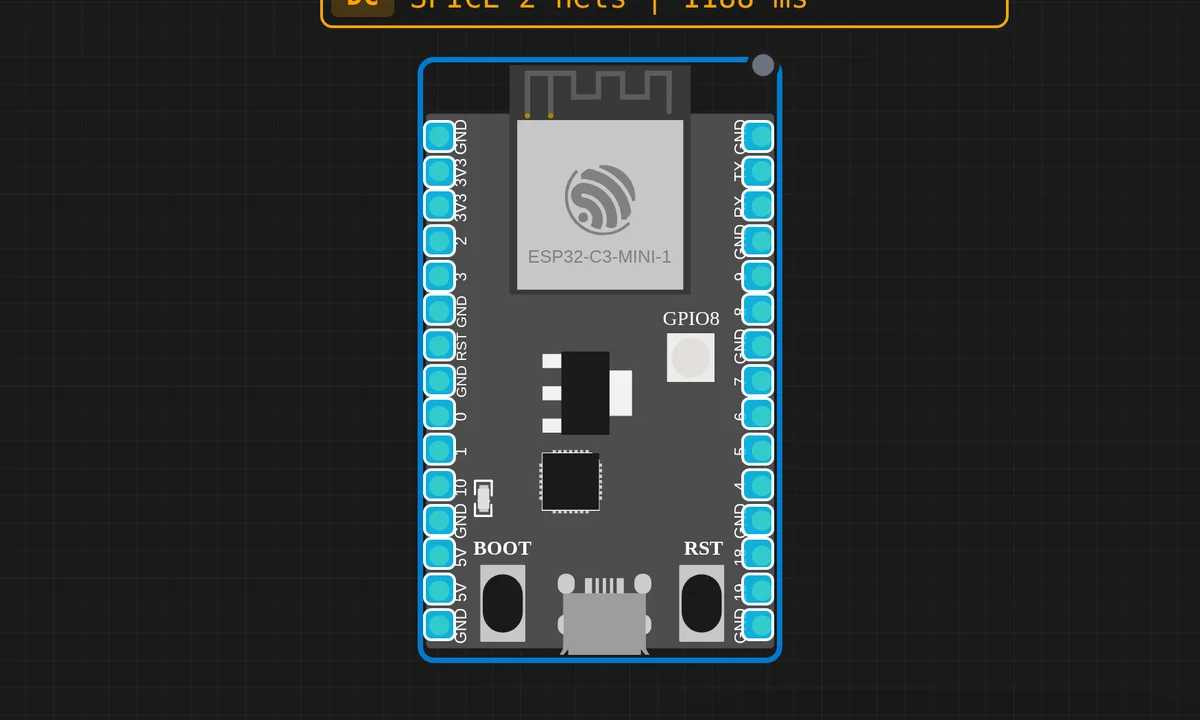
The exact circuit you get when you open this example — already wired, ready to run.
The sketch
// ESP32-C3 — Serial Hello World
// Open Serial Monitor at 115200 baud

void setup() {
  Serial.begin(115200);
  delay(200);
  Serial.println("=== ESP32-C3 Serial Demo ===");
  Serial.println("RV32IMC @ 160 MHz — QEMU libqemu-riscv32");
  Serial.println();
}

int tick = 0;

void loop() {
  delay(1000);
  tick++;
  Serial.print("[");
  Serial.print(tick);
  Serial.print("] Uptime: ");
  Serial.print(millis() / 1000);
  Serial.println("s");
}
How it works
Serial.begin(115200) starts UART0 at the standard ESP boot baud rate, then a deliberate delay(200) waits before the banner prints — on real hardware that pause gives the USB-serial bridge time to attach so you do not miss the first lines. In the simulator the monitor is already connected, but keep the habit.
The loop is a metronome: delay(1000), increment tick, then a chain of Serial.print() calls assembles one line like [12] Uptime: 12s. Two counters, two meanings — tick counts loop passes, millis() / 1000 counts wall-clock seconds. They agree only because the loop body is nearly instant; add a slow sensor read and they drift apart, which is your first taste of why delay()-based timing does not scale.
Before you build it for real
On real ESP32-C3 boards there are two different USB serial paths, and picking the wrong one is the classic “my sketch prints nothing” bug. The DevKitM-1 routes UART0 (GPIO20/21) through a USB-UART bridge chip — that is the path plain Serial talks to. Smaller boards like the SuperMini skip the bridge entirely and expect the native USB Serial/JTAG controller on GPIO18/19, which Arduino exposes as a different object. Same sketch, same baud rate, total silence. Also remember millis() is a 32-bit counter that wraps every ~49.7 days — irrelevant for a heartbeat demo, fatal for naive timestamp comparisons in long-running firmware.
Get the parts
Related examples
FAQ
Why 115200 baud?
It is the rate the ESP32 family boot ROM uses for its own log messages, so the chip’s output and your sketch share one monitor setting. The UART itself goes far higher, but 115200 is where every tool and tutorial already agrees.
tick and Uptime always match — why keep both?
They match only because this loop does nothing but print. tick counts iterations; millis() / 1000 counts elapsed seconds. Add a blocking call — a sensor read, a network request — and the two numbers separate, which is exactly the lesson the sketch is quietly teaching.