
ESP32 WiFi Connect
ESP32 WiFi Connect is a runnable microcontroller simulation example on SensBench — open the wired circuit, inspect the code, and compile real firmware in your browser, no install needed. Last updated Aug 14, 2026.
FREE SIMULATOR EXAMPLE · BEGINNER
ESP32 WiFi Connect
This example connects the ESP32 to a 2.4 GHz WiFi network and prints the three numbers you check first when debugging: IP address, MAC address and signal strength in dBm. After that it re-checks the link every five seconds and reconnects automatically if it drops. No wiring — the radio is the only peripheral involved.
| Board | ESP32 DevKit (Xtensa LX6, 240 MHz) |
|---|---|
| Difficulty | beginner |
| Category | communication |
| Libraries | None — WiFi.h ships with the Arduino core |
| Runs in | Sensbench browser simulator — free, no account |
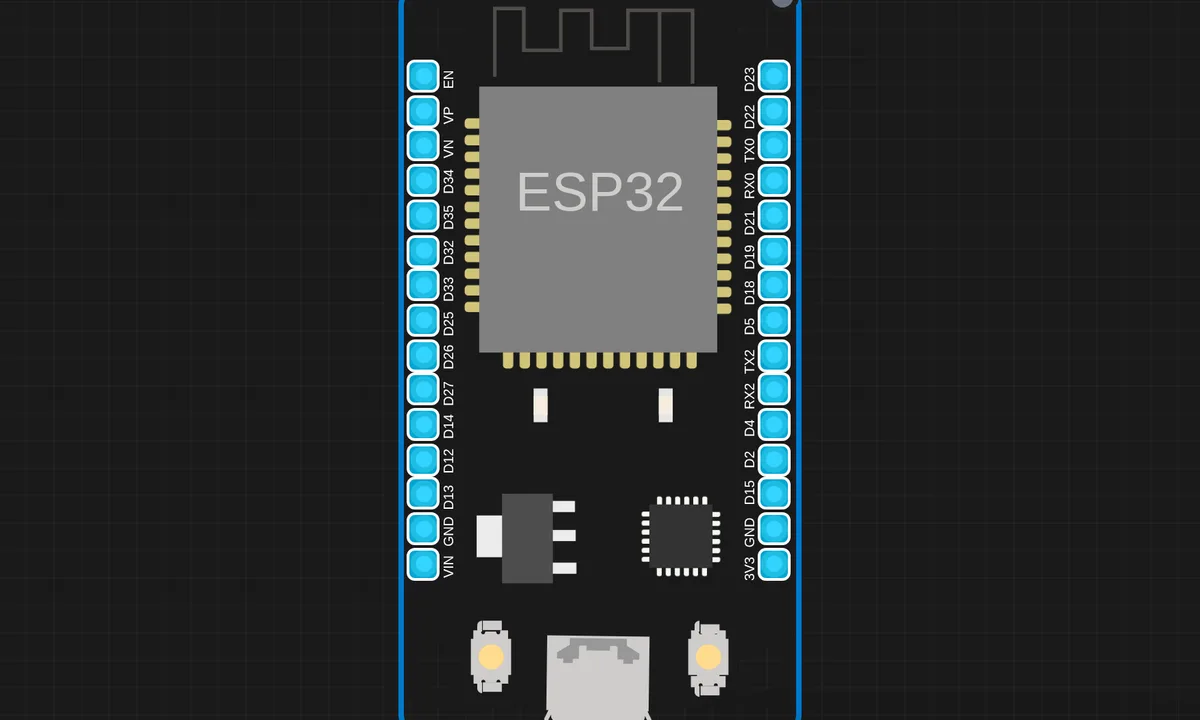
The exact circuit you get when you open this example — already wired, ready to run.
The sketch
#include <WiFi.h>

const char* ssid = "sensbench-GUEST";

void setup() {
  Serial.begin(115200);
  delay(1000);
  Serial.println("ESP32 WiFi Connection Demo");
  Serial.println("==========================");
  Serial.printf("Connecting to %s", ssid);

  WiFi.begin(ssid, "", 6);  // channel 6, no password

  while (WiFi.status() != WL_CONNECTED) {
    delay(500);
    Serial.print(".");
  }

  Serial.println(" Connected!");
  Serial.printf("IP Address: %s\n", WiFi.localIP().toString().c_str());
  Serial.printf("MAC Address: %s\n", WiFi.macAddress().c_str());
  Serial.printf("Signal Strength (RSSI): %d dBm\n", WiFi.RSSI());
}

void loop() {
  if (WiFi.status() == WL_CONNECTED) {
    Serial.println("WiFi still connected - IP: " + WiFi.localIP().toString());
  } else {
    Serial.println("WiFi disconnected! Reconnecting...");
    WiFi.begin(ssid, "", 6);
  }
  delay(5000);
}
How it works
WiFi.begin(ssid, "", 6) uses the three-argument overload: SSID, password, and a channel hint. The empty string means an open network — the simulator’s sensbench-GUEST — and the 6 tells the radio to try channel 6 first instead of scanning all thirteen, which shaves real time off the connect.
The while (WiFi.status() != WL_CONNECTED) loop blocks setup until the link comes up, printing a dot every 500 ms. Once connected, WiFi.localIP(), WiFi.macAddress() and WiFi.RSSI() give you the address DHCP assigned, the hardware address, and how loud the router sounds — −50 dBm is strong, −80 dBm is marginal.
The loop() is a watchdog: every five seconds it re-reads WiFi.status(), prints the IP if healthy, and calls WiFi.begin() again if the link dropped. Routers reboot and signals fade; any device meant to run unattended needs this reconnect pattern in some form.
Before you build it for real
The simulator’s guest network is open and on channel 6 — your real one is neither, so replace both the SSID and that empty password with your WPA2 credentials. The number one real-world failure is band: the ESP32 radio is 2.4 GHz only and will never see a 5 GHz SSID no matter how many times you retry. Second, the blocking while in setup() hangs the board forever if the AP is down — fine for a demo, but production code wants a connect timeout that retries instead of waiting for a network that is not coming back.
Get the parts
Related examples
FAQ
What does the 6 in WiFi.begin(ssid, "", 6) do?
It is a channel hint — the radio tries channel 6 first instead of scanning every 2.4 GHz channel for the SSID, which shortens connect time when you know the channel. The middle argument is the password; an empty string means an open network, which only exists in this simulator.
My real ESP32 never connects to my router. Why?
Nine times out of ten the SSID is 5 GHz only. The ESP32’s radio is 2.4 GHz (802.11b/g/n) and physically cannot hear 5 GHz beacons. Enable the 2.4 GHz band on the router or give it its own SSID, then retry.