
ESP32 WiFi Scan
ESP32 WiFi Scan is a runnable microcontroller simulation example on SensBench — open the wired circuit, inspect the code, and compile real firmware in your browser, no install needed. Last updated Aug 14, 2026.
FREE SIMULATOR EXAMPLE · BEGINNER
ESP32 WiFi Scan
This example turns the ESP32 into a WiFi scanner: it listens for every 2.4 GHz network in range and prints each one’s SSID, signal strength and encryption status to the Serial Monitor. No wiring, no external parts — just the board and its radio.
| Board | ESP32 DevKit (Xtensa LX6, 240 MHz) |
|---|---|
| Difficulty | beginner |
| Category | communication |
| Libraries | None — WiFi.h ships with the Arduino core |
| Runs in | Sensbench browser simulator — free, no account |
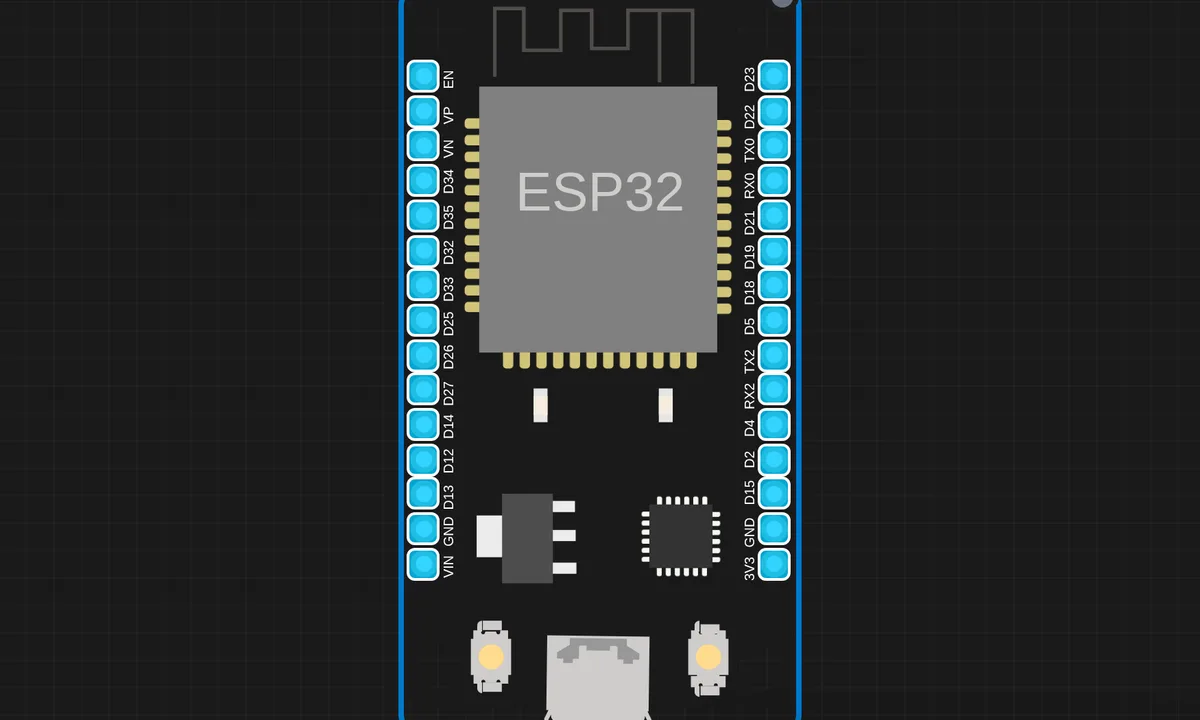
The exact circuit you get when you open this example — already wired, ready to run.
The sketch
#include <WiFi.h>

void setup() {
  Serial.begin(115200);
  delay(1000);
  Serial.println("ESP32 WiFi Scanner");
  Serial.println("==================");

  WiFi.mode(WIFI_STA);
  WiFi.disconnect();
  delay(100);

  Serial.println("Scanning for networks...");
  int n = WiFi.scanNetworks();
  if (n == 0) {
    Serial.println("No networks found");
  } else {
    Serial.printf("Found %d networks:\n", n);
    for (int i = 0; i < n; i++) {
      Serial.printf("  %d: %-20s  %d dBm  %s\n",
        i + 1,
        WiFi.SSID(i).c_str(),
        WiFi.RSSI(i),
        WiFi.encryptionType(i) == WIFI_AUTH_OPEN ? "Open" : "Encrypted");
    }
  }
  Serial.println("\nDone! Scan again in 10 seconds...");
}

void loop() {
  delay(10000);
  setup();  // re-scan
}
How it works
WiFi.mode(WIFI_STA) puts the radio in station mode — the same mode it uses to connect to your router, except here we never connect. WiFi.scanNetworks() does an active scan: the radio hops through all 2.4 GHz channels, listens for beacon frames, and returns the count of networks heard.
The sketch then walks the results: WiFi.SSID(i) for the name, WiFi.RSSI(i) for signal strength in dBm (closer to zero is stronger — −45 is excellent, −85 is barely there), and WiFi.encryptionType(i) to flag open networks. Then it waits ten seconds and scans again.
Before you build it for real
The re-scan trick in this sketch — calling setup() from loop() — is a shortcut, not a pattern to copy into real projects; pull the scan into its own function instead. Two things differ on real hardware: the network list changes constantly as beacon conditions shift, and 5 GHz networks never appear because the ESP32 radio is 2.4 GHz only. If you scan next to a WiFi 6 router and see nothing, that is usually why — check the 2.4 GHz band is enabled.
Get the parts
Related examples
FAQ
Why does the scan only find 2.4 GHz networks?
The ESP32’s radio hardware is 2.4 GHz only (802.11b/g/n). It physically cannot hear 5 GHz beacons. The ESP32-C5 adds 5 GHz, but the classic ESP32 and C3 in this simulator are 2.4 GHz parts.
What is RSSI?
Received Signal Strength Indicator, in dBm. The scale is negative: −40 dBm is a router on your desk, −70 is fine, −85 and below is where connections start dropping.