
I2C RTC Clock (DS1307)
I2C RTC Clock (DS1307) is a runnable microcontroller simulation example on SensBench — open the wired circuit, inspect the code, and compile real firmware in your browser, no install needed. Last updated Aug 14, 2026.
FREE SIMULATOR EXAMPLE · INTERMEDIATE
I2C RTC Clock (DS1307)
This example reads the time from a virtual DS1307 real-time clock at I2C address 0x68 and prints HH:MM:SS plus the date to the Serial Monitor once a second. Open it and watch the seconds tick — then look at the code, because the DS1307 makes you work for those digits: every value comes back in BCD.
| Board | Arduino Uno (ATmega328P, 16 MHz, 5 V logic) |
|---|---|
| Difficulty | intermediate |
| Category | communication |
| Libraries | None — just the Arduino core |
| Runs in | Sensbench browser simulator — free, no account |
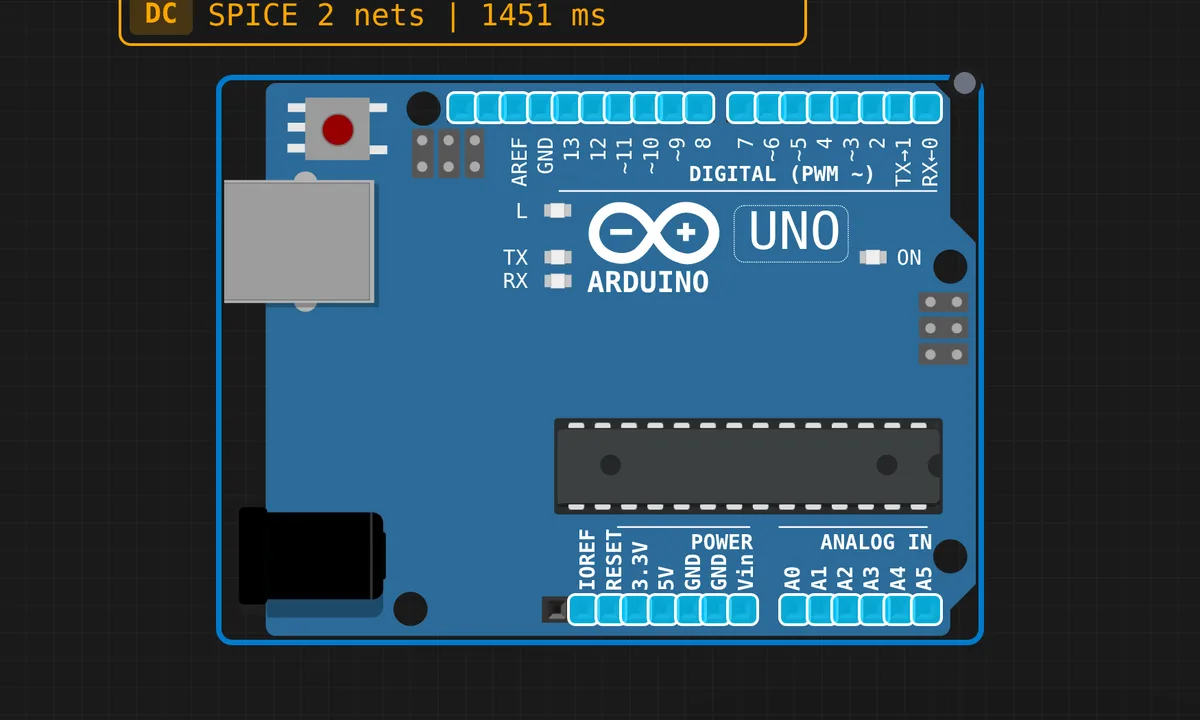
The exact circuit you get when you open this example — already wired, ready to run.
The sketch
// I2C RTC Reader — DS1307 at address 0x68
// Reads hours:minutes:seconds from the virtual RTC
// and prints to Serial Monitor every second.

#include <Wire.h>

#define DS1307_ADDR 0x68

byte bcdToDec(byte val) {
  return ((val >> 4) * 10) + (val & 0x0F);
}

void setup() {
  Wire.begin();
  Serial.begin(9600);

  Serial.println("===========================");
  Serial.println("  DS1307 RTC Reader (I2C)");
  Serial.println("===========================");
  Serial.println();
}

void loop() {
  // Set register pointer to 0 (seconds)
  Wire.beginTransmission(DS1307_ADDR);
  Wire.write(0x00);
  Wire.endTransmission();

  // Request 7 bytes: sec, min, hr, dow, date, month, year
  Wire.requestFrom(DS1307_ADDR, 7);

  if (Wire.available() >= 7) {
    byte sec   = bcdToDec(Wire.read() & 0x7F);
    byte min   = bcdToDec(Wire.read());
    byte hr    = bcdToDec(Wire.read() & 0x3F);
    byte dow   = bcdToDec(Wire.read());
    byte date  = bcdToDec(Wire.read());
    byte month = bcdToDec(Wire.read());
    byte year  = bcdToDec(Wire.read());

    // Print formatted time
    Serial.print("Time: ");
    if (hr < 10) Serial.print("0");
    Serial.print(hr);
    Serial.print(":");
    if (min < 10) Serial.print("0");
    Serial.print(min);
    Serial.print(":");
    if (sec < 10) Serial.print("0");
    Serial.print(sec);

    Serial.print("  Date: ");
    if (date < 10) Serial.print("0");
    Serial.print(date);
    Serial.print("/");
    if (month < 10) Serial.print("0");
    Serial.print(month);
    Serial.print("/20");
    if (year < 10) Serial.print("0");
    Serial.println(year);
  } else {
    Serial.println("Error: Could not read RTC");
  }

  delay(1000);
}
How it works
The read is a pointer-then-fetch transaction, same as an EEPROM: write register 0x00 to set the DS1307’s internal pointer to the seconds register, then Wire.requestFrom(DS1307_ADDR, 7) pulls seven bytes in order — seconds, minutes, hours, day-of-week, date, month, year. The chip auto-increments its pointer after every byte, so the order is fixed by the datasheet, not by you.
The bcdToDec() function exists because the DS1307 stores everything in binary-coded decimal: the high nibble holds the tens digit, the low nibble the units, and (val >> 4) * 10 + (val & 0x0F) converts it back. The masks matter just as much — & 0x7F on seconds strips bit 7, which is the clock-halt flag, and & 0x3F on hours strips the 12/24-hour mode bits. Print the raw bytes and 23:59 comes out looking like garbage.
Before you build it for real
The famous real-hardware gotcha is the CH (clock halt) bit: a brand-new DS1307 ships with the oscillator stopped, so seconds read as a frozen value until you clear bit 7 of register 0 with a write — the virtual RTC here runs immediately, a real one does not. Second: if the bus fails (no pull-ups, SDA/SCL swapped on A4/A5, dead coin cell), every read returns 0xFF and the BCD decode cheerfully prints 165:165:165 — when you see that number, the chip never answered. The DS1307 itself is 5 V-tolerant, so it pairs with the Uno without a level shifter.
Get the parts
Related examples
FAQ
Why does my real DS1307 print 165:165:165?
That is 0xFF pushed through the BCD decoder (15*10+15 = 165) — the bus read failed and Wire.read() returned all ones. Check pull-ups on SDA/SCL, that you are on A4/A5 and not two random analog pins, and that the module actually has power. It is a wiring error message, not a time.
Does the DS1307 keep time when the Uno is off?
Only if the module has a CR2032 coin cell fitted — keeping time across power loss is the entire point of an RTC. The virtual chip in the simulator always runs. Also note the DS1307 drifts a minute or two a week; for internet-accurate time you want NTP, not a better crystal.