
Nano: Blink LED
Nano: Blink LED is a runnable microcontroller simulation example on SensBench — open the wired circuit, inspect the code, and compile real firmware in your browser, no install needed. Last updated Aug 14, 2026.
FREE SIMULATOR EXAMPLE · BEGINNER
Nano: Blink LED
This example blinks the Arduino Nano’s built-in LED on pin 13: half a second on, half a second off, forever. Every transition also prints ON or OFF to the Serial Monitor at 9600 baud, so you can watch the rhythm in text without even looking at the board. It is the smallest possible proof that the whole setup — code, emulation, board — works.
| Board | Arduino Nano (ATmega328P, 16 MHz) |
|---|---|
| Difficulty | beginner |
| Category | basics |
| Libraries | None — just the Arduino core |
| Runs in | Sensbench browser simulator — free, no account |
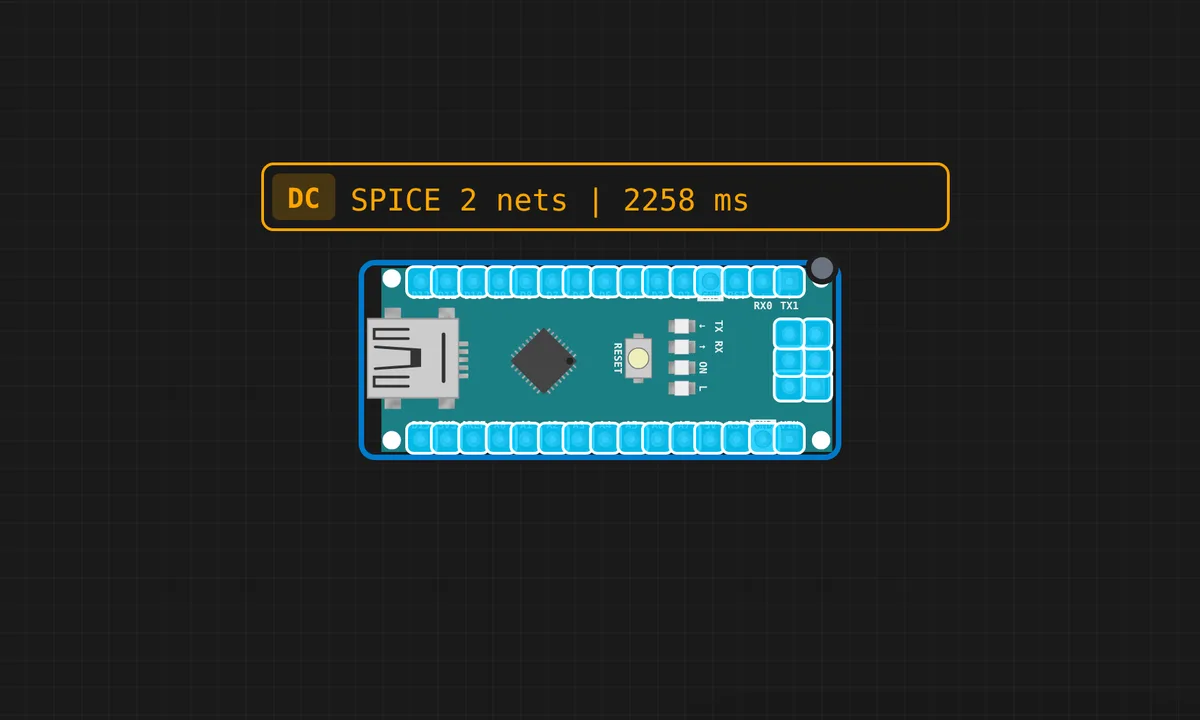
The exact circuit you get when you open this example — already wired, ready to run.
The sketch
// Arduino Nano — Blink LED
// Built-in LED is on pin 13

void setup() {
  pinMode(13, OUTPUT);
  Serial.begin(9600);
  Serial.println("Nano Blink ready!");
}

void loop() {
  digitalWrite(13, HIGH);
  Serial.println("ON");
  delay(500);
  digitalWrite(13, LOW);
  Serial.println("OFF");
  delay(500);
}
How it works
The sketch runs on the Arduino core alone, no libraries. setup() calls pinMode(13, OUTPUT) and opens the port with Serial.begin(9600). Then loop() repeats the simplest useful pattern in embedded: digitalWrite(13, HIGH), delay(500), write LOW, delay again. One Serial.println() per transition mirrors the LED state to the monitor, so you can verify the rhythm in text.
Pin 13 is not arbitrary. On the Nano the onboard LED is hard-wired to D13, so this sketch needs zero external parts. The trade-off: pin 13 is also the SPI clock line (SCK), which matters the day you add an SPI sensor to the same project. And delay() is blocking — perfect here, but the reason nothing else can run while the LED waits.
Before you build it for real
On real hardware the onboard LED works out of the box, but two things bite when you extend this sketch. First, if you move the LED to a breadboard it needs a 220 Ω series resistor — an ATmega328P pin is rated for 20 mA continuous (40 mA absolute max), and a bare LED across a 5 V pin will exceed that. Second, remember the whole-chip budget is 200 mA across all pins combined; a handful of bright LEDs gets there faster than you expect.
Related examples
FAQ
Why pin 13 for the built-in LED?
Because the Nano’s PCB wires its user LED to D13 — the same pin the Uno uses, so this sketch needs zero wiring. The side effect is that D13 doubles as the SPI SCK line, so if you later connect SPI devices, the boot-time LED blink and your clock share a pin.
How do I blink an external LED instead?
Wire the LED anode to any free digital pin through a 220 Ω resistor, cathode to GND, and change every 13 in the sketch to that pin number. The resistor is not optional on real hardware — without it the LED pulls more current than the pin is rated for.