
[Pico] Serial Echo
[Pico] Serial Echo is a runnable microcontroller simulation example on SensBench — open the wired circuit, inspect the code, and compile real firmware in your browser, no install needed. Last updated Aug 14, 2026.
FREE SIMULATOR EXAMPLE · BEGINNER
[Pico] Serial Echo
This example turns the Raspberry Pi Pico into a serial echo server: every character you type in the Serial Monitor is sent back with an Echo: prefix, and a heartbeat line prints every two seconds so you know the board is alive. It is the fastest way to verify the USB serial link between your computer and the RP2040.
| Board | Raspberry Pi Pico (RP2040 dual-core Cortex-M0+, 133 MHz) |
|---|---|
| Difficulty | beginner |
| Category | communication |
| Libraries | None — just the Arduino core |
| Runs in | Sensbench browser simulator — free, no account |
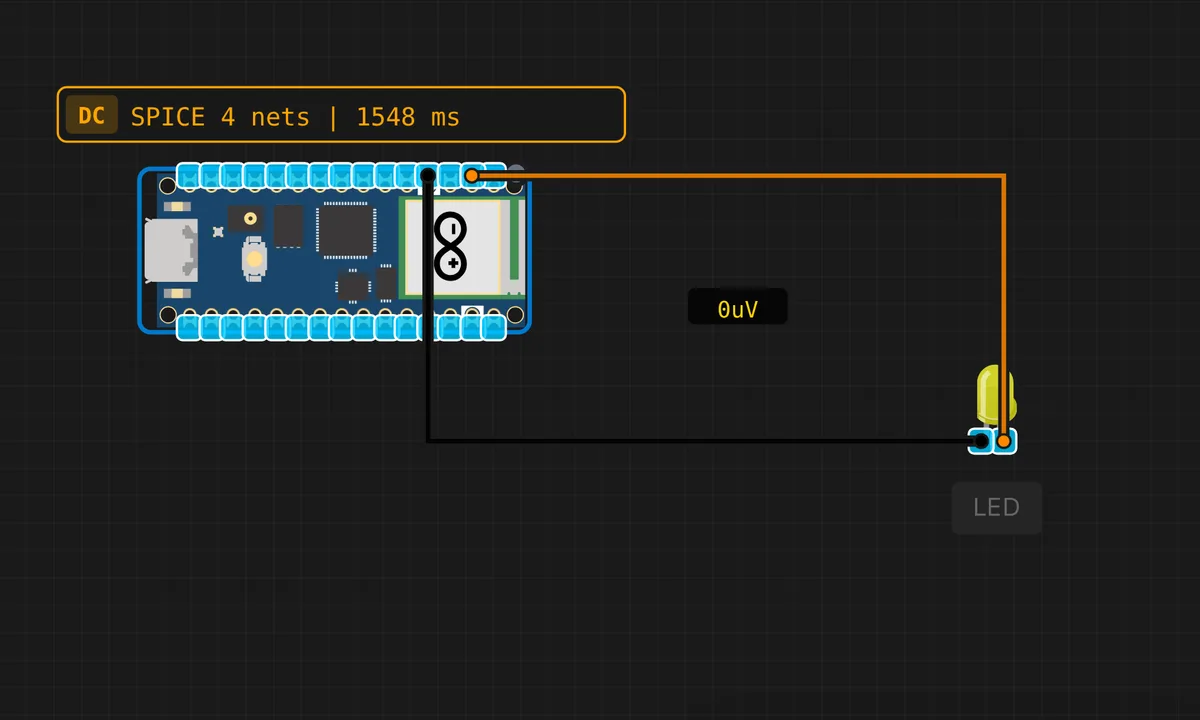
The exact circuit you get when you open this example — already wired, ready to run.
The sketch
// Raspberry Pi Pico — Serial Echo Test
// Echoes received characters and prints a heartbeat every 2 seconds

void setup() {
  Serial.begin(115200);
  delay(500);
  Serial.println("=== Pico Serial Echo ===");
  Serial.println("Type something and press Enter.");
  Serial.println();
}

unsigned long lastHeartbeat = 0;

void loop() {
  // Echo any incoming characters
  while (Serial.available()) {
    char c = Serial.read();
    Serial.print("Echo: ");
    Serial.println(c);
  }

  // Heartbeat every 2 seconds
  if (millis() - lastHeartbeat >= 2000) {
    lastHeartbeat = millis();
    Serial.print("[Heartbeat] Uptime: ");
    Serial.print(millis() / 1000);
    Serial.println("s");
  }
}
How it works
Every pass through loop() checks Serial.available() — if there is a byte waiting, it reads it and prints it back with an Echo: prefix. The RP2040’s USB CDC serial is fast enough that single-character echo feels instant even at 115200 baud.
The heartbeat uses millis() to track a two-second interval without blocking. This is the non-blocking pattern you want to learn early: the loop runs hundreds of thousands of times per second, but the heartbeat only fires when the timer expires. The uptime counter in seconds gives you a rough clock — useful for spotting resets or brownouts.
Before you build it for real
The Pico’s USB serial is a software CDC (Communications Device Class) over the native USB port, not a hardware UART. This means the serial connection is established at the USB level — if you unplug and replug the USB cable, the port number may change on your OS. On real hardware, the Pico enumerates as a new serial device each time it boots; if your terminal loses the connection, check the port list. Also, the Pico’s USB serial is 3.3 V logic — connecting a 5 V USB-UART adapter to the RX/TX pins (GP0/GP1 for UART0) will fry the GPIOs.
Related examples
FAQ
Why does it echo single characters instead of whole lines?
The sketch reads one byte at a time with Serial.read() and echoes immediately. If you want line-buffered input, collect characters into a buffer until you see \n, then echo the whole line. The single-char approach keeps the code minimal and proves the UART path works end-to-end.
What does the heartbeat tell me?
The heartbeat prints every two seconds whether you type anything or not. It confirms the Pico is still running and the USB serial link is alive — if the heartbeat stops but the board is still powered, the sketch has likely crashed or the USB cable has come loose.